Geo Changer
Coordinates & Elevations
Designed for iPhone, iPad, Mac
Free · In-app purchases
- Age rating4+
- CategoryNavigation
- DeveloperVitalii Parovishnyk
- LanguagesEnglish+ 1 more
- Size46.7 MB
Links to the official App Store page
Download.org hosts no file of Geo Changer. The button opens its official App Store page, published by Vitalii Parovishnyk. Listing last checked on Nov 13, 2026.
Screenshots
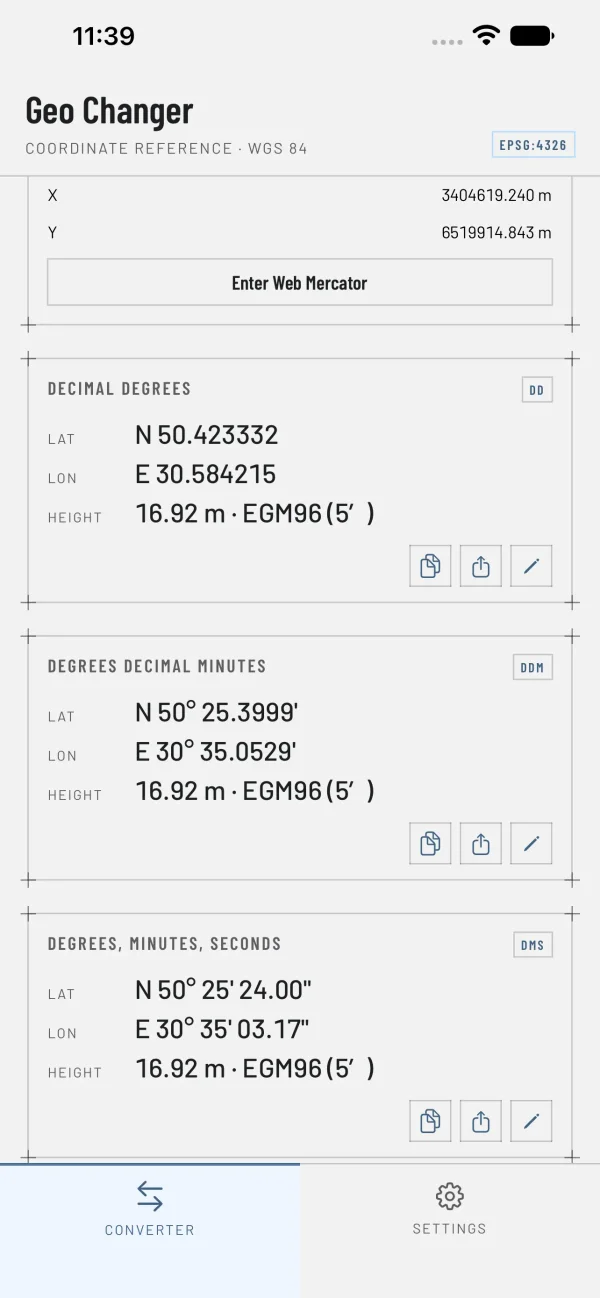
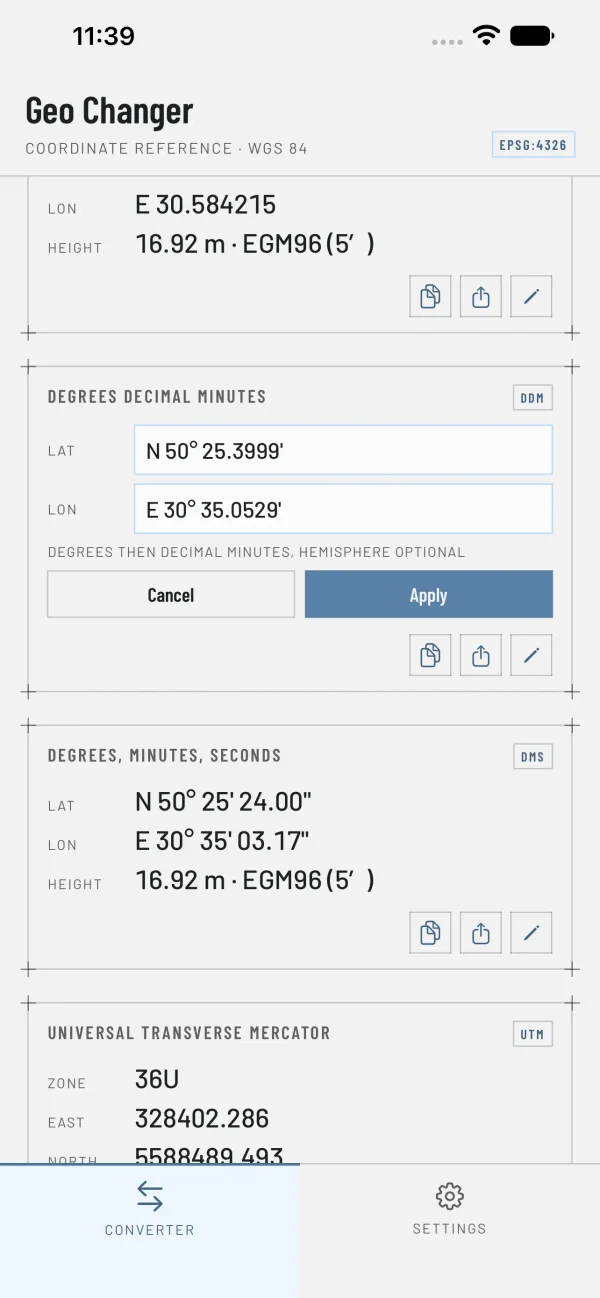
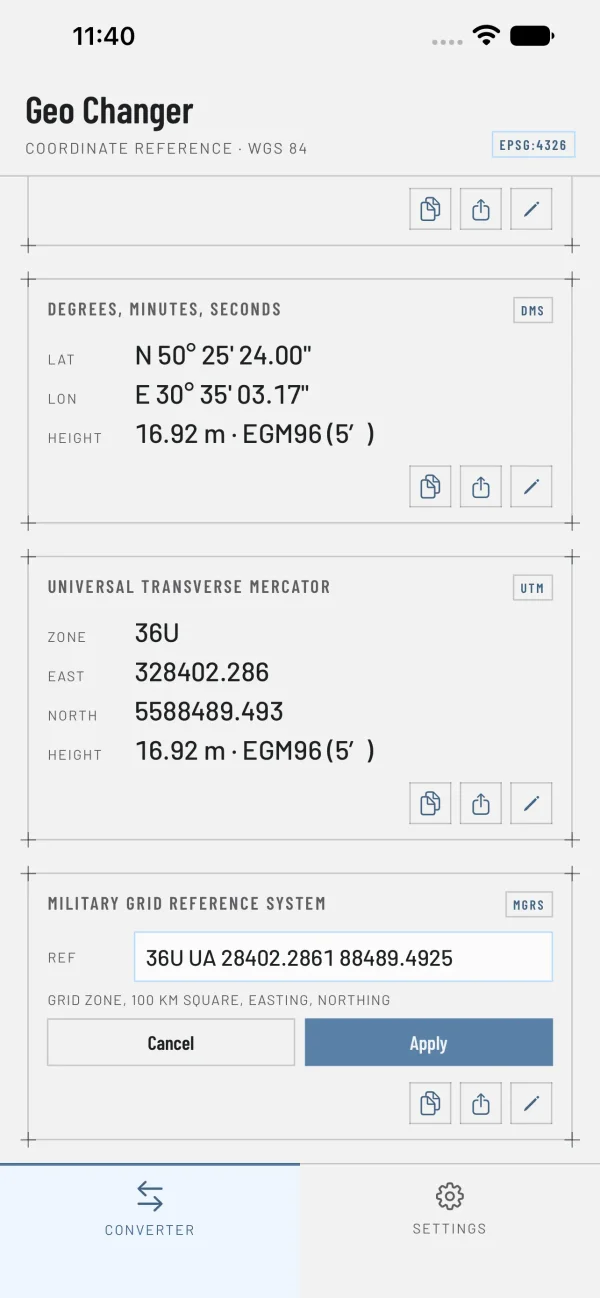
About
Geo Changer converts geographic coordinates and heights in one clear workspace. Enter a position once, then read or copy it in the formats you need for maps, field notes, and technical work.
Coordinate formats:
• Decimal degrees (DD), degrees and decimal minutes (DDM), and degrees, minutes and seconds (DMS).
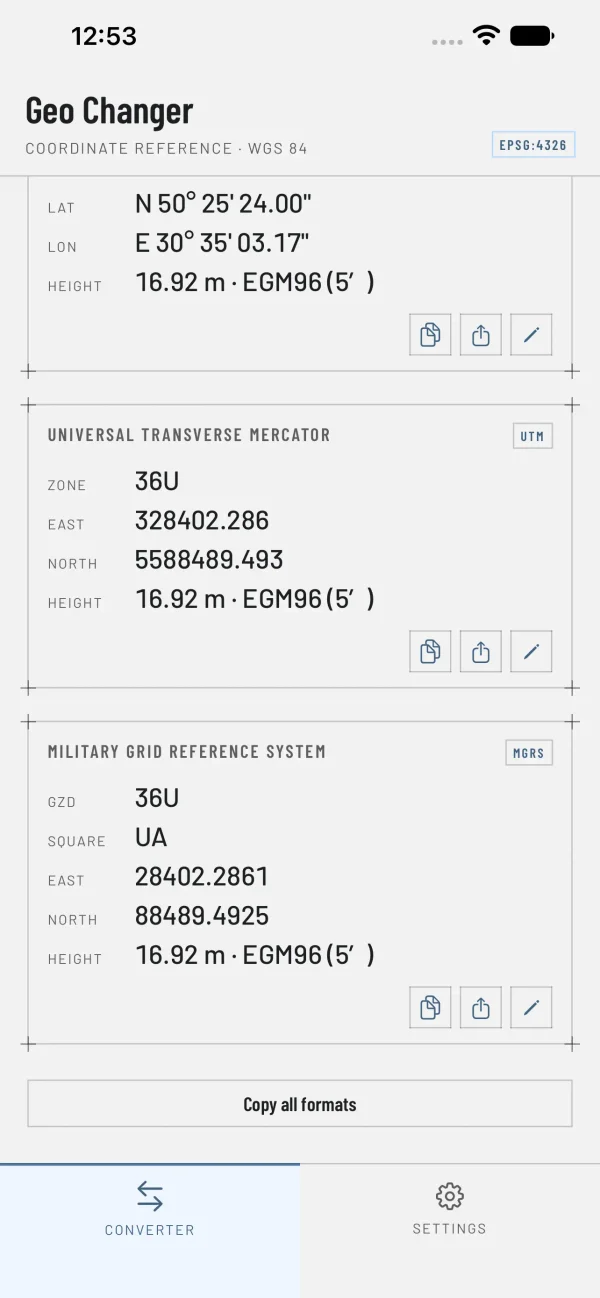
• Universal Transverse Mercator (UTM) and Military Grid Reference System (MGRS).
• WGS 84 geographic coordinates, Earth-centered Earth-fixed (ECEF), and Web Mercator.
Edit a coordinate in any of the five map-reference formats and the other formats update together. Adjust displayed precision, copy one reference, share it, or copy all formats at once.
Heights with a stated reference:
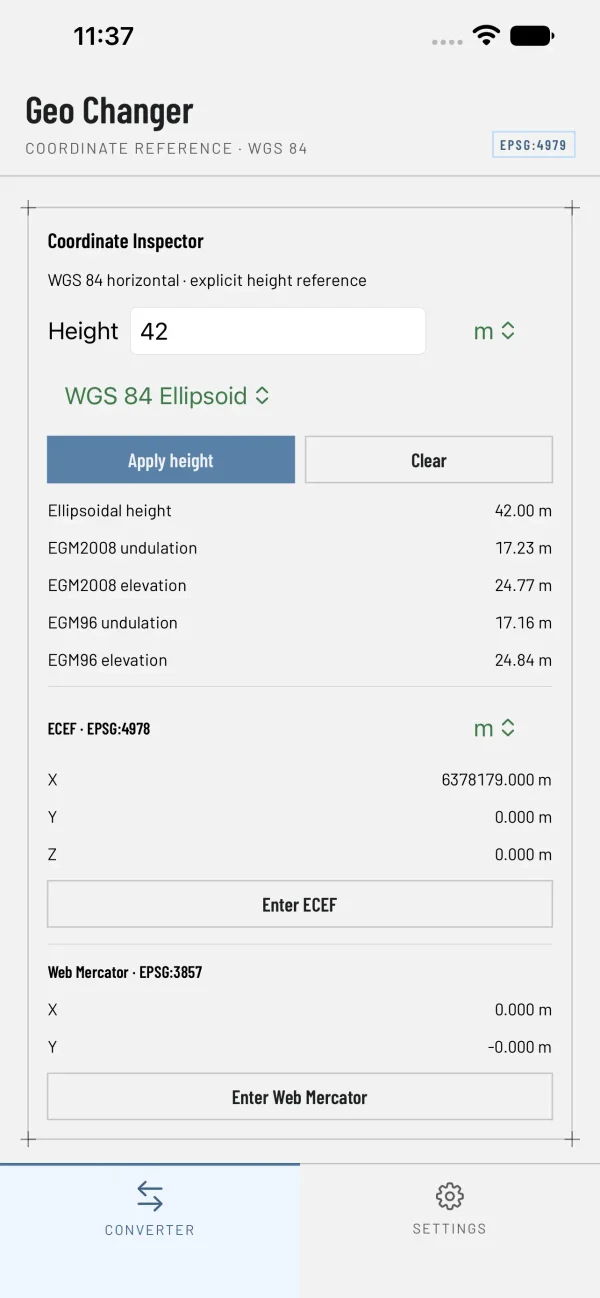
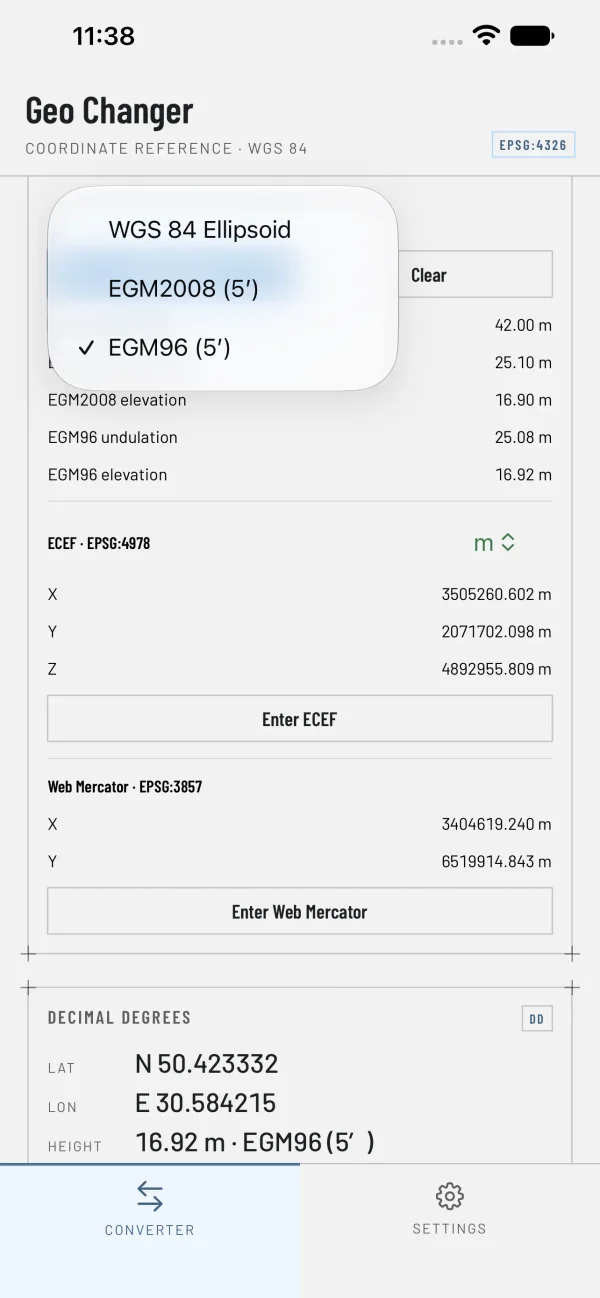
Enter WGS 84 ellipsoidal height or an elevation referenced to EGM2008 or EGM96. Geo Changer converts between these references with bundled geoid grids, so height calculations work offline. View heights in meters, feet, or kilometers. The coordinate inspector also shows geoid undulation and ECEF values.
Designed for practical use:
The converter keeps your last position for your next session and offers light, dark, and system appearance. Coordinate calculations run on your device, including the bundled geoid models.
Geoid-based elevations are model estimates. For survey work, check the required local vertical datum and accuracy before using a converted height.
What’s new
Version 1.2.0 · Nov 10, 2026
- View the coordinate inspector beside coordinate formats on wide iPhone Duo and landscape iPad layouts.
- Keep your coordinate edits and drafts when you rotate your device.
- Open About in Settings for app information, support, and more apps from Agnidia.
App privacy
What Vitalii Parovishnyk declares on the App Store about how this app handles data.
-
Data not collected
The developer does not collect any data from this app.
Privacy practices may vary, for example with the features you use or your age.
Information
- Seller
- Vitalii Parovishnyk
- Category
- Navigation
- Version
- 1.2.0
- Updated
- Nov 10, 2026
- Released
- Dec 28, 2022
- Size
- 46.7 MB
- Requires
- iOS 18.0 or later
- Age rating
- 4+
- Price
- Free
- In-app purchases
- Yes
- Languages
- English, Ukrainian
- Copyright
- © Agnidia 2008 - 2026
You might also like
-
 GPS Coordinates & Map ToolsTrack, Convert & Measure Land
-
 My GPS Coordinates LiteCheck your Latitude Longitude
-
 GPS Coordinates: My LocationLatitude, Longitude & Altitude
-
 Topo GPS - Topographic mapsPlan and follow gpx routes
-
 GPS Coordinates Locator MapLatitude Longitude Finder
-
 My GPS Location °Where Am I? GPS Coordinates.
-
 GPS Data SmartGPS, Altitude, Speed & Map
-
 UTM Geo Map Y2TechSimple Mapping And GIS Tools.
-
 My GPS Coordinates °Find your current location.
-
 Location Changer GPS Fake MoveGPS Joystick to Save & Share