
- Age rating4+
- CategoryGraphics & Design
- DeveloperMurat Saygin
- LanguagesEnglish
- Size4.2 MB
Links to the official App Store page
Download.org hosts no file of GeoArt Creator. The button opens its official App Store page, published by Murat Saygin. Listing last checked on Nov 21, 2026.
Screenshots
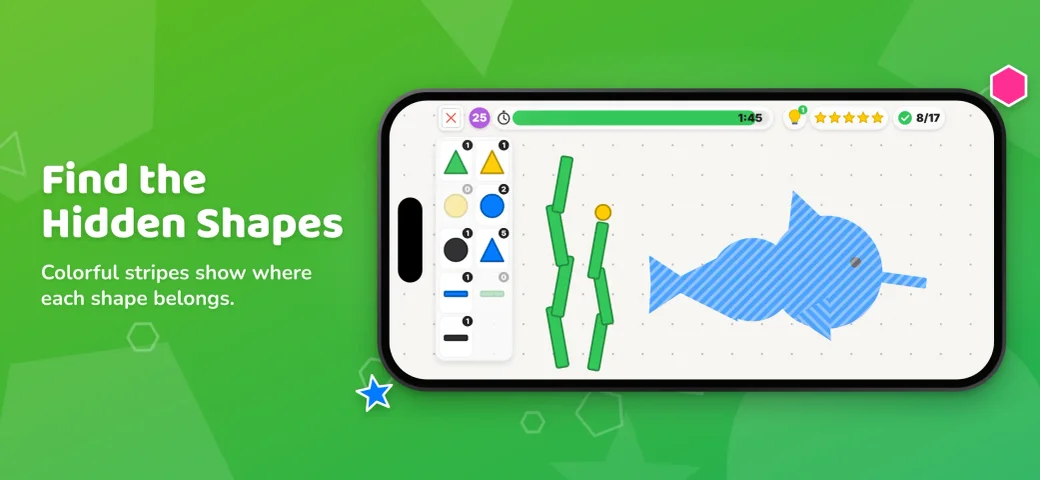


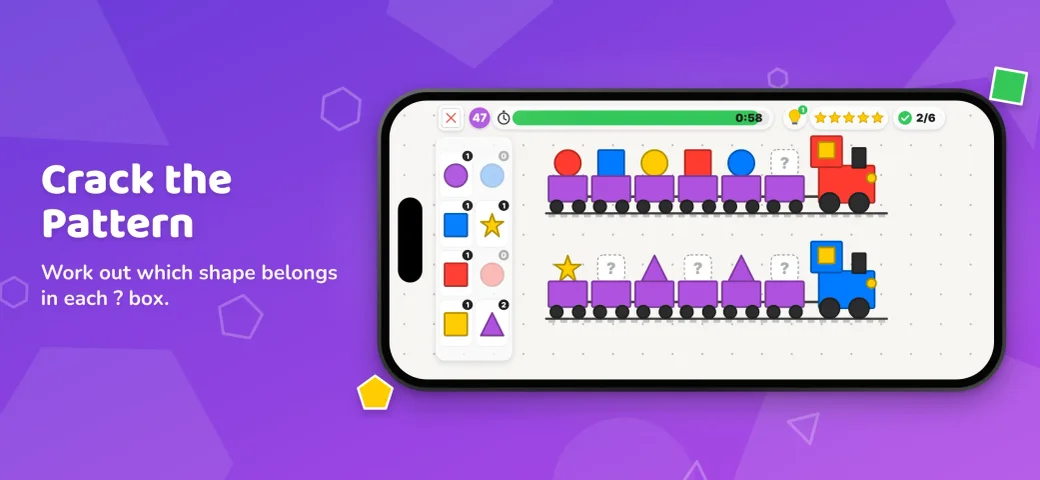
About
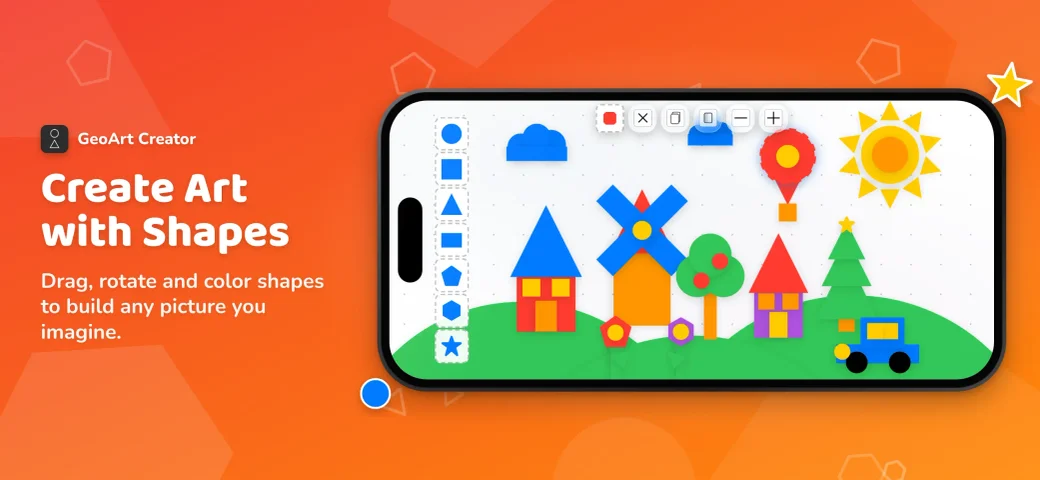
GeoArt Creator is a creative studio where you combine, resize, rotate, and animate 8 different geometric shapes to build anything you can imagine.
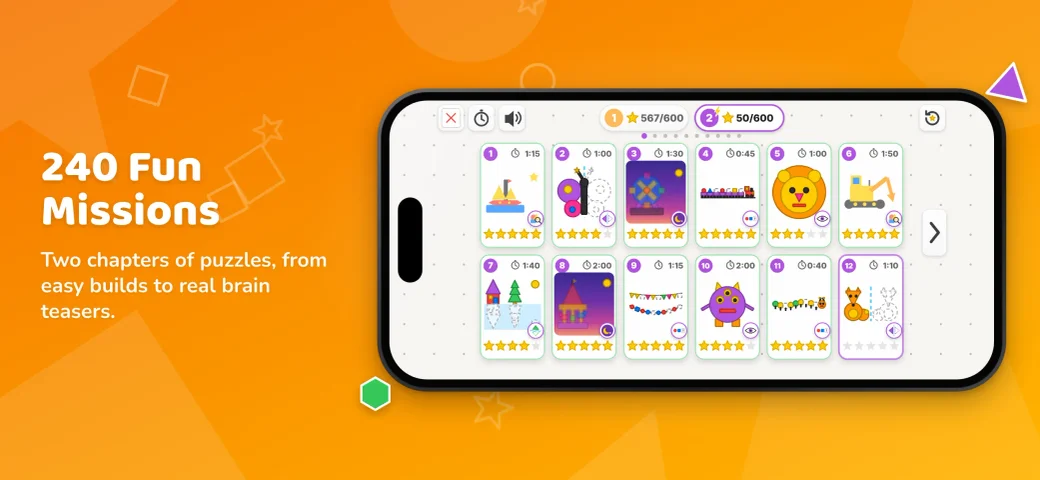
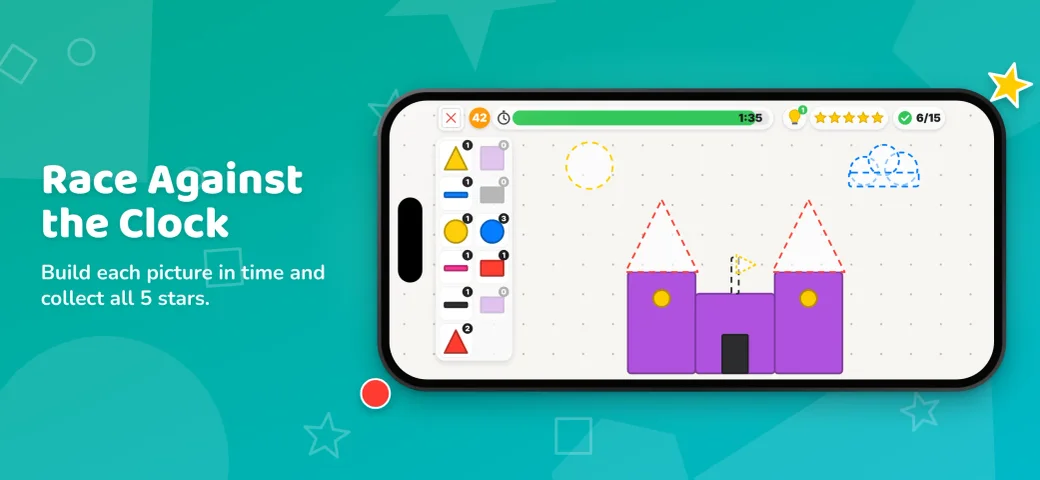
Mission tasks now support username login, and Section 3 has been added. Administrators can log in using the username Admin to view, reset, or delete all users’ level progress.
WHAT YOU CAN DO:
Combine 8 geometric shapes (circle, square, triangle, rectangle, thin rectangle, pentagon, hexagon, star) to create unique designs
Resize shapes freely — from 1/12 of screen height up to 80% of screen width
Rotate any shape in precise 1° steps (except circle)
Switch between filled and outlined shapes with a single tap
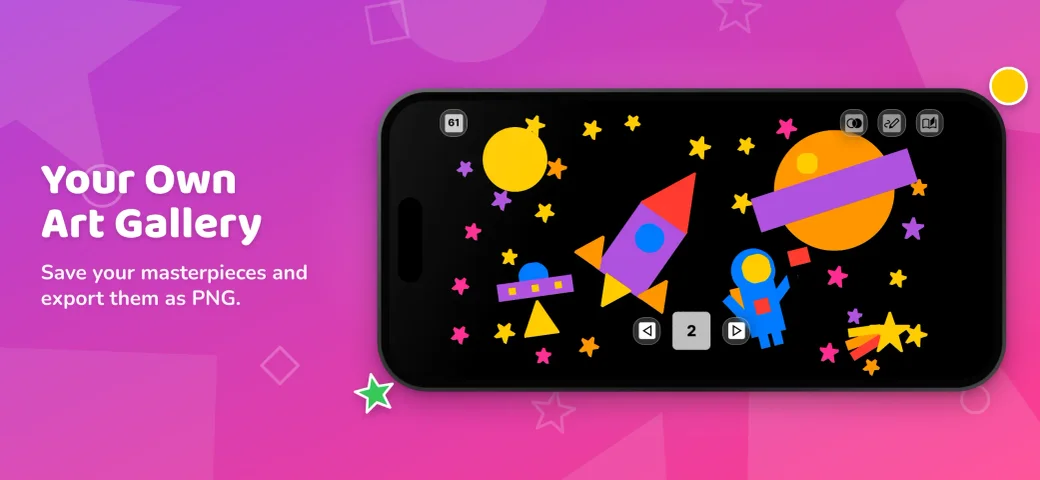
Save your creations as PNG and share them via AirDrop, Messages, Mail, or any app
Load a saved PNG to instantly restore your scene
Watch shapes animate smoothly onto the screen
Lock figures with one tap — prevent accidental movement
Layer panel to view and manage the order of your figures
Position with pixel precision using directional controls
Restore the last deleted figure with one button
Activate or deactivate shapes for a larger workspace
PERFECT FOR:
Kids learning shapes and geometry
Creative art projects
Visual thinking and spatial skills
Design exploration and pattern making
Classroom and homeschool activities
SAFE & PREMIUM:
No ads
No subscriptions
No in-app purchases
Works 100% offline
No data collected
Share your artwork anywhere with the built-in export feature
--
Note: The downloaded PNG file is an image file with metadata. It can only be opened with GeoArt. Unfortunately, image preview is not available in this version. The app icon is downloaded to your device along with the PNG data file.
What’s new
Version 6.6 · Nov 20, 2026
New shape keyboard in 18 languages: write texts made of shapes, with line breaks and left, center or right alignment
Lock texts and groups to move them as one piece, or unlock them to edit each shape separately
Locked items appear as a single layer with a preview
Books: read in full screen, rearrange pages by drag and drop, show or hide page numbers
New reading button for quick access to your books
Faster page loading and PDF export
Clearer text on phones
Cleaner, symbol-based delete dialogs and a new gallery icon
Bug fixes and performance improvements
App privacy
What Murat Saygin declares on the App Store about how this app handles data.
-
Data not collected
The developer does not collect any data from this app.
Privacy practices may vary, for example with the features you use or your age.
Information
- Seller
- Murat Saygin
- Category
- Graphics & Design
- Version
- 6.6
- Updated
- Nov 20, 2026
- Released
- Mar 3, 2026
- Size
- 4.2 MB
- Requires
- iOS 17.6 or later
- Age rating
- 4+
- Price
- $1.99
- Languages
- English
- Copyright
- © 2026, profigame.net
You might also like
-
 StateraHarmonic chaos
-
 Trazo StudioDrawing grids to print
-
 TileodileGeometric pattern & SVG studio
-
 StoneLabRhinestone template designer
-
 HoneytileEpic Geometric Wallpapers
-
 Fractal AtlasExplore fractals, zoom deep
-
 MeshArtUnleash Your Inner Artist
-
 GeoMaker Pattern StudioEndless art, shaped by touch
-
 Quick3DPlan StudioGraphics & Design
-
 UzumakiMathematical Spiral Art