
Trazo Studio
Drawing grids to print
Designed for iPad, Mac
Free · In-app purchases
- Age rating4+
- CategoryGraphics & Design
- DeveloperJose Galisteo
- LanguagesEnglish
- Size7.5 MB
Links to the official App Store page
Download.org hosts no file of Trazo Studio. The button opens its official App Store page, published by Jose Galisteo. Listing last checked on Nov 12, 2026.
Screenshots

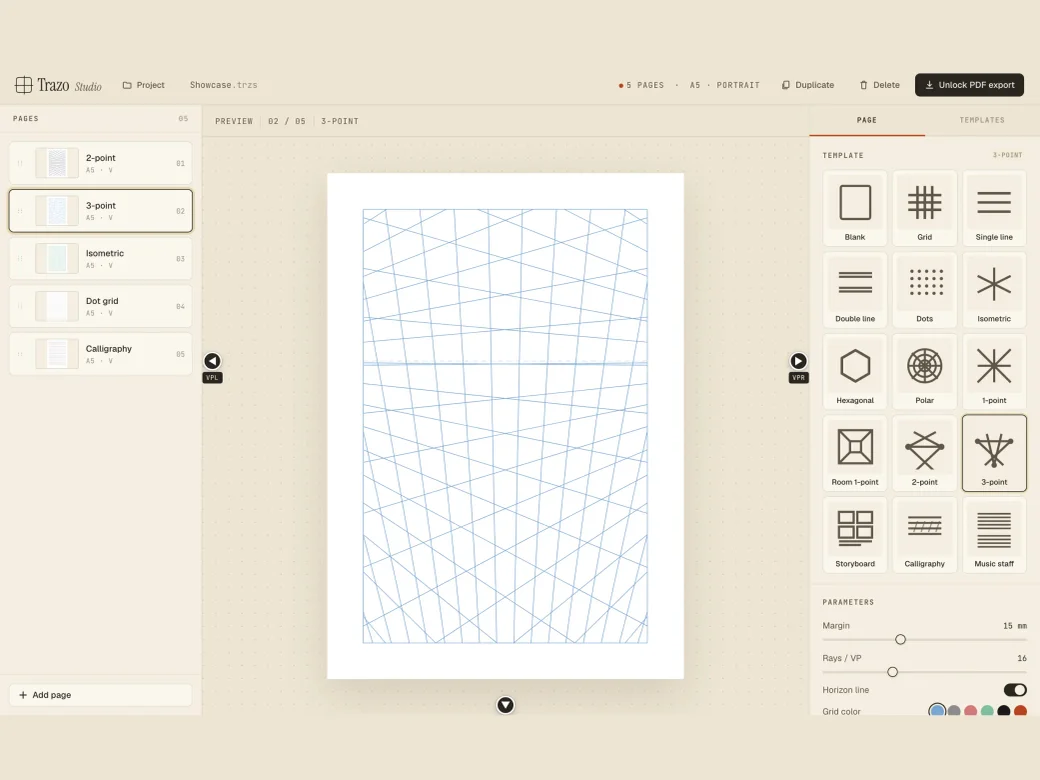
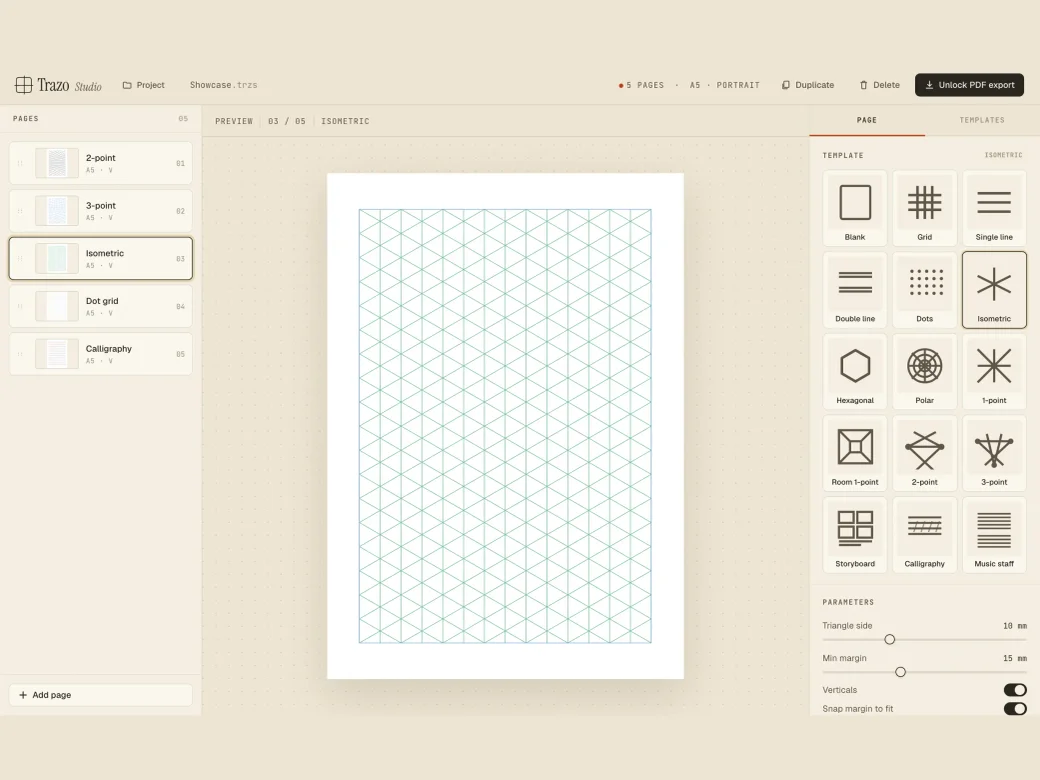
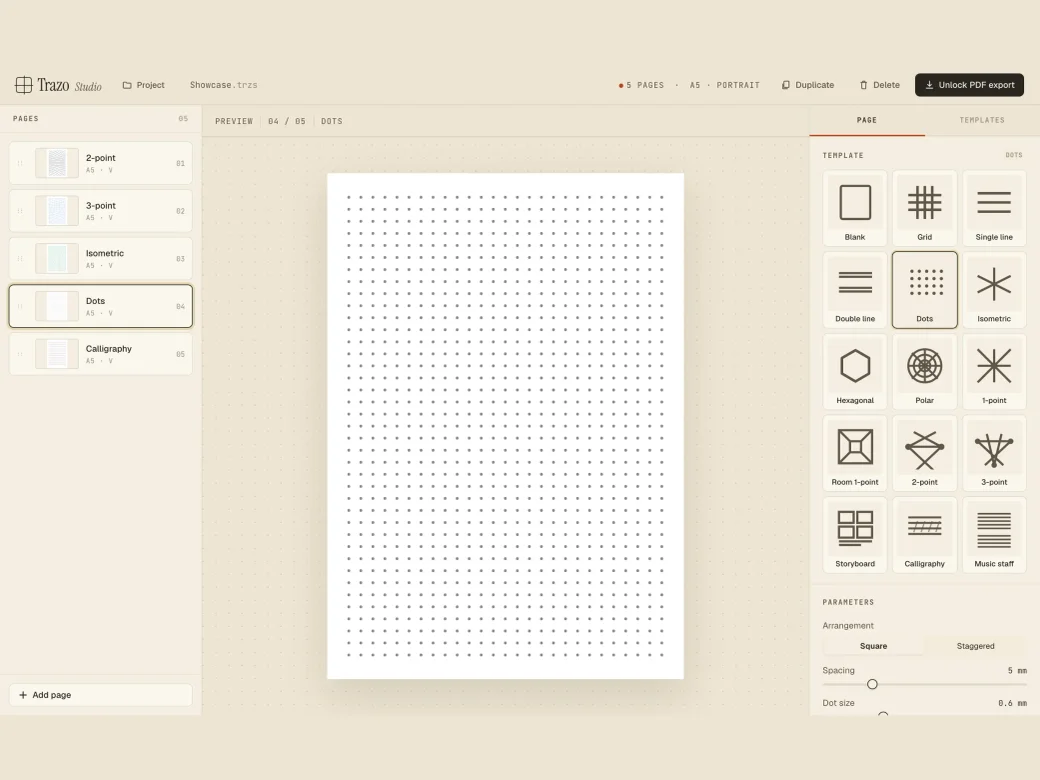
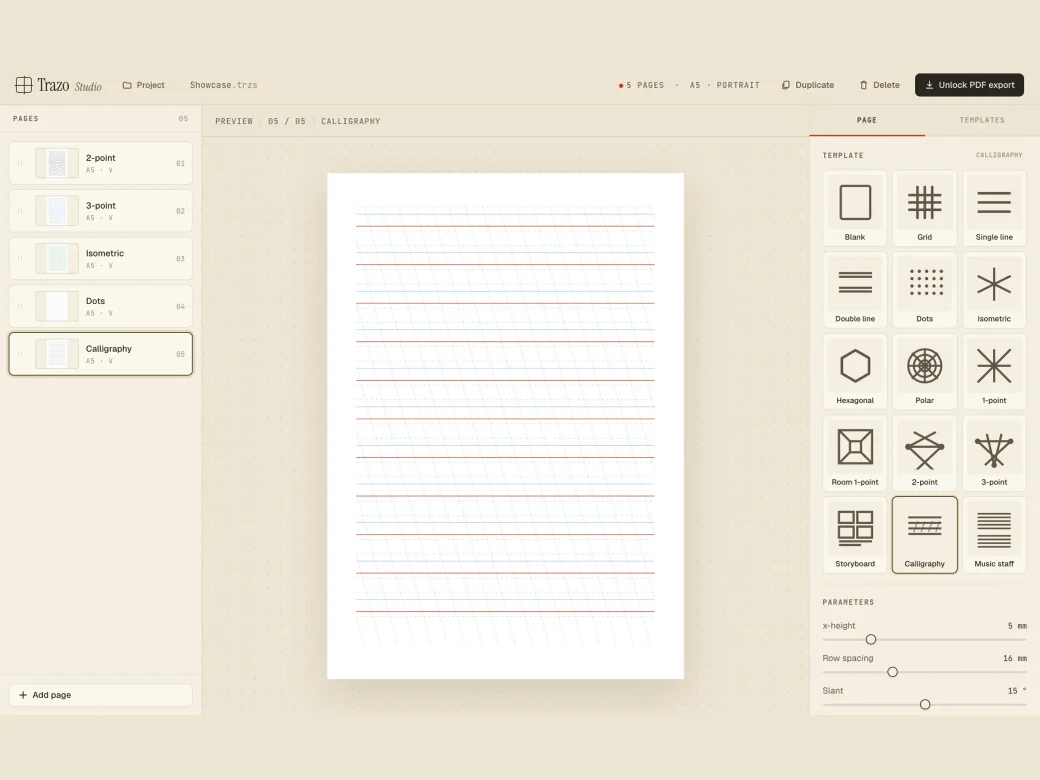
About
Trazo Studio builds printable practice notebooks for drawing and drafting.
Pick a template, tune it on a live preview, then export a clean, print-ready PDF — one page per sheet, at A5 or A4.
FEATURES
• Perspective guides — 1, 2 and 3-point, with draggable vanishing points
• Isometric, square grid, dot grid and hexagonal pages
• Calligraphy guides and music staves
• Drag the horizon and vanishing points right on the page
• Per-page colours, line weight, paper size and orientation
• Save and reopen your projects as .trzs files
• Works offline — nothing leaves your Mac
The whole editor is free. A one-time In-App Purchase unlocks print-ready PDF export.
What’s new
Version 1.0.4 · Oct 20, 2026
iPad: Trazo Studio now works in portrait as well as landscape, and in Split View, Stage Manager and resizable windows, with the editor filling the whole screen. Small fixes.
App privacy
What Jose Galisteo declares on the App Store about how this app handles data.
-
Data not collected
The developer does not collect any data from this app.
Privacy practices may vary, for example with the features you use or your age.
Information
- Seller
- José Galisteo
- Category
- Graphics & Design
- Version
- 1.0.4
- Updated
- Oct 20, 2026
- Released
- Jun 3, 2026
- Size
- 7.5 MB
- Requires
- iOS 15.0 or later
- Age rating
- 4+
- Price
- Free
- In-app purchases
- Yes
- Languages
- English
- Copyright
- © 2026 José Galisteo
You might also like
-
 Trazo AppGraphics & Design
-
 TexraAICreative Pattern AI
-
 Escher BlocksAn isometric sketchbook.
-
 StateraHarmonic chaos
-
 TileodileGeometric pattern & SVG studio
-
 GeoArt CreatorGeometric Art & Design Studio
-
 PerspectiveLens - Trace & DrawLearn the Art of Perspetive
-
 Trazo — Pocket SketchbookOpens like a real sketchbook
-
 HoneytileEpic Geometric Wallpapers
-
 Fractal AtlasExplore fractals, zoom deep