
GifLoop
Create & Edit Animated GIFs
Designed for iPhone, iPad
Free · In-app purchases
- Age rating4+
- CategoryPhoto & Video
- DeveloperAriel Agor
- LanguagesEnglish
- Size3.2 MB
Links to the official App Store page
Download.org hosts no file of GifLoop. The button opens its official App Store page, published by Ariel Agor. Listing last checked on Nov 14, 2026.
Screenshots
About
Create stunning animated GIFs with professional-grade controls.
GifLoop is a GIF creation tool for iPhone and iPad. Import photos from your library, extract frames from videos, or import existing GIFs. Then fine-tune every detail with powerful editing tools.
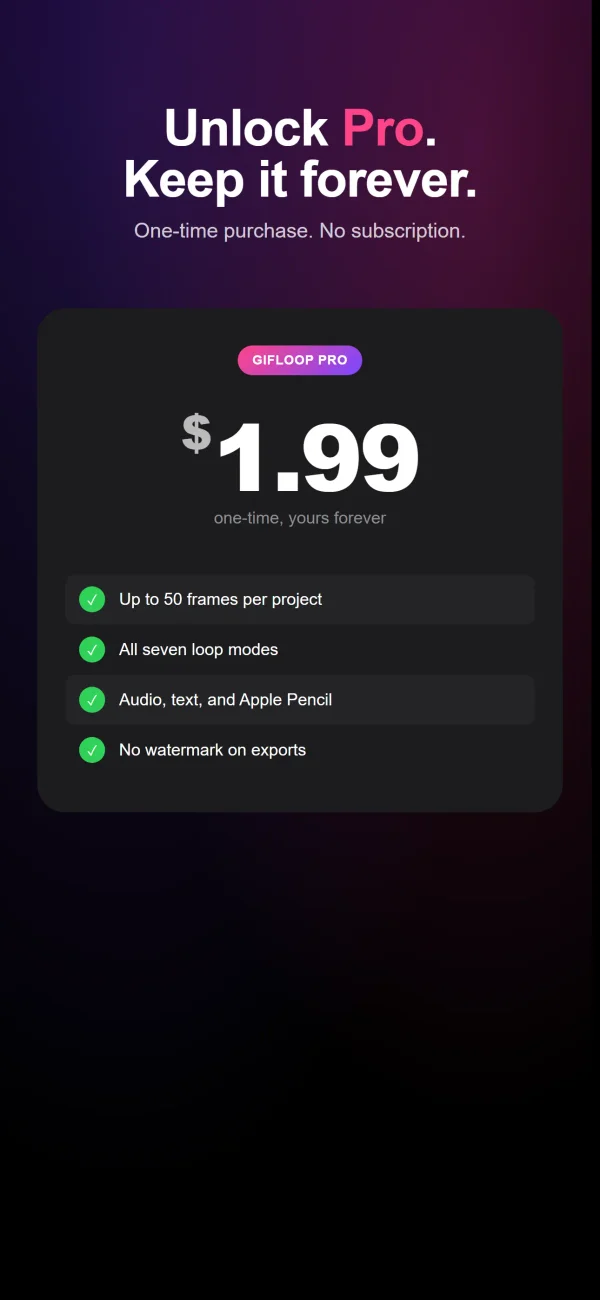
GifLoop is free to download and includes 3 free Pro-quality exports on first install. After that, the free tier offers 15-frame projects with forward and reverse loop modes. Unlock the full Pro feature set at any time with a one-time in-app purchase.
KEY FEATURES:
• Import up to 50 frames from photos, videos, or existing GIFs (Pro)
• Drag-and-drop timeline for easy frame reordering
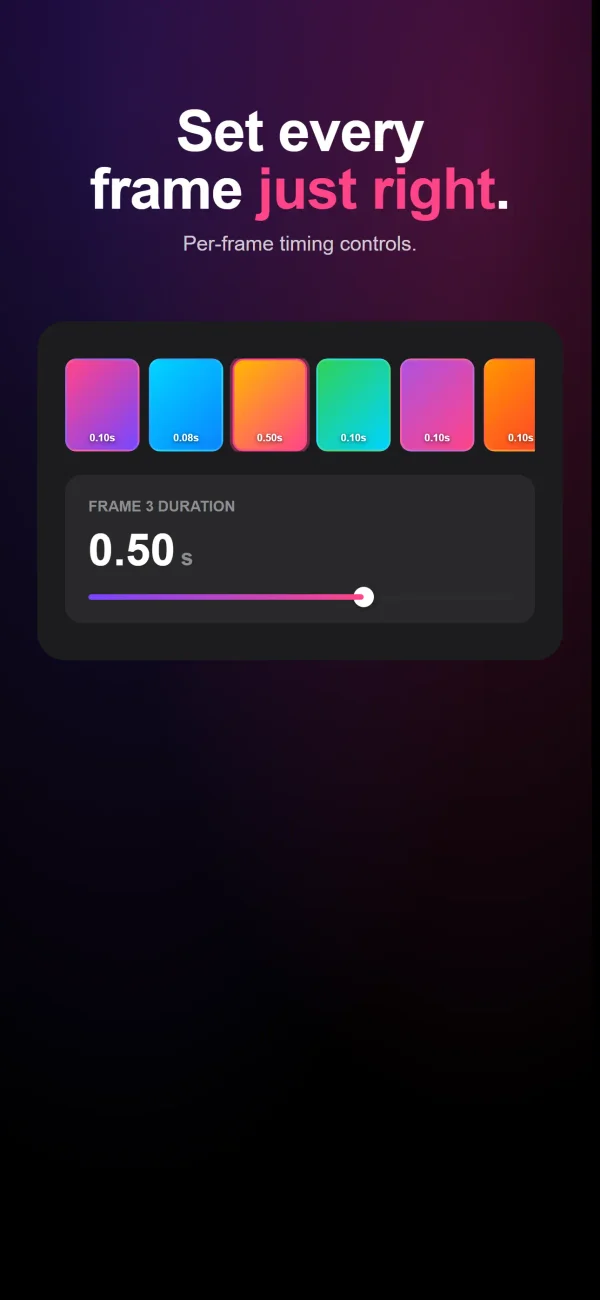
• Universal or per-frame timing controls with speed presets
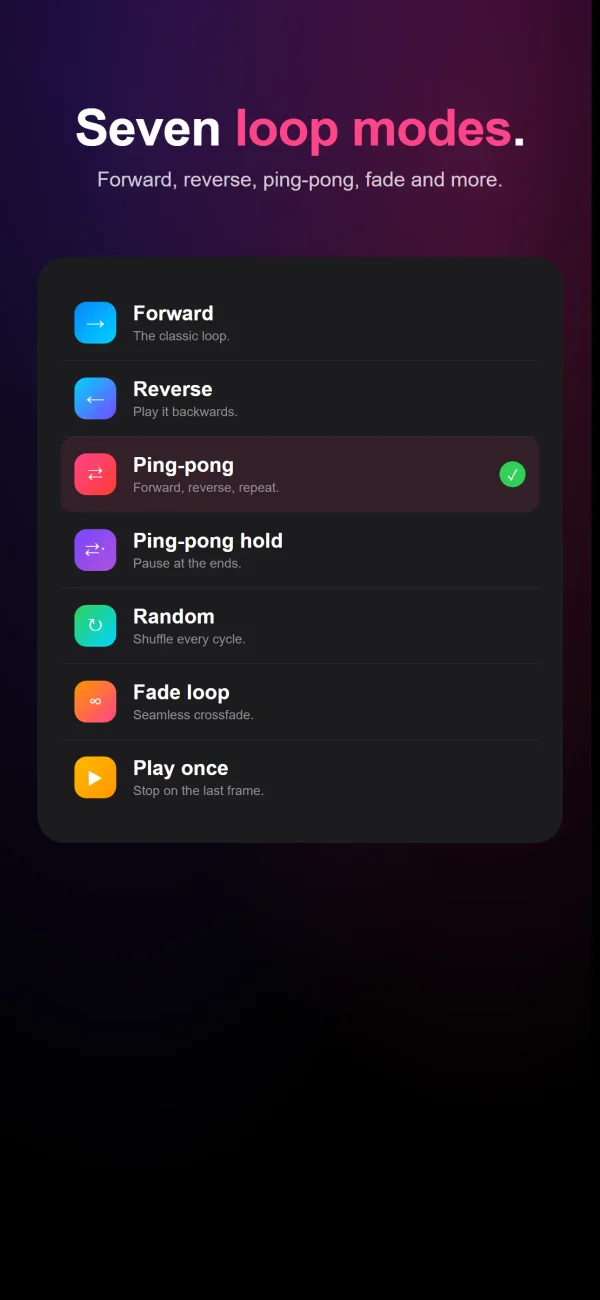
• 7 loop modes: forward, reverse, ping-pong, ping-pong hold, random, fade loop, play-once
• Crop with preset dimensions (Square, Portrait, Story, Landscape)
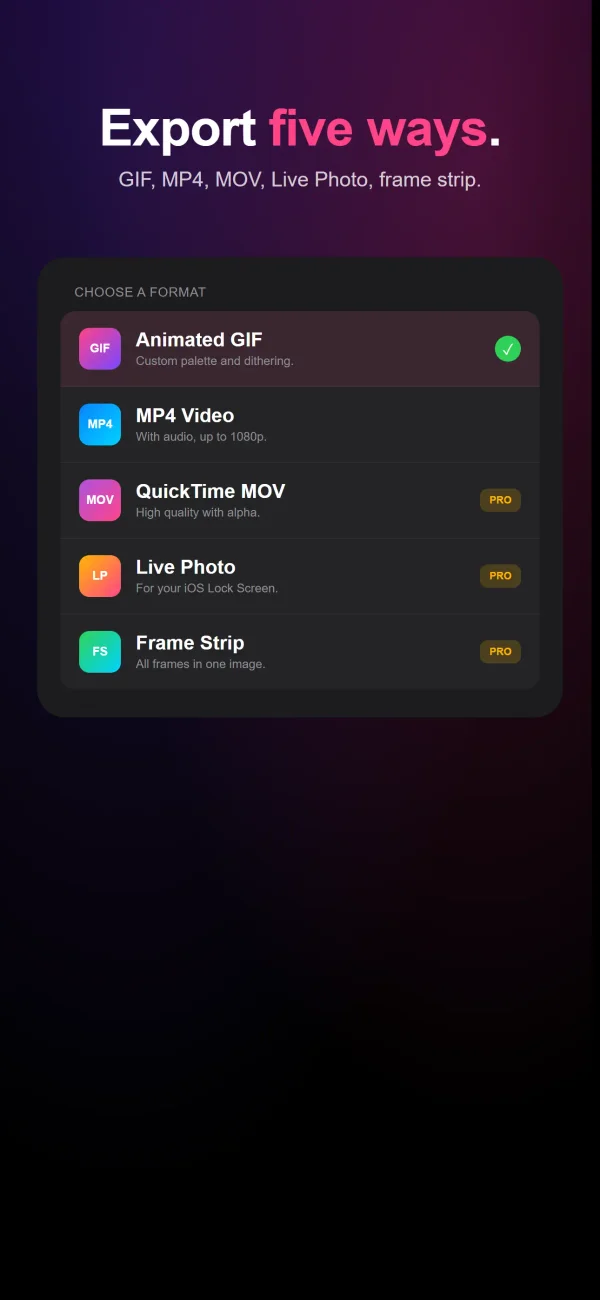
• Export as GIF, MP4, MOV, Live Photo, or frame strip
• GIF optimization: custom color palette (32-256 colors), 4 dithering modes
• Dark UI designed for content creation
• Universal app, optimized for both iPhone and iPad
CREATIVE TOOLS:
• 7 jitter and glitch effects with seed control
• Text overlays with curved text, fonts, colors, gestures
• Onion skinning for precise frame alignment
• Non-destructive editing — all changes are reversible
• Apple Pencil support for drawing overlays (iPad)
EXPORT OPTIONS:
• GIF with fine-grained quality controls
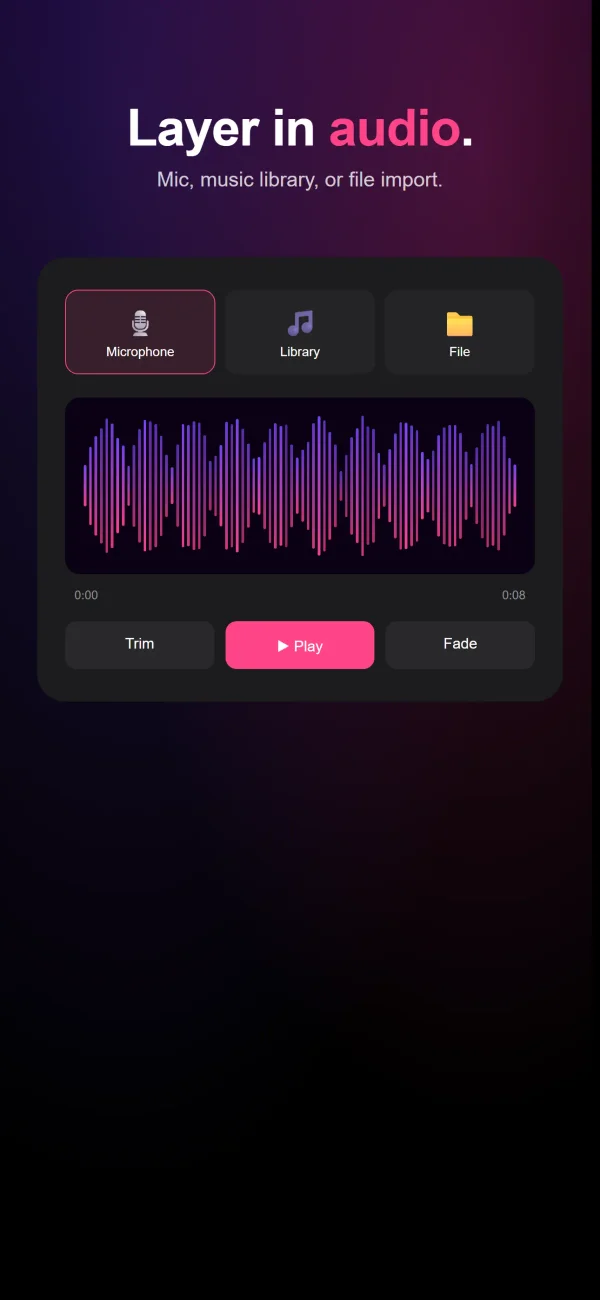
• MP4 and MOV video with audio support
• Live Photo for iOS Lock Screen
• Frame strip for sprite sheets
• Share directly to any app via Share Sheet
Download GifLoop and start creating professional animated GIFs today.
What’s new
Version 1.2.0 · Jun 11, 2026
What's new in 1.2.0:
* Multi-line text! Tap return while editing a caption to add line breaks, so your words can run across several lines. The Line Spacing slider tunes how tightly the lines stack.
* Small polish and fixes under the hood.
App privacy
What Ariel Agor declares on the App Store about how this app handles data.
-
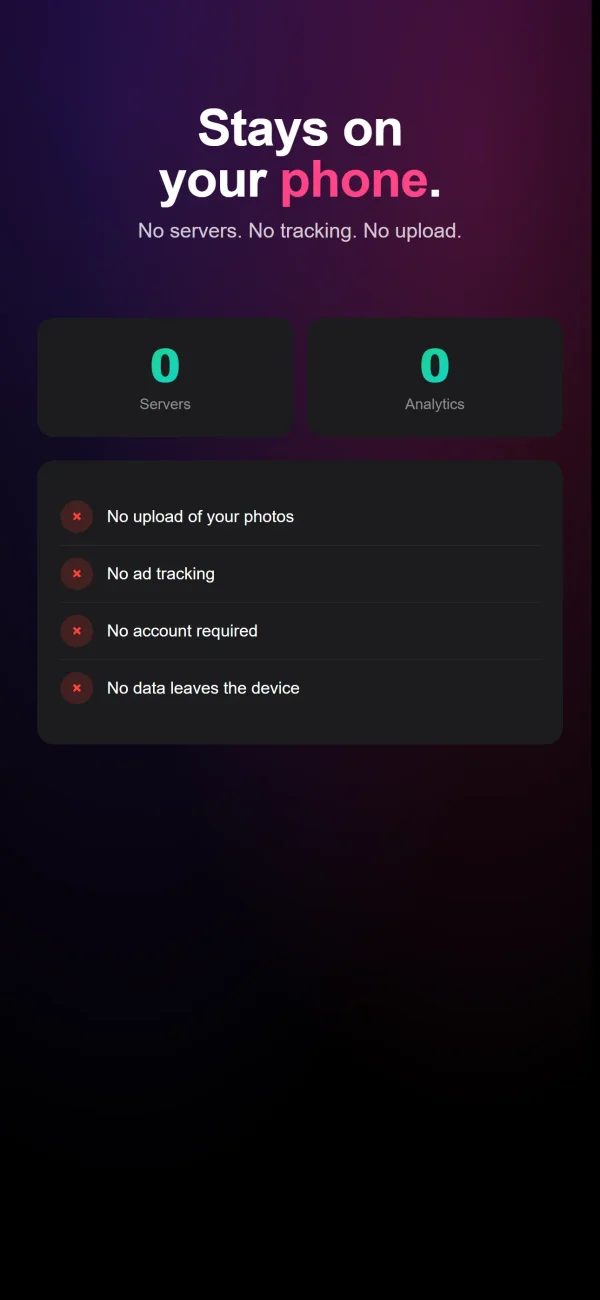
Data not collected
The developer does not collect any data from this app.
Privacy practices may vary, for example with the features you use or your age.
Information
- Seller
- Ariel Agor
- Category
- Photo & Video
- Version
- 1.2.0
- Updated
- Jun 11, 2026
- Released
- Apr 30, 2026
- Size
- 3.2 MB
- Requires
- iOS 17.0 or later
- Age rating
- 4+
- Price
- Free
- In-app purchases
- Yes
- Languages
- English
- Copyright
- © 2026 Ariel Agor
You might also like
-
 GIFmaker: GIF Maker & EditorPhoto & video to animated meme
-
 SnipFramePhoto & Video
-
 Video to GIF: Loop MakerTrim, Resize & Loop Clips
-
 Featherclip: Video CompressorShrink any video. No ads.
-
 Resize EaseYour Pocket Image Studio
-
 LoopForge - Video to GIFNo watermark, no limits
-
 GIF Maker & Editor - GIFMotionConvert Video to GIF
-
 Gifsky: Video to GIF MakerPrivate, No Ads or Watermarks
-
 ShareBurst: Burst & GIF MakerShare full Bursts, Create GIFs
-
 PandaGIF: GIF Maker & EditorVideotoGIF.GIFCompress.CropGIF