
LoopForge - Video to GIF
No watermark, no limits
Designed for iPhone
Free · In-app purchases
- Age rating4+
- CategoryPhoto & Video
- Developer丽佳 施
- LanguagesEnglish+ 2 more
- Size4.8 MB
Links to the official App Store page
Download.org hosts no file of LoopForge - Video to GIF. The button opens its official App Store page, published by 丽佳 施. Listing last checked on Nov 18, 2026.
Screenshots
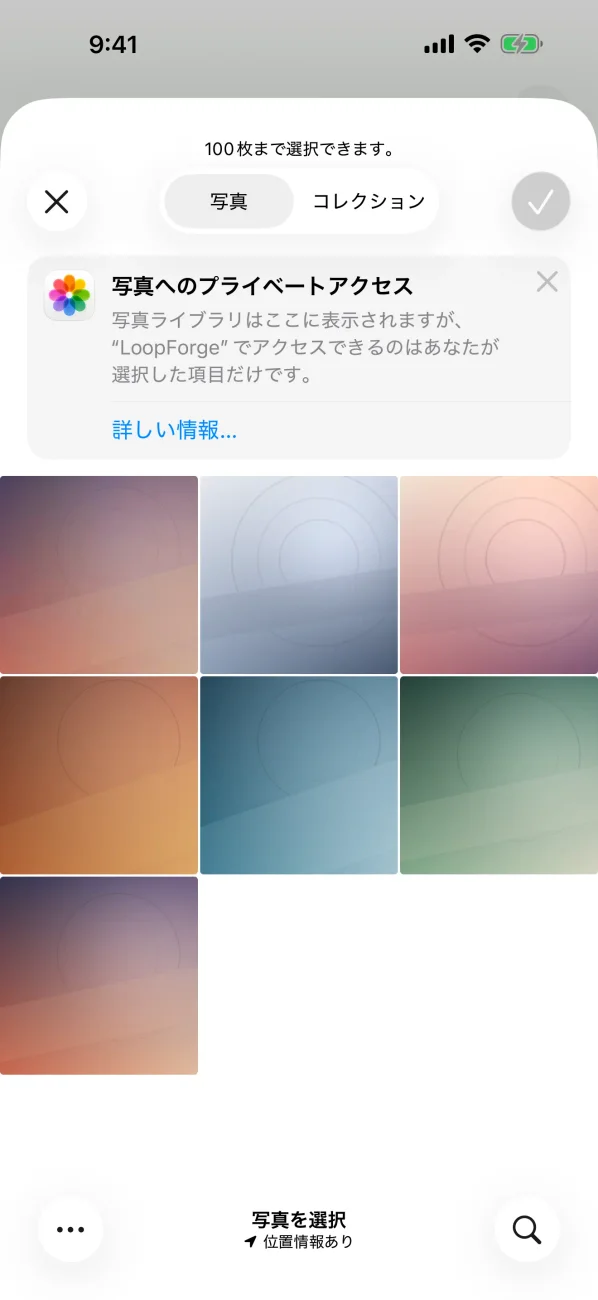
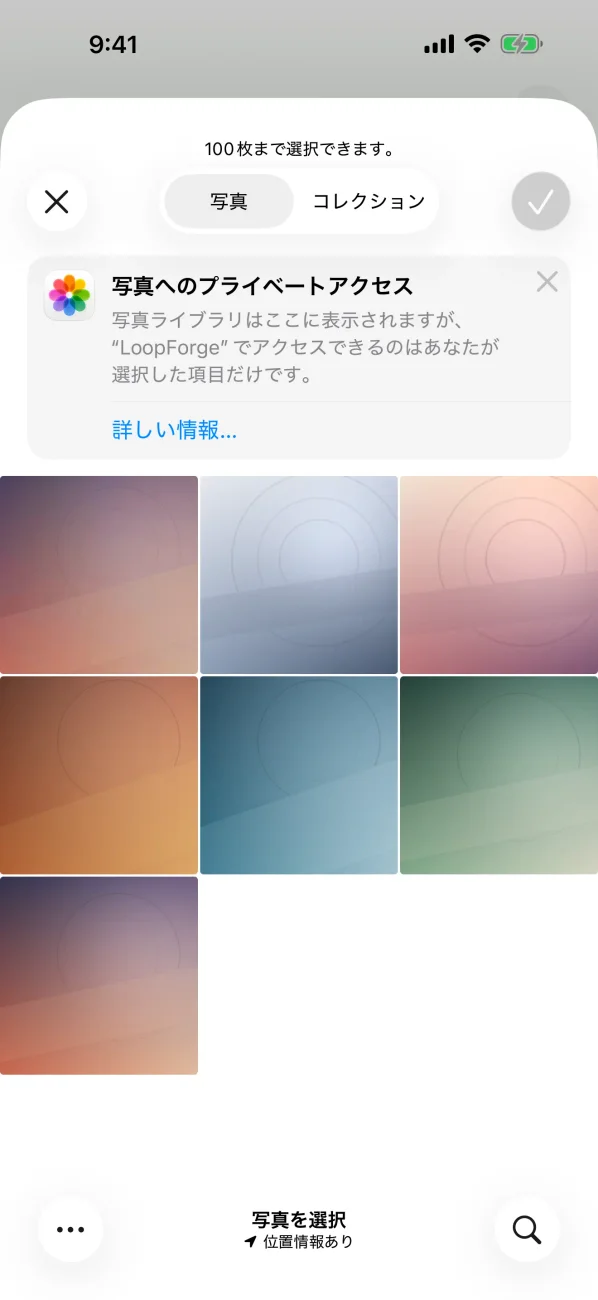
About
Turn videos, photos, and Live Photos into looping GIFs — unlimited free exports, never a watermark.
LoopForge does all of its work on your iPhone. Nothing you import or create is uploaded. No account, no subscription.
IMPORT THREE WAYS
· Video to GIF: pick a clip, drag two handles to trim the best 15 seconds
· Photos to GIF: chain 2-100 photos into an animation, adjust the per-frame delay
· Live Photo to GIF: one tap turns a Live Photo into a loop
EDIT
· Frame-by-frame thumbnail timeline — what you see is what you export
· Four speeds (0.5x-2x), forward, reverse, or boomerang
· Text overlays: 6 preset styles plus an 8-color palette; drag, pinch, rotate
· Emoji stickers anywhere on the frame
EXPORT
· Choose size, frame rate, and loop count; see an estimated file size first
· Real progress bar, cancel anytime
· Save to Photos, share sheet, or copy and paste straight into chats
· Every export is watermark-free
ABOUT THE PRICE
Every feature is free, with no limits and no paywalls. A single banner ad sits at the bottom of the screen. If it bothers you, a one-time Remove Ads purchase takes it away — it does not unlock anything new. No subscription, no account.
PRIVACY
Your videos, photos, and finished GIFs are processed entirely on this device and are never uploaded. The bottom banner is the app's only network request. This app never shows the App Tracking Transparency prompt and always requests non-personalized ads.
What’s new
Version 1.1.0 · Nov 10, 2026
• Added the SNS Size & Seamless Loop Coach card on the Home screen with presets for Chat Stickers, Social Feeds, and HD Archives
• Added automatic file-size compatibility check comparing your latest exported GIF against platform limits
• Improved GIF preview performance and overall export stability
App privacy
What 丽佳 施 declares on the App Store about how this app handles data.
-
Data used to track you
May be used to track you across apps and websites owned by other companies.
- Identifiers
-
Data linked to you
May be collected and linked to your identity.
- Identifiers
Privacy practices may vary, for example with the features you use or your age.
Information
- Seller
- 丽佳 施
- Category
- Photo & Video
- Version
- 1.1.0
- Updated
- Nov 10, 2026
- Released
- Aug 5, 2026
- Size
- 4.8 MB
- Requires
- iOS 17.0 or later
- Age rating
- 4+
- Price
- Free
- In-app purchases
- Yes
- Languages
- English, Japanese, Simplified Chinese
- Copyright
- © 2026 Lijia Shi
You might also like
-
 GifForge: Video to GIF CreatorMake GIFs Fast with Text
-
 Img2GifGIF maker from your photos
-
 GIFmaker: GIF Maker & EditorPhoto & video to animated meme
-
 GifLoopCreate & Edit Animated GIFs
-
 ClipChat: AI Music VideosTurn any song into a video
-
 GIFIT - GIF MakerTurn Live Photos into GIFs
-
 Videez : short video generatorAI video, AI reels, AI shorts
-
 Video to GIF: ViftoMaker, Editor & Converter
-
 GIF Maker - CreatorVideo To GIF & Live Photos
-
 Time Travel by PhotomyneSend your photo back in time