GitCode Reader (AI Git Client)
AI Git & offline code reader
Designed for iPhone, iPad, iPod touch
Free · In-app purchases
- Age rating4+
- CategoryDeveloper Tools
- Developer达 向
- LanguagesEnglish+ 10 more
- Size81.7 MB
Links to the official App Store page
Download.org hosts no file of GitCode Reader (AI Git Client). The button opens its official App Store page, published by 达 向. Listing last checked on Nov 23, 2026.
Screenshots
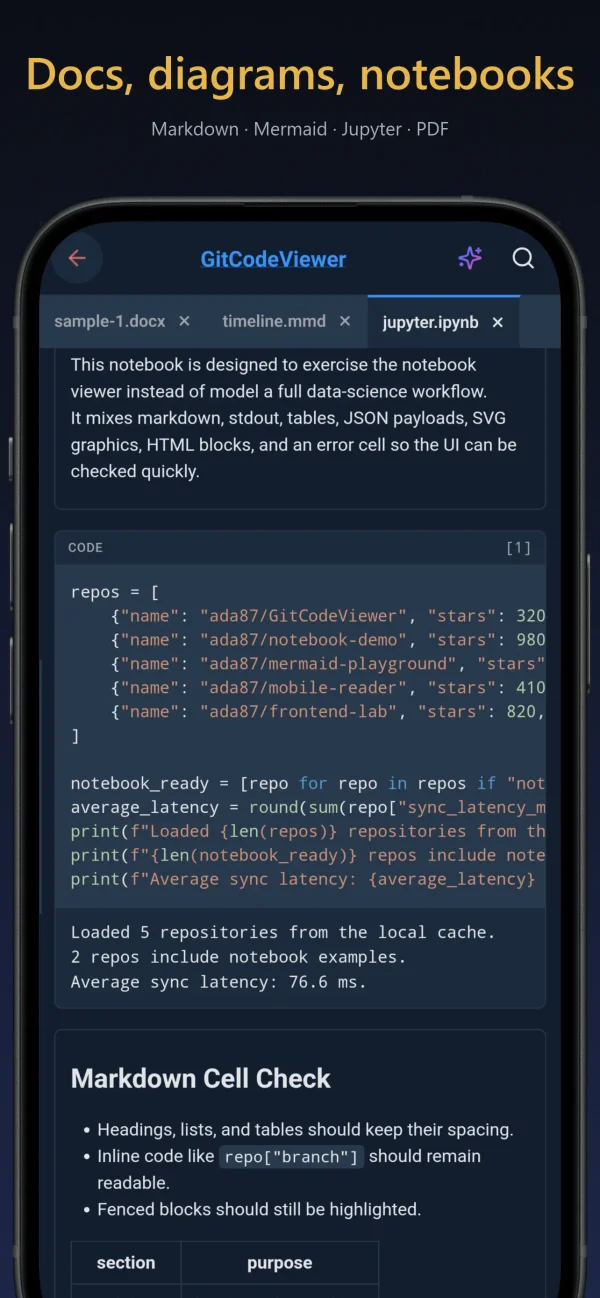
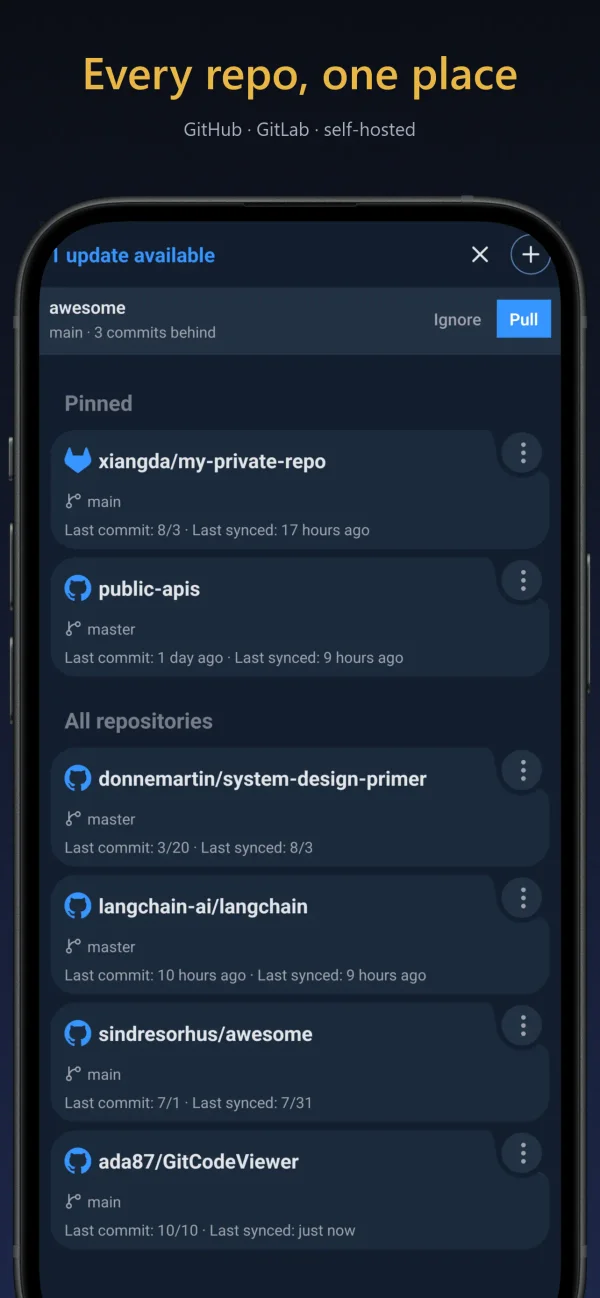
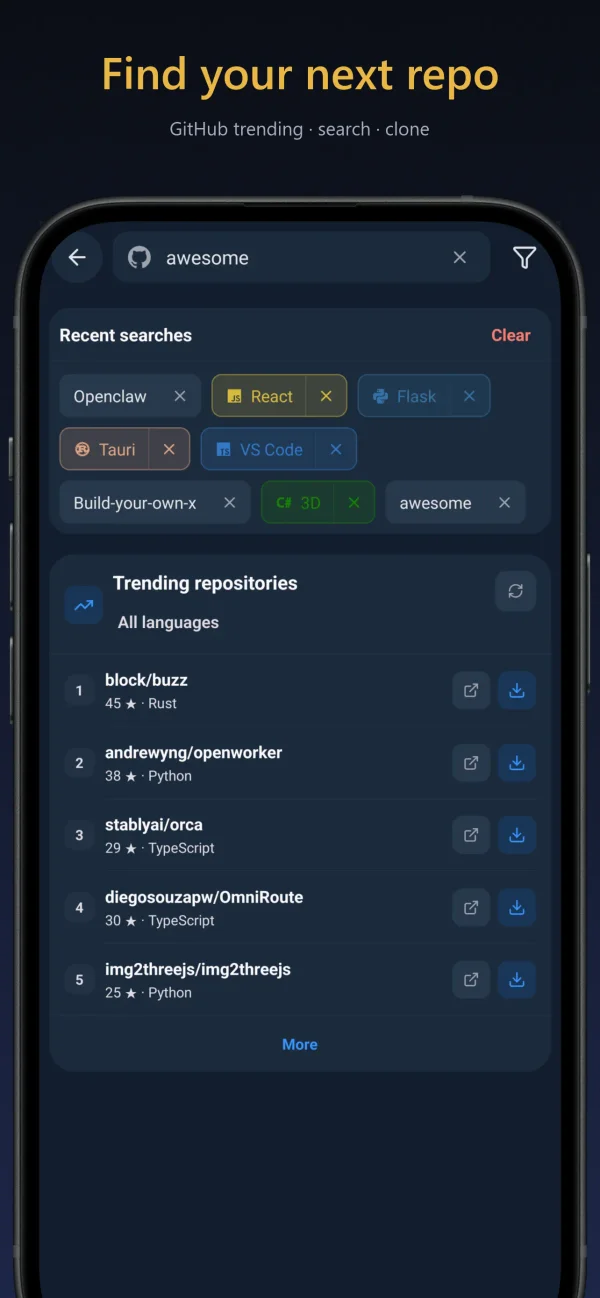
About
GitCode Reader is a fast Git client and source code reader built for iPhone. Clone repositories, read code and docs offline, and use the built-in AI assistant to understand any file. iPad layouts are optimized too, with split panes and a persistent file tree for comfortable big-screen reading.
SOURCE CODE READING
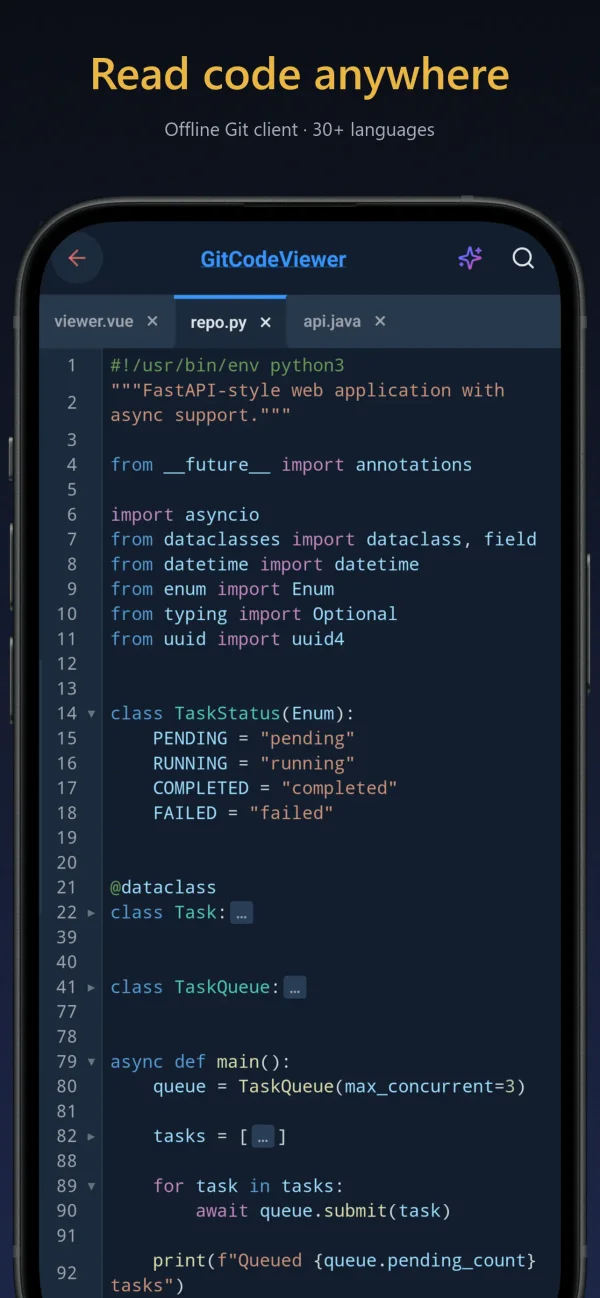
Browse source code with syntax highlighting, code outline, symbol navigation, and full-text search across 30+ programming languages (including Python, Java, JavaScript, TypeScript, Go, Rust, C/C++, and PHP) and 10+ config formats (JSON, YAML, TOML, XML, and more). Inline blame annotations show who changed each line and when, and you can inspect any file at any past commit.
AI CODE ASSISTANT (BYOK)
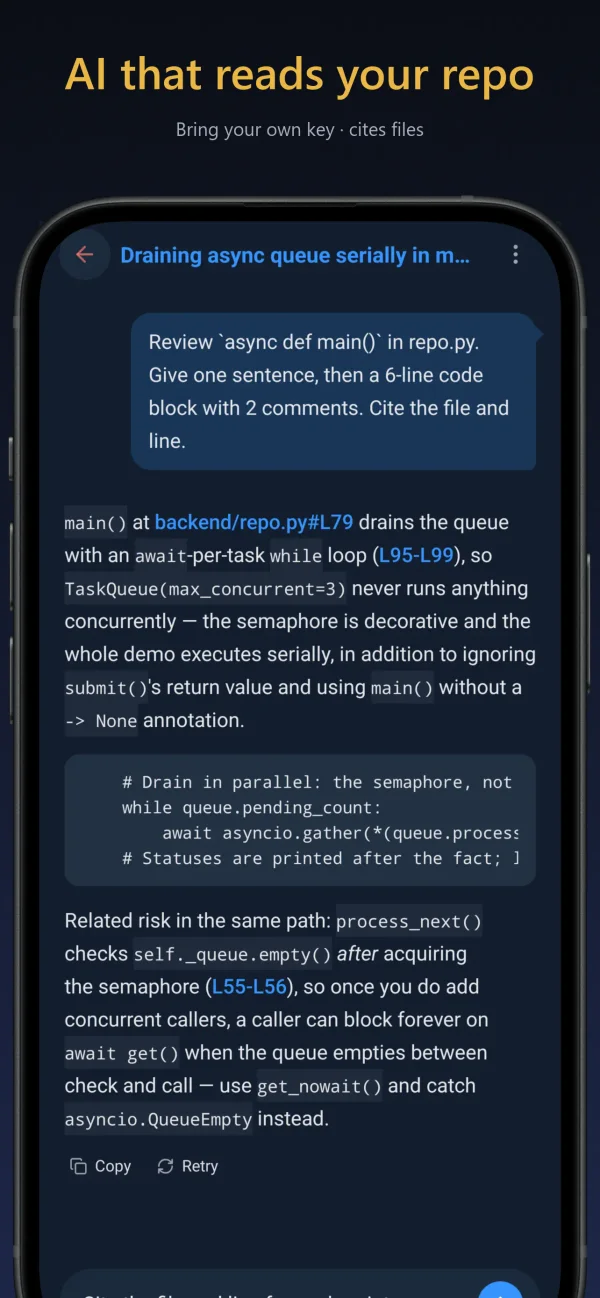
Bring your own API key to chat with your repository. The assistant reads real files in your repo to explain logic, trace code paths, spot bugs, and summarize docs — answering in clean Markdown with tap-to-jump file and line citations. Works with major AI providers or any OpenAI- or Anthropic-compatible endpoint. Strictly read-only: it never modifies or executes your code. Your key stays on your device, and requests go straight to the provider you choose.
HIGH-PERFORMANCE GIT CLIENT
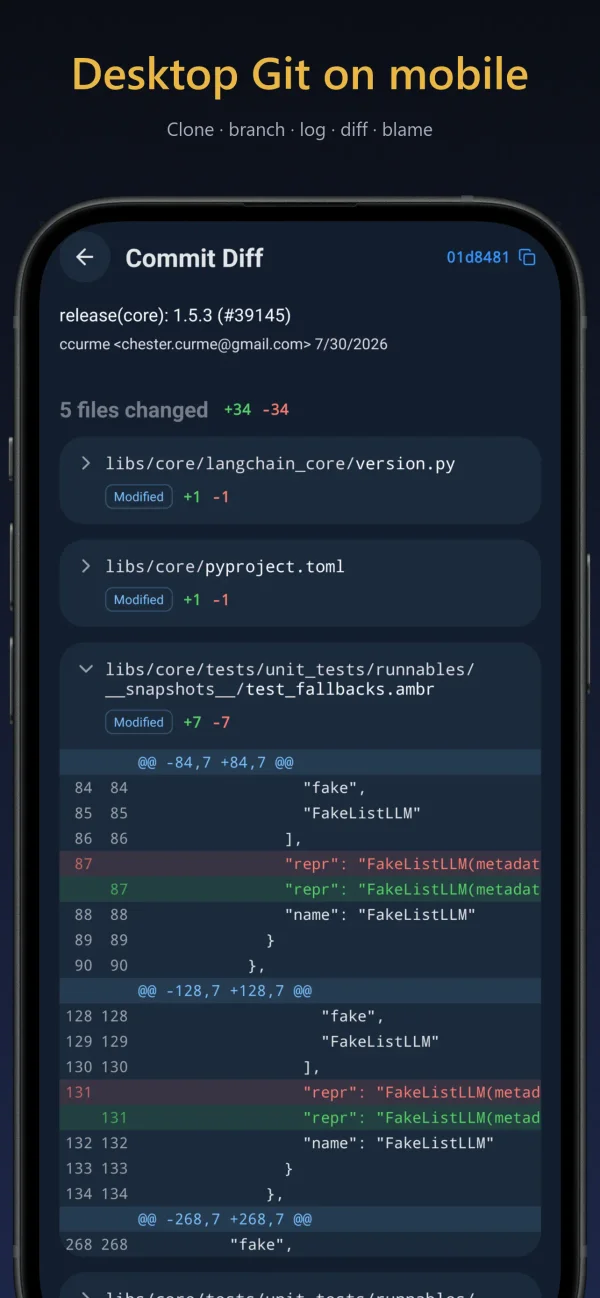
Clone, pull, switch branches, browse commit history, view diffs, and inspect git blame in a mobile-friendly flow. Supports GitHub, GitLab, Bitbucket, Azure DevOps, Gitea, Gitee, CNB, and self-hosted Git servers — including private repositories via SSH keys or personal access tokens (PAT).
DOCS, OFFICE & NOTEBOOKS
Built-in Markdown viewer with Mermaid diagrams and LaTeX math, plus native preview for PDF, Word, Excel, PowerPoint, CSV, and Jupyter notebooks (.ipynb) without leaving the app.
DISCOVER GITHUB
Explore GitHub Trending and search open-source projects in the app, then clone any repository straight into your local workspace for offline reading.
OFFLINE-FIRST & PRIVATE
Clone once to read source code, documentation, and full commit logs completely offline — ideal for commutes, code review on the go, or studying open-source repos. No ads, no analytics, no tracking, and no middleman servers: network traffic goes directly between your device and the Git or AI providers you configure.
GitCode Reader is free to use as an everyday Git client and code viewer, with a one-time premium upgrade for advanced features. The AI assistant uses your own API key; you pay your AI provider directly.
What’s new
Version 1.7.1 · Nov 19, 2026
Direct access to major Git providers including GitLab, Bitbucket, and Gitee
Faster AI chat with improved display, syntax-highlighted code blocks, and session pin, rename, and delete
Tablet refinements: provider icon in the header, streamlined navigation order, and a cleaner interface
Refined theme colors and simplified configuration flows
Fixed known issues and improved overall smoothness
App privacy
What 达 向 declares on the App Store about how this app handles data.
-
Data not collected
The developer does not collect any data from this app.
Privacy practices may vary, for example with the features you use or your age.
Information
- Seller
- 达 向
- Category
- Developer Tools
- Version
- 1.7.1
- Updated
- Nov 19, 2026
- Released
- Sep 21, 2026
- Size
- 81.7 MB
- Requires
- iOS 15.5 or later
- Age rating
- 4+
- Price
- Free
- In-app purchases
- Yes
- Languages
- English, French, German, Hindi, Indonesian, Japanese, Korean, Portuguese, Simplified Chinese, Spanish, Turkish
- Copyright
- © @xdnote
You might also like
-
 CamadonDeveloper Tools
-
 Orchestra CodeCode from your phone with AI
-
 NimoteCode: AI Code & SSH IDEAI-powered SSH IDE Mobile Dev
-
 DesklessCode anywhere no desk required
-
 JSON, JWT & Dev Tools: DeclipDecode, format & hash offline
-
 Edsger: AI Code EditorPython IDE & 19 Languages
-
 DevBox: Code Editor & IDERun PHP, Python, Node.js & Go
-
 CodeAgent: AI Agent MonitorApprove coding agents remotely
-
 Pad Code AI: Code Editor & IDERun Python, C++ & JavaScript
-
 Smart JSON & XML EditorViewer, Formatter & Tools