
GitMind: AI Mind Map & Notes
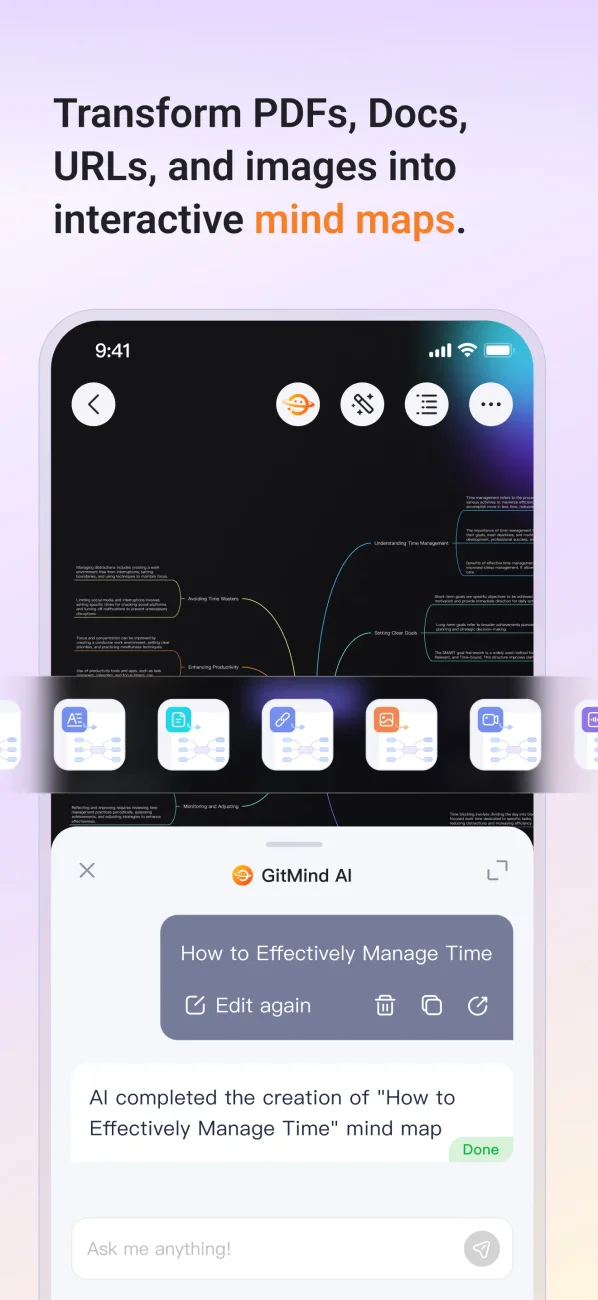
Summarize Anything to Mind Map
Designed for iPhone, iPad
Free · In-app purchases
- Age rating4+
- CategoryProductivity
- DeveloperWangxu Technology Co., Ltd
- LanguagesEnglish+ 9 more
- Size125.6 MB
Links to the official App Store page
Download.org hosts no file of GitMind: AI Mind Map & Notes. The button opens its official App Store page, published by Wangxu Technology Co., Ltd. Listing last checked on Nov 17, 2026.
Screenshots

About
GitMind is an AI-powered mind mapping tool. It seamlessly transforms text, videos, articles, audio, PDFs, PPTs, websites, and images into concise summaries and intuitive mind maps. Featuring an AI chatbot, copilot, advanced search features, and realistic AI image generator, GitMind simplifies complex information and empowers you to work smarter and faster.
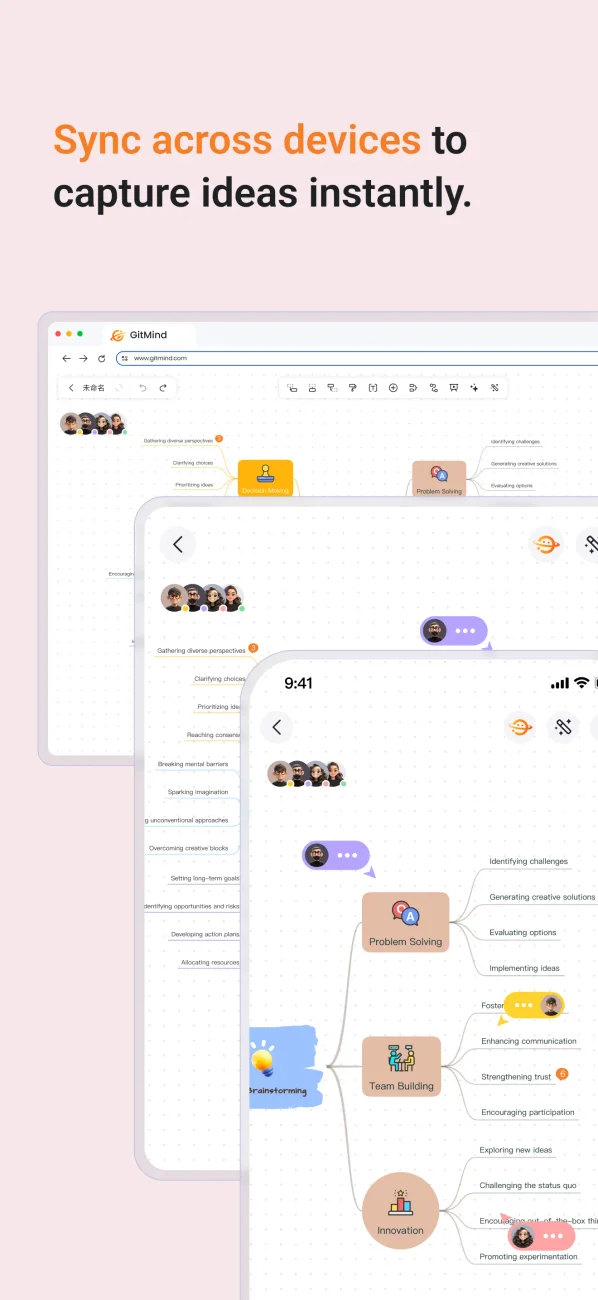
GitMind is ideal for note-taking, schedule planning, brainstorming, decision-making, and project management. Easily create outlines, to-do lists, and project plans while syncing your ideas seamlessly across devices. Whether you are an educator, student, or professional, GitMind turns every piece of content into a dynamic visual map, sparking creativity and boosting productivity anytime, anywhere.
AI Features
• Youtube Video Summarizer: Extract subtitles, distinguish speakers, and summarize videos into mind maps with key insights.
• Text Summarizer: Simplify lengthy text into clear, structured summaries for quick understanding.
• Article Summarizer: Summarize articles and blogs into well-organized mind maps.
• PDF Summarizer: Extract essential points from PDFs and transform them into structured visual maps.
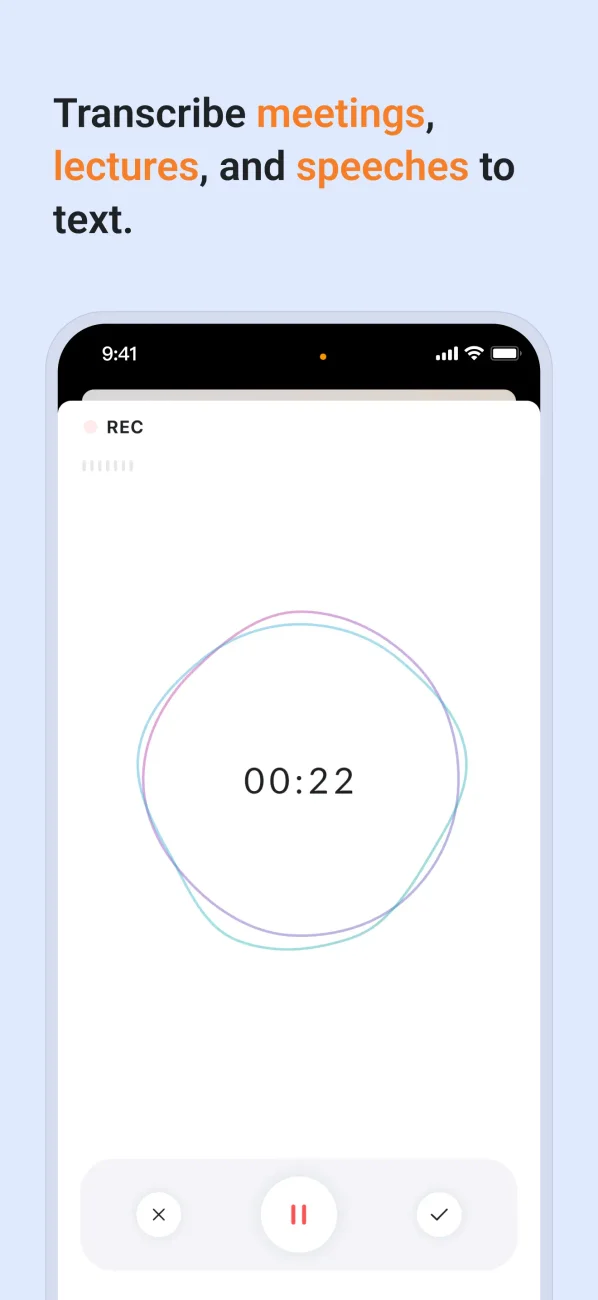
• Audio Summarizer: Transcribe audio to text and summarize recordings into easy-to-read notes and mind maps.
• Image Summarizer: Use OCR to extract text from images and summarize key information into structured content.
• Website Summarizer: Summarize entire web pages into organized mind maps for quick insights.
• Prompt to Mind Map: Enter any idea or topic, and GitMind will instantly generate a detailed outline and mind map.
• AI Chatbot: Upload PDFs or images to ask questions directly.
• AI Search: Find the most relevant and up-to-date information with AI-powered smart search.
• AI Image Generator: Generate high-quality AI images from text to visually enhance your mind maps and presentations.
Other Features
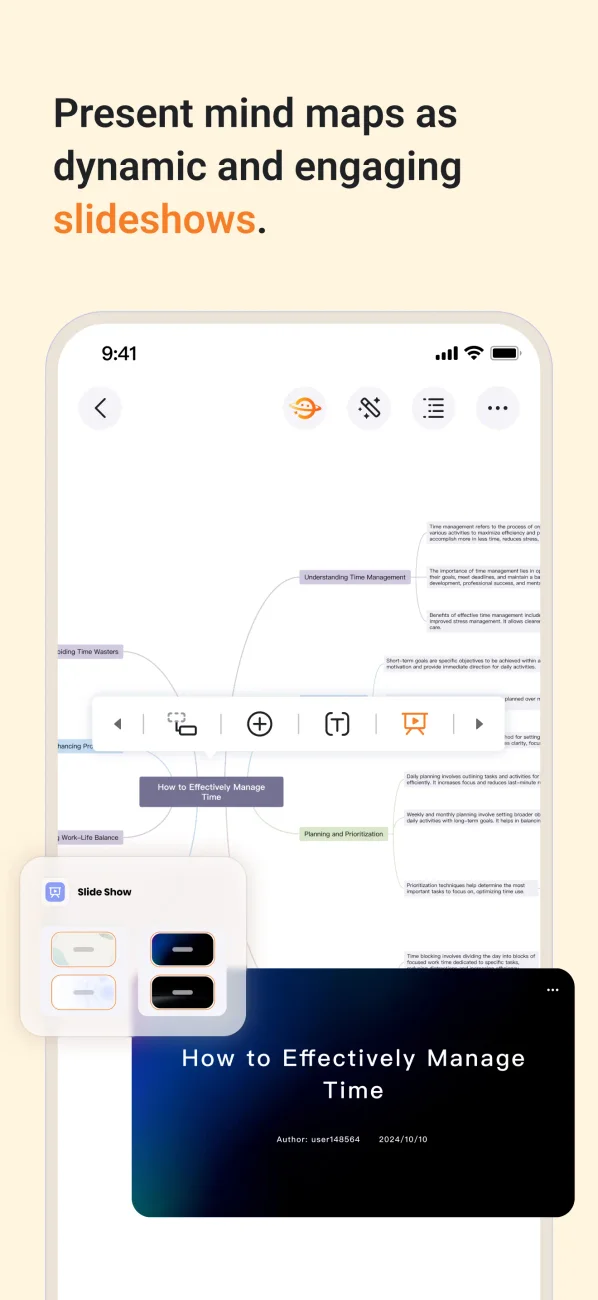
• Presentation Mode: Seamlessly present your mind maps with a structured, engaging slideshow, perfect for meetings, lectures, and brainstorming sessions.
• Premade Templates & Themes: Access a variety of professionally designed templates and themes to quickly create visually appealing mind maps.
• Advanced Formatting Options: Customize fonts, colors, sizes, and backgrounds to tailor your mind maps to your style and needs.
• Insert Stickers & Illustrations: Enrich your mind maps with icons, stickers, and illustrations to enhance visualization and creativity.
• Find & Locate Text: Quickly search and locate specific words or phrases within your mind maps for easy editing and navigation.
• Share & Collaborate: Share your mind maps via links, invite teammates for real-time collaboration, and work seamlessly across multiple devices.
Use Cases
• AI-Powered SummarySummarize articles, videos, websites, PDFs, and audio into structured mind maps, outlines, and key takeaways. Use AI Chat to refine ideas and boost comprehension.
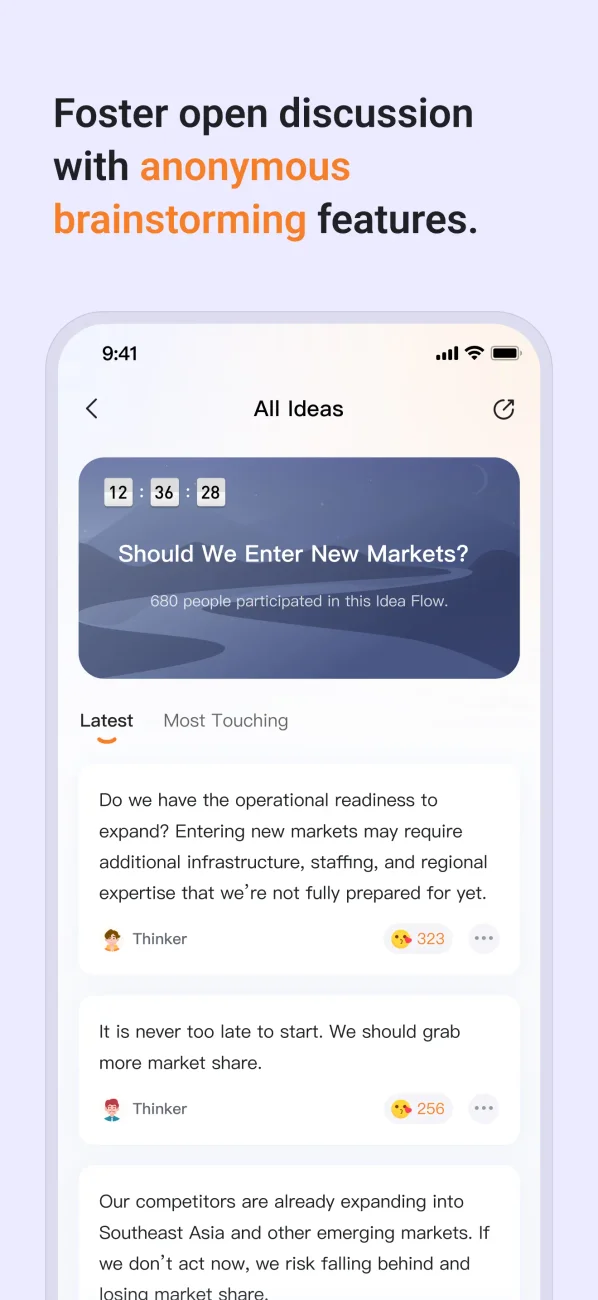
• Brainstorming & Idea GenerationConvert fleeting thoughts into structured mind maps, notes, concept maps, whiteboards, and slides. Use AI-generated mind maps for fresh ideas, and chat with AI to refine concepts.
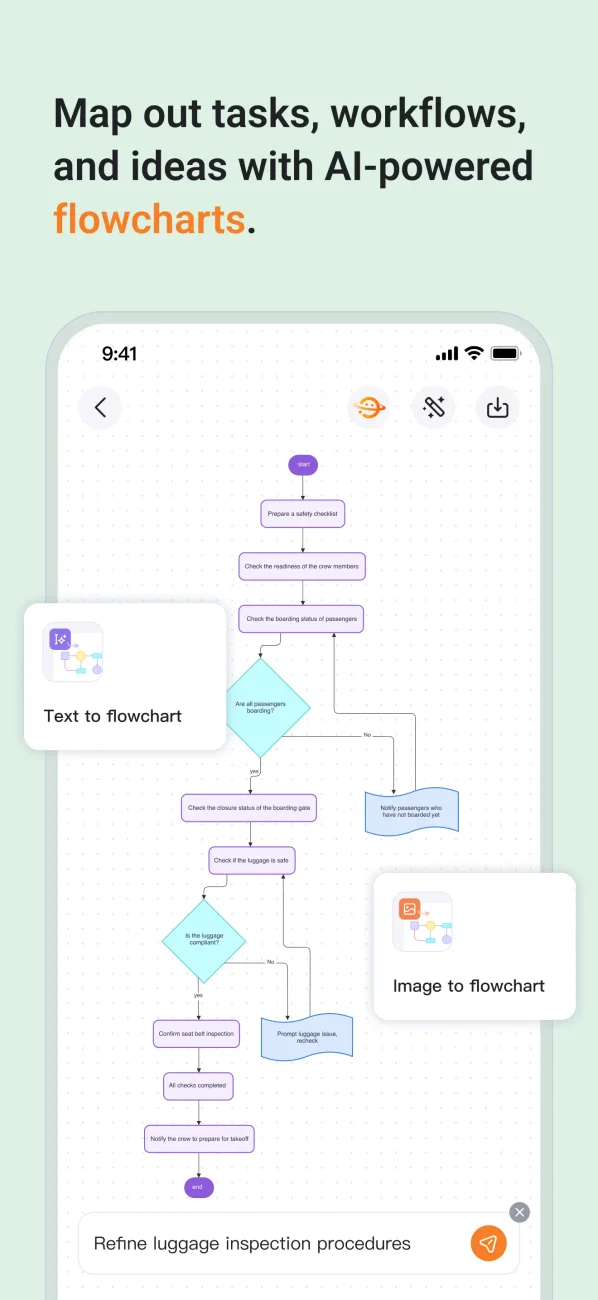
• Project & Business PlanningVisualize tasks, streamline workflows, and break down projects into clear, actionable steps. Use tree charts, fishbone diagrams, and timelines for structured planning.
• Study & ResearchOrganize notes, create study guides, and boost learning retention with interactive mind maps. Ideal for students, researchers, and educators.
• Task & Life OrganizationManage to-do lists, schedules, and daily plans with customizable mind maps. Sync ideas across devices and collaborate in real-time.
Contact us at support@gitmind.com for support or feedback.
Follow us on Discord for the latest tips and updates.
Terms of Service: https://gitmind.com/terms?isapp=1
Privacy Policy: https://gitmind.com/privacy?isapp=1
What’s new
Version 2.5.17 · Sep 20, 2026
Update Log:
1、Support for viewing flashcard files
2、Fixed some bugs
App privacy
What Wangxu Technology Co., Ltd declares on the App Store about how this app handles data.
-
Data used to track you
May be used to track you across apps and websites owned by other companies.
- Identifiers
-
Data not linked to you
May be collected but is not linked to your identity.
- User content
- Identifiers
Privacy practices may vary, for example with the features you use or your age.
Information
- Seller
- Wangxu Technology Co., Ltd
- Category
- Productivity
- Version
- 2.5.17
- Updated
- Sep 20, 2026
- Released
- May 31, 2021
- Size
- 125.6 MB
- Requires
- iOS 16.0 or later
- Age rating
- 4+
- Price
- Free
- In-app purchases
- Yes
- Languages
- English, French, German, Italian, Japanese, Korean, Portuguese, Simplified Chinese, Spanish, Traditional Chinese
- Copyright
- Copyright © 2019 - 2025 GitMind All Rights Reserved
You might also like
-
 Xmind: AI Mind Map, BrainstormNotes, Study, Plan & Outline
-
 MindSpace - Mind MapMind mapping, Brainstorming
-
 Mapify: AI Mind Map SummarizerAnything to mind maps by AI
-
 EdrawMind: AI Mind Map, NotesMind Mapping,Brainstorm Ideas
-
 Mind Mapping - MindMeisterBrainstorming and note taking
-
 SimpleMind - Mind MappingCapture your ideas and notes
-
 Mind Map Maker - MindomoMind Map and Concept Map maker
-
 Flowdia DiagramsFlowchart & Diagramming
-
 LucidchartFlowchart & Diagram Maker
-
 Monica AI: Ultimate AI AssistChat, Search, Write, Translate