Glass Pebble
Angle-based photo control
Designed for iPhone, iPad
Free · In-app purchases
- Age rating4+
- CategoryPhoto & Video
- Developer聪皓 王
- LanguagesEnglish+ 5 more
- Size9.5 MB
Links to the official App Store page
Download.org hosts no file of Glass Pebble. The button opens its official App Store page, published by 聪皓 王. Listing last checked on Nov 17, 2026.
Screenshots

About
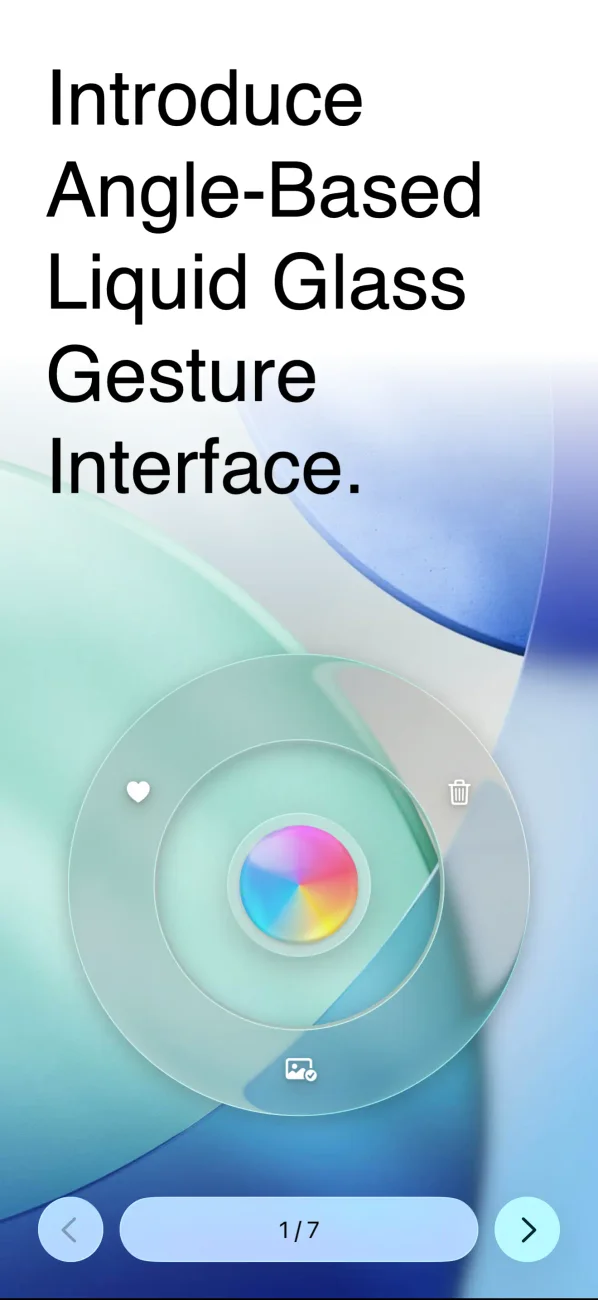
Glass Pebble reimagines photo control with the Glass Ring — a fluid, angle‑based gesture interface inspired by liquid glass.
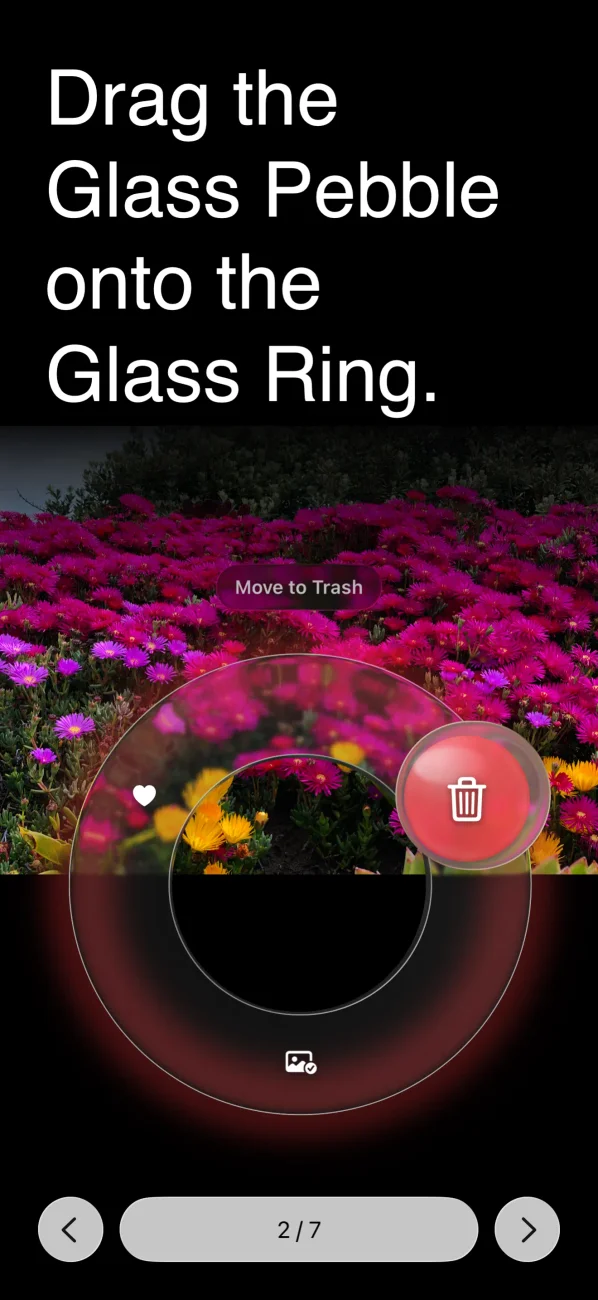
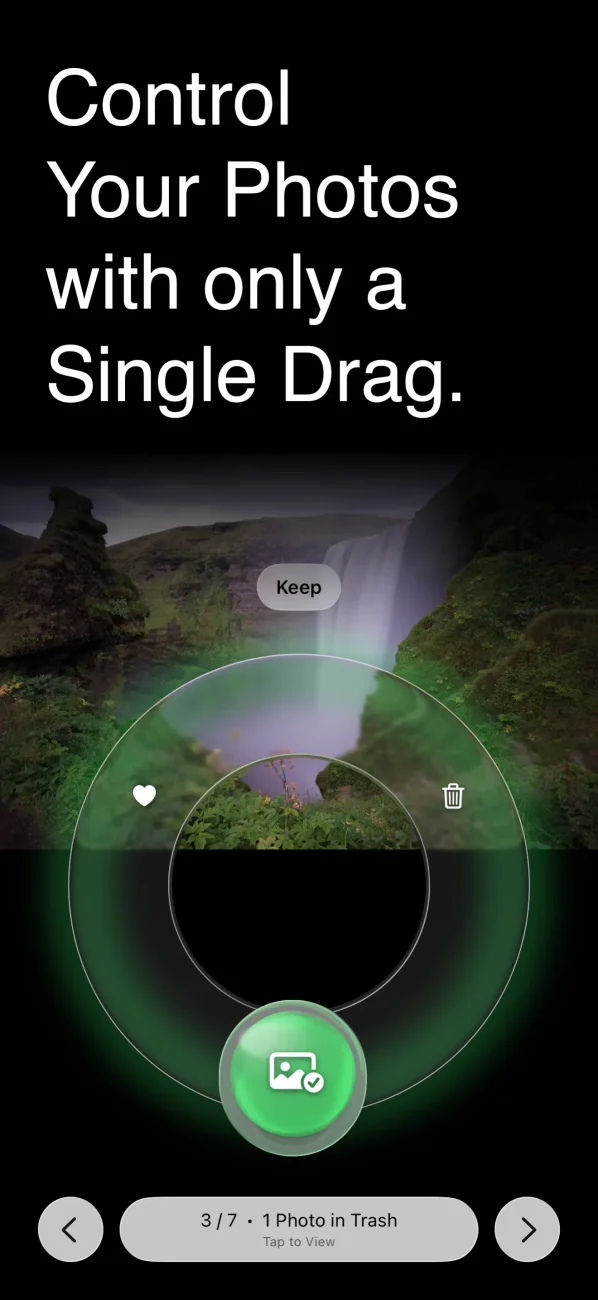
Instead of tapping menus, you drag a translucent Pebble onto the Glass Ring and choose by angle. Each glowing segment is an action you define — keep, favorite, add to a deletion queue, delete now, move to an album, and more. As you move, the ring responds with smooth, tactile feedback that feels alive under your touch.
The Glass Ring isn’t just a button — it’s a customizable, segmented canvas that turns angles into actions and makes bulk work deliberate and fast.
What you can do
• Drag‑to‑act by angle: Move the Pebble into a segment to keep, favorite, queue for deletion, delete now, or add to an album.
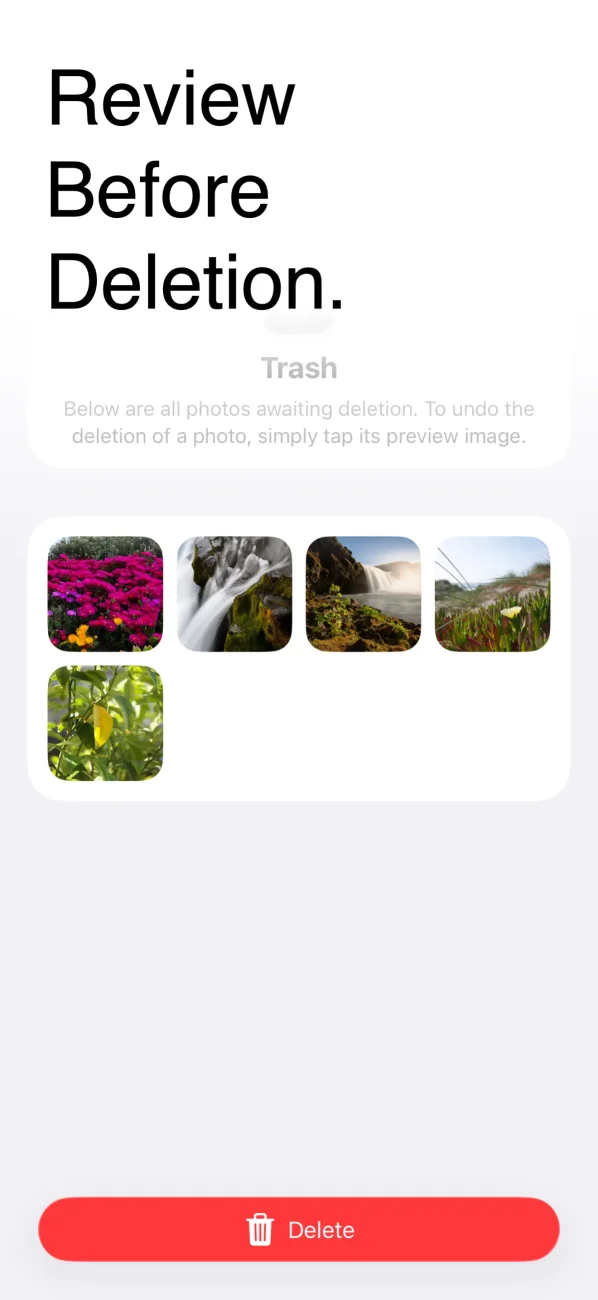
• Preview before deleting: Review a deletion queue in one place, then batch‑delete when you’re ready.
• Make the ring yours: Assign actions to segments, pick icons and colors, and reorder to match your flow.
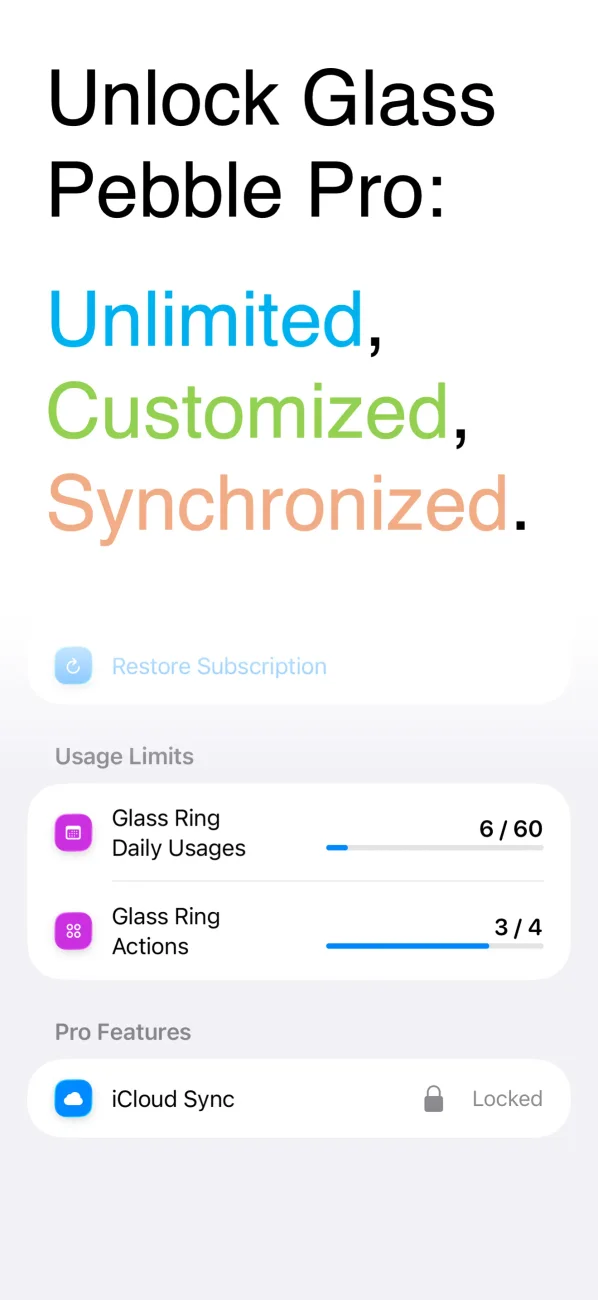
• Unlimited segments (Pro): Add as many Glass Ring segments/actions as you want to build powerful, personal workflows.
• Full‑screen viewer with control: Swipe between photos, pinch‑to‑zoom (optional), swipe‑down to dismiss (optional), swipe‑up for info (optional).
• Sort and fetch the way you like: New‑to‑old, old‑to‑new, or random; choose how many items to load per batch.
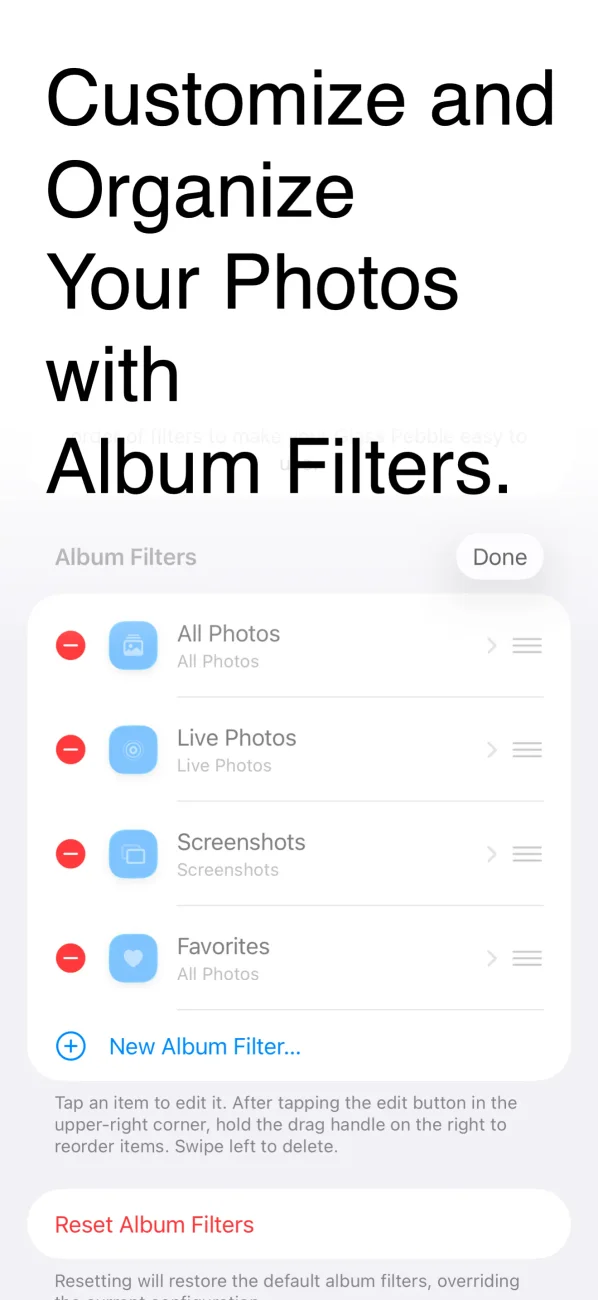
• Custom album filters: Build your own photo categories and jump in from the home screen.
• iCloud sync (Pro): Keep preferences and ring setup consistent across devices.
• On‑device by design: No accounts required. Fast, responsive, and private.
Why it’s unique
Glass Pebble isn’t another photo manager. It’s a new interaction model that turns simple actions — like deleting or favoriting — into a direct, angle‑driven gesture. With a glowing, glass‑like ring, a draggable Pebble, and a reviewable queue, it makes photo triage both intuitive and beautiful.
Notes
• Works with your existing photo library.
• Permissions are requested only when needed (e.g., Photos access).
• Pro unlocks iCloud sync and unlimited Glass Ring segments/actions.
---
Terms of Use (EULA): https://glasspebble.conghaowong.com/terms
Privacy Policy: https://glasspebble.conghaowong.com/privacy
What’s new
Version 1.1.1 · Oct 27, 2026
Added multilingual support for Spanish and Korean.
App privacy
What 聪皓 王 declares on the App Store about how this app handles data.
-
Data not collected
The developer does not collect any data from this app.
Privacy practices may vary, for example with the features you use or your age.
Information
- Seller
- 聪皓 王
- Category
- Photo & Video
- Version
- 1.1.1
- Updated
- Oct 27, 2026
- Released
- Oct 7, 2025
- Size
- 9.5 MB
- Requires
- iOS 26.0 or later
- Age rating
- 4+
- Price
- Free
- In-app purchases
- Yes
- Languages
- English, Japanese, Korean, Simplified Chinese, Spanish, Traditional Chinese
- Copyright
- © 2026 Conghao Wong
You might also like
-
 Pickglow StylesStyle palette for older photos
-
 toHDRConvert photos to HDR effects
-
 HiMoments: AI Photo AlbumPrivate timeline & diary
-
 MarkMe.Every shot, award-worthy.
-
 MNFS FILMComplete Film Emulation
-
 FotufilmFilm simulation for your phone
-
 Fast PhotoPhoto & Video
-
 LATN FILMComplete Film Emulation
-
 LiGHTBOX - HDR ToysCreative HDR Effects & Filters
-
 Fynd: momentsOn This Day: Photo Memories