Pickglow Styles
Style palette for older photos
Designed for iPhone
Free · In-app purchases
- Age rating4+
- CategoryPhoto & Video
- Developer帆 李
- LanguagesEnglish+ 2 more
- Size106.1 MB
Links to the official App Store page
Download.org hosts no file of Pickglow Styles. The button opens its official App Store page, published by 帆 李. Listing last checked on Nov 22, 2026.
Screenshots
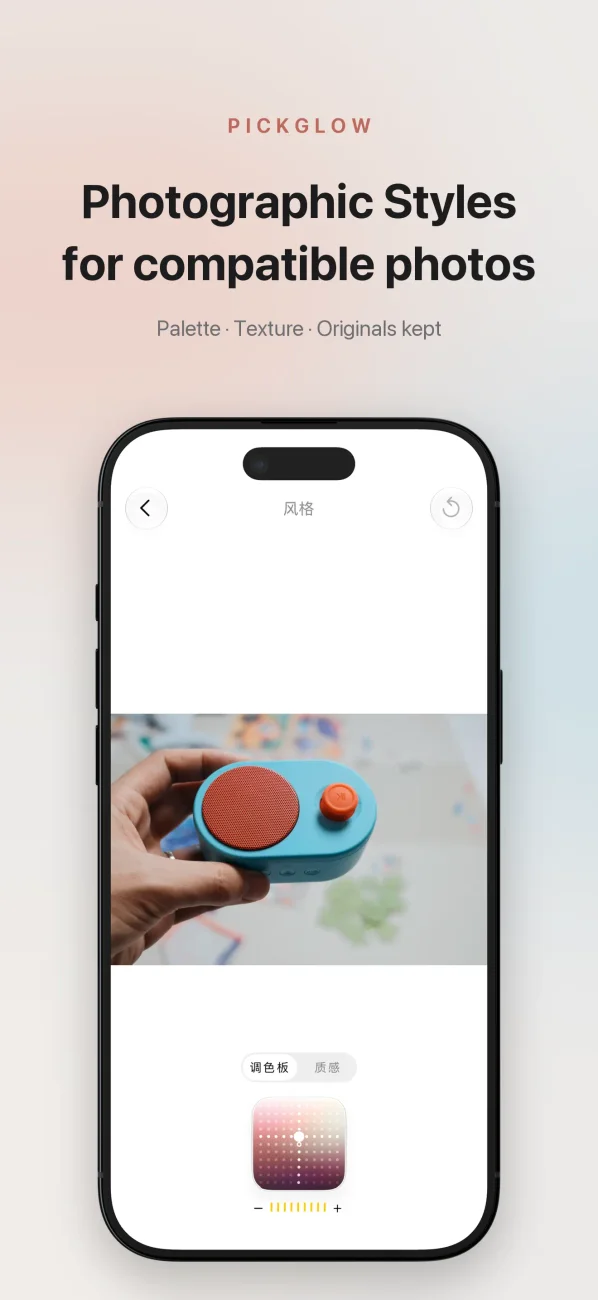
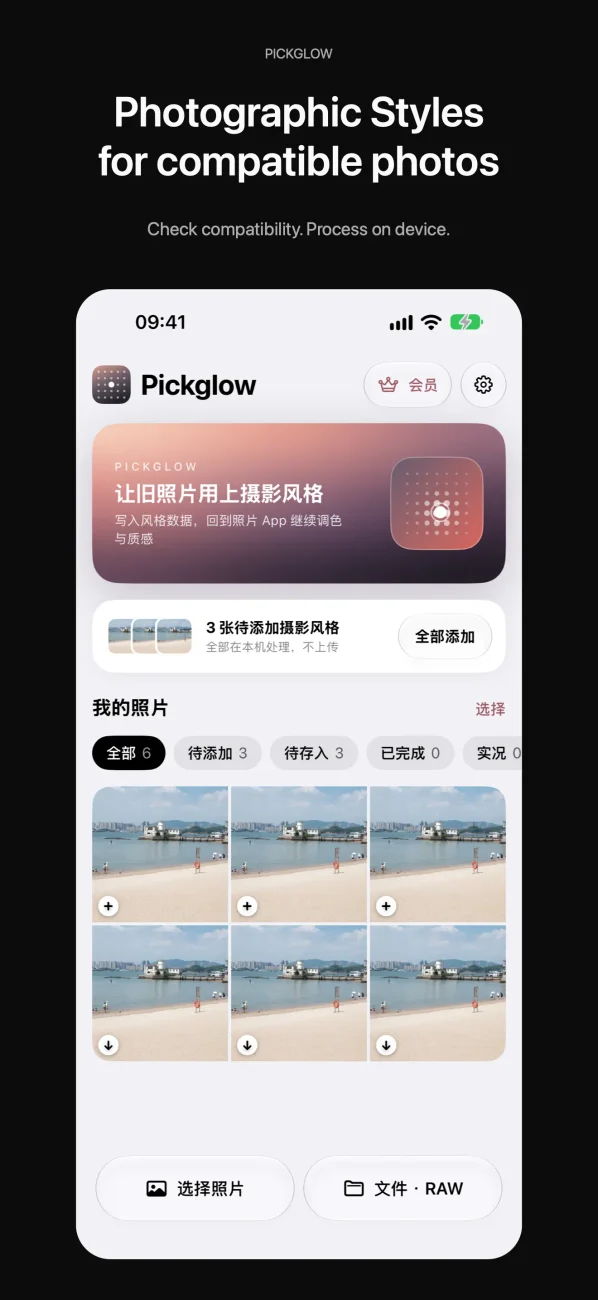
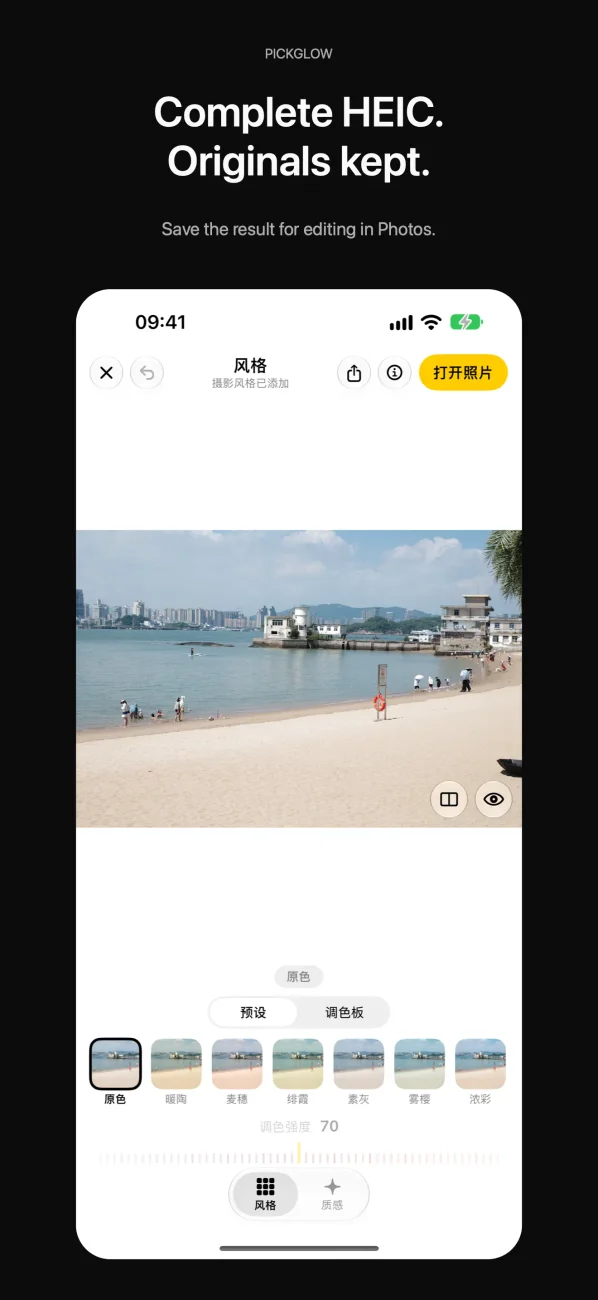

About
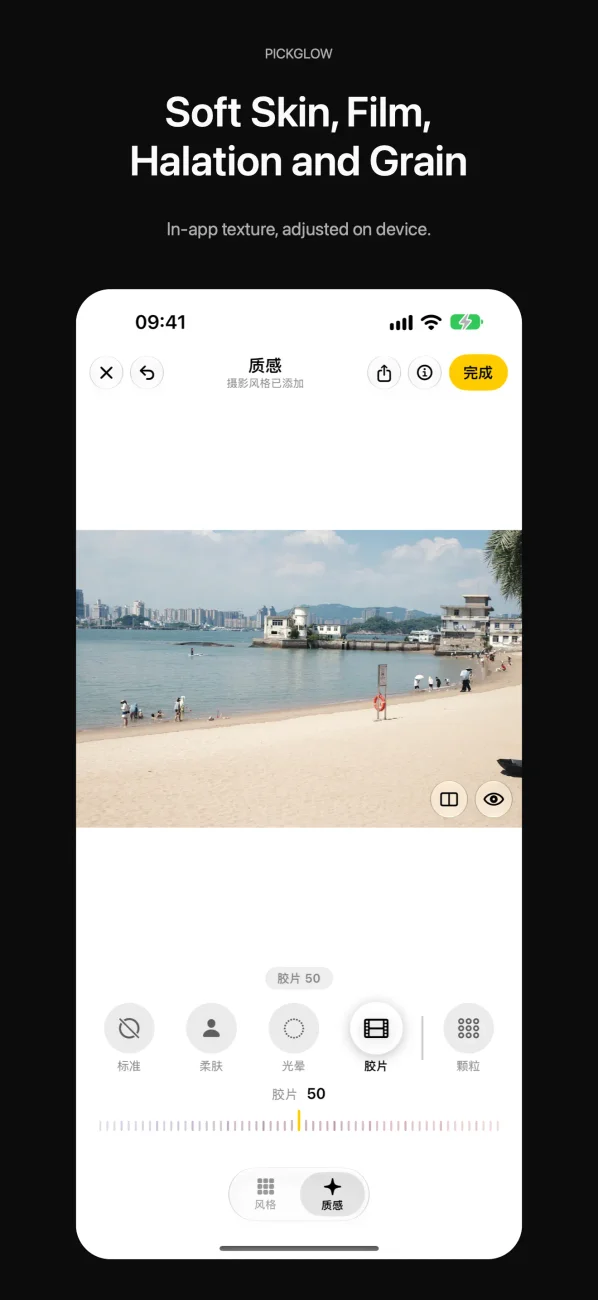
Pickglow Styles is an on-device photo editor for color and texture. Twelve color recipes plus Soft Skin, Halation, Film and Grain give everyday photos a distinct mood.
COLOR
Twelve original recipes, from warm terracotta to sea salt and silver ink, each with adjustable strength and live thumbnails that preview every look on your photo.
TEXTURE
• Soft Skin: smooths facial skin while protecting eyes, brows and lips.
• Halation: a soft glow around highlights.
• Film: a filmic tone and texture.
• Grain: layered separately, with adjustable strength.
EDITING THAT STAYS OUT OF THE WAY
• Compare: drag a divider between the original and the edit.
• Pinch to zoom into detail.
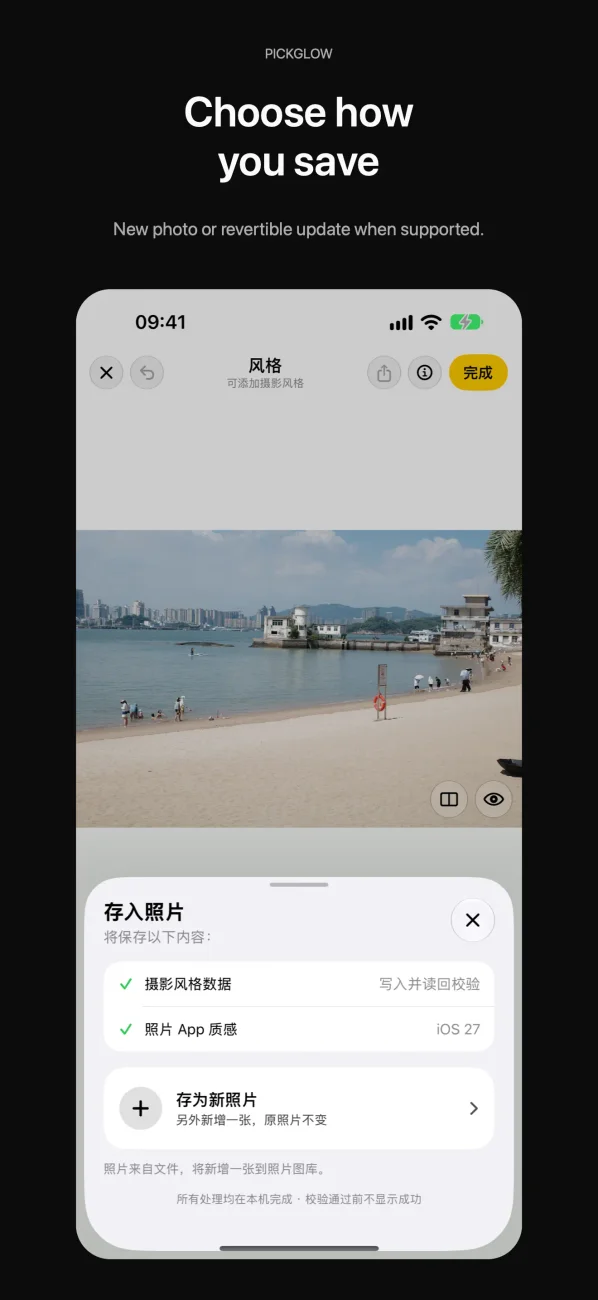
• Save as a new photo, or update the original (revertible in Photos).
• Apply effects to the whole video of ordinary Live Photos.
• Works with HEIC, JPG, PNG and TIFF from your library or Files, and camera RAW the system can decode.
PHOTOGRAPHIC STYLES
You can also add Photographic Style data to compatible older photos and keep adjusting them with the palette in Photos. Availability depends on the photo, iPhone model and iOS version.
FREE AND LIFETIME
Color recipes are free, and texture and grain can be previewed for free. Adding Photographic Styles is free for 10 photos; a one-time Lifetime purchase removes the limit and lets you save edits with texture and grain, with no subscription and support for restoring purchases.
PRIVACY
Everything is processed on your device. No photo uploads, accounts, ads or third-party analytics. The interface is currently in Simplified Chinese. Pickglow is independent and not affiliated with Apple.
Terms of Use (EULA): https://www.apple.com/legal/internet-services/itunes/dev/stdeula/
What’s new
Version 2.1.1 · Nov 20, 2026
• Upgraded custom AI De-Sharpen engine: removes harsh iPhone over-sharpening and edge halos at full resolution for a natural optical look while preserving Display P3 wide color, HDR highlights, and matching Live Photo covers and videos, with portrait eye protection.
• New full-photo comparison preview: open directly from import or save sheets to drag the split divider, hold for original, pinch-zoom and pan to inspect any local detail, and switch Light / Standard / Strong instantly.
• Simplified single AI De-Sharpen control: unified across photos, Live Photos, and RAW—applied automatically on save without opening the workbench (included with Lifetime Membership; everyone can preview before & after for free).
• Improved stability when loading certain Live Photos.
App privacy
What 帆 李 declares on the App Store about how this app handles data.
-
Data not collected
The developer does not collect any data from this app.
Privacy practices may vary, for example with the features you use or your age.
Information
- Seller
- 帆 李
- Category
- Photo & Video
- Version
- 2.1.1
- Updated
- Nov 20, 2026
- Released
- Oct 23, 2026
- Size
- 106.1 MB
- Requires
- iOS 18.0 or later
- Age rating
- 4+
- Price
- Free
- In-app purchases
- Yes
- Languages
- English, Simplified Chinese, Traditional Chinese
- Copyright
- © 2026 Pickglow
You might also like
-
 PaletteCamera: AI PhotographyColor the mood, Shoot easy.
-
 FotufilmFilm simulation for your phone
-
 LUTo—Less setup, more instinctLUT import. Cinematic photos.
-
 Layerlight - HDR Photo EditorPro Cinematic Light & Gain Map
-
 Oqra CamHybrid film cam
-
 HALOVIA: Disposable Camera27 Frames of Film Nostalgia
-
 PlatoCamFilmCamera,DoubleExposure,LOMO
-
 Retouchr-AI Photo Editor & CamFilm Camera,AI Editor, Fillter
-
 SpektraLabFilm darkroom for RAW photos
-
 KAIM Camera: AI CompositionSmart Framing & Film Filters