- Age rating4+
- CategoryEntertainment
- DeveloperArtur Kumszczynski
- LanguagesEnglish
- Size41.5 MB
Links to the official App Store page
Download.org hosts no file of GlassOut. The button opens its official App Store page, published by Artur Kumszczynski. Listing last checked on Nov 23, 2026.
Screenshots

About
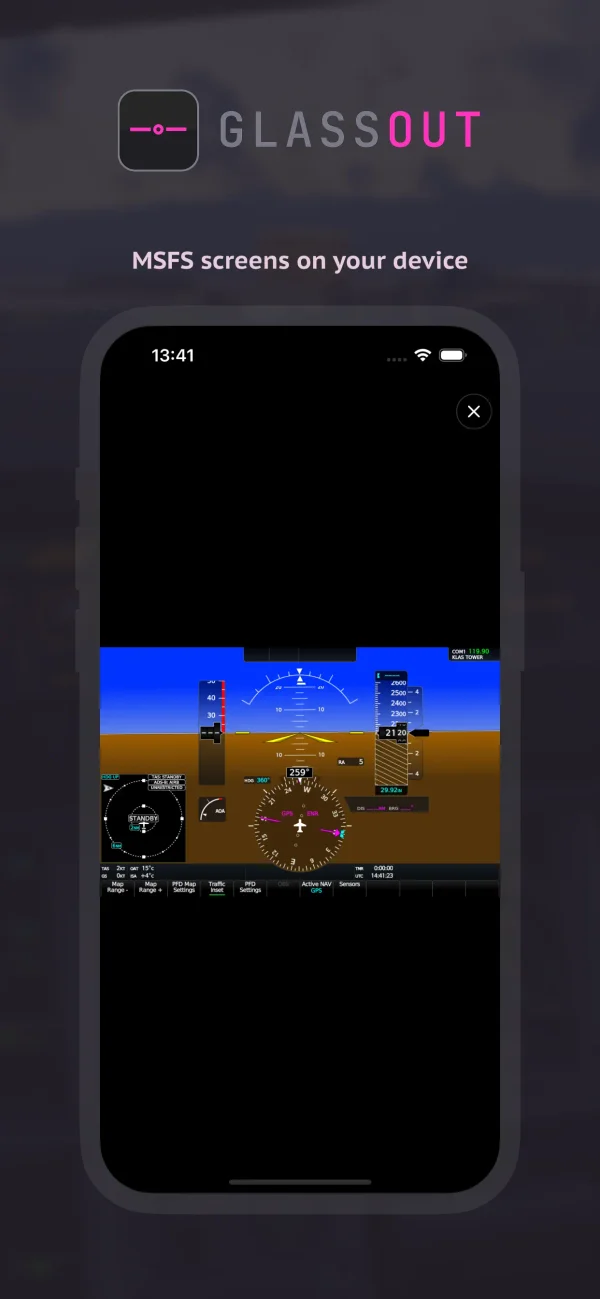
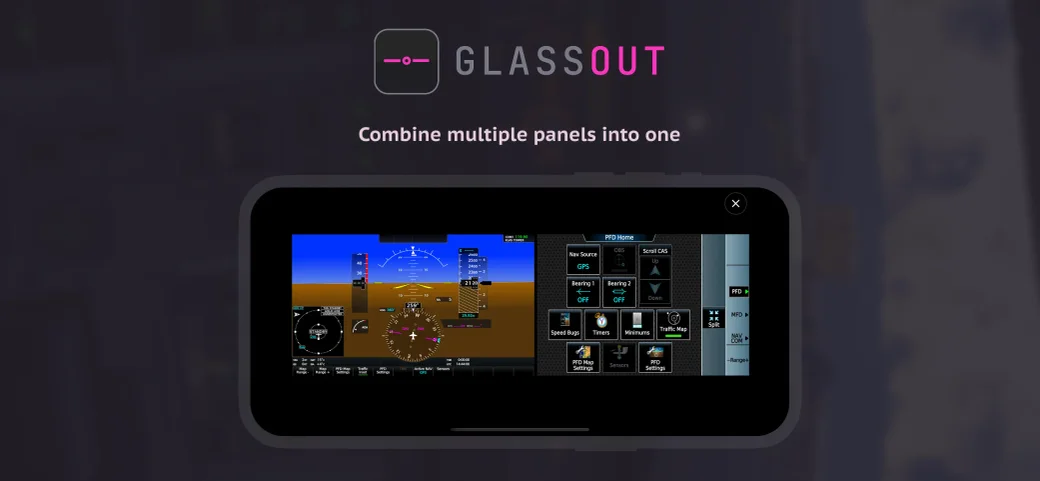
GlassOut turns your iPhone or iPad into an external instrument display for Microsoft Flight Simulator 2024 and 2020.
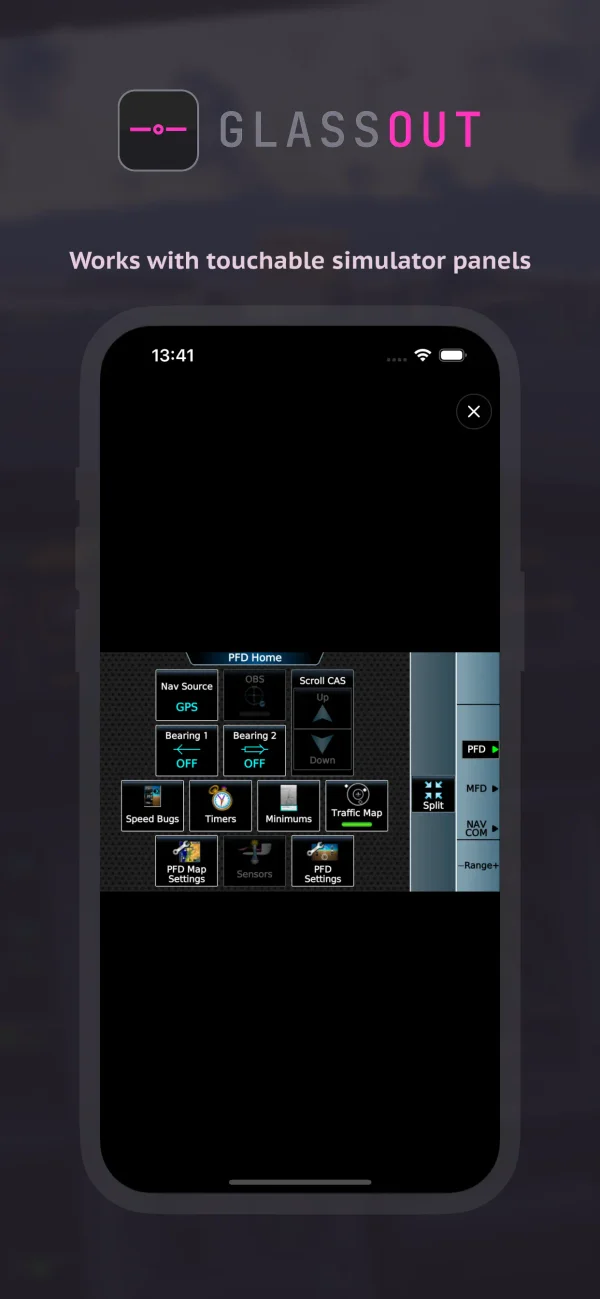
Pair the app with the GlassOut Engine running on your flight sim PC, and any panel — PFD, MFD, EICAS, FMC, radio stack, standby instruments — streams straight to your device over your local Wi-Fi. No capture cards, no screen-mirroring lag, no manual pop-outs.
GlassOut pulls panels directly from the simulator's rendering pipeline, so what you see on your device matches the sim pixel-for-pixel.
Perfect for:
- Home cockpit builders who want a dedicated tablet for each instrument
- Virtual pilots who run out of monitor space during IFR approaches
- Anyone who'd rather see their PFD on the external display
HOW IT WORKS
1. Install the GlassOut desktop app on your flight sim PC (glassout.flyingart.dev).
2. Launch Microsoft Flight Simulator and start a flight.
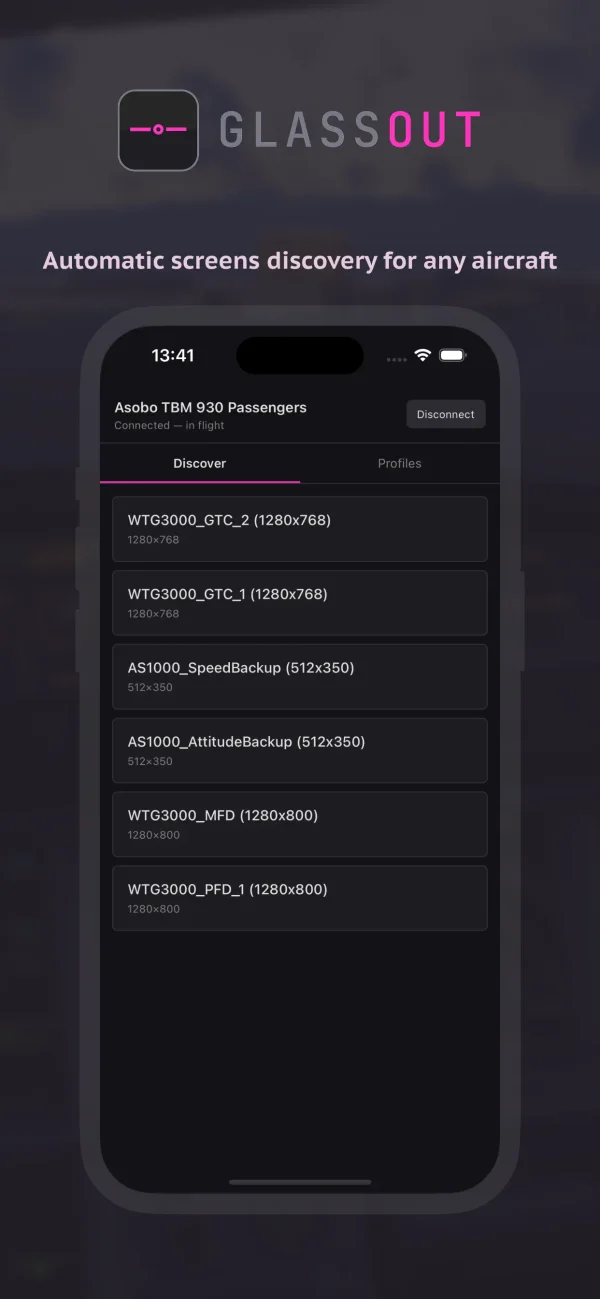
3. Open GlassOut on your iPhone or iPad while on the same Wi-Fi network. The app auto-discovers your PC, lists every available panels, and renders the one you pick full-screen.
FEATURES
- Auto-discovery of the GlassOut Engine on your local network (Bonjour / mDNS)
- Manual IP entry as a fallback
- Full-screen, locked panel viewer — no accidental swipes during flight
- Screen stays awake while a panel is active, sleeps normally in menus
- Works in landscape and portrait, iPhone and iPad
REQUIREMENTS
- A Windows PC running Microsoft Flight Simulator 2024 or 2020
- The GlassOut Engine installed on that PC
- Your phone/tablet and PC on the same Wi-Fi network
GlassOut is made by a flight-sim enthusiast for flight-sim enthusiasts. Questions, bug reports, or feature requests: flyingartdev@gmail.com
What’s new
Version 1.17.0 · Nov 21, 2026
• X-Plane 12 support: the app now shows your X-Plane cockpit screens too, with the X-Plane connection status on the Home screen
• Multiple layouts: when you switch layouts on the PC, the app switches to the screen you assigned to this device
• Your screen stays open during a short Wi-Fi drop
• Your screen closes when you stop the run on the PC
• Bug fixes and text updates
App privacy
What Artur Kumszczynski declares on the App Store about how this app handles data.
-
Data not linked to you
May be collected but is not linked to your identity.
- Usage data
- Diagnostics
Privacy practices may vary, for example with the features you use or your age.
Information
- Seller
- Artur Kumszczynski
- Category
- Entertainment
- Version
- 1.17.0
- Updated
- Nov 21, 2026
- Released
- Apr 30, 2026
- Size
- 41.5 MB
- Requires
- iOS 16.4 or later
- Age rating
- 4+
- Price
- Free
- Languages
- English
- Copyright
- © FlyingArt
You might also like
-
 Flight Deck FMSRemote FMC for X-Plane
-
 Flight Deck ONEThe X-Plane Companion
-
 Flight Sim TrackerLive Flight Tracking & History
-
 Falcon BMS ControlEntertainment
-
 KaleidescapeEntertainment
-
 Razer PC Remote PlayEntertainment
-
 iVRyMobile VR Headset for your PC
-
 MoonfinA premium client for Jellyfin
-
 Channels: Whole Home DVRLive TV & DVR on your devices
-
 PulsoidConnect heart rate monitor