- 対象年齢4+
- カテゴリエンターテインメント
- 開発元Artur Kumszczynski
- 言語英語
- サイズ41.5 MB
App Storeの公式ページにリンクしています
Download.orgはGlassOutのファイルを一切ホストしていません。ボタンを押すと、Artur Kumszczynskiが公開しているApp Storeのアプリページが開きます。ページの最終確認:2026/11/23。
スクリーンショット


概要
開発元はこのテキストをお使いの言語で提供していません。
GlassOut turns your iPhone or iPad into an external instrument display for Microsoft Flight Simulator 2024 and 2020.
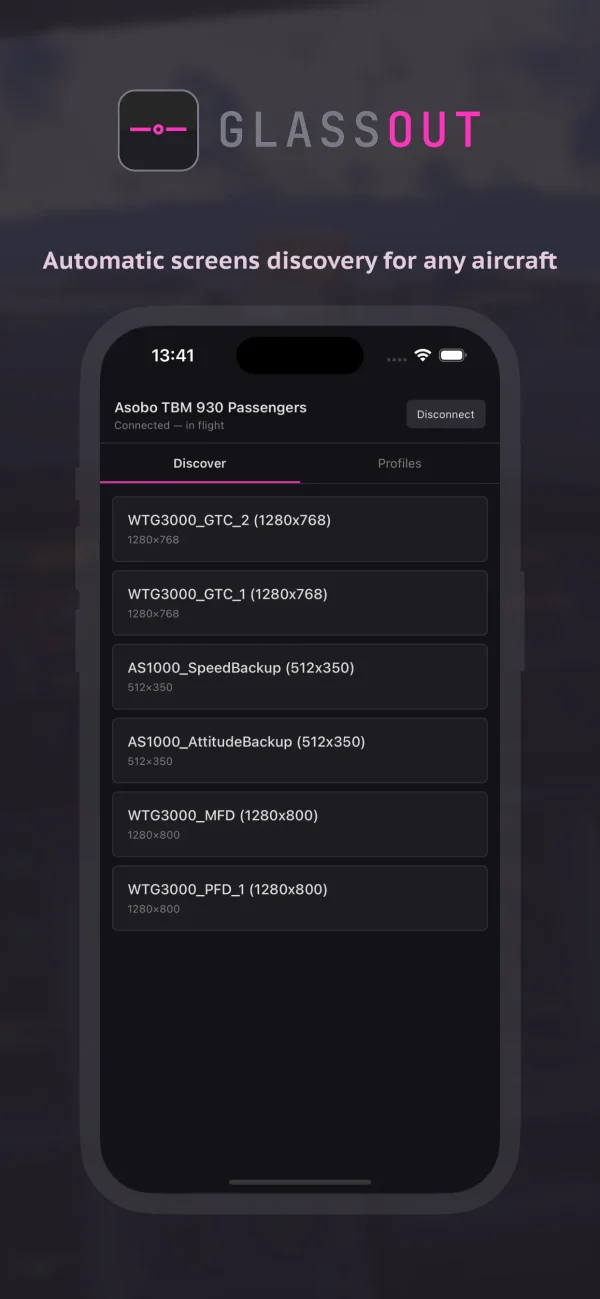
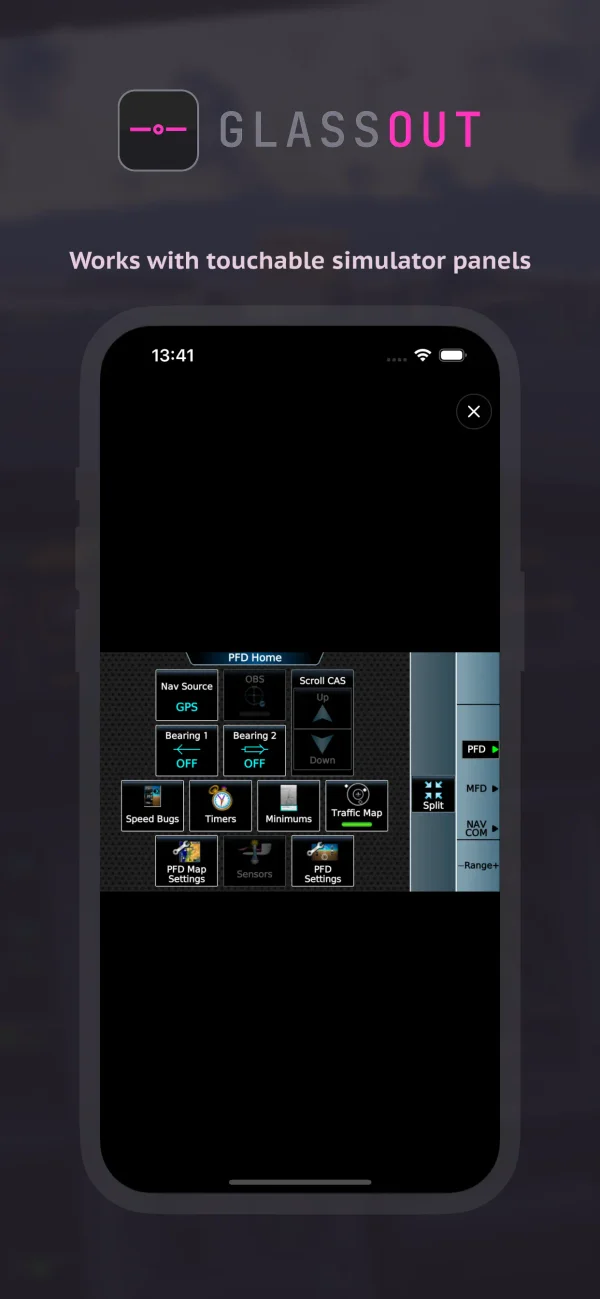
Pair the app with the GlassOut Engine running on your flight sim PC, and any panel — PFD, MFD, EICAS, FMC, radio stack, standby instruments — streams straight to your device over your local Wi-Fi. No capture cards, no screen-mirroring lag, no manual pop-outs.
GlassOut pulls panels directly from the simulator's rendering pipeline, so what you see on your device matches the sim pixel-for-pixel.
Perfect for:
- Home cockpit builders who want a dedicated tablet for each instrument
- Virtual pilots who run out of monitor space during IFR approaches
- Anyone who'd rather see their PFD on the external display
HOW IT WORKS
1. Install the GlassOut desktop app on your flight sim PC (glassout.flyingart.dev).
2. Launch Microsoft Flight Simulator and start a flight.
3. Open GlassOut on your iPhone or iPad while on the same Wi-Fi network. The app auto-discovers your PC, lists every available panels, and renders the one you pick full-screen.
FEATURES
- Auto-discovery of the GlassOut Engine on your local network (Bonjour / mDNS)
- Manual IP entry as a fallback
- Full-screen, locked panel viewer — no accidental swipes during flight
- Screen stays awake while a panel is active, sleeps normally in menus
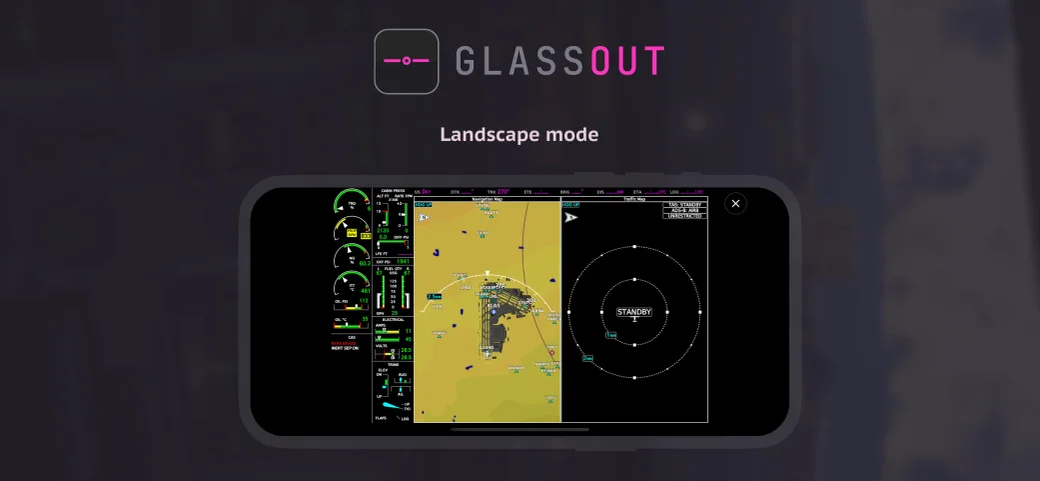
- Works in landscape and portrait, iPhone and iPad
REQUIREMENTS
- A Windows PC running Microsoft Flight Simulator 2024 or 2020
- The GlassOut Engine installed on that PC
- Your phone/tablet and PC on the same Wi-Fi network
GlassOut is made by a flight-sim enthusiast for flight-sim enthusiasts. Questions, bug reports, or feature requests: flyingartdev@gmail.com
新機能
バージョン 1.17.0 · 2026/11/21
• X-Plane 12 support: the app now shows your X-Plane cockpit screens too, with the X-Plane connection status on the Home screen
• Multiple layouts: when you switch layouts on the PC, the app switches to the screen you assigned to this device
• Your screen stays open during a short Wi-Fi drop
• Your screen closes when you stop the run on the PC
• Bug fixes and text updates
アプリのプライバシー
このアプリのデータの取り扱いについて、Artur KumszczynskiがApp Storeで申告している内容です。
-
ユーザーに関連付けられないデータ
収集される場合がありますが、ユーザーの識別情報には関連付けられません。
- 使用状況データ
- 診断
プライバシーの取り扱いは、ご利用の機能やお客様の年齢などに応じて異なる場合があります。
情報
- 販売元
- Artur Kumszczynski
- カテゴリ
- エンターテインメント
- バージョン
- 1.17.0
- 更新日
- 2026/11/21
- リリース
- 2026/4/30
- サイズ
- 41.5 MB
- 必要条件
- iOS 16.4以降
- 対象年齢
- 4+
- 価格
- 無料
- 言語
- 英語
- 著作権
- © FlyingArt