
- Age rating4+
- CategoryPhoto & Video
- DeveloperWei-Ting Wu
- LanguagesTraditional Chinese+ 3 more
- Size1.8 MB
Links to the official App Store page
Download.org hosts no file of Glint - 相片斷捨離. The button opens its official App Store page, published by Wei-Ting Wu. Listing last checked on Nov 12, 2026.
Screenshots



About
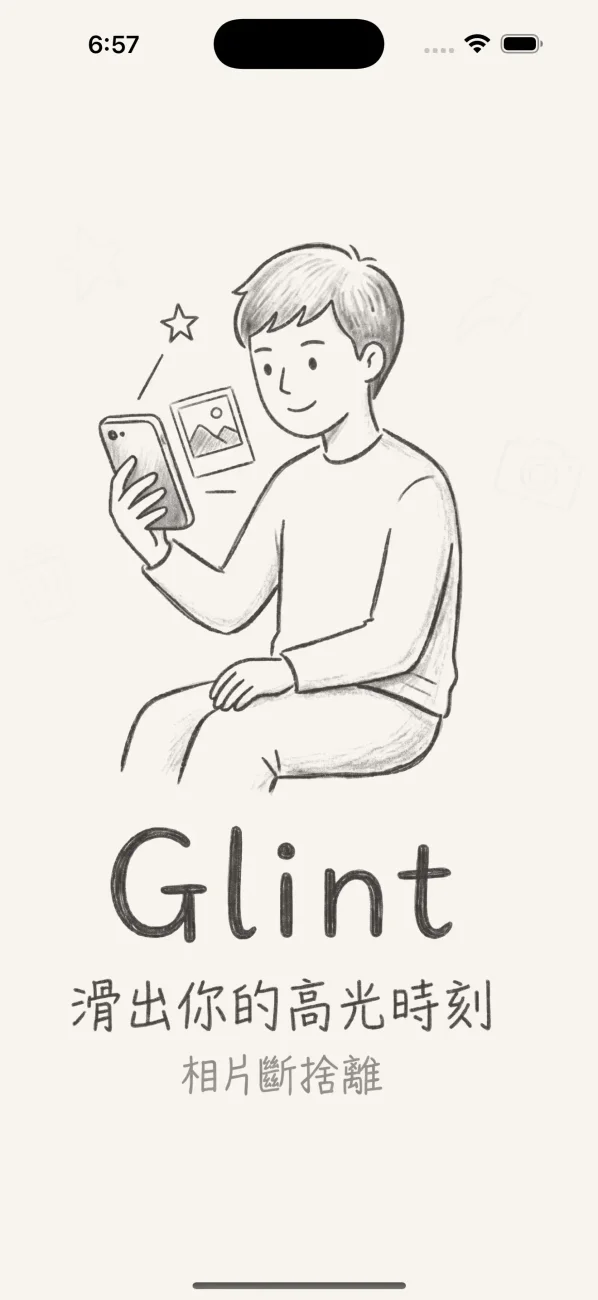
Glint is a photo-decluttering tool that turns cleaning up your library into a focused, one-card-at-a-time experience.
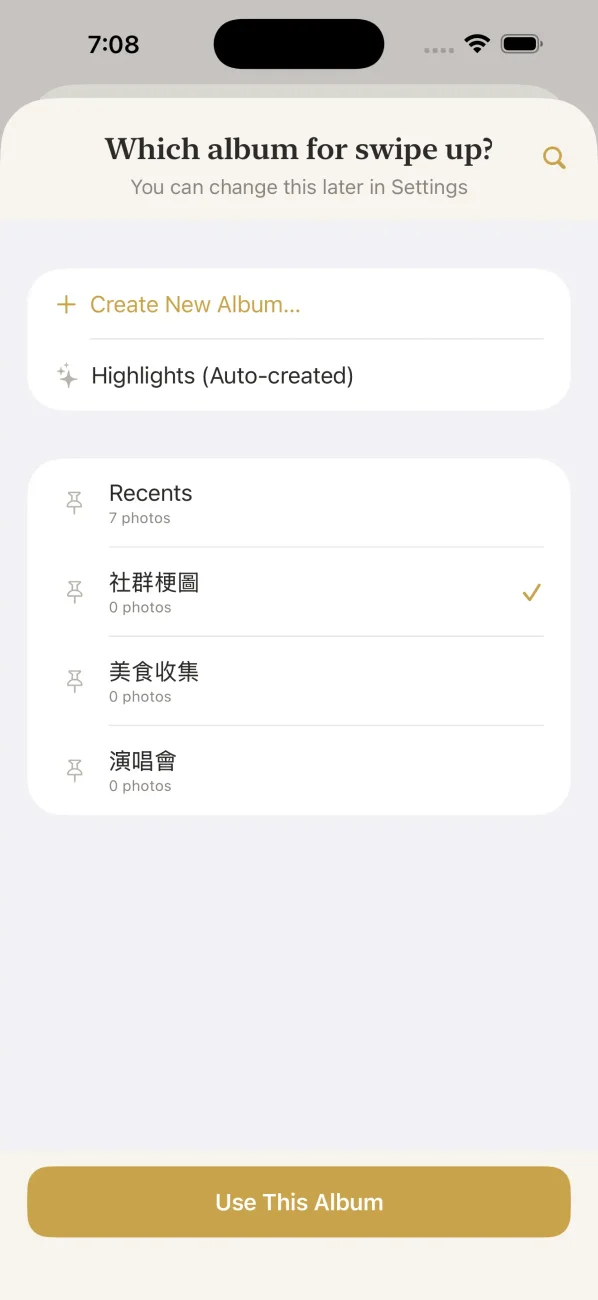
No more squinting at thumbnail grids or worrying about a mis-tap wiping out the wrong shots. Pick an album, choose a start date and a direction (older or newer), then swipe:
◆ Four gestures, one-second decisions
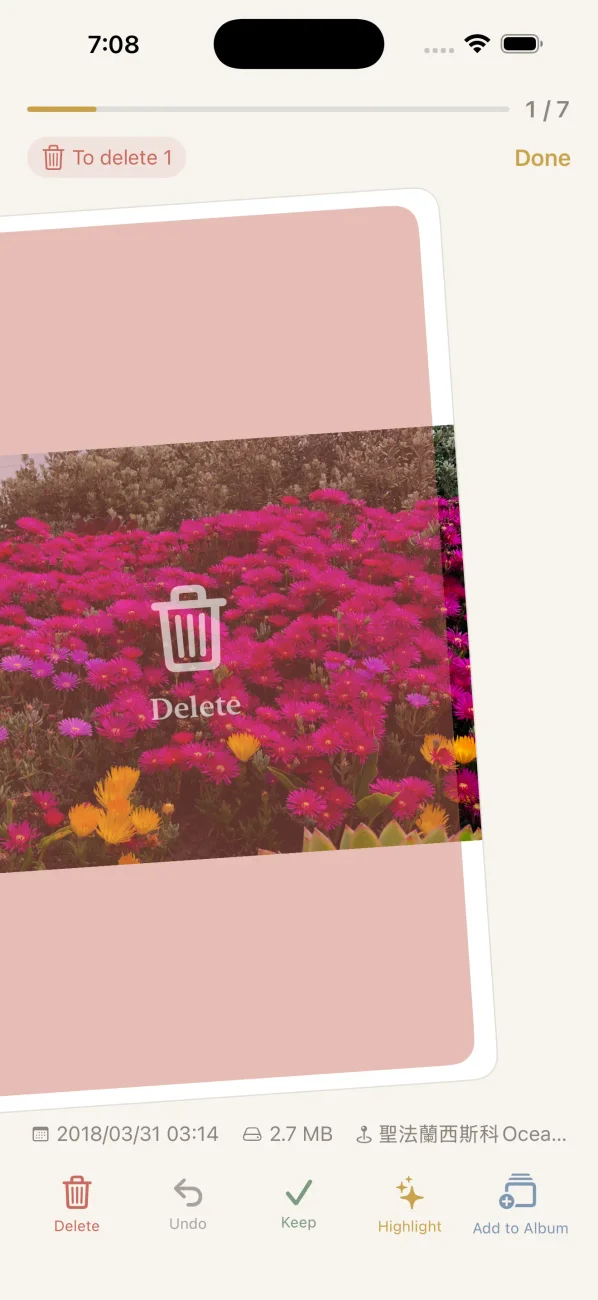
• Swipe left → Delete (goes to a pending list first — nothing disappears yet)
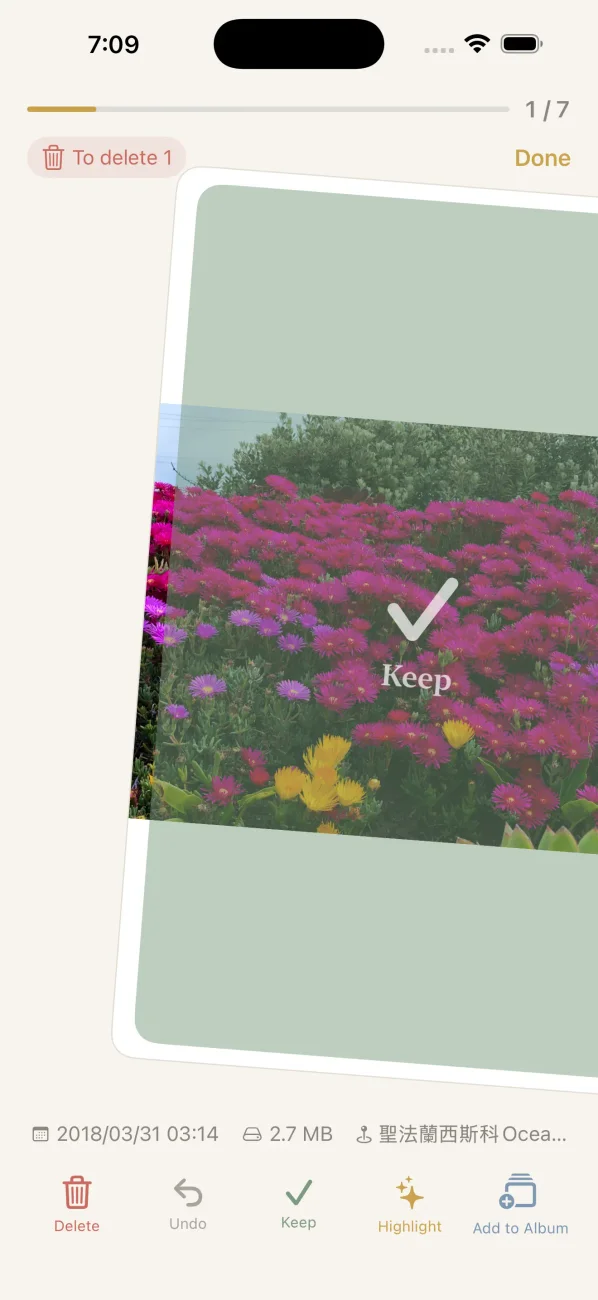
• Swipe right → Keep
• Swipe up → Save to your "Highlights" album
• Swipe down → Share the original file, or add to an album of your choice
• Changed your mind? Undo the last card with one tap
◆ Delete with a safety net
Deleting only marks a photo. When you're done, a summary shows "Kept X / Delete Y / Highlights Z" before anything is removed in a single batch. Deleted photos still go to iOS "Recently Deleted" and can be recovered for 30 days.
◆ Videos too
Videos auto-play muted on loop; tap for sound. Same gestures as photos.
◆ Context at a glance
Each card shows capture time, file size and location, so it's easy to decide what's worth keeping.
◆ Resume where you left off
Progress is saved after every swipe. Next time, jump straight back to the exact photo you stopped at.
◆ 100% on-device, zero tracking
No account, no uploads, no analytics or ad SDKs. Your photos never leave your phone.
◆ Free to start, pay once
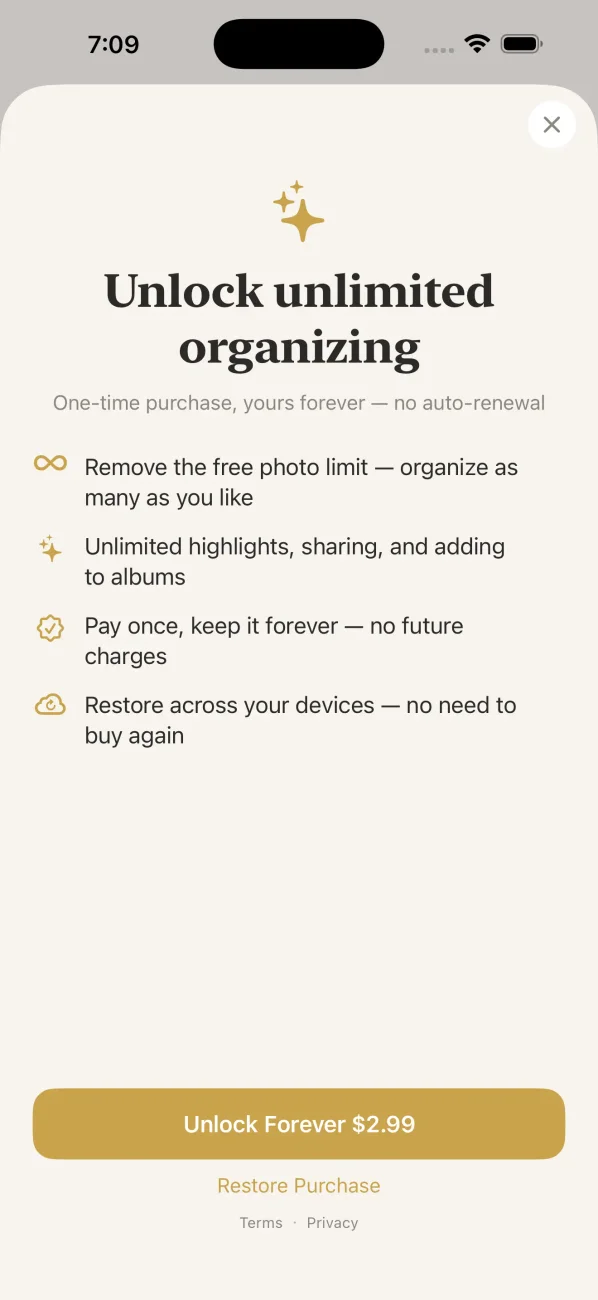
Tidy up to 200 photos for free. Love it? A one-time "Unlock Forever" purchase removes the limit — not a subscription, no auto-renewal, no future charges.
Available in English, Traditional Chinese, Japanese and Korean.
For everyone with 99,999+ photos and no idea where to start: swipe your way to the moments that matter.
App privacy
What Wei-Ting Wu declares on the App Store about how this app handles data.
-
Data not collected
The developer does not collect any data from this app.
Privacy practices may vary, for example with the features you use or your age.
Information
- Seller
- Wei-Ting Wu
- Category
- Photo & Video
- Version
- 1.0
- Updated
- Sep 21, 2026
- Released
- Sep 21, 2026
- Size
- 1.8 MB
- Requires
- iOS 15.0 or later
- Age rating
- 4+
- In-app purchases
- Yes
- Languages
- Traditional Chinese, Japanese, English, Korean
- Copyright
- © 2026 Nick Wu
You might also like
-
 PicSeek: Photo SearchFind photos in your own words
-
 MeowTidyPhoto Cleaner: Swipe & Sort
-
 Pickr: Photo Cleaner & StorageSwipe, Compress, Free Up Space
-
 Pibook: Organize & Edit PhotosAll-in-one photo library tool
-
 RilaCam: Retro Digital CamRetro CCD & VHS camera
-
 KakuCut: Auto Captions EditorOffline Video & AI Subtitles
-
 Photo Clean Master: AI CleanSwipe & Clean with Ease
-
 Transparent.png - BG RemoverRemove photo backgrounds
-
 這趟 ThisTrip - 旅行照片精選與故事書Photo & Video
-
 Photo SqueezyEasier way to organize photos