- Age rating4+
- CategoryProductivity
- DeveloperHONG KONG TOWARDWAY COMPUTING TECH LIMITED
- LanguagesEnglish
- Size16.9 MB
Links to the official App Store page
Download.org hosts no file of Glintdesk. The button opens its official App Store page, published by HONG KONG TOWARDWAY COMPUTING TECH LIMITED. Listing last checked on Nov 20, 2026.
Screenshots


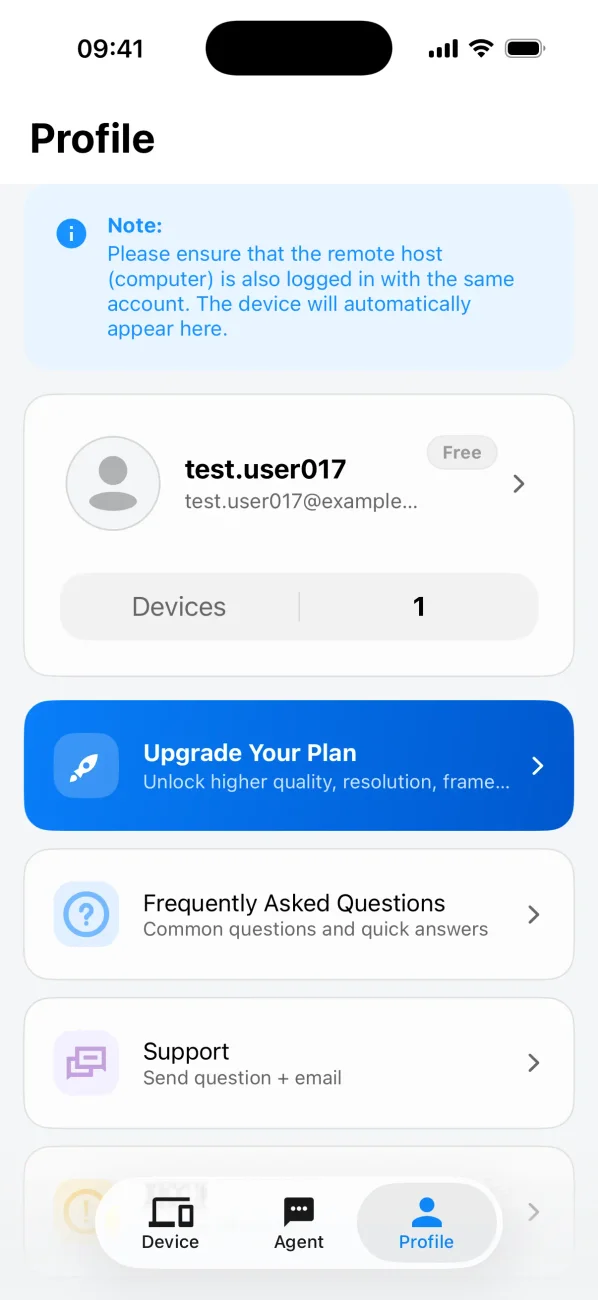
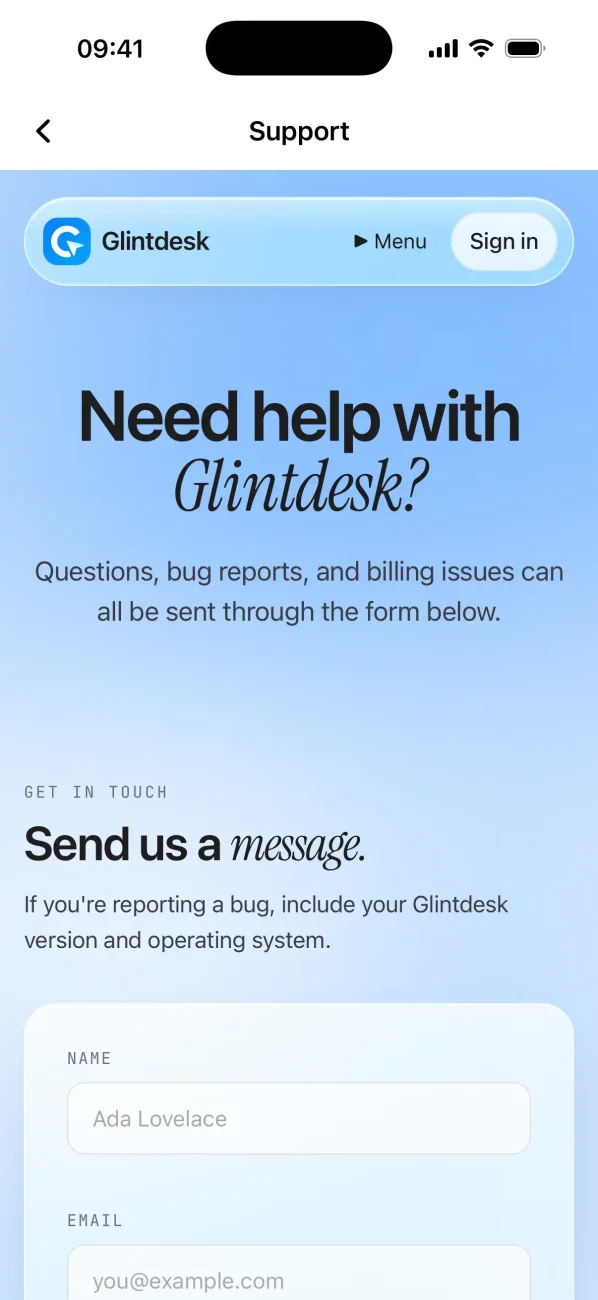
About
GlintDesk — AI Remote Desktop for Your PC
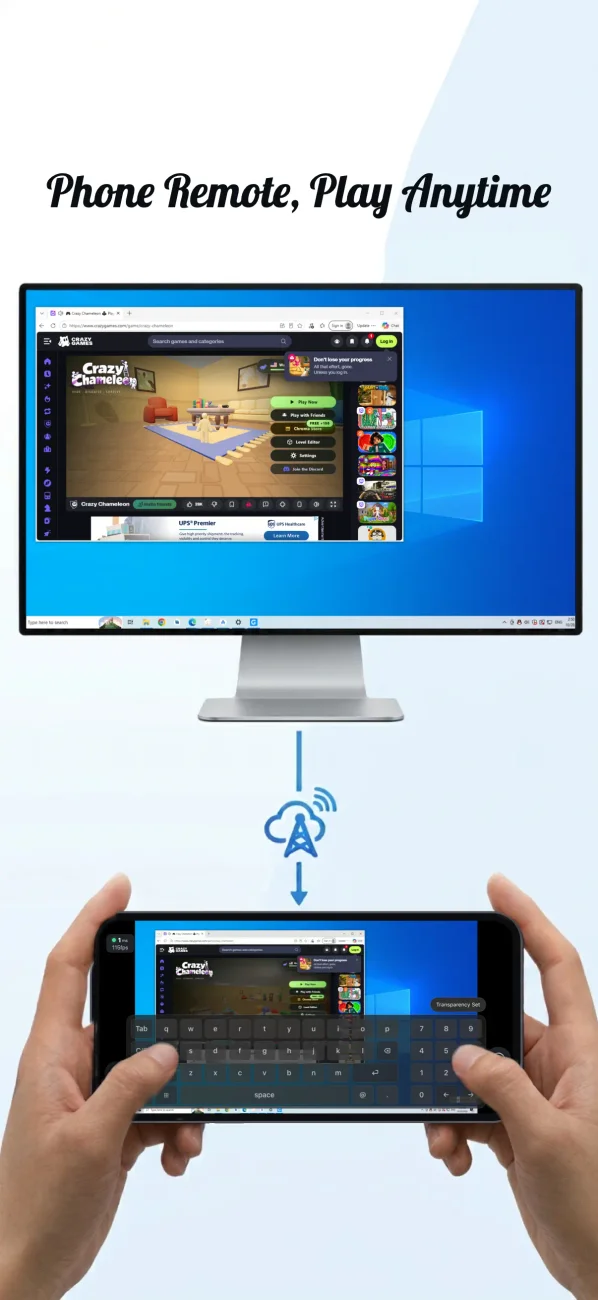
Access and control your own Windows PC from your iPhone. GlintDesk combines remote desktop access with AI agent connectivity, so you can stay connected to your computer and your AI workflows wherever you are.
Go beyond traditional remote desktop software. Connect to AI agents running on your own computer, send instructions from your phone, monitor their activity, and take manual control of your Windows desktop whenever needed.
REMOTE DESKTOP — ACCESS YOUR PC ANYWHERE
• Remotely connect to and control your own Windows PC.
• View your Windows desktop and interact with applications.
• Enjoy responsive, low-latency remote desktop streaming powered by WebRTC.
• Access your computer while away from your desk.
• Switch between AI agent interaction and remote desktop control.
AI AGENT ACCESS — CLAUDE CODE & CODEX
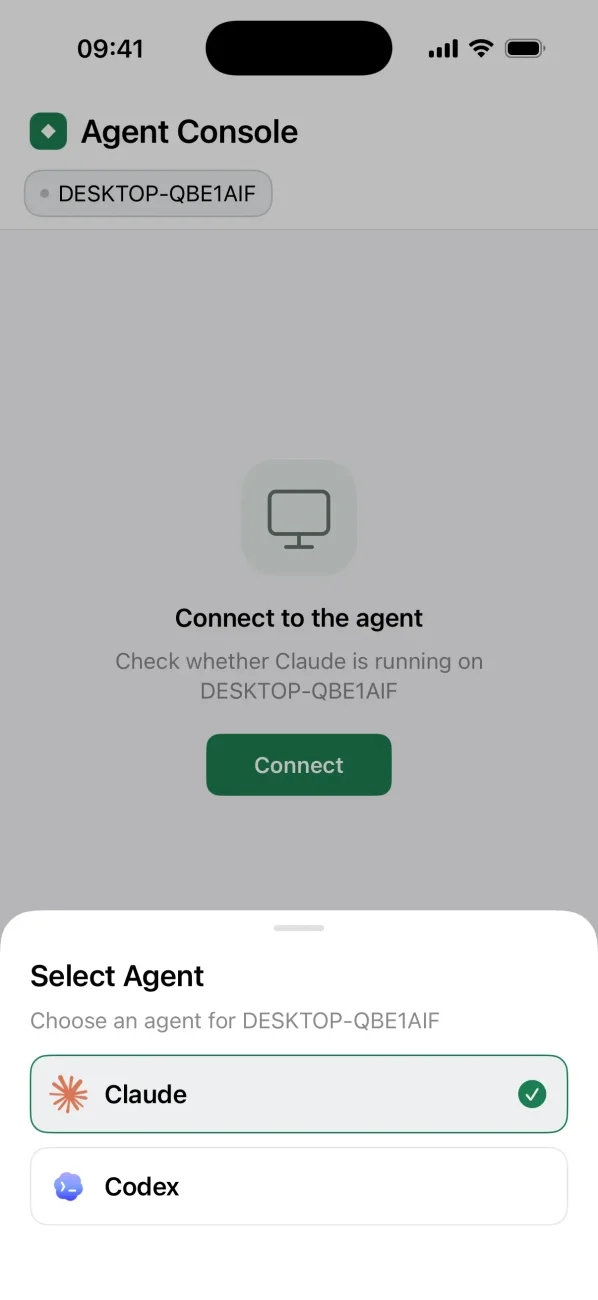
GlintDesk supports remote interaction with Claude Code and Codex installed and configured on your own Windows computer.
• Send prompts and instructions to supported AI agents from your iPhone.
• Receive agent responses and check task progress remotely.
• Communicate with your AI agents without keeping a remote desktop session open.
• Open your remote desktop whenever you need to review results or take control.
Your AI agents run on your own computer, not on GlintDesk's servers.
MONITOR AI TASKS AND TAKE CONTROL
AI automation and human control work together.
Use GlintDesk to stay connected to your AI workflows while away from your computer. Check agent responses, review activity, and switch to remote desktop control when a task requires your attention.
Whether you're working with code, reviewing terminal output, or accessing desktop applications, GlintDesk keeps you connected to your Windows environment.
SECURITY AND PRIVACY
GlintDesk uses encrypted connections to protect remote desktop and AI agent communications in transit.
• Encrypted Remote Desktop: Remote desktop video is protected using WebRTC's built-in encryption.
• HTTPS/TLS Protection: Agent Console messages are transmitted over encrypted HTTPS/TLS connections between your devices and GlintDesk's servers.
• Local AI Agent Execution: Supported AI agents execute on your own Windows PC, not on GlintDesk's servers.
• Privacy-Focused Communication: GlintDesk does not use Agent Console content for AI model training or retain Agent Console conversation recordings.
• Remote Control: Access your Windows desktop to review activity and manually control your computer when needed.
GlintDesk's servers facilitate connections and relay Agent Console messages. Third-party AI tools may communicate with their own service providers according to their configurations and privacy policies.
BUILT FOR REMOTE WORK AND AI WORKFLOWS
GlintDesk brings together remote PC access and AI agent interaction in one iOS app.
• Access your own Windows computer remotely.
• Interact with locally installed AI agents.
• Monitor AI-assisted workflows from your phone.
• Take manual control of your PC when needed.
YOUR PC. YOUR AI AGENTS. YOUR CONTROL.
GlintDesk is an independent remote desktop application. Claude Code and Codex are third-party tools that require separate installation and configuration on your computer. GlintDesk is not affiliated with their respective providers.
Terms of Use: https://www.glintdesk.com/terms/index.html
What’s new
Version 1.4.0 · Nov 13, 2026
Surprise Update: Chat with your PC Agent anytime, anywhere !
• Mobile to PC: Send messages from your iPhone directly to your remote PC Agent and get instant responses on the go.
• Performance: Bug fixes and improved connection stability.
App privacy
What HONG KONG TOWARDWAY COMPUTING TECH LIMITED declares on the App Store about how this app handles data.
-
Data not collected
The developer does not collect any data from this app.
Privacy practices may vary, for example with the features you use or your age.
Information
- Seller
- HONG KONG TOWARDWAY COMPUTING TECH LIMITED
- Category
- Productivity
- Version
- 1.4.0
- Updated
- Nov 13, 2026
- Released
- Sep 22, 2026
- Size
- 16.9 MB
- Requires
- iOS 16.0 or later
- Age rating
- 4+
- In-app purchases
- Yes
- Languages
- English
- Copyright
- © 2026 Hong Kong Towardway Computing Tech Limited
You might also like
-
 Iride Pro: PDF ScannerScan, sign and file
-
 LeaffoldWrite beautifully. For free.
-
 TeableAI for Work
-
 Cap: Screen RecorderShare video messages instantly
-
 Share2SiteSend files to your sites
-
 Paraspeech Voice KeyboardDictate Notes, Email & Text
-
 Voice PrompterA teleprompter following you
-
 FileLu - Cloud Storage BackupLarge File Transfer & Upload
-
 Today's Tasksfocus on today's tasks
-
 VoiceDashVoice typing & quick notes