- Age rating4+
- CategoryBusiness
- DeveloperIndustrial Color, Inc.
- LanguagesEnglish
- Size33.7 MB
Links to the official App Store page
Download.org hosts no file of Globaledit. The button opens its official App Store page, published by Industrial Color, Inc. Listing last checked on Nov 12, 2026.
Screenshots

About
Globaledit Mobile App: Your Creative Workspace, Anywhere
The Globaledit mobile app extends the power of our enterprise Digital Asset Management software to your mobile device, providing a single source of truth for your team’s entire visual workflow.
Key Features & Benefits:
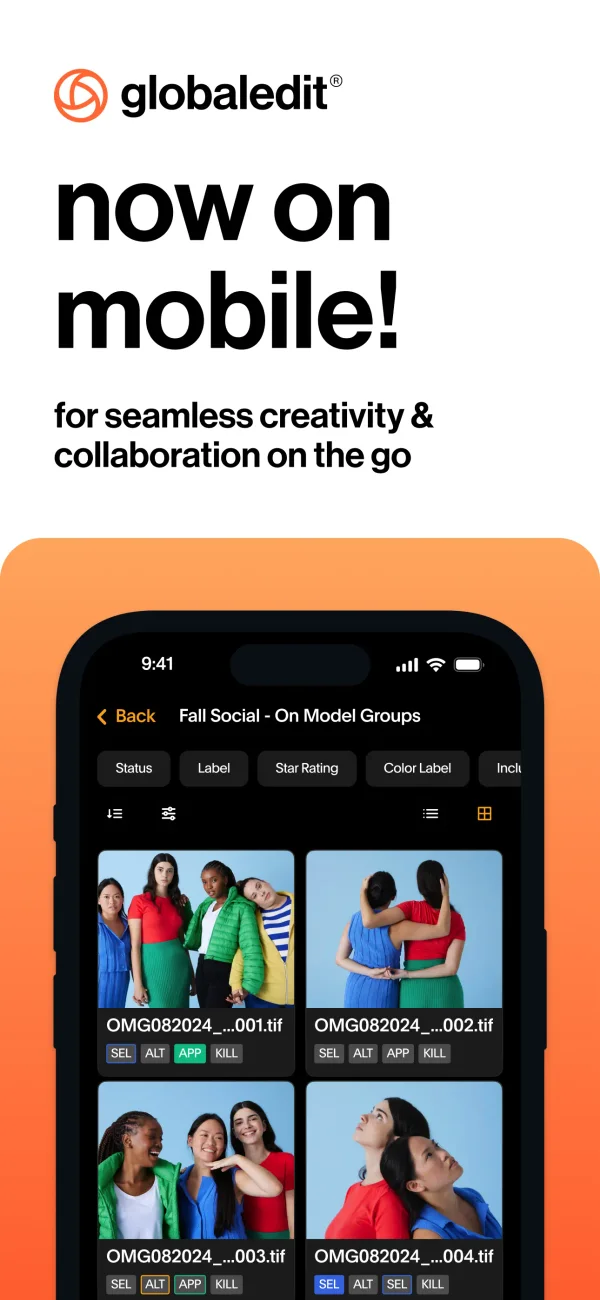
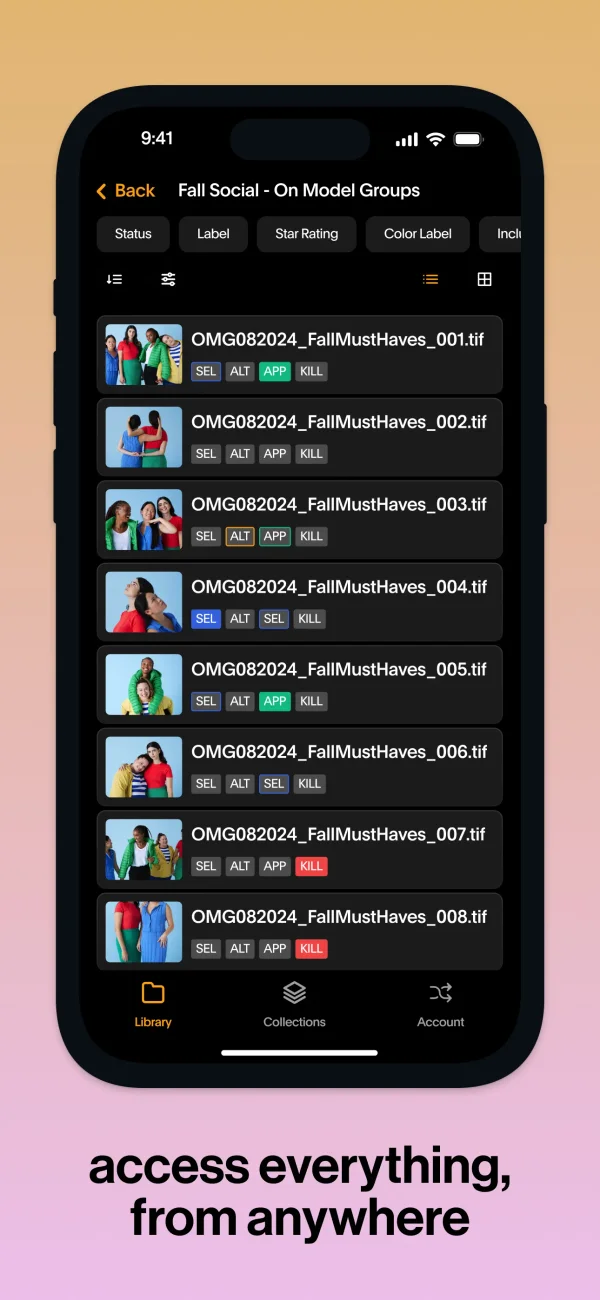
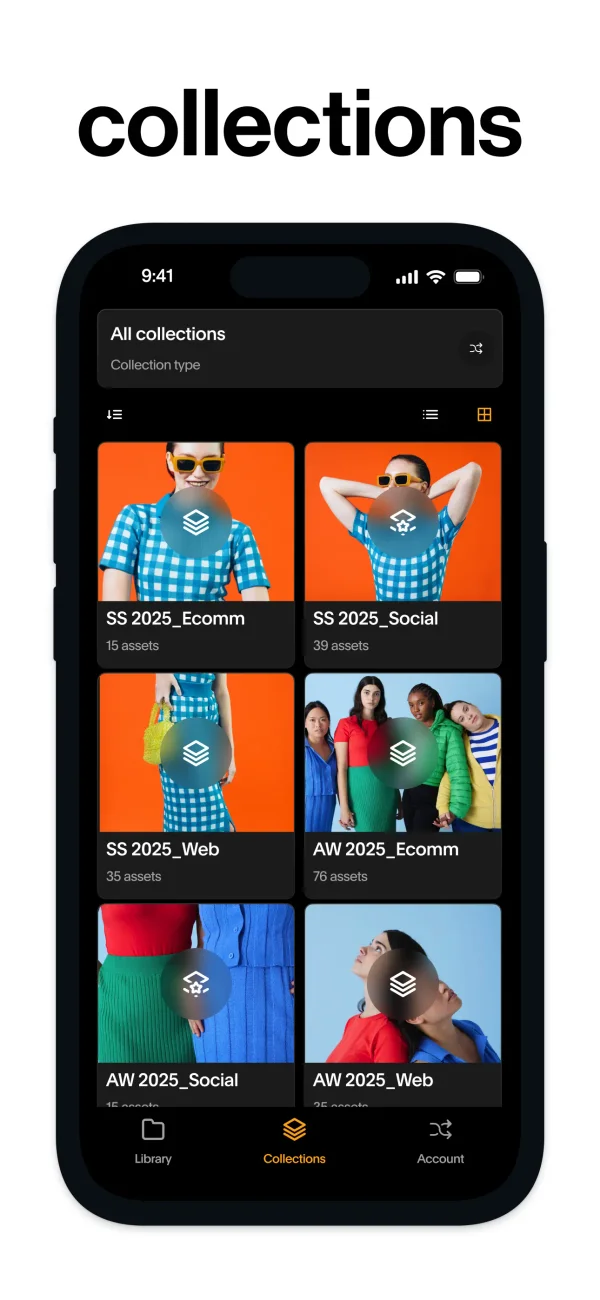
1. Centralized Asset Management: Effortlessly access all your assigned workspaces and image collections in one place. Quickly see who has access to what, maintain a detailed historical record, and stay on top of version control.
2. Streamlined Collaboration: Perfectly synchronize between photography, art direction, and retouching. Give and respond to feedback with the app designed for creative teams, enabling seamless collaboration from anywhere.
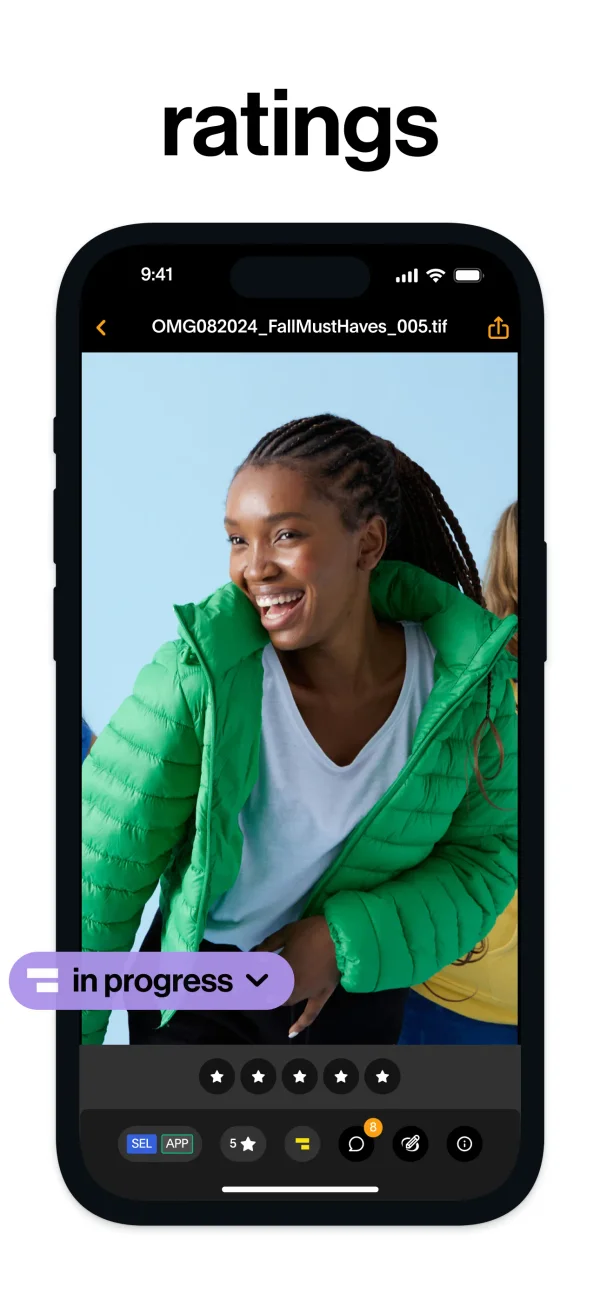
3. Real-Time Ratings, Labels & Status Updates: Rate images, assign labels, and update the status of assets directly from the app, keeping your projects moving smoothly and making sure everyone stays in sync, whether you're in the studio or on the go.
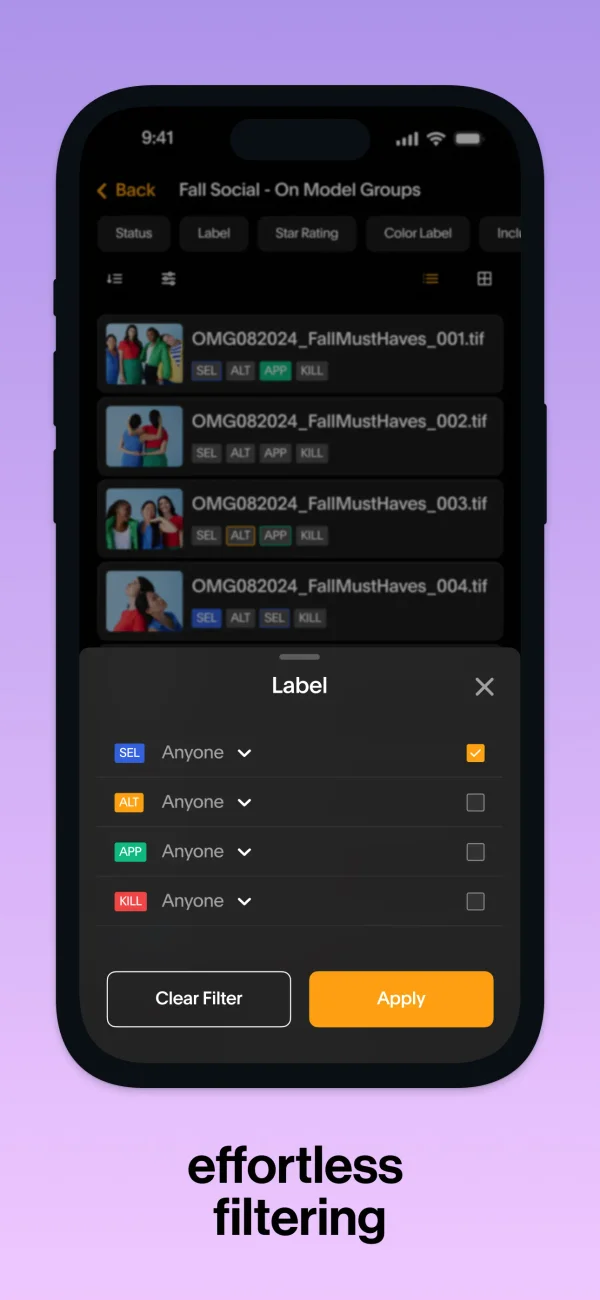
4. Comprehensive Filters & Labeling: Filter assets based on ratings (1-5 stars), labels (approval status, retouching selection, alternates, or killed), and specific status states (to-do, in progress, complete). Ensure your team stays aligned on the project’s status with just a few taps.
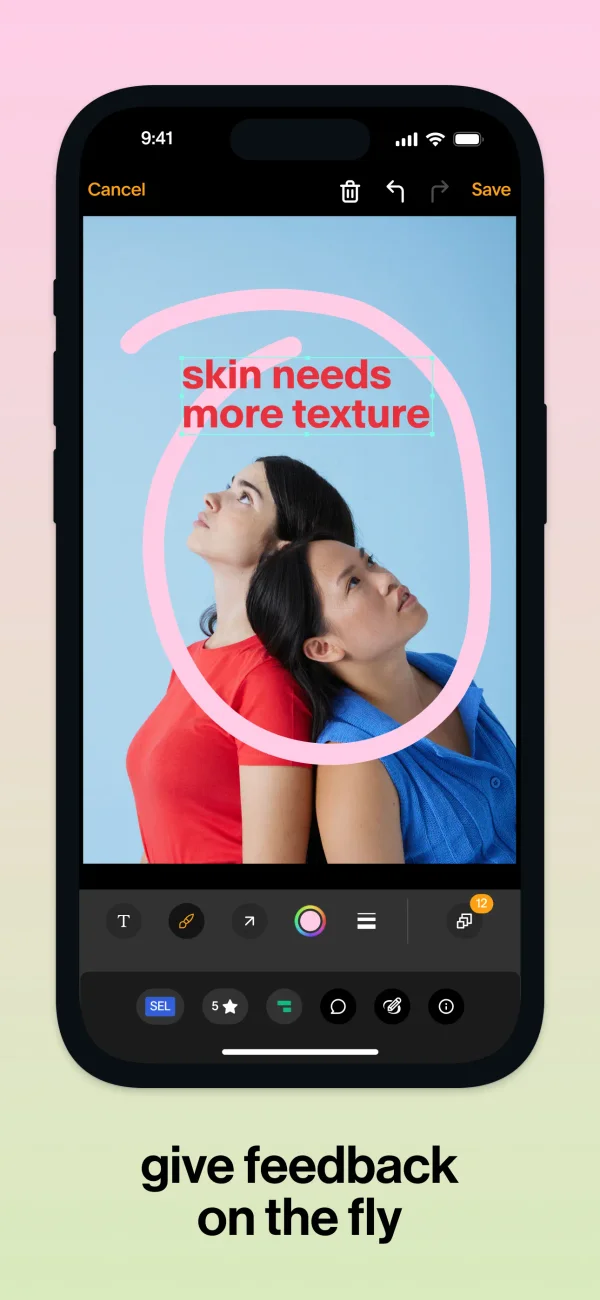
5. Interactive Feedback & Markups: View and leave comments on assets, @mention teammates to assign tasks, and collaborate in real time. Create markups, draw, comment, or add shapes to convey changes clearly, making feedback loops faster and more effective.
6. Detailed Asset Info at Your Fingertips: Access detailed metadata such as image size, dimensions, resolution, file type, and creation/modification dates, ensuring you have all the technical details you need on the go.
With Globaledit mobile, you’re always connected, always in sync, and always ready to move your creative projects forward.
What’s new
Version 1.2.0 · Apr 16, 2025
We've added the ability to compare versions of your assets on mobile. Review, make latest, and delete older versions of assets.
App privacy
What Industrial Color, Inc. declares on the App Store about how this app handles data.
-
Data not linked to you
May be collected but is not linked to your identity.
- Location
- Contact info
- Identifiers
- Usage data
- Diagnostics
Privacy practices may vary, for example with the features you use or your age.
Information
- Seller
- Industrial Color, Inc.
- Category
- Business
- Version
- 1.2.0
- Updated
- Apr 16, 2025
- Released
- Oct 2, 2024
- Size
- 33.7 MB
- Requires
- iOS 13.4 or later
- Age rating
- 4+
- Price
- Free
- Languages
- English
- Copyright
- © 2024 Cocreativ
You might also like
-
 Creative ForceProductivity
-
 PartnerAllyBusiness
-
 Simply Ok - Fast approvalsFast approval app
-
 CallSheet: Crew CallsSun Path on every call sheet
-
 Feed BrewBuild your own content feed
-
 ShotFlow Samples & StylingBusiness
-
 Kyra: Trading Journal & PnLP&L Calendar, Patterns & Notes
-
 GC RICHFinance
-
 UX Persona CreatorGenerate your own UX Personas
-
 Ultra PassWatchPassword Manager & Autofill