Study Timer: Godlife Pomodoro
Focus timer, streaks & stats
Designed for iPhone
In-app purchases
- Age rating4+
- CategoryProductivity
- DeveloperHyunwoo Lee
- LanguagesEnglish+ 31 more
- Size2.3 MB
Links to the official App Store page
Download.org hosts no file of Study Timer: Godlife Pomodoro. The button opens its official App Store page, published by Hyunwoo Lee. Listing last checked on Nov 23, 2026.
Screenshots
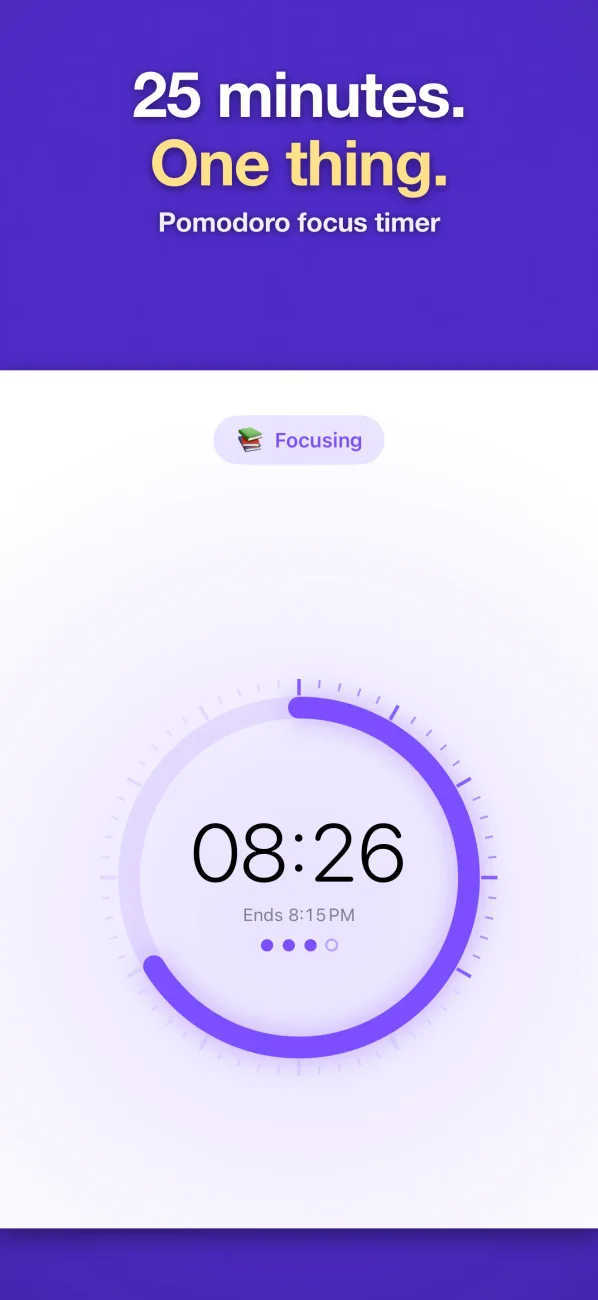
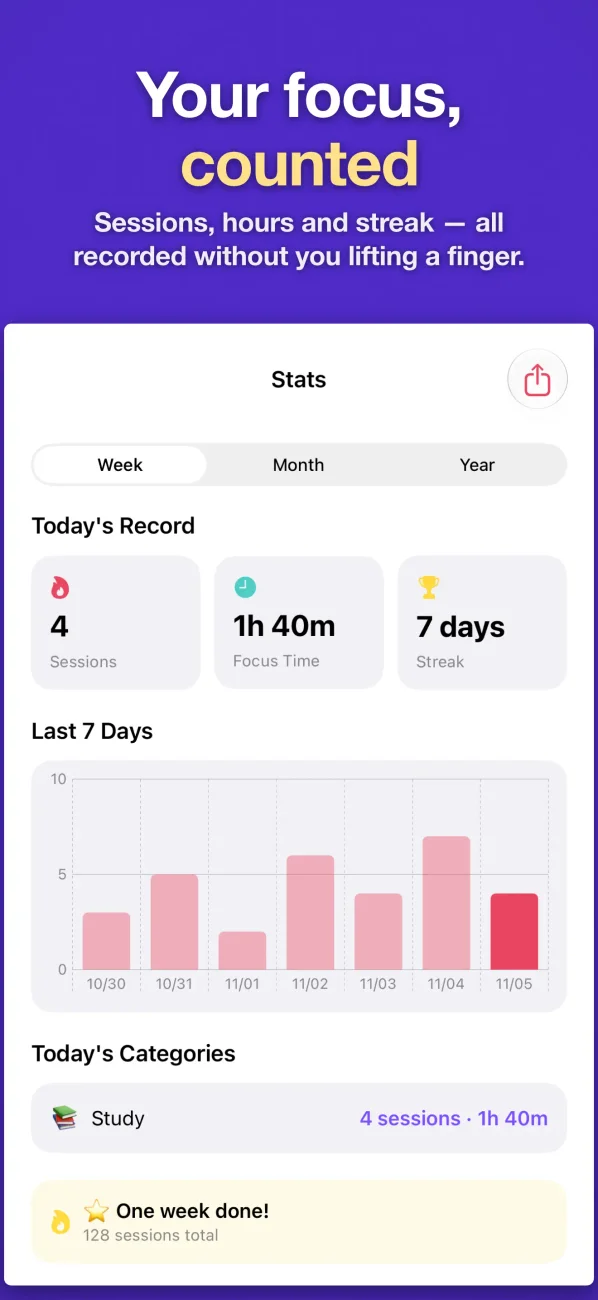
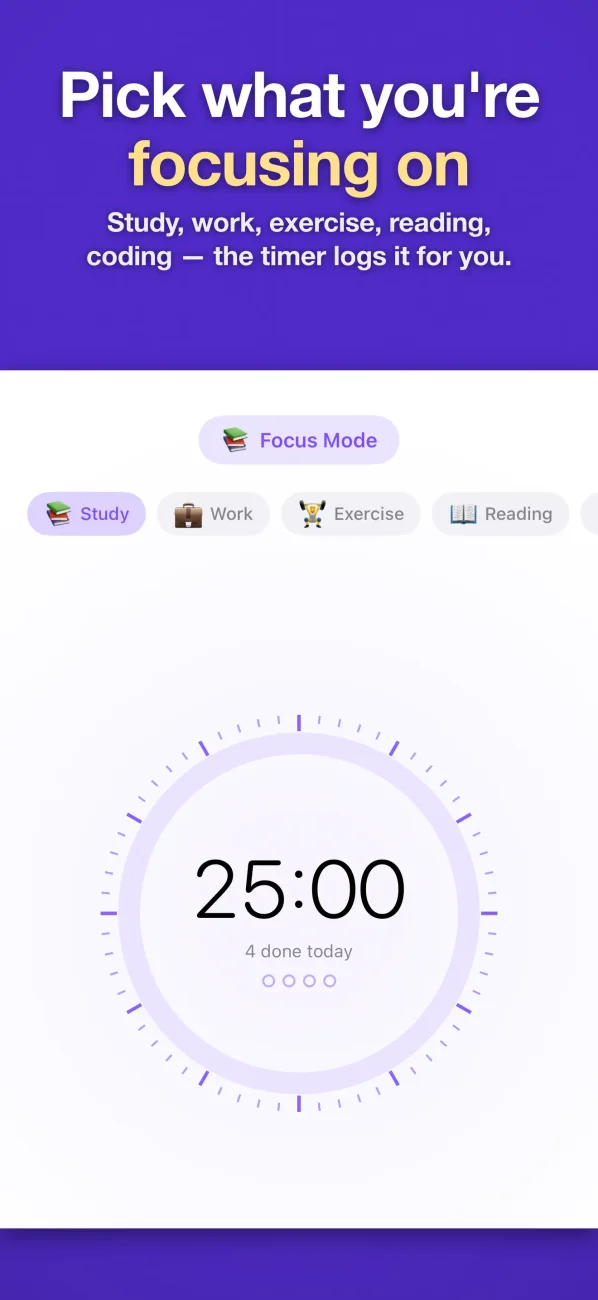
About
Build your best routine with a Pomodoro focus timer that grows your streak.
WHY GODLIFE TIMER
- Not just a timer, a habit system: every focus session builds a streak and unlocks milestones.
- Focus categories: tag each session as Study, Work, Exercise, Reading, Coding or Other.
- See your progress: daily and weekly charts show exactly where your time goes.
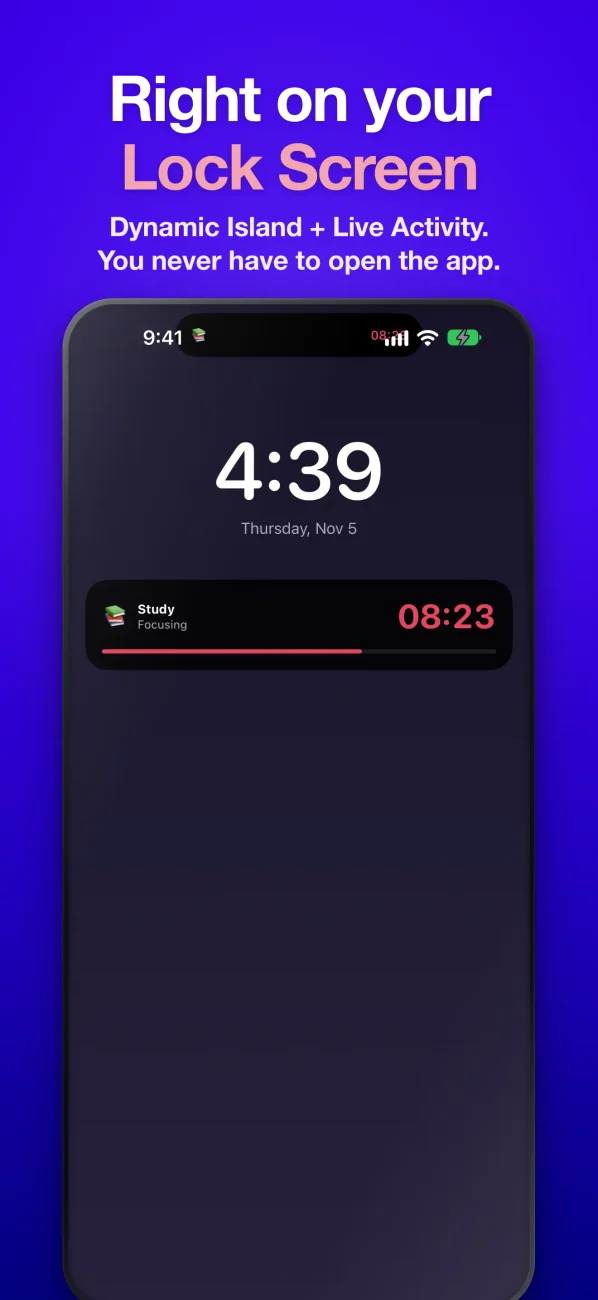
- Stay in the zone: the countdown lives on your Lock Screen and Dynamic Island.
- Glance without unlocking: Live Activity and Dynamic Island show the countdown live, while home and lock screen widgets keep it one tap away.
FEATURES
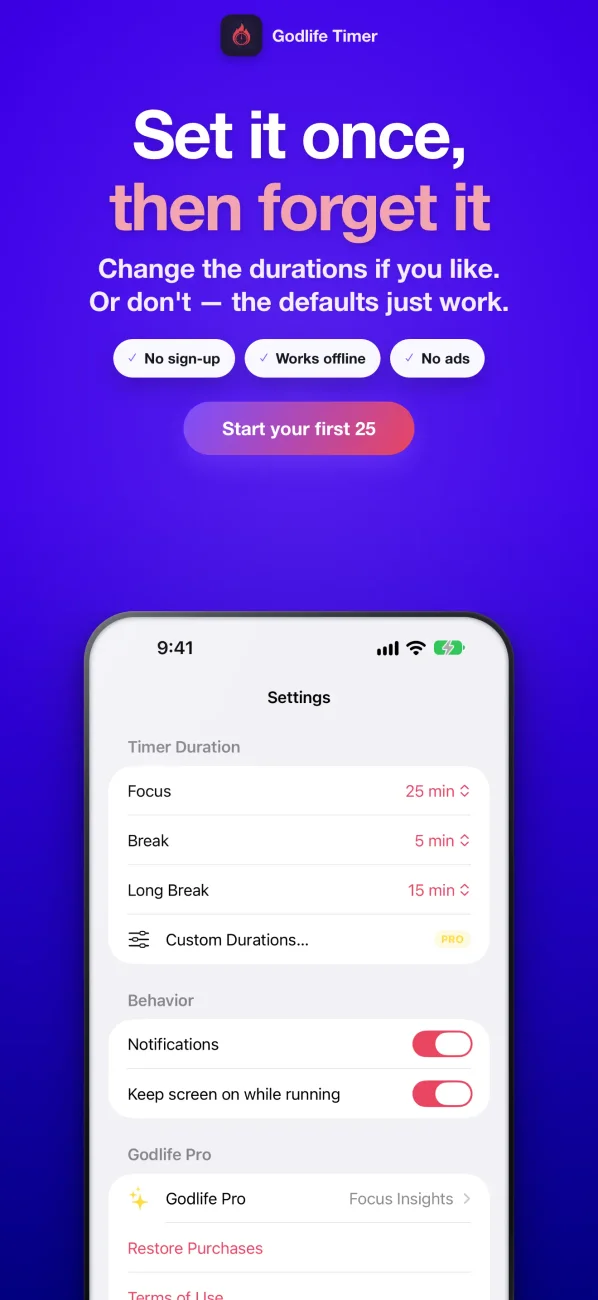
- 25-minute focus + 5-minute break by default, fully customizable.
- Automatic long break after 4 sets.
- Focus categories: Study, Work, Exercise, Reading, Coding, Other.
- Daily and weekly focus statistics with charts.
- Streaks and milestone achievements (10 to 500 sessions).
- Background sounds while you focus: rain, stream, café, white noise, fireplace.
- Lock Screen & Dynamic Island: the timer keeps running where you can see it.
- Home and lock screen widgets.
- Timer-end notification with vibration.
- Screen stays awake during a session.
- Clean dark theme.
- Works fully offline. No ads, no tracking, no account.
HOW IT WORKS
1. Pick a focus category and start the timer.
2. Focus for 25 minutes, then take a 5-minute break.
3. After 4 sets, enjoy a longer break automatically.
4. Check your daily and weekly stats to watch your streak grow.
5. Add a widget to your home or lock screen for one-tap focus.
GODLIFE PRO (ONE-TIME PURCHASE)
Optional. Unlocks Focus Insights: 30-day and 12-month history, category breakdown for any range, best day / daily average / total focus time, CSV export of all daily stats, and custom focus or break lengths (1–180 minutes). No subscription.
What’s new
Version 2.2.1 · Nov 14, 2026
Rebuilt with the iOS 27 SDK. Your timer settings, stats and streak stay as they are.
App privacy
What Hyunwoo Lee declares on the App Store about how this app handles data.
-
Data not collected
The developer does not collect any data from this app.
Privacy practices may vary, for example with the features you use or your age.
Information
- Seller
- Hyunwoo Lee
- Category
- Productivity
- Version
- 2.2.1
- Updated
- Nov 14, 2026
- Released
- Oct 26, 2026
- Size
- 2.3 MB
- Requires
- iOS 17.0 or later
- Age rating
- 4+
- In-app purchases
- Yes
- Languages
- English, Bengali, Bulgarian, Croatian, Czech, Danish, Dutch, Finnish, French, German, Greek, Hindi + 20 more
- Copyright
- © 2026 앱팩토리
You might also like
-
 NEN: Focus TimerPomodoro for study & deep work
-
 Super To-Do'sSimplicity is its superpower
-
 Memento - Better RemindersThe simple, quick to-do list
-
 Screen Time Blocker: FocusApp & Website Limit, Blocker
-
 ALPDF - PDF Converter & EditorMerge·Split·Compress·View PDF
-
 Scheduler - Calendar WidgetsCalendar Sync. Made Simple.
-
 깔끔 한글뷰어 - hwp, hwpx, 한글파일 뷰어Productivity
-
 Notedrafts: Note TakingNotebook for study and work
-
 Daum Mail - 다음 메일Productivity
-
 Polaris Viewer - PDF, DocumentMobile Optimized Docs Reader