GPS Speedometer: Speed Alert
Heads Up Display & Limit HUD
Designed for iPhone, iPad
Free · In-app purchases
- Age rating4+
- CategoryNavigation
- DeveloperFANG FANG
- LanguagesEnglish+ 7 more
- Size120.1 MB
Links to the official App Store page
Download.org hosts no file of GPS Speedometer: Speed Alert. The button opens its official App Store page, published by FANG FANG. Listing last checked on Nov 17, 2026.
Screenshots

About
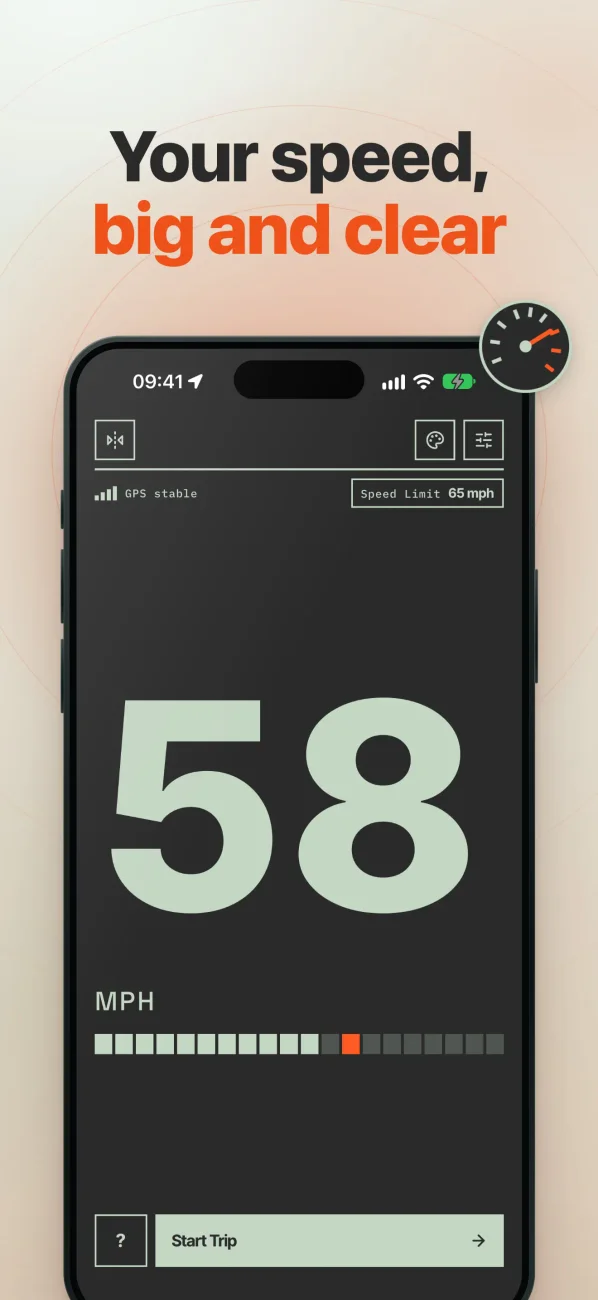
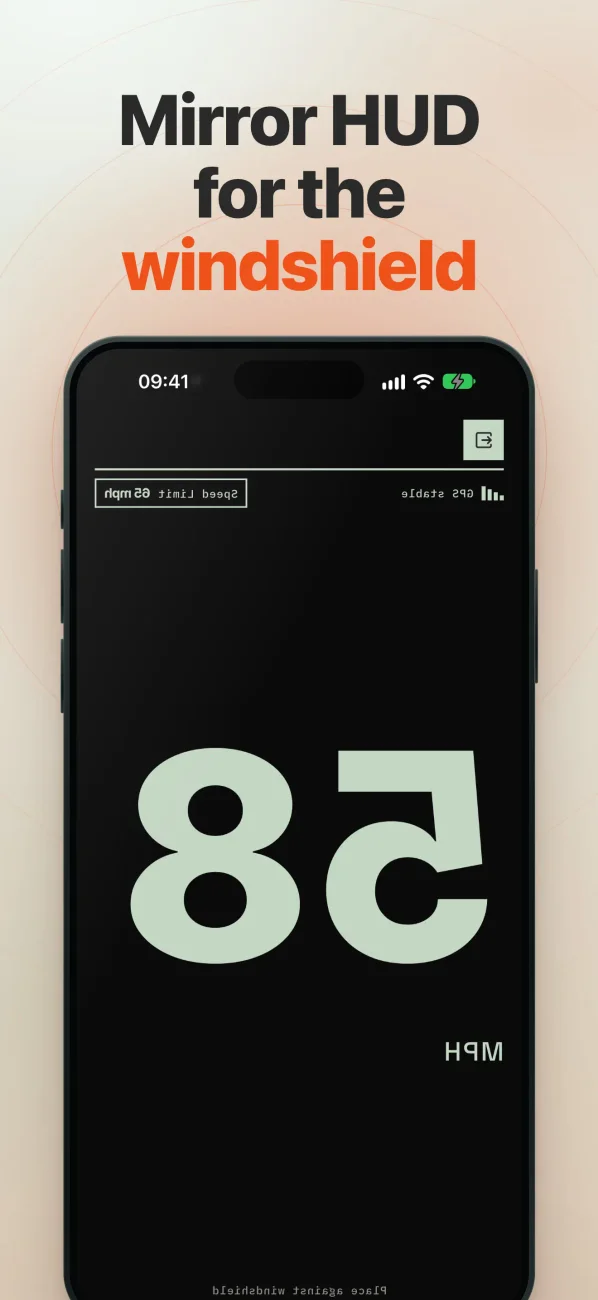
GPS Speedometer: Speed Alert shows your real-time GPS speed in big, high-contrast numbers and alerts you when you go over your speed limit. Switch on the heads-up display (HUD) to mirror your speed onto the windshield.
Key features:
- Real-time GPS speedometer in MPH, KM/H, knots or m/s
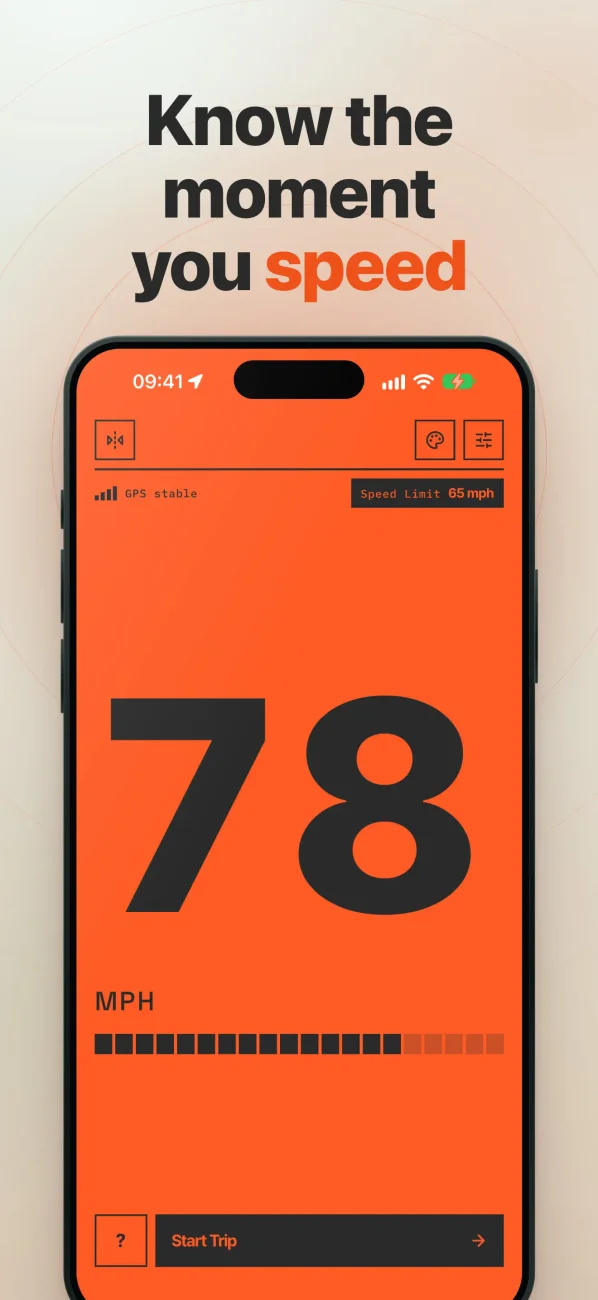
- Speed limit alert with vibration, plus an optional warning just before you speed
- Mirror HUD mode for windshield projection
- Trip meter with distance, average speed, max speed and duration
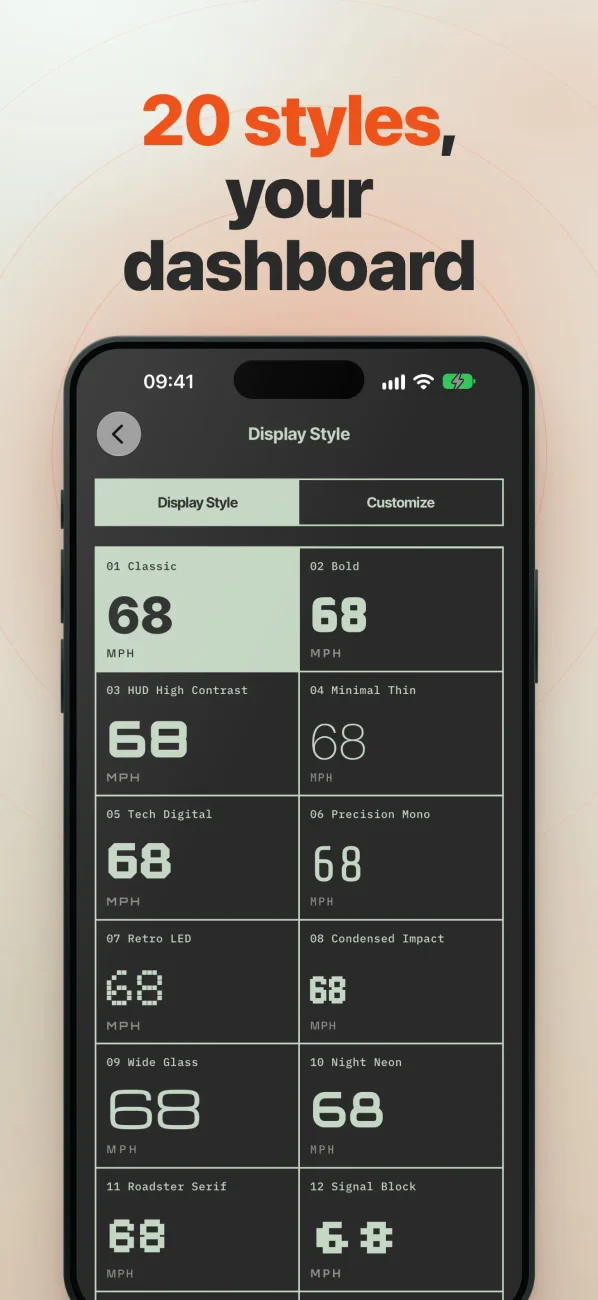
- Two free display styles, decimal speed and black or pure-black background
- No account needed
Built for quick glances while driving:
- Large, high-contrast speed readout
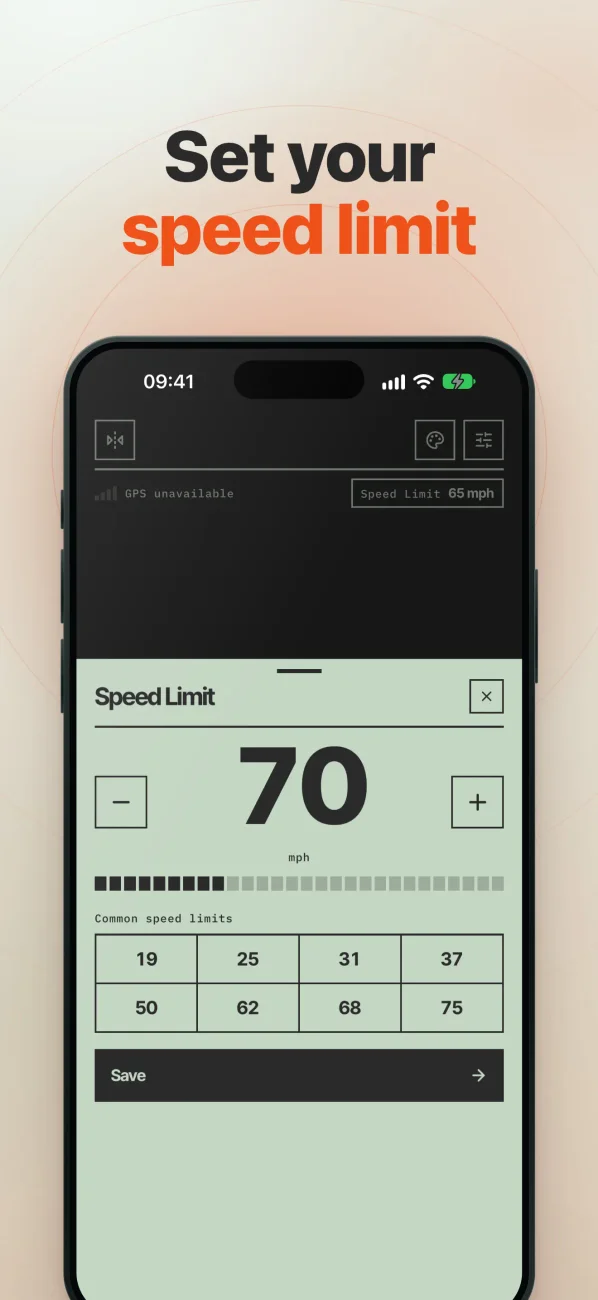
- One-tap access to speed limit, units and trips
- Same clear readout in HUD mode
Premium Subscription:
- Audible speed alerts: the same limit logic as free, plus sound, so you don't rely on sight or vibration alone
- Full display style library: every preset beyond the two free looks, including HUD high contrast, minimal thin, tech digital and retro LED
Subscription Details:
Payment will be charged to your Apple Account at confirmation of purchase. Subscription automatically renews unless auto-renewal is turned off at least 24 hours before the end of the current period. Your account will be charged for renewal within 24 hours prior to the end of the current period at the rate of your selected plan. You can manage or cancel your subscription in your Apple Account settings after purchase.
Notes:
- GPS accuracy depends on signal quality and location permission.
- Always follow local laws and road safety rules while driving.
End User License Agreement:
https://www.apple.com/legal/internet-services/itunes/dev/stdeula/
Terms of Use:
https://fangfang.me/docs/app-terms-of-use
Privacy Policy:
https://fangfang.me/docs/app-privacy-policy
What’s new
Version 1.1.0 · Nov 14, 2026
A bold new look built for quick glances: a high-contrast speed display, redesigned onboarding, and cleaner sheets for speed limit, units and trips.
- New high-contrast dashboard design
- Redesigned first-run setup
- Simpler speed limit and unit sheets
- Alternate app icons
- Speed readout stays sharp when switching to HUD
App privacy
What FANG FANG declares on the App Store about how this app handles data.
-
Data used to track you
May be used to track you across apps and websites owned by other companies.
- Location
- Identifiers
- Usage data
- Diagnostics
-
Data linked to you
May be collected and linked to your identity.
- Location
- Identifiers
- Usage data
- Diagnostics
-
Data not linked to you
May be collected but is not linked to your identity.
- Location
- Diagnostics
Privacy practices may vary, for example with the features you use or your age.
Information
- Seller
- FANG FANG
- Category
- Navigation
- Version
- 1.1.0
- Updated
- Nov 14, 2026
- Released
- Mar 25, 2026
- Size
- 120.1 MB
- Requires
- iOS 16.4 or later
- Age rating
- 4+
- Price
- Free
- In-app purchases
- Yes
- Languages
- English, French, German, Japanese, Portuguese, Simplified Chinese, Spanish, Traditional Chinese
- Copyright
- © 2025 fangfang.me
You might also like
-
 MPH Tracker : SpeedometerSmart Speed, Trip & Route
-
 Speedy: GPS SpeedometerA real gauge for your pocket
-
 Really Simple SpeedometerKeep it simple
-
 Rosso Speedometer: Speed GaugeSimple Analog GPS Speedometer
-
 SuperHUDYour car's speed on windshield
-
 Speedometer and TrailsYour speed and route offline
-
 GPS Speedometer Mph - SpeedGoBike Car Speed Mileage Tracker
-
 RideSpeedSpeed,Weather,Altitude+more.
-
 Speedometer GPS: MPH Tracker +Speed tracker app for Car,Bike
-
 別扣我-你的行動儀表板Travel