- Age rating4+
- CategoryNavigation
- DeveloperCindi Lee
- LanguagesEnglish
- Size10.4 MB
Links to the official App Store page
Download.org hosts no file of MPH Tracker : Speedometer. The button opens its official App Store page, published by Cindi Lee. Listing last checked on Nov 18, 2026.
Screenshots
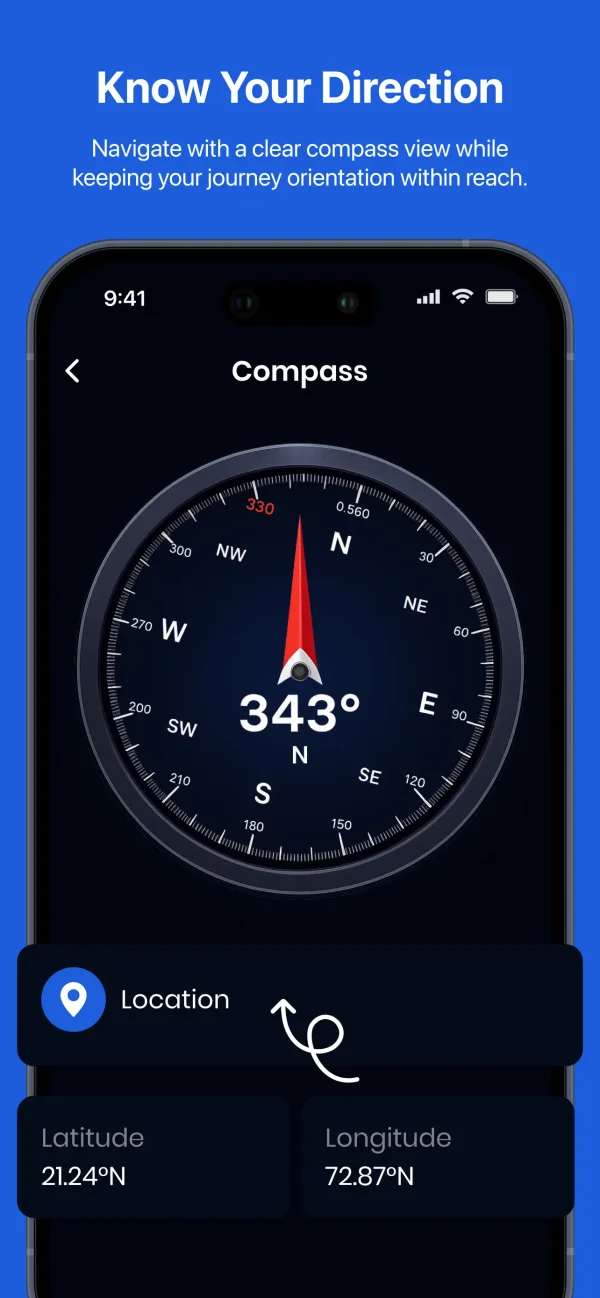
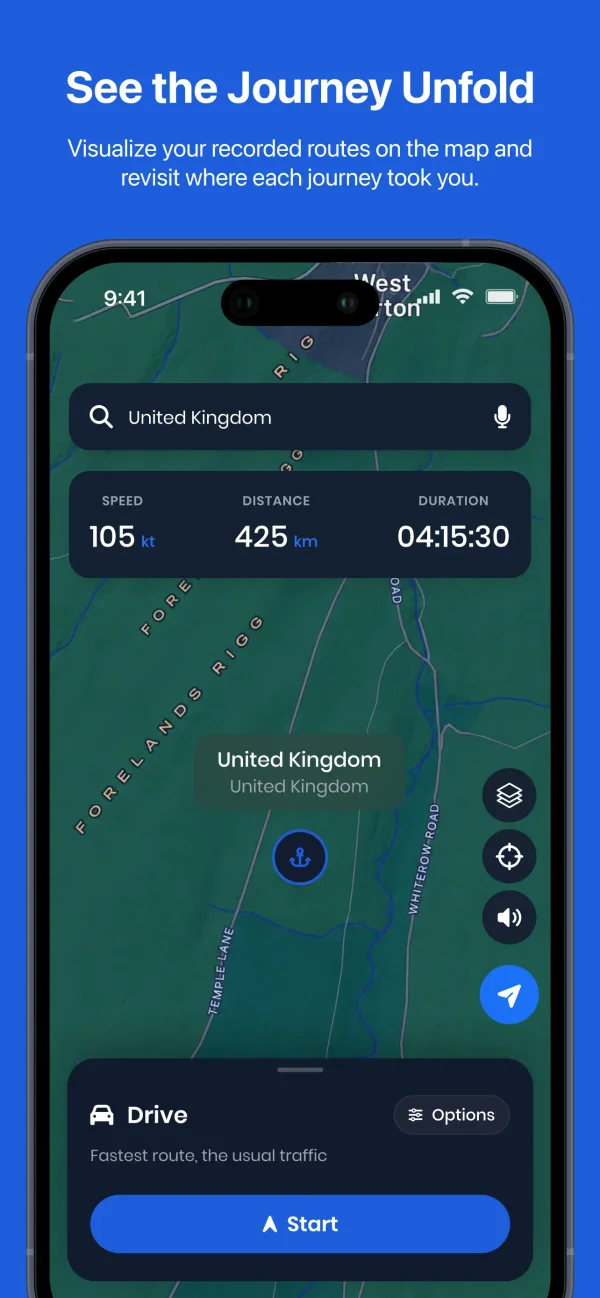

About
Transform every journey into a measurable driving experience with a sophisticated speed and trip tracking companion designed to keep your journey data organized, insightful, and easy to understand.
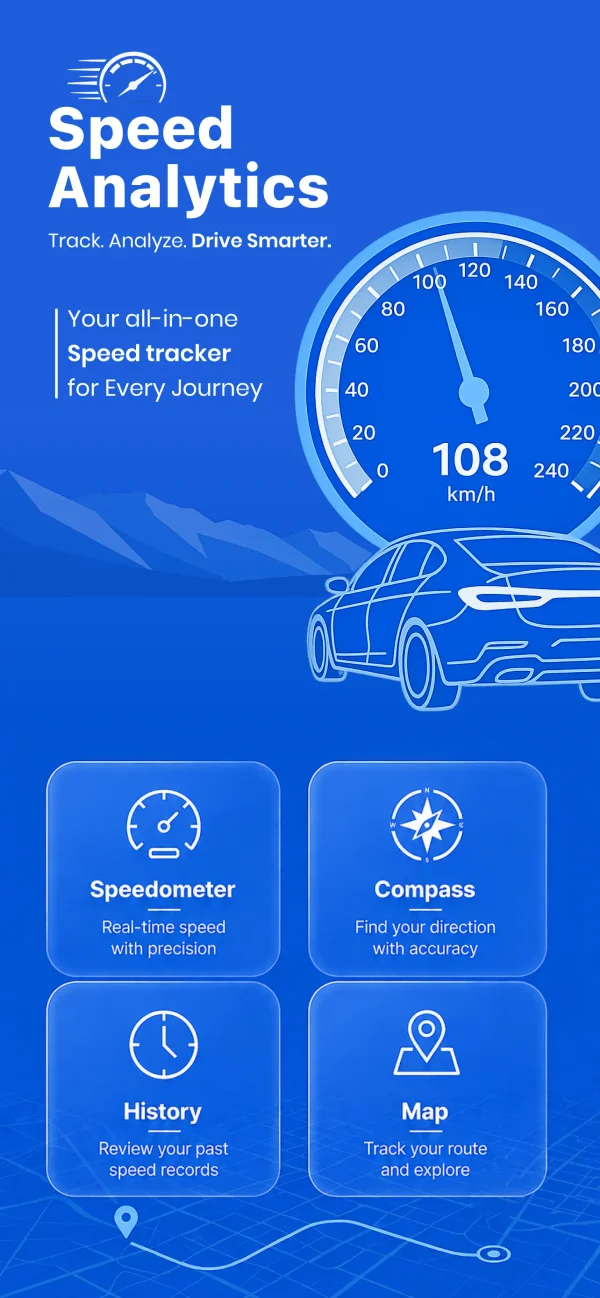
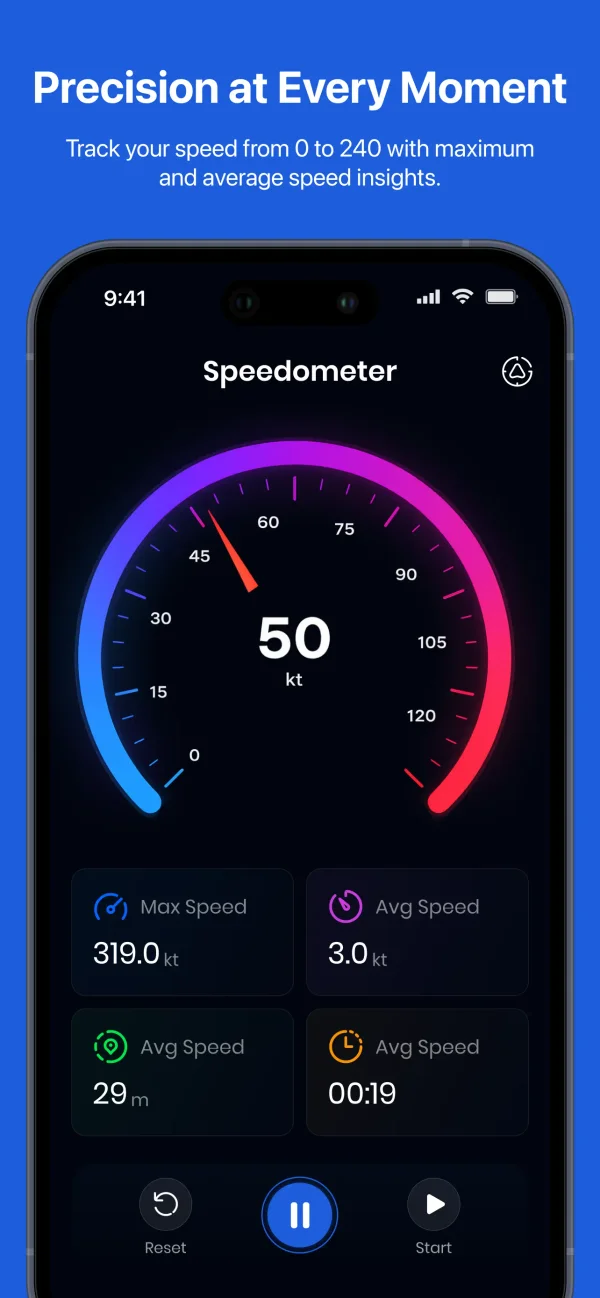
Monitor your current speed through a dynamic speedometer ranging from 0 to 240, while continuously capturing essential journey statistics. Whether you are reviewing a short commute or analyzing a longer trip, the app gives you a clear perspective of how your journey unfolded.
Track important driving metrics including:
• Current Speed — View your real-time speed through an intuitive 0–240 speedometer.
• Maximum Speed — Discover the highest speed recorded during your journey.
• Average Speed — Review your calculated average speed across the trip.
• Distance — Keep track of the total distance covered.
• Duration — See how long your journey lasted.
• Journey History — Keep previous trip information organized for later reference.
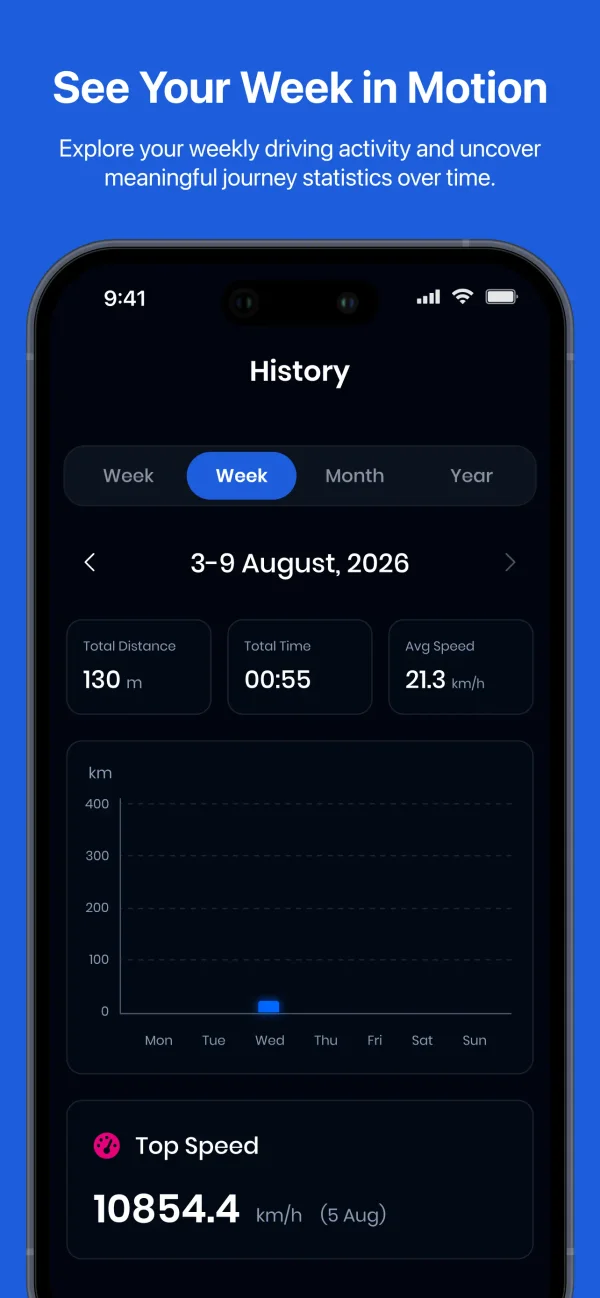
• Time-Based History — Review your activity by day, week, month, or year.
• Map View — Visualize your journey and explore your recorded route geographically.
Understand Every Journey
Instead of relying only on a live speed reading, explore the complete picture of your journey. Compare distance, duration, average speed, and maximum speed to better understand your recorded trips over time.
Organized History
Your journey records remain structured through convenient time-based views. Browse daily, weekly, monthly, or yearly history to quickly revisit previously recorded activity.
Visualize Your Route
The integrated map experience adds a geographic perspective to your journey, allowing you to see where your recorded trip took place rather than viewing statistics in isolation.
Designed for Clarity
A focused interface keeps essential information within reach without unnecessary complexity. From live speed monitoring to historical journey analysis, every feature is designed around straightforward access to meaningful driving data.
Turn ordinary journeys into organized, measurable records—with speed, statistics, history, and maps brought together in one streamlined experience.
App privacy
What Cindi Lee declares on the App Store about how this app handles data.
-
Data used to track you
May be used to track you across apps and websites owned by other companies.
- Identifiers
- Usage data
-
Data not linked to you
May be collected but is not linked to your identity.
- Identifiers
- Usage data
Privacy practices may vary, for example with the features you use or your age.
Information
- Seller
- Cindi Lee
- Category
- Navigation
- Version
- 1.0
- Updated
- Oct 9, 2026
- Released
- Oct 9, 2026
- Size
- 10.4 MB
- Requires
- iOS 16.0 or later
- Age rating
- 4+
- Price
- Free
- Languages
- English
- Copyright
- © Speed
You might also like
-
 Really Simple SpeedometerKeep it simple
-
 Bluetooth Inspector & ScannerScan, Analyze,Track BLE Device
-
 Rosso Speedometer: Speed GaugeSimple Analog GPS Speedometer
-
 Speed Live: GPS SpeedometerLock Screen MPH Tracker
-
 Speedometer GPS: MPH Tracker +Speed tracker app for Car,Bike
-
 GPS Speedometer: Speed AlertHeads Up Display & Limit HUD
-
 Speedometer PRO・MPH TrackerGPS Odometer, Trip Meter & Map
-
 My Speed EvidenceSpeed Log
-
 SpeedNav : HUD SpeedometerDynamic HUD GPS speed tracker
-
 Bluetooth Finder, Find DeviceScan Nearby BLE Devices