
GreySpace: File Transfer
Send photos and videos to PC
Designed for iPhone, iPad, Mac, iPod touch
Free · In-app purchases
- Age rating4+
- CategoryProductivity
- DeveloperFabien Chauveau
- LanguagesEnglish+ 1 more
- Size97.0 MB
Links to the official App Store page
Download.org hosts no file of GreySpace: File Transfer. The button opens its official App Store page, published by Fabien Chauveau. Listing last checked on Nov 22, 2026.
Screenshots

About
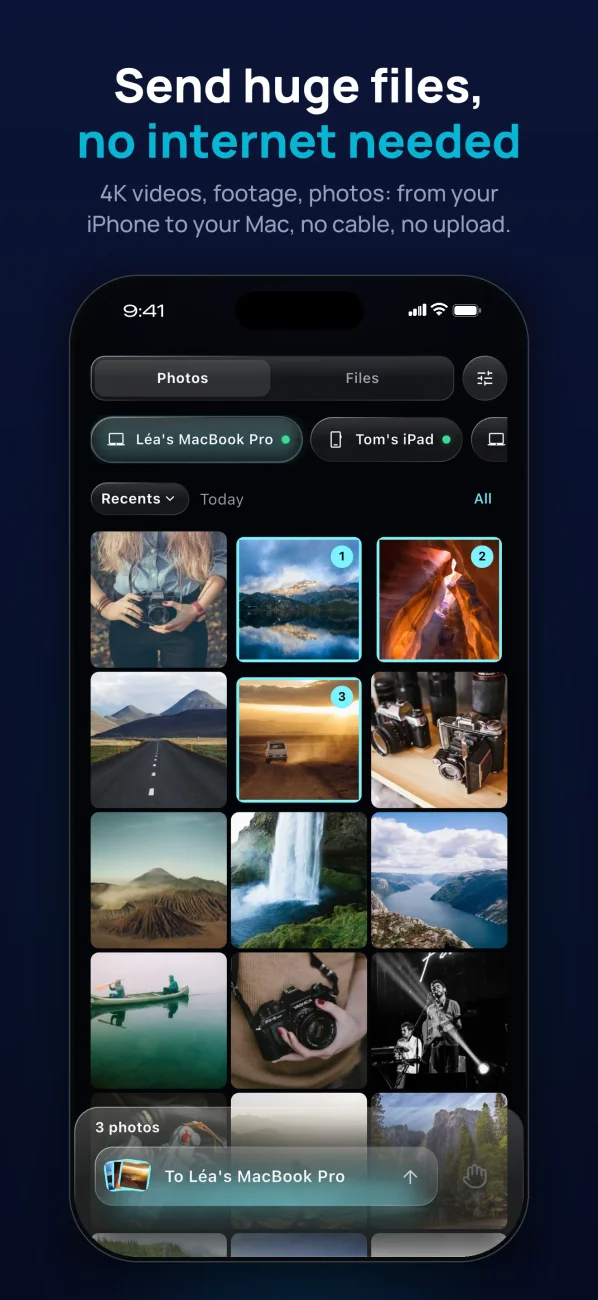
GreySpace sends your files between iPhone, iPad, Mac and PC. Directly, at full Wi-Fi speed.
A train station. 10 GB of footage stuck on your phone. The cable slows you down. Messaging apps wreck the quality. And the cloud makes you upload everything before you can download it again.
GreySpace sends your files from one device to the other at full Wi-Fi speed: no internet, no cloud, no compression. Your files, direct.
WHY CREATORS STOPPED UPLOADING
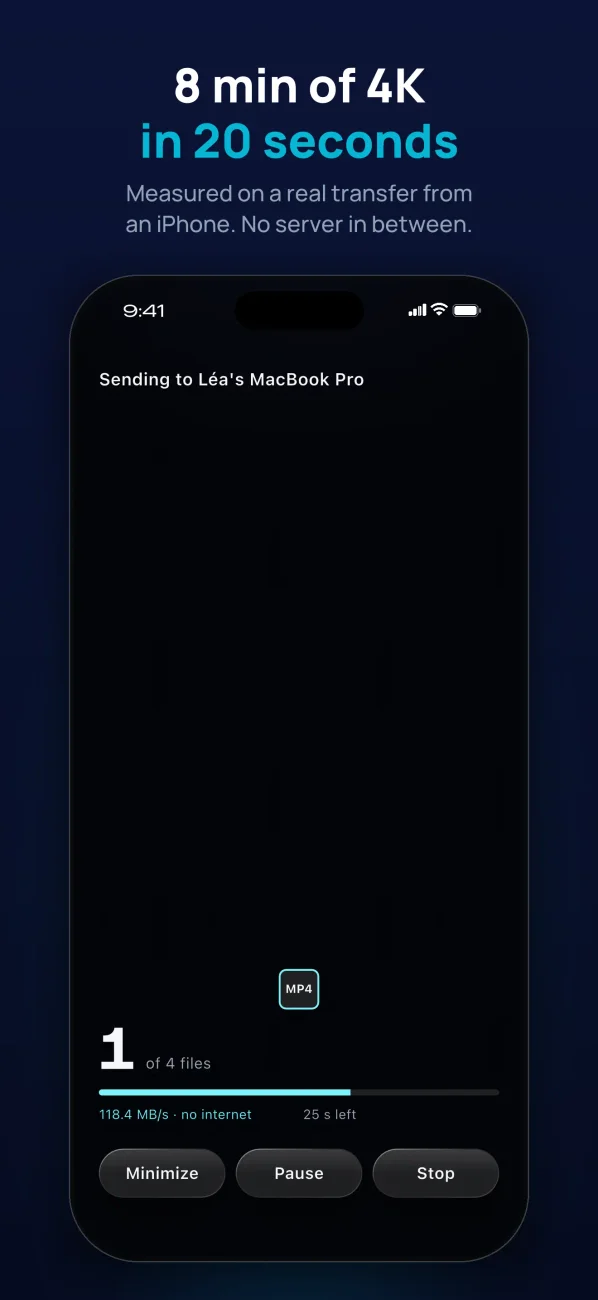
• Real speed: 8 minutes of 4K video went from an iPhone to a computer in 20 seconds, over a phone hotspot, with no internet.
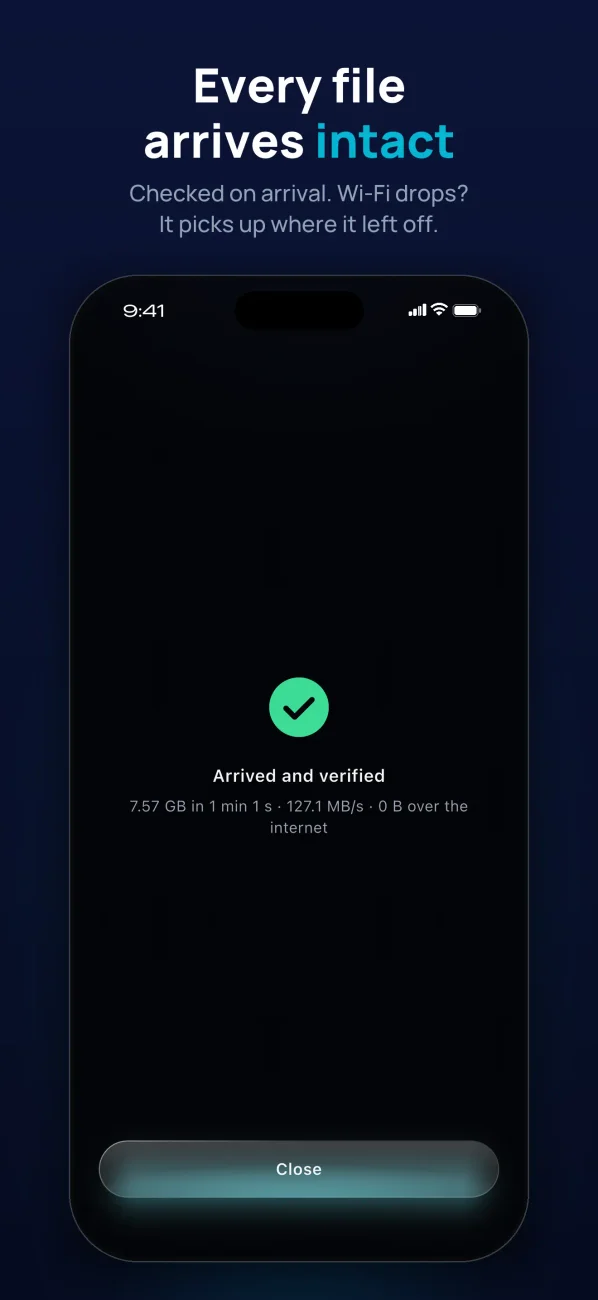
• Zero compression: every file arrives identical, byte for byte. It is checked on arrival and only shows up once it is intact.
• 100% offline: your files never leave your network. No server, no cloud, nothing to upload.
• Works with a PC too: on the same network, GreySpace finds the PC across the room as easily as your Mac.
• No size limit: send 100 GB and your internet connection never sees a byte.
• Automatic resume: signal drop, elevator, incoming call. The transfer picks up where it stopped and never resends the files that already arrived.
• Send with a hand gesture: make a fist above your iPhone to grab your photo, then open your hand in front of your computer.
HOW IT WORKS
1. Both devices on the same Wi-Fi, or a simple phone hotspot, even without internet.
2. They find each other on their own, in seconds.
3. Pick photos, videos, documents, whole folders. Send.
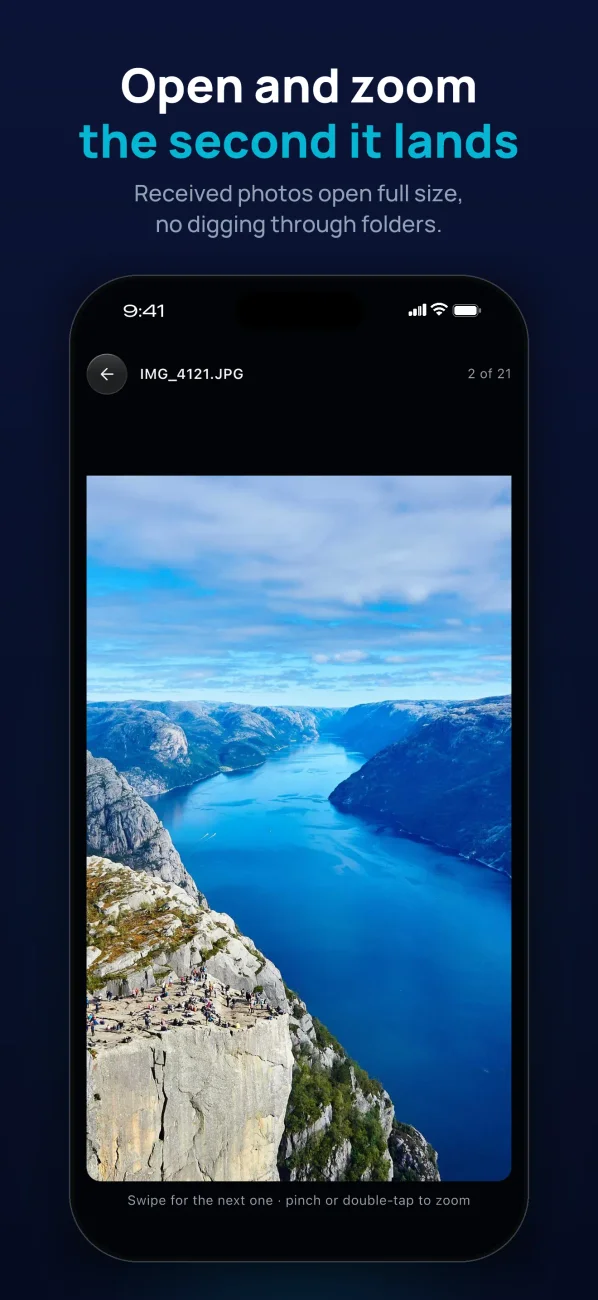
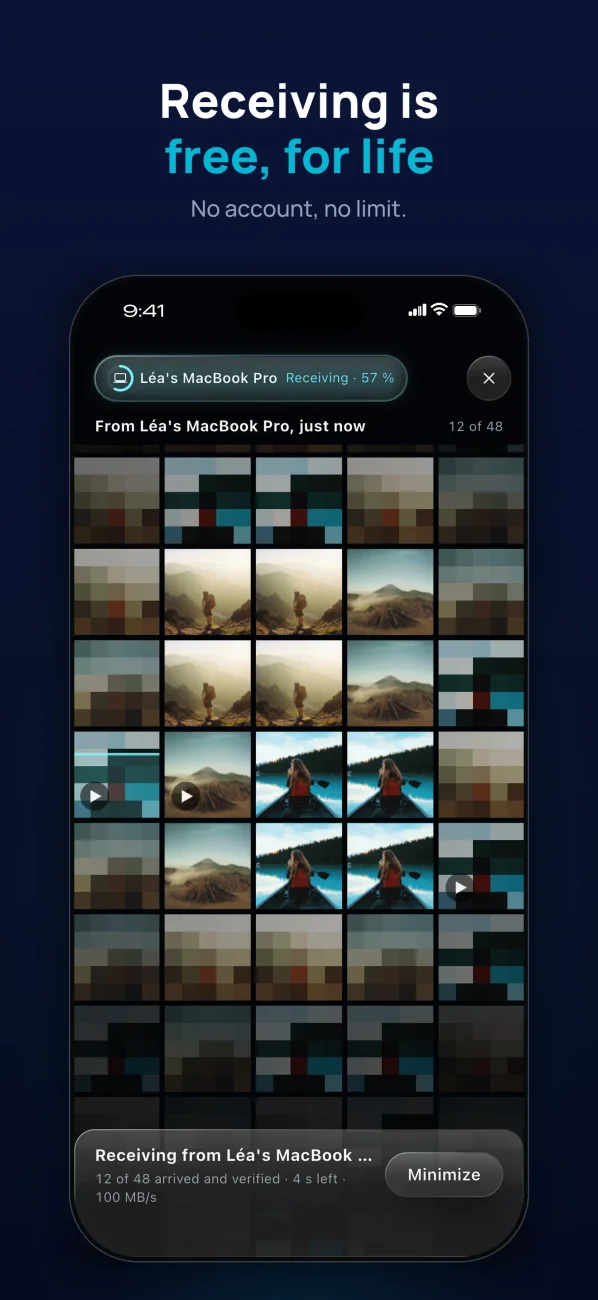
What you receive lands in the Files app, or straight in your photo library if you ask. Received photos open full size, ready to zoom.
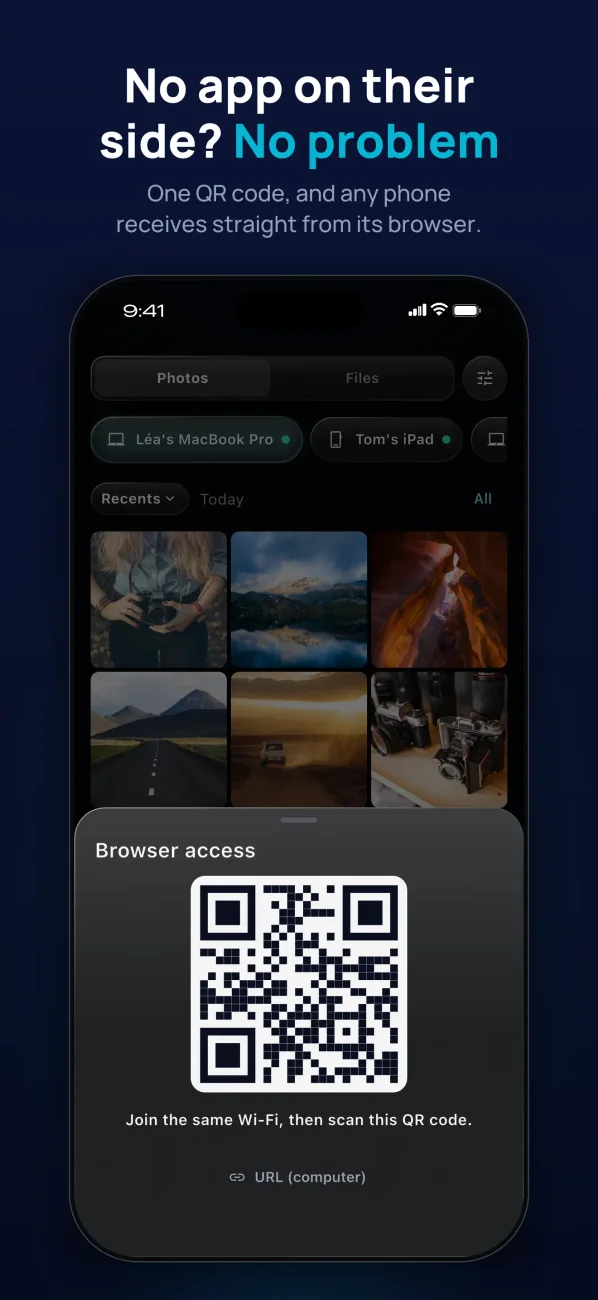
No second GreySpace device around? The app has a built-in web receiver: it shows a QR code, and any browser on the same network receives the file.
FREE, FOREVER
• Receiving: unlimited, on every plan. It will never cost a thing.
• Sending: 2 GB per week.
No account needed to transfer. Speed is never capped: a free transfer goes exactly as fast as a Pro one.
GREYSPACE PRO
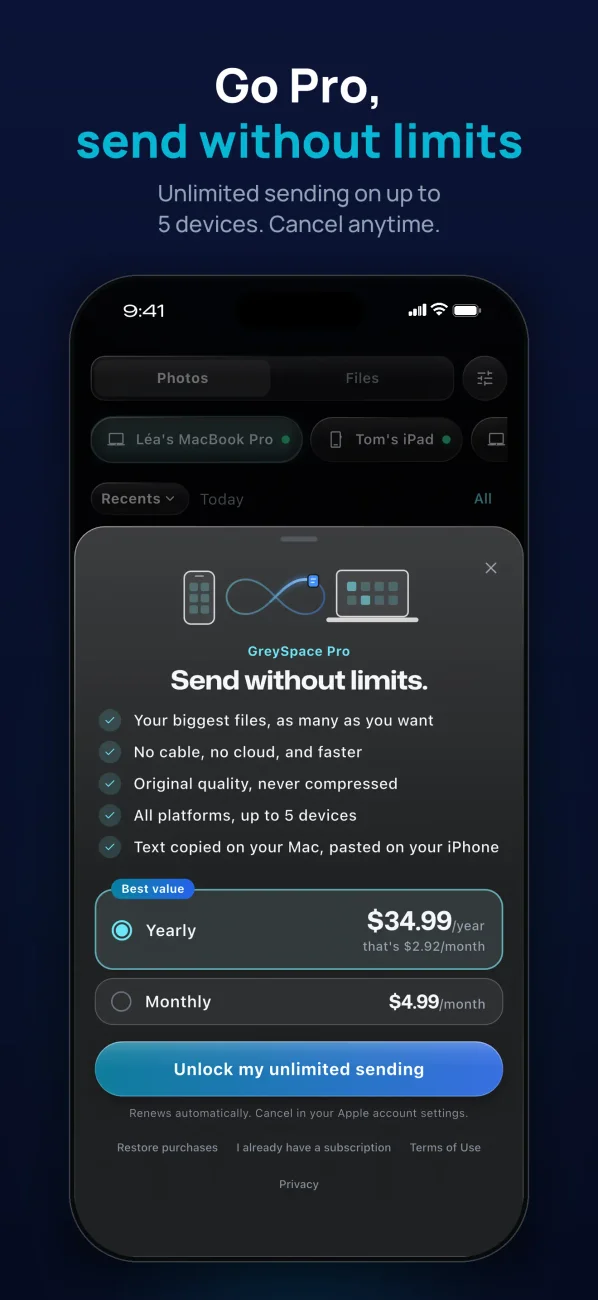
• Unlimited sending, no monthly cap.
• Up to 5 devices on the same account.
• Clipboard everywhere: text copied on your Mac lands on your iPhone, even far from home, end-to-end encrypted. If GreySpace is not on screen, the text waits 10 minutes: open the app and it is ready to paste.
• Commercial use included.
No account needed to subscribe: your subscription is tied to your Apple Account, and "Restore purchases" finds it on your other Apple devices. A GreySpace account (email + 6-digit code) is optional: if you are signed in when you buy, your Pro also follows you to your other GreySpace devices, and keeps working offline.
GreySpace Pro is an auto-renewable subscription, monthly or yearly. Prices are shown in the app before you subscribe and may vary by country.
Payment is charged to your Apple Account at confirmation of purchase. The subscription renews automatically unless cancelled at least 24 hours before the end of the current period. Renewal is charged within the 24 hours before the period ends. You can manage or cancel your subscription at any time in your Apple Account settings.
Terms of Use (EULA): https://www.apple.com/legal/internet-services/itunes/dev/stdeula/
Privacy Policy: https://getgreyspace.com/en/privacy/
What’s new
Version 3.0.9 · Nov 19, 2026
• Large files send faster from slow storage, plus several fixes.
• The free Pro trial is clear at a glance: 7 free days before the first charge, for eligible accounts.
• Free plan: 2 GB of sending per week. Receiving stays unlimited and free.
App privacy
What Fabien Chauveau declares on the App Store about how this app handles data.
-
Data linked to you
May be collected and linked to your identity.
- Purchases
- Contact info
- User content
- Identifiers
- Usage data
- Diagnostics
- Other data
Privacy practices may vary, for example with the features you use or your age.
Information
- Seller
- Fabien Chauveau
- Category
- Productivity
- Version
- 3.0.9
- Updated
- Nov 19, 2026
- Released
- Sep 14, 2026
- Size
- 97.0 MB
- Requires
- iOS 13.0 or later
- Age rating
- 4+
- Price
- Free
- In-app purchases
- Yes
- Languages
- English, French
- Copyright
- © 2026 Fabien Chauveau
You might also like
-
 Receipts To SheetsScan Receipts to Google Sheets
-
 Zetrr PlannerPlan, script & ship content
-
 Nimivo: AI Task PlannerVoice reminders & to-do list
-
 Nido: Family Organizer & AIShared calendar & groceries
-
 KartProductivity
-
 Prowl (Press9)Field Service Management App
-
 AutotabAI car diagnostics & costs
-
 Blob: Screen Time App BlockerLimit apps, train your brain
-
 RedPulse: Widget for YouTubeReal-Time Subscriber Tracker
-
 SpeachMore than video