
Grid: Feed Preview & Planner
Split Photo, Carousel & Border
Designed for iPhone
Free · In-app purchases
- Age rating4+
- CategoryPhoto & Video
- DeveloperVexAI
- LanguagesEnglish+ 8 more
- Size29.1 MB
Links to the official App Store page
Download.org hosts no file of Grid: Feed Preview & Planner. The button opens its official App Store page, published by VexAI. Listing last checked on Nov 23, 2026.
Screenshots



About
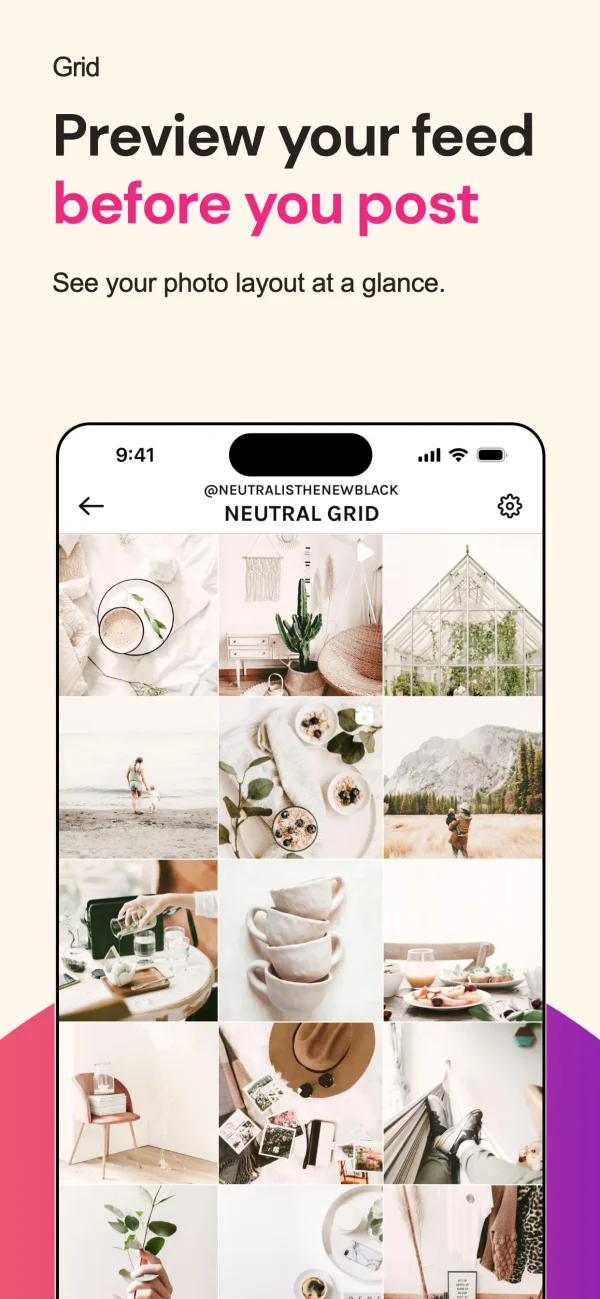
See your next posts in the whole picture. Grid shows your profile with the posts you plan to add, so you can get the layout right before you post.
NEW: MAKE POSTS THAT STAND OUT
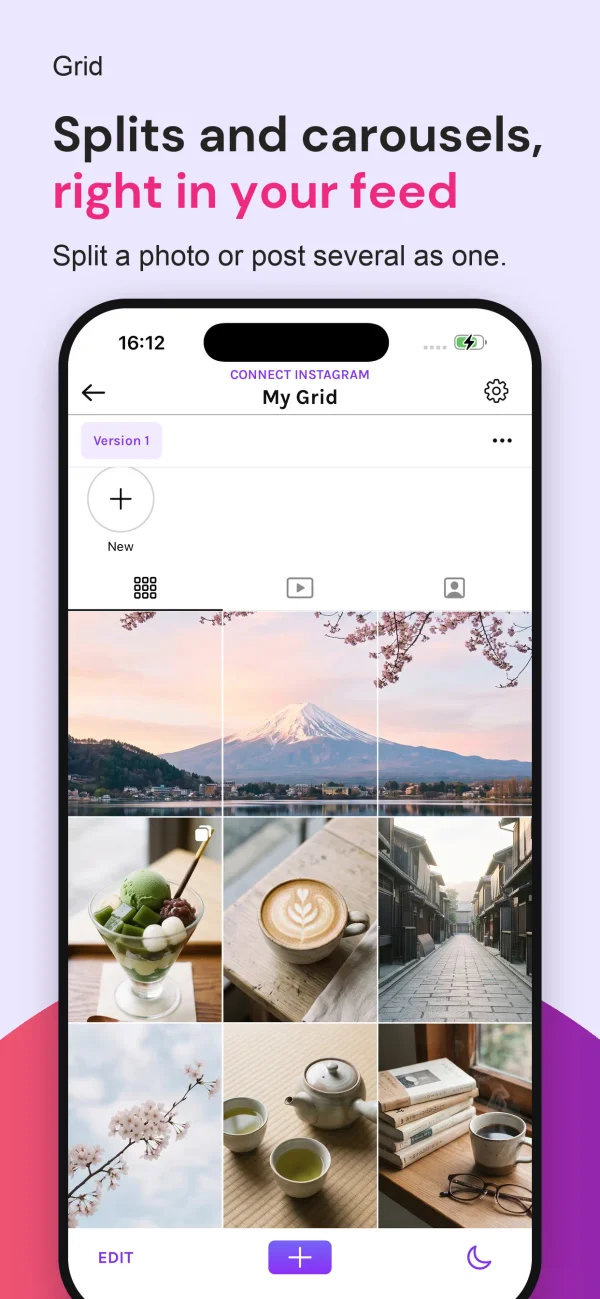
- Split one photo across your grid: 3, 6, 9 or 12 posts that join into one big picture
- Carousels: pick photos, or cut one wide photo into seamless slides
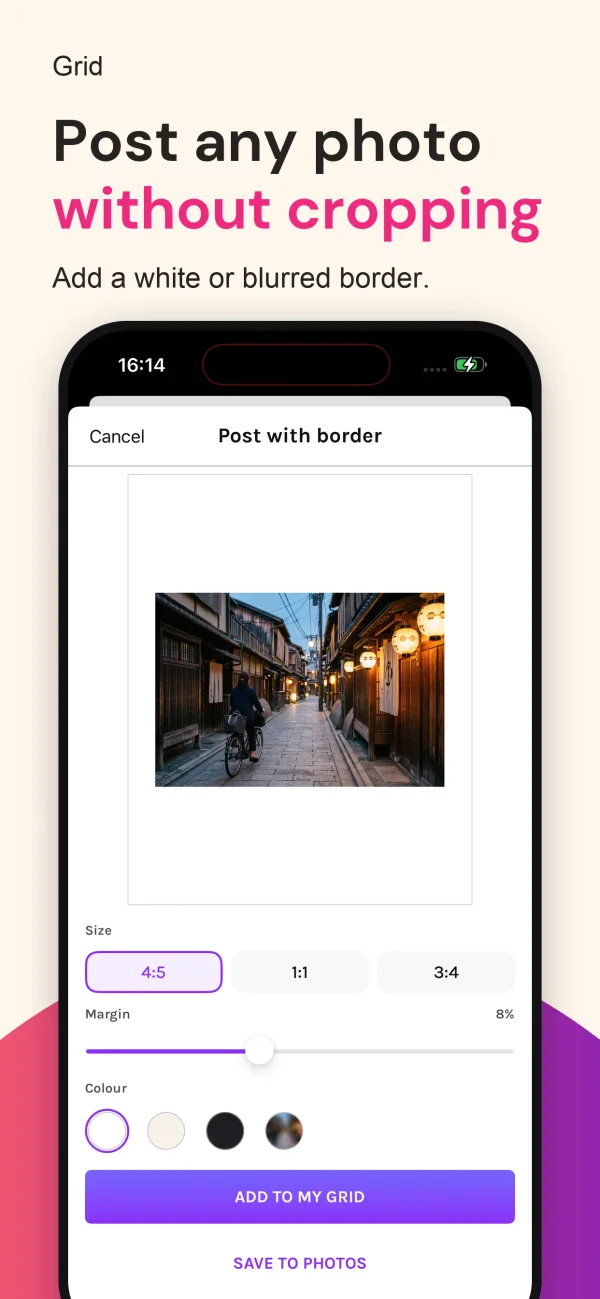
- Borders: fit a whole photo into a 4:5, 3:4 or square post with a white, cream, black or blurred border
- Save the pieces to Photos in posting order, with a numbered guide for posting them
PLAN YOUR FEED
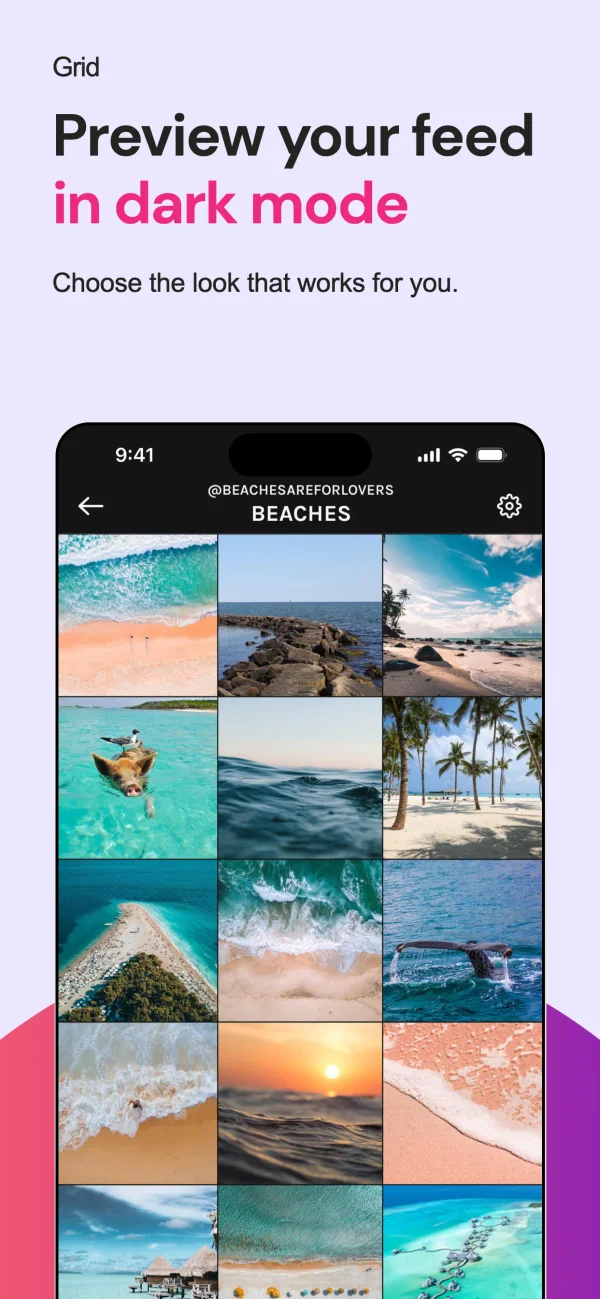
- Preview your profile as it will look, with your photo, name and bio
- Drag to rearrange, or swap and move posts to the top or bottom
- Color placeholders for posts you haven't shot yet
- Reels, stories and highlights preview
- Dark mode
NO LOGIN NEEDED
- Start with your own photos, or load a public profile by username
- Connect a Creator or Business account any time. We never see your password.
GRID PRO
- Unlimited grids and accounts
- Save versions of a grid and compare layouts
- Any split size and longer carousels
- Save bordered posts
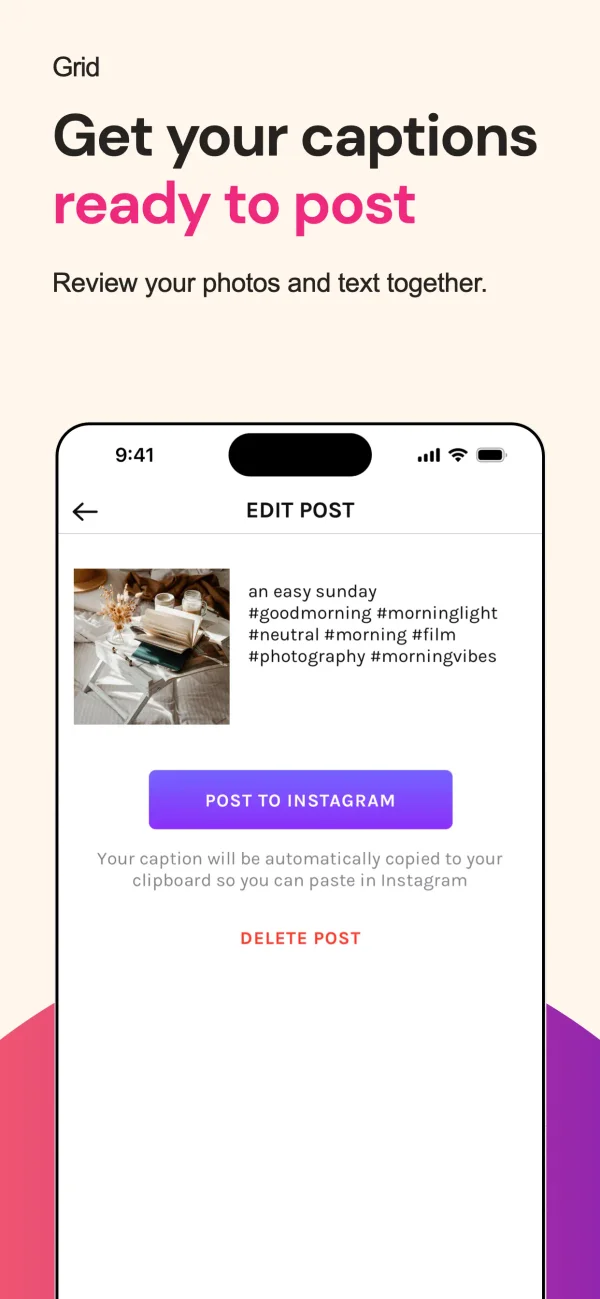
- Post to Instagram from the app
- Priority support
Questions or feedback: support@thegridapp.co
Terms of Use: https://www.apple.com/legal/internet-services/itunes/dev/stdeula/
What’s new
Version 2026.19 · Nov 20, 2026
New: make posts, not just plan them.
- Split one photo across 3, 6, 9 or 12 posts
- Turn photos, or one wide photo, into a carousel
- Fit any photo with a white or blurred border
Tap + to start. No Instagram login needed.
App privacy
What VexAI declares on the App Store about how this app handles data.
-
Data linked to you
May be collected and linked to your identity.
- Purchases
- Location
- Identifiers
- Usage data
- Diagnostics
Privacy practices may vary, for example with the features you use or your age.
Information
- Seller
- Vexai LLC
- Category
- Photo & Video
- Version
- 2026.19
- Updated
- Nov 20, 2026
- Released
- Feb 9, 2017
- Size
- 29.1 MB
- Requires
- iOS 16.0 or later
- Age rating
- 4+
- Price
- Free
- In-app purchases
- Yes
- Languages
- English, French, Japanese, Korean, Portuguese, Russian, Simplified Chinese, Spanish, Ukrainian
- Copyright
- © 2026 VexAI LLC
You might also like
-
 Feed Preview for InstagramPost Planner & Grid Maker
-
 Garny: Preview for InstagramFeed Planner & Grid Layout
-
 Feed Planner: Preview PostsGrid Maker & Content Ideas
-
 Content Office: Planner for IGFeed Scheduler for Instagram
-
 Plann: Preview for InstagramPost Scheduler & Analytics
-
 My Feed・Grid Preview & PlannerPost & Layout for Instagram
-
 Feed Preview Planner IG・InPlan#1 Grid Layout Insta Scheduler
-
 Feed Preview Grid MakerProfile & Split Layout Planner
-
 Grid: Photo Split & Post MakerCarousel, Panorama & Layout
-
 PREVIEW: Planner for Instagram#1 Scheduler for IG & TikTok