
Grid Preview for Instagram
Feed Preview & Post Planner
Designed for iPhone, iPad, iPod touch
Free · In-app purchases
- Age rating4+
- CategoryGraphics & Design
- DeveloperShamble, Inc.
- LanguagesEnglish+ 11 more
- Size48.5 MB
Links to the official App Store page
Download.org hosts no file of Grid Preview for Instagram. The button opens its official App Store page, published by Shamble, Inc. Listing last checked on Nov 26, 2026.
Screenshots


About
Grid Preview lets you preview and plan Instagram posts before they go live.
Features:
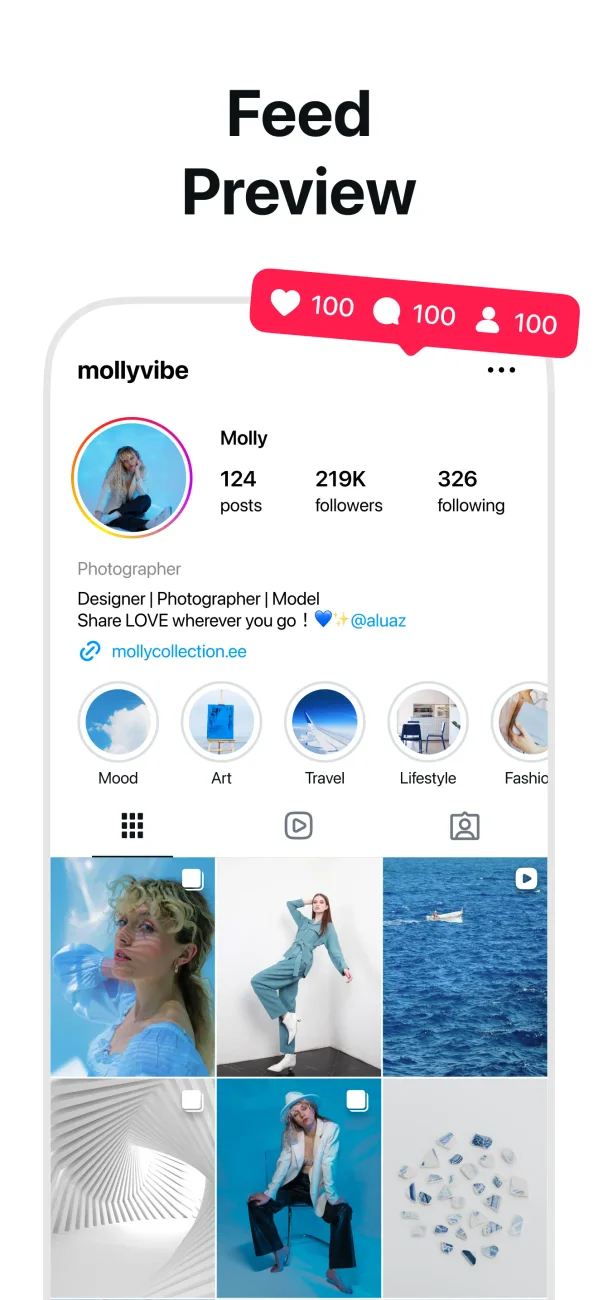
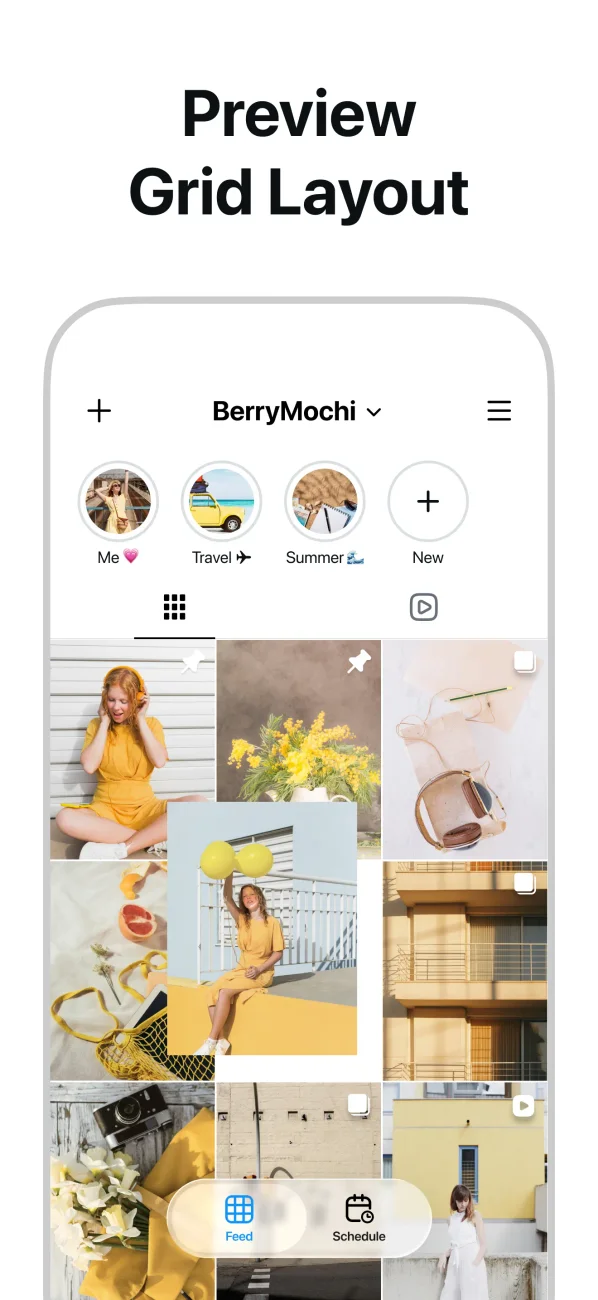
● Feed Preview: Visualize how your posts will look on your profile grid before publishing.
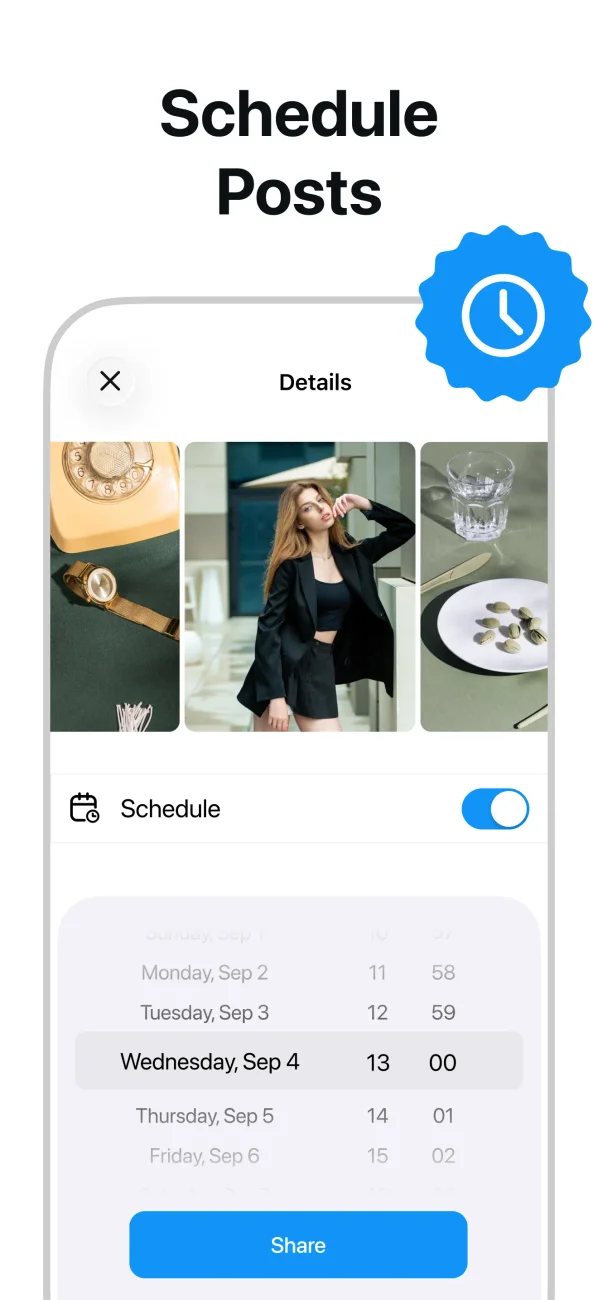
● Post Planner: Schedule Instagram posts with just a few taps to maintain a consistent posting routine.
● Carousel Post Planner: Plan swipeable carousel posts and preview how each slide will look before sharing.
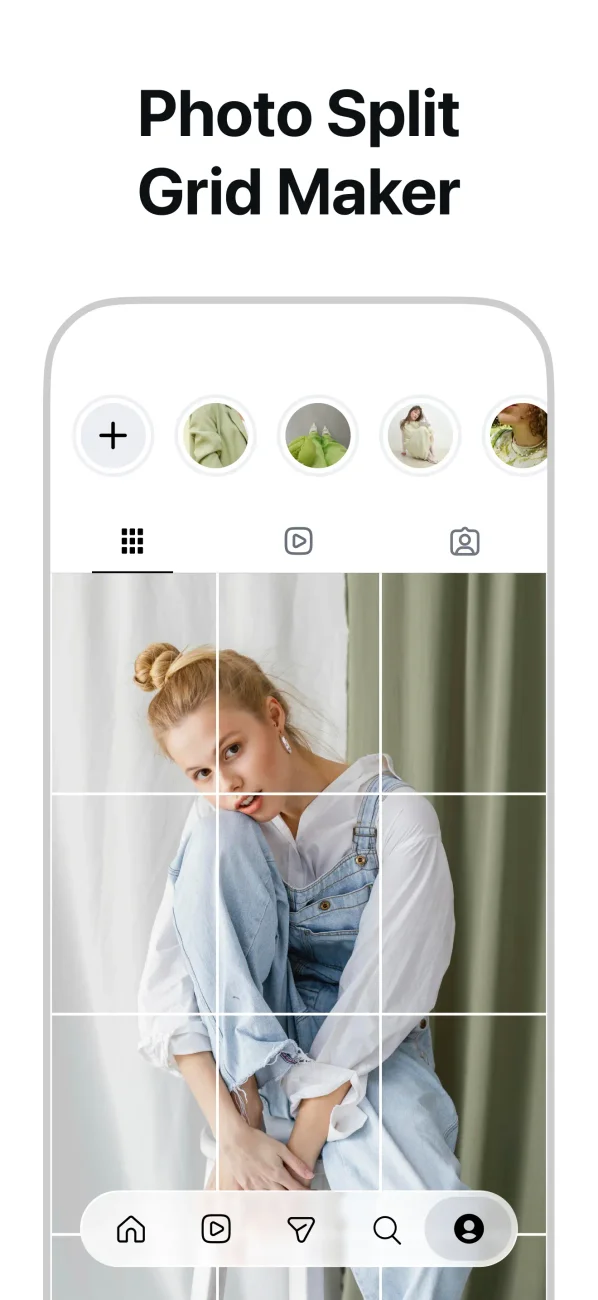
● Photo Splitter: Split one photo into multiple tiles for grid posts, carousel layouts, or seamless swipeable designs.
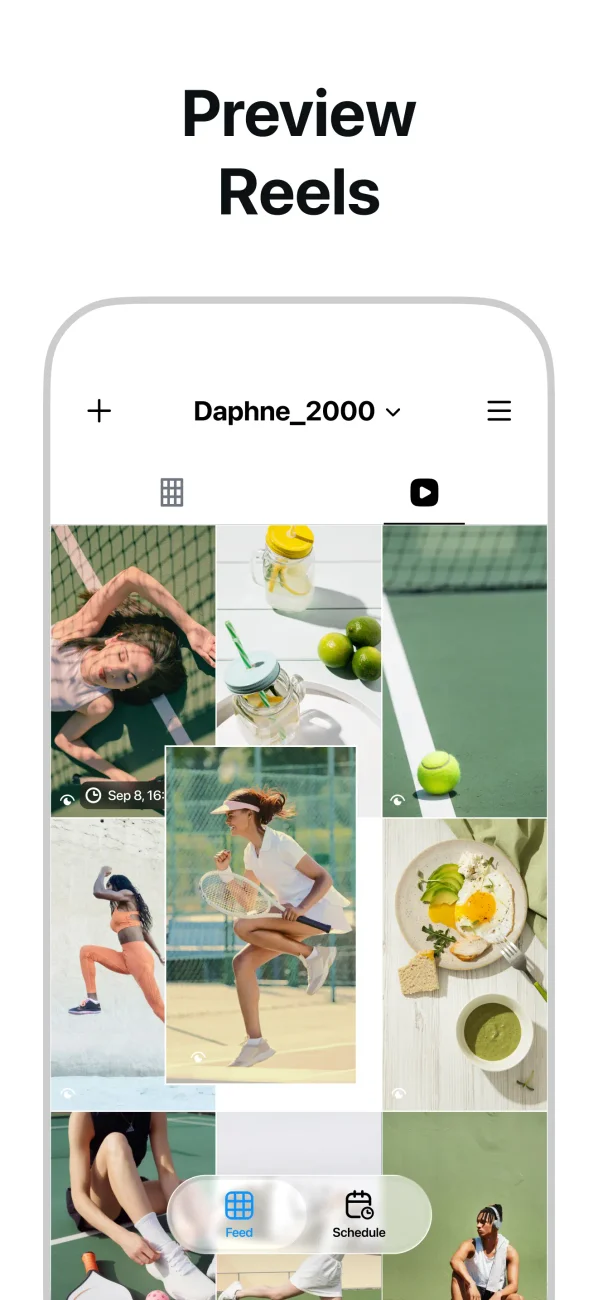
● Reels Planner: Plan and rearrange your Reels videos.
● Sync Your Instagram Feed: Instantly import your existing feed and see how new posts will fit in.
● Easily Rearrange and Delete Images: Create the perfect layout by adjusting your posts anytime.
● Apply Filters: Enhance your feed with a variety of stunning filters.
● Multiple Account Management: Switch between and manage multiple Instagram accounts with ease.
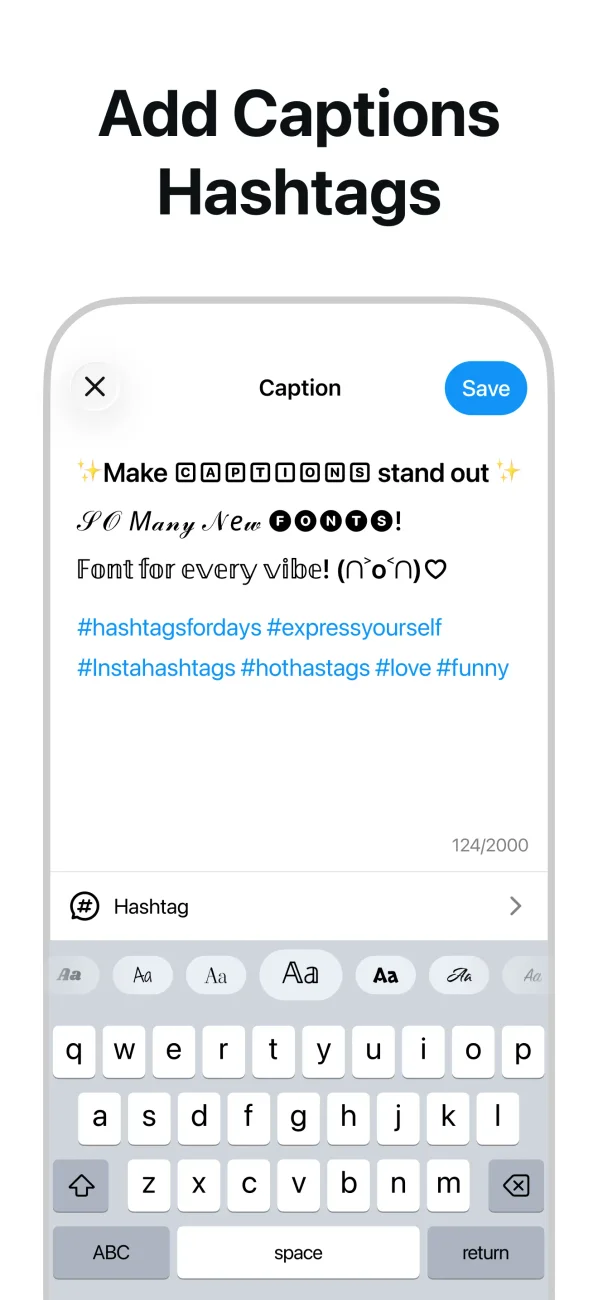
● Add Captions and Hashtags: Craft captions and add hot hashtags to your posts right from the app.
● Fonts for Caption: Use custom fonts in your captions to stand out and express your style.
● Hot Hashtags & Hashtag Management: Discover popular hashtags and organize them to increase your post visibility.
● Dark Mode: Enjoy a sleek dark mode for comfortable viewing.
With Grid Preview, every post fits perfectly into your overall feed, helping you maintain a polished and engaging Instagram presence. Download now and start planning your feed like a pro!
About Subscription:
1. Unlock Premium Features: Premium offers access to premium filters, post scheduler and multiple account management tool.
2. Premium provides 2 plans: monthly subscription and yearly subscription with a 3-day free trial. Try Before You Commit: Enjoy a 3-day free trial of Premium. After the trial, a yearly subscription fee of $24.99 will be charged.
3. Auto-Renewal: Your subscription will automatically renew at the end of each period unless canceled at least 24 hours before the current period expires.
4. Manage Subscriptions: You can manage your subscription by going to "Settings" > "Your Name" > "Subscription" > "Cancel Subscription."
5. Privacy Policy: https://www.gridpreview.com/privacy-policy
6. Terms and Conditions: https://www.gridpreview.com/terms-conditions
What’s new
Version 1.1.7 · Aug 11, 2026
Bug fixes and performance improvements.
App privacy
What Shamble, Inc. declares on the App Store about how this app handles data.
-
Data used to track you
May be used to track you across apps and websites owned by other companies.
- Identifiers
-
Data not linked to you
May be collected but is not linked to your identity.
- Location
- Identifiers
- Usage data
- Diagnostics
Privacy practices may vary, for example with the features you use or your age.
Information
- Seller
- Shamble, Inc.
- Category
- Graphics & Design
- Version
- 1.1.7
- Updated
- Aug 11, 2026
- Released
- Nov 12, 2024
- Size
- 48.5 MB
- Requires
- iOS 15.0 or later
- Age rating
- 4+
- Price
- Free
- In-app purchases
- Yes
- Languages
- English, French, German, Italian, Japanese, Korean, Portuguese, Russian, Spanish, Thai, Turkish, Ukrainian
- Copyright
- © 2026 Shamble, Inc.
You might also like
-
 UNUM — Layout & Feed PreviewGrid, Collage Maker & Reels
-
 Tofu: Instagram Feed PreviewGrid Planner & Post Layout
-
 Grid layout for Instagram feedPhoto Collage & Split Pic
-
 Griddy: Split Photo Grid PostsMarketing Banner for Instagram
-
 Grid Post Pic Collage MakerPhoto Video Collage In Profile
-
 Gridley Feed Preview & PlannerInstagram & TikTok Scheduler
-
 Carousel Collage MakerPanorama Collage Creator
-
 7E Studio: Story MakerStickers, Fonts & Templates
-
 LOOMY: Story Font & TemplatesInsta Dump, Fonts, Stickers
-
 BnCuts - Split Image into GridSplit Panorama Photo Into Grid