
- Age rating4+
- CategoryGraphics & Design
- DeveloperQing Yan
- LanguagesEnglish
- Size33.7 MB
Links to the official App Store page
Download.org hosts no file of Gridder. The button opens its official App Store page, published by Qing Yan. Listing last checked on Nov 12, 2026.
Screenshots

About
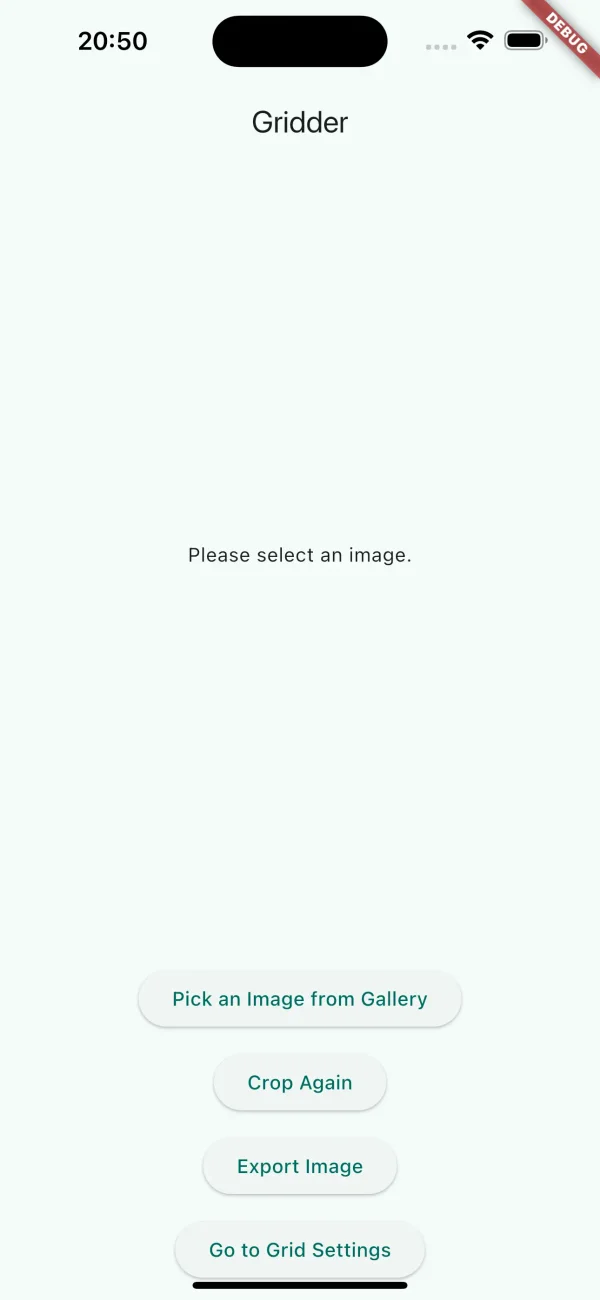
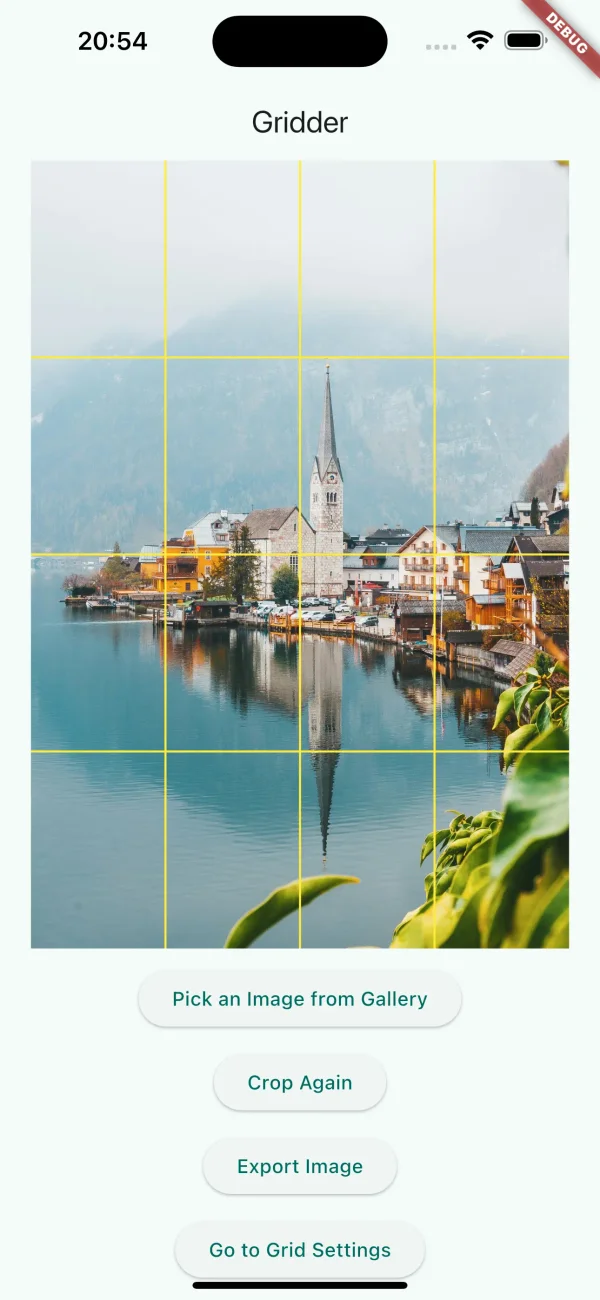
Gridder is a customizable image grid overlay tool — designed for artists and illustrators who sketch from photo references or plan paintings.
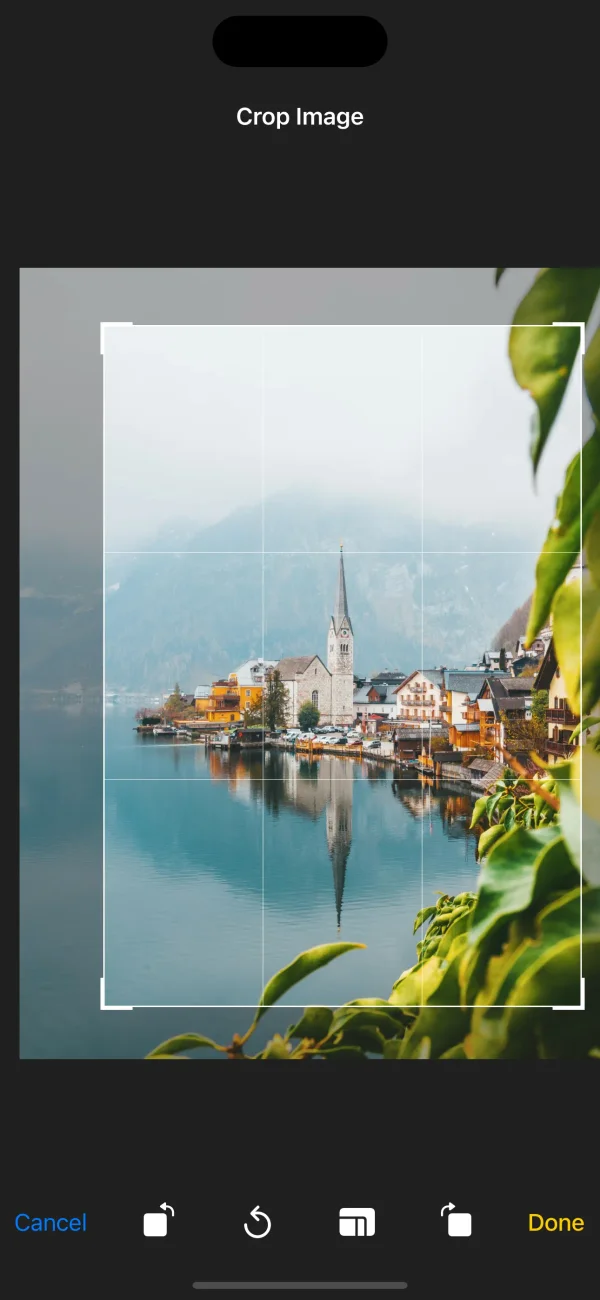
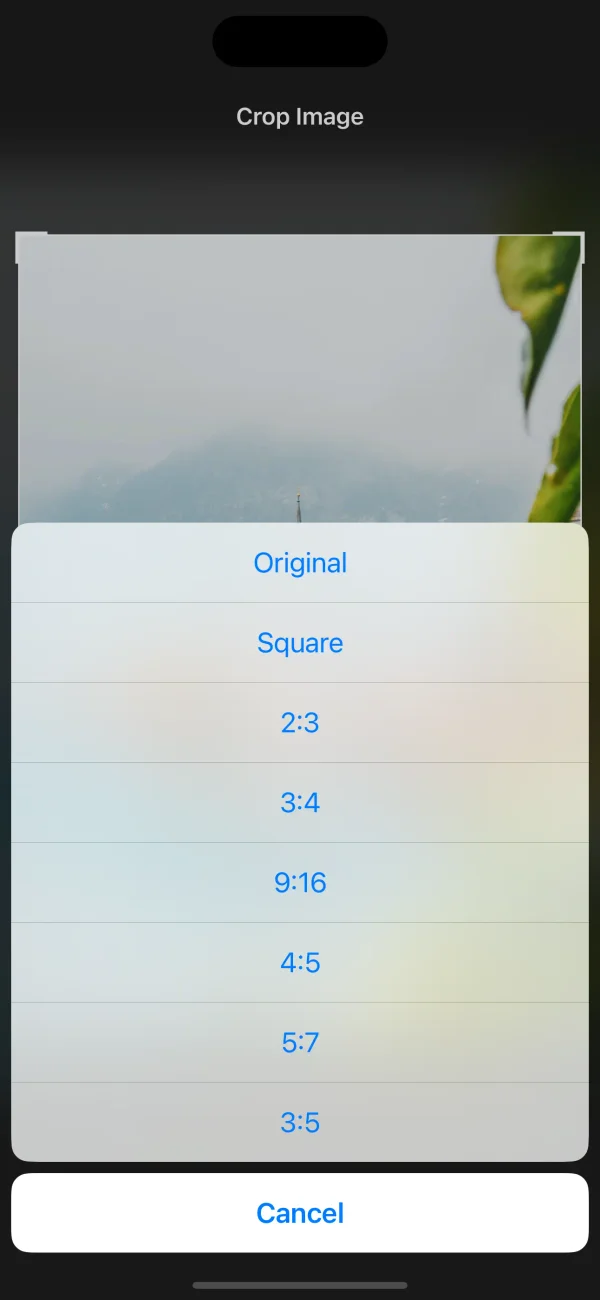
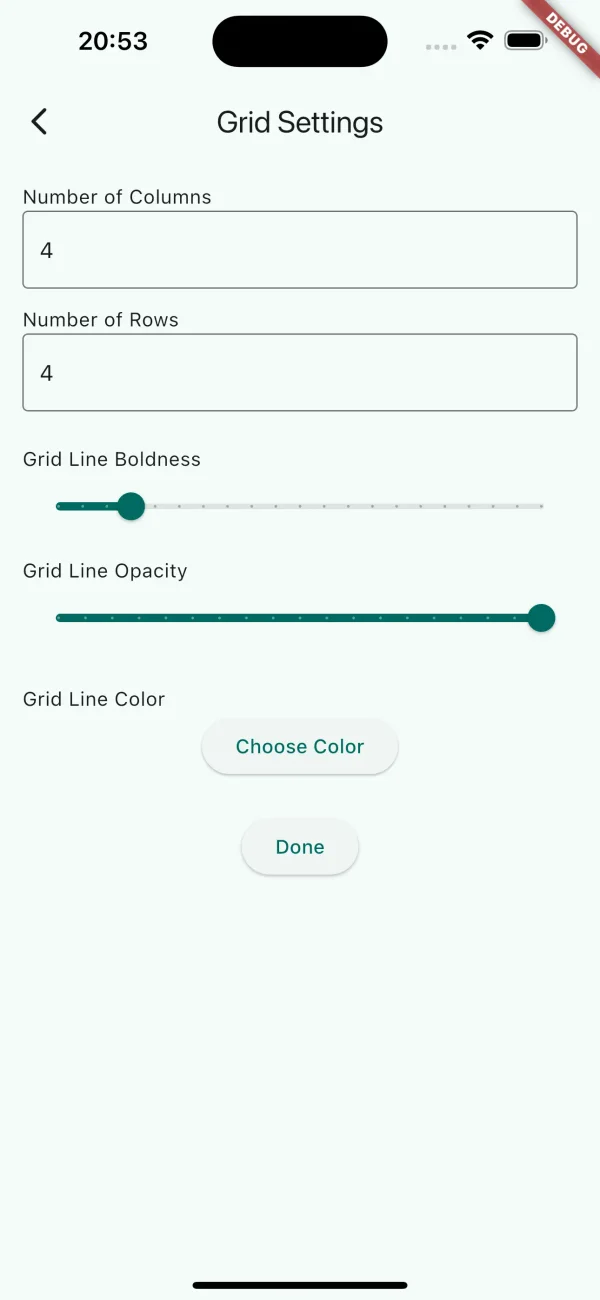
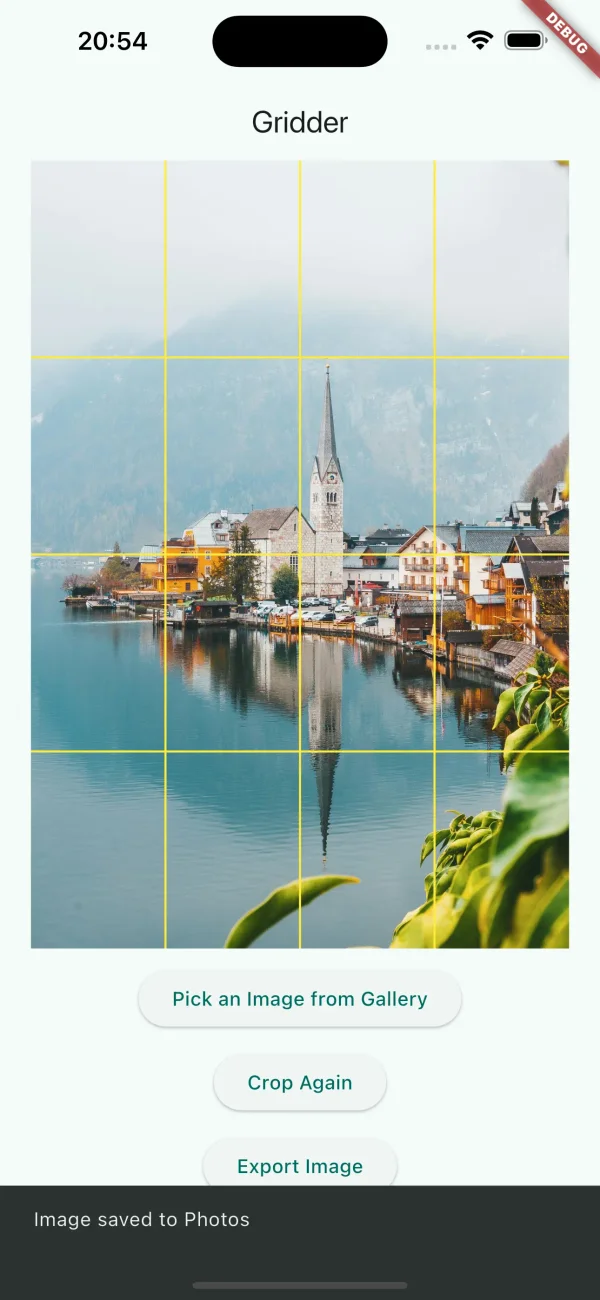
Import any image, crop it to your desired format, and apply a customizable grid. You can adjust the number of rows and columns, grid line thickness, opacity, and color to suit your style. When you're ready, export the final image with the grid applied for printing, sketching, or saving to your reference library.
App privacy
What Qing Yan declares on the App Store about how this app handles data.
-
Data not collected
The developer does not collect any data from this app.
Privacy practices may vary, for example with the features you use or your age.
Information
- Seller
- Qing Yan
- Category
- Graphics & Design
- Version
- 1.0
- Updated
- May 4, 2025
- Released
- May 4, 2025
- Size
- 33.7 MB
- Requires
- iOS 12.0 or later
- Age rating
- 4+
- Price
- Free
- Languages
- English
- Copyright
- © 2025 Qing Yan, All rights reserved.
You might also like
-
 DrawGridThe Grid Method for Artists
-
 GridyGrid method drawing made easy
-
 Grid Drawing: PhotorealismShading Layers & Grid Maker
-
 Tracing Buddy: Drawing GridArt Grid Maker: Sketch & Trace
-
 GridArt - Drawing GridDrawingrid - add grid on image
-
 Value Study: art referenceDrawing Grid & Simplify Shapes
-
 Color Study: Simplify PaintingSimplify color, value & shape
-
 Head Model Studio - Art Study3D Face & Portrait Reference
-
 Da Vinci Eye: AR Trace & DrawArt Projector, Tracing, Sketch
-
 Procreate PocketSketch and Paint on iPhone.