
- Age rating4+
- CategoryGraphics & Design
- DeveloperSahil Gangele
- LanguagesEnglish
- Size2.0 MB
Links to the official App Store page
Download.org hosts no file of Gridy. The button opens its official App Store page, published by Sahil Gangele. Listing last checked on Nov 17, 2026.
Screenshots
About
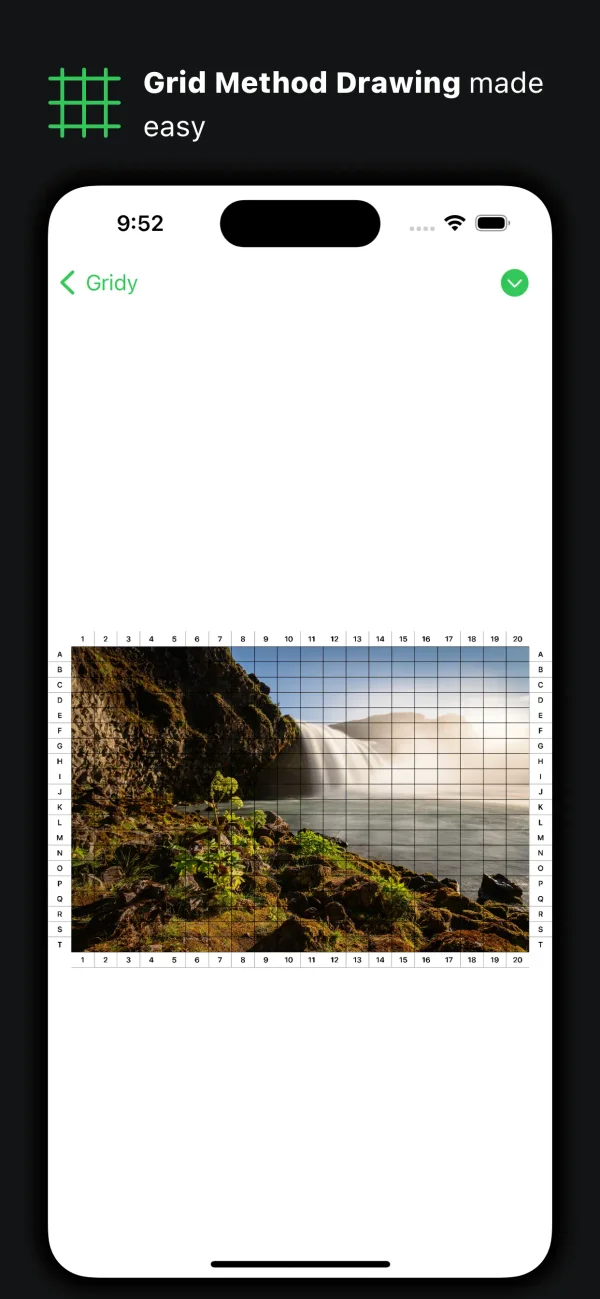
Gridy helps artists draw their digital images using Grid Method Drawing!
Gridy applies a grid to your image, and allows you to use it as a reference when drawing!
Starting a drawing will be easier, as you don’t have to find a complex solution to set up a grid reference on a digital image.
Gridy is here to help artists - from beginners to seasoned vets.
Some Features of Gridy
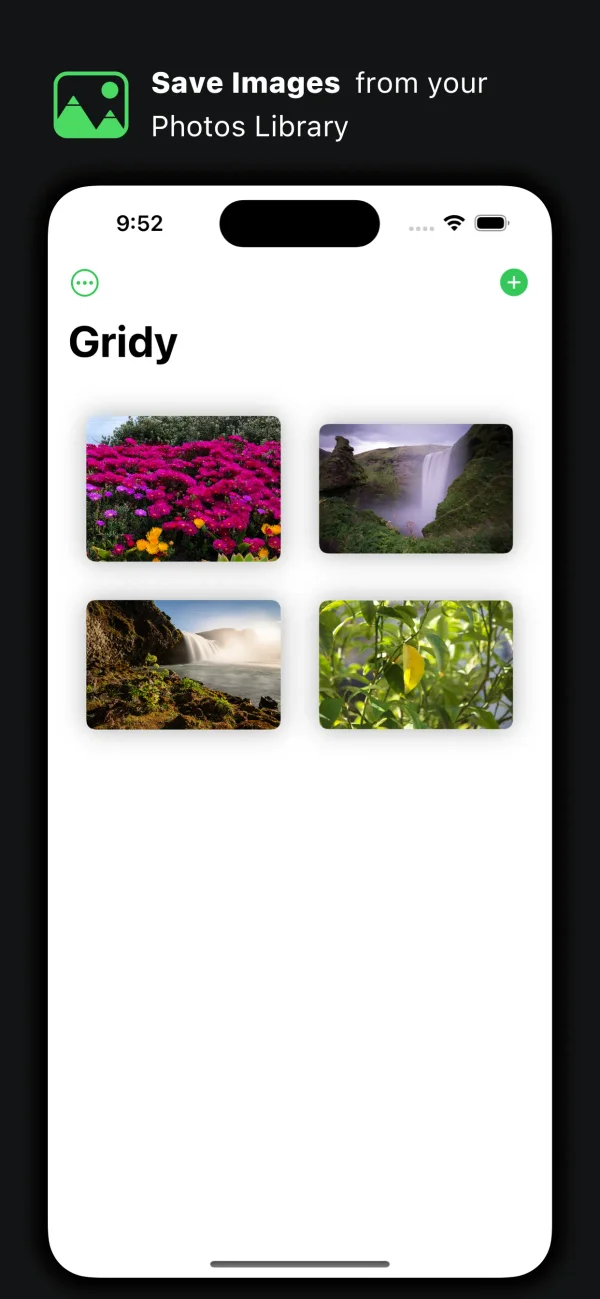
• Images are imported from Photos app
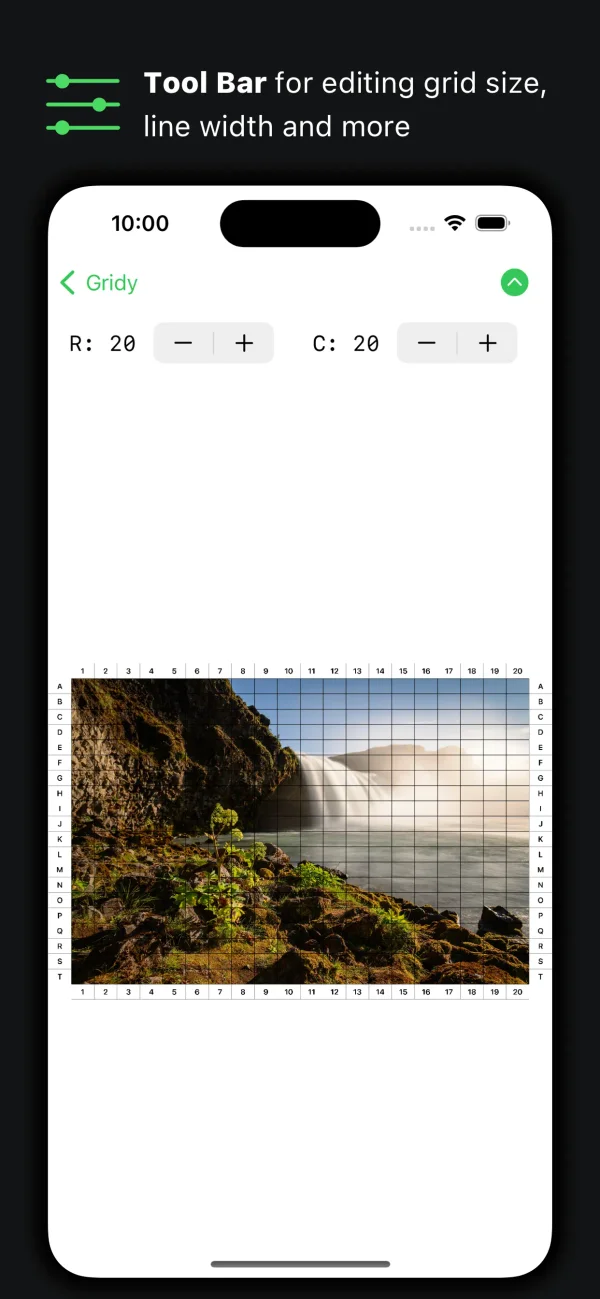
• Customization of grid row & column count, grid line color and grid line width
• iCloud sync between your iOS devices
• Works in landscape and portrait orientation
• Dark Mode
• Allows a max of 100 row/column count and a minimum of 5 row/column count
What’s new
Version 1.1 · Feb 16, 2024
Updating for iOS 17
App privacy
What Sahil Gangele declares on the App Store about how this app handles data.
-
Data not collected
The developer does not collect any data from this app.
Privacy practices may vary, for example with the features you use or your age.
Information
- Seller
- Sahil Gangele
- Category
- Graphics & Design
- Version
- 1.1
- Updated
- Feb 16, 2024
- Released
- May 3, 2020
- Size
- 2.0 MB
- Requires
- iOS 17.0 or later
- Age rating
- 4+
- Price
- Free
- Languages
- English
- Copyright
- © Sahil Gangele
You might also like
-
 DrawGridThe Grid Method for Artists
-
 Myvinchy: AR Trace & SketchDrawing Grid & Learn to Draw
-
 Tracing Buddy: Drawing GridArt Grid Maker: Sketch & Trace
-
 Griddy Sketch: Drawing GridReference, Perspective & Trace
-
 Artist's CompanionCapture your inspiration
-
 GridderAdd grid lines on photos
-
 GridArt - Drawing GridDrawingrid - add grid on image
-
 Values at PlaySeeing Values in Art
-
 Sketch GridDraw anything with a grid
-
 Atelier: Art GridPortrait & Proportion Tools