
Gridshot: Scan to Spreadsheet
Photo table CSV export
Designed for iPhone
Free · In-app purchases
- Age rating4+
- CategoryProductivity
- DeveloperAlan Agon
- LanguagesEnglish
- Size4.3 MB
Links to the official App Store page
Download.org hosts no file of Gridshot: Scan to Spreadsheet. The button opens its official App Store page, published by Alan Agon. Listing last checked on Nov 18, 2026.
Screenshots

About
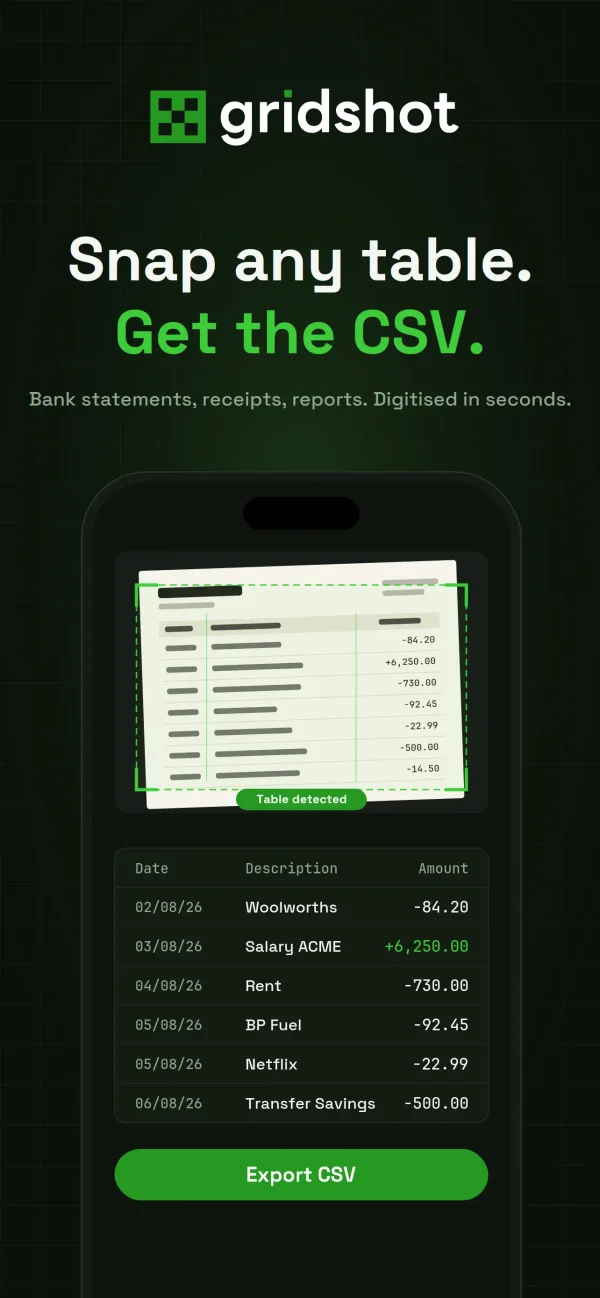
Photo a table. Get a spreadsheet.
Stop retyping rows by hand. Point your camera at a printed table and Gridshot turns it into an editable sheet you can export in seconds. No account, no upload, no waiting.
Rosters. Price lists. Stock counts. Score sheets. Timetables. Whiteboard grids before someone wipes them. Anything laid out in rows and columns.
HOW IT WORKS
1. Photograph the table, choose a photo, or share an image straight to Gridshot
2. Gridshot reads the rows and columns and shows you the grid
3. Tap any cell to correct it, then export
Cells Gridshot wasn't certain about are highlighted, so you know exactly where to look instead of checking all of them.
EXPORT ANYWHERE
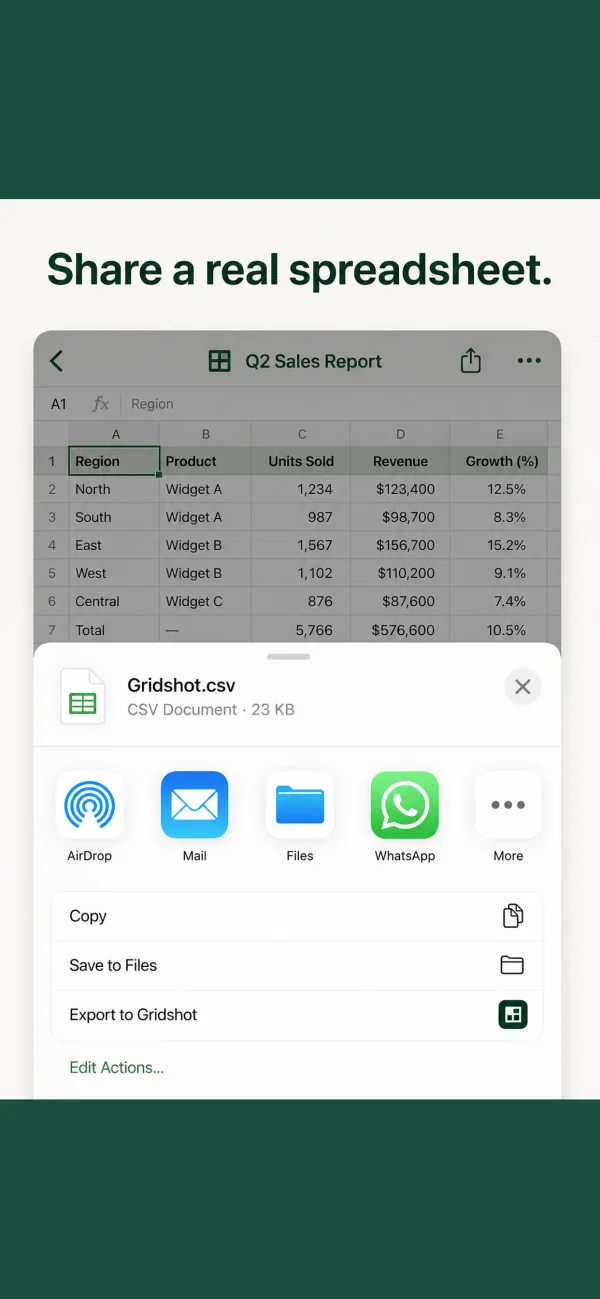
Send a CSV or spreadsheet file to Files, Mail, Numbers, Excel, Google Sheets, AirDrop, or anything else on your share sheet. Open it on your Mac a second later.
STAYS ON YOUR IPHONE
There is no sign-up, no server, and no analytics. Your photo is read on the device using Apple's built-in text recognition, so nothing is ever uploaded. Gridshot works in airplane mode.
WORKS BEST WITH
Printed and typed tables, photographed roughly square in frame. Handwriting, steep angles, and dim light are hard for any scanner, so straighten up and get close for the cleanest read.
App privacy
What Alan Agon declares on the App Store about how this app handles data.
-
Data not collected
The developer does not collect any data from this app.
Privacy practices may vary, for example with the features you use or your age.
Information
- Seller
- Alan Agon
- Category
- Productivity
- Version
- 1.0
- Updated
- Sep 5, 2026
- Released
- Sep 5, 2026
- Size
- 4.3 MB
- Requires
- iOS 26.0 or later
- Age rating
- 4+
- Price
- Free
- In-app purchases
- Yes
- Languages
- English
- Copyright
- © 2026 Alan Agon
You might also like
-
 TableScan StudioProductivity
-
 Tablo: Scan PDF & Photo to XLSTable OCR to Spreadsheet
-
 ScanToExcel - Document ScannerPDF & Photo to Spreadsheet
-
 HonestPDF: Private PDF ToolsCompress, Redact, Sign Offline
-
 Kiwi PDF: Editor & ScannerEasy Launcher PDF, Reader, OCR
-
 ignitai: Convert PDF to CSV aiScan to Excel Spreadsheet ai
-
 CW 1 to 53Calendar weeks
-
 AlineaProductivity
-
 VIAVI Mobile TechProductivity
-
 LiveIt Journal, Planner, NotesPlanner, Notes, Organization