- Age rating4+
- CategoryUtilities
- DeveloperCarl Sieber
- LanguagesEnglish
- Size1.9 MB
Links to the official App Store page
Download.org hosts no file of Grip: G-Force & Cornering. The button opens its official App Store page, published by Carl Sieber. Listing last checked on Nov 20, 2026.
Screenshots
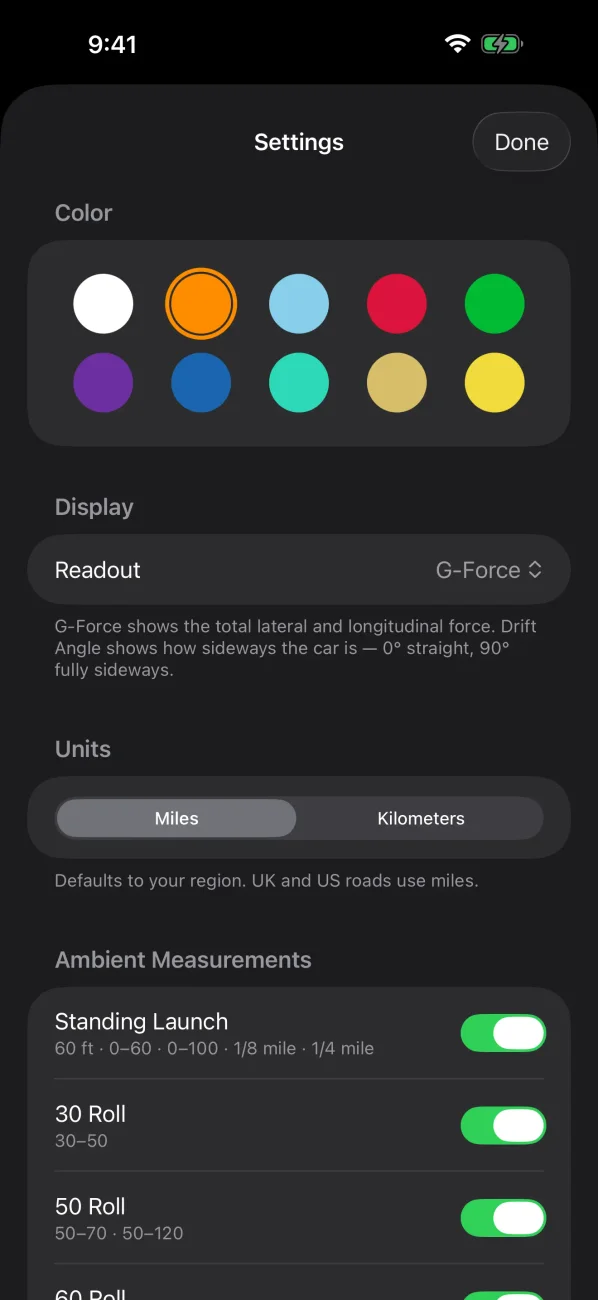
About
Grip turns your iPhone into a live vehicle dynamics display. As you accelerate, brake, and corner, it shows how your car uses the grip available to it — turning something you can only feel into something you can see.
Every drive leaves a shape. Each time you accelerate, brake, or turn, your car draws on the grip between its tires and the road, and Grip gathers all of it into one continuous picture. At a glance you can see how hard the car is working, how smooth your inputs are, and how much grip is still in reserve.
Inspired by the performance telemetry displays in modern sports cars, Grip is for drivers who want to understand how their car behaves — not just feel it.
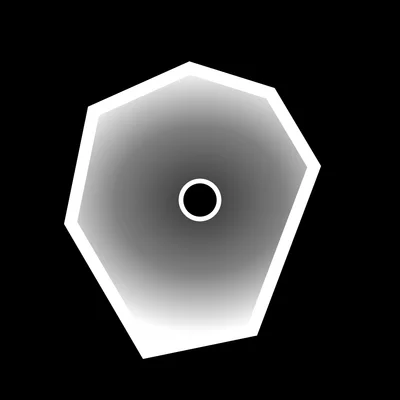
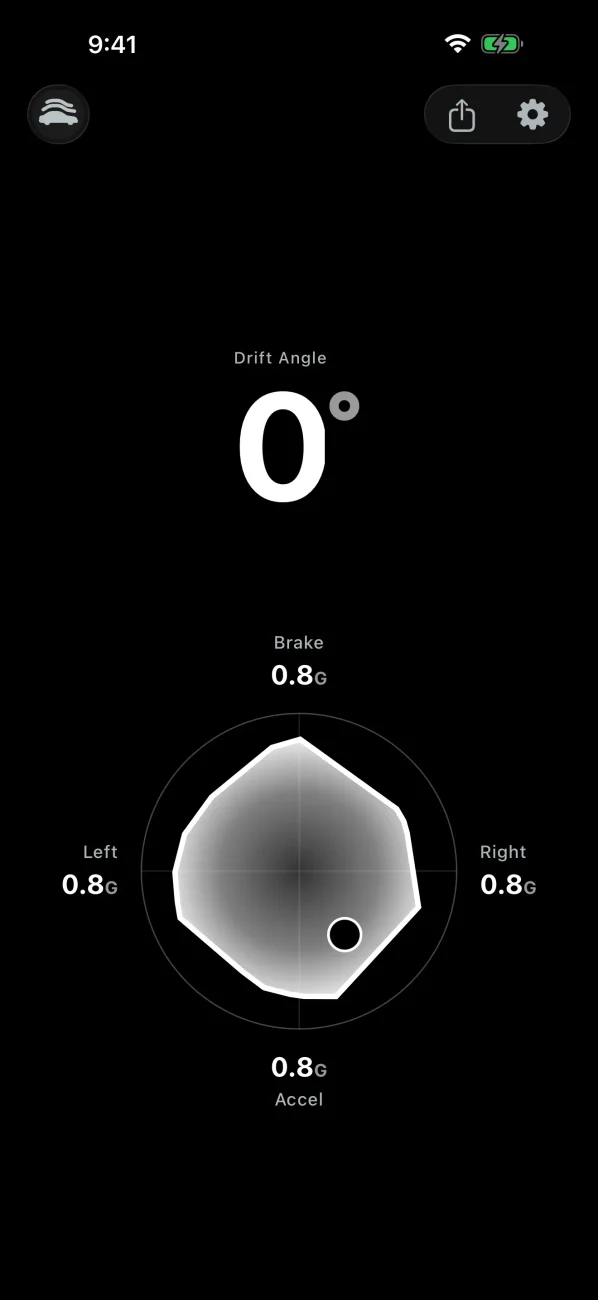
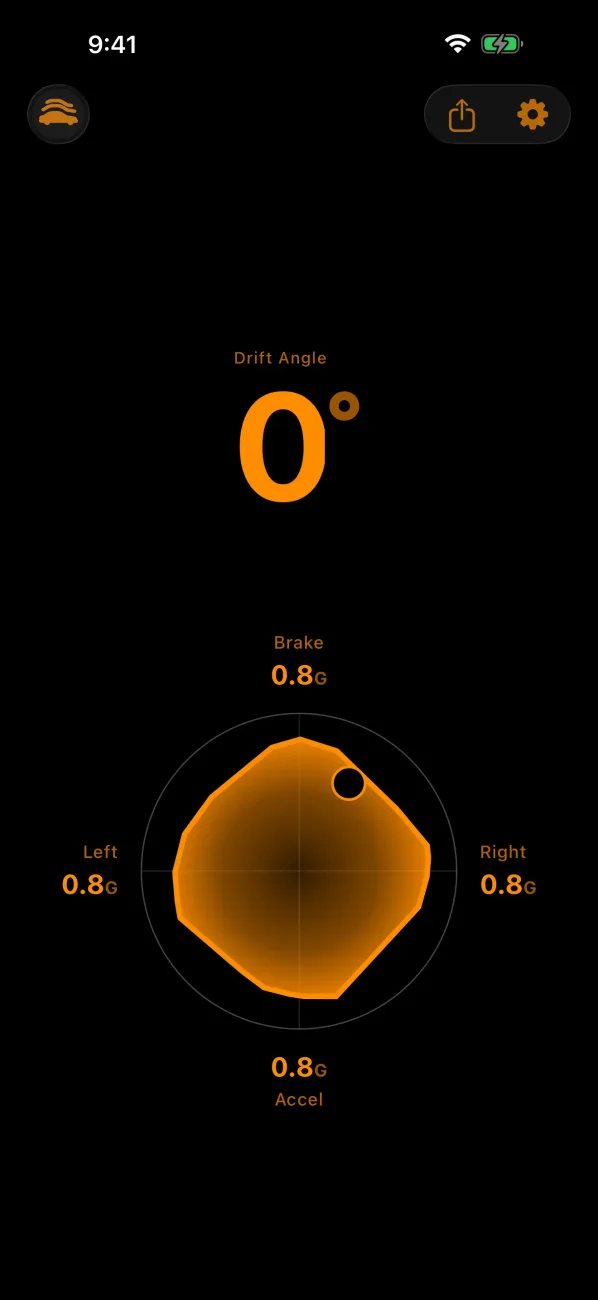
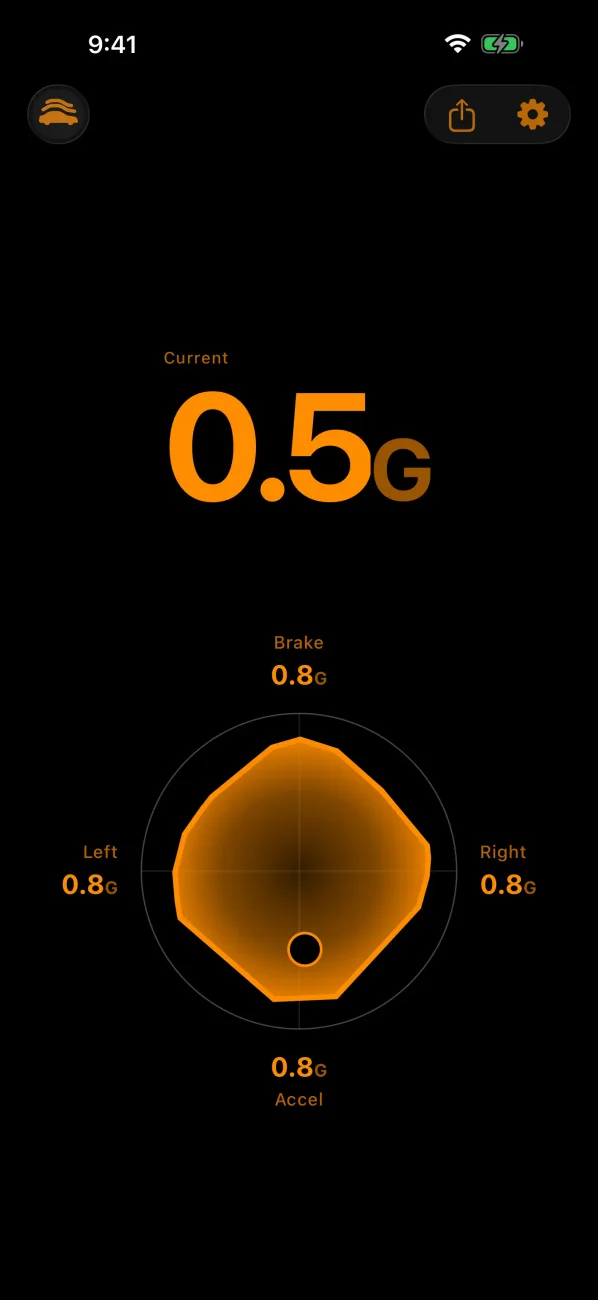
LIVE GRIP ENVELOPE A circular display shows acceleration, braking, and cornering at once. A live marker tracks what the car is doing right now, while a grip envelope grows to show how much of the available grip you've used in each direction — the closer it reaches the edge, the closer you are to the limit. Four labels keep your session's peak forces in view.
REAL-TIME VEHICLE DYNAMICS Acceleration, braking, and cornering, read live from your iPhone's motion sensors — the kind of insight once found only on a performance car's dashboard.
DRIFT ANGLE, WHEN YOU WANT IT Switch the readout to drift angle for a live read on slip — how far the car's heading has stepped out from its direction of travel. 0° is straight tracking; the angle grows as the car begins to rotate beyond its line. No calibration, no setup.
AUTO-SCALING Grip starts at a 1G reference and steps out smoothly to 1.5G, 2.0G, and beyond as you explore your car's limits — automatically, with no manual adjustment.
ANY MOUNT, ANY ANGLE Dashboard mount, vent clip, or charging pad. Grip combines your iPhone's motion sensors with your direction of travel to align itself to the car — no calibration step, no fixed position. The moment you pull away, it's reading how your car uses grip.
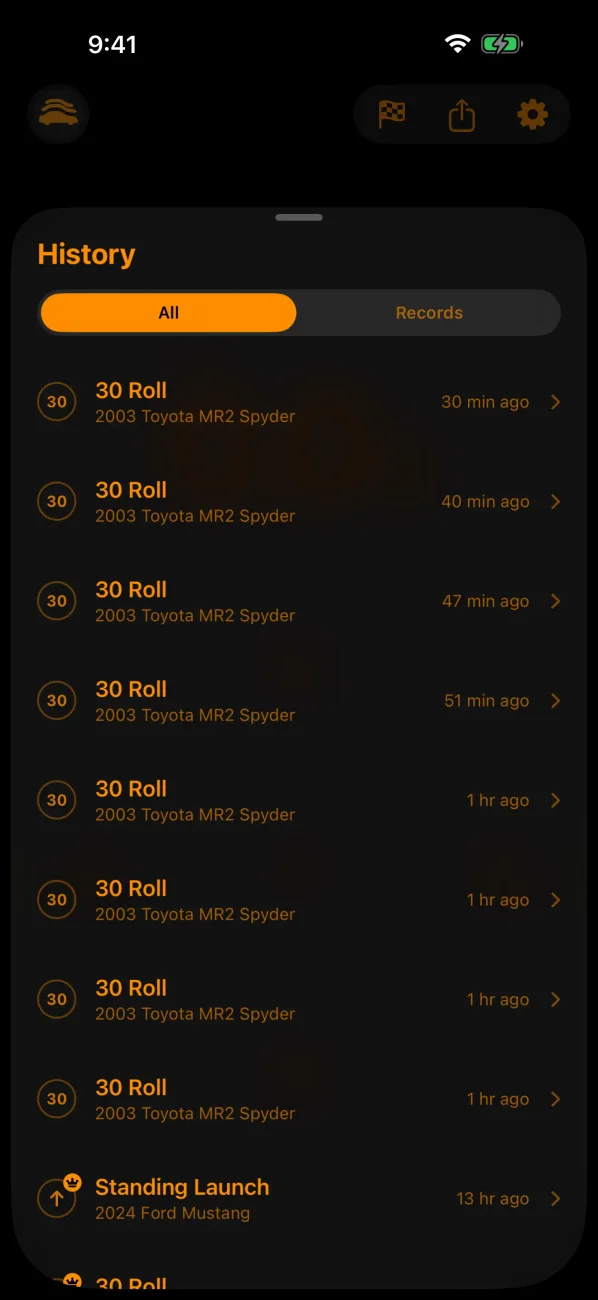
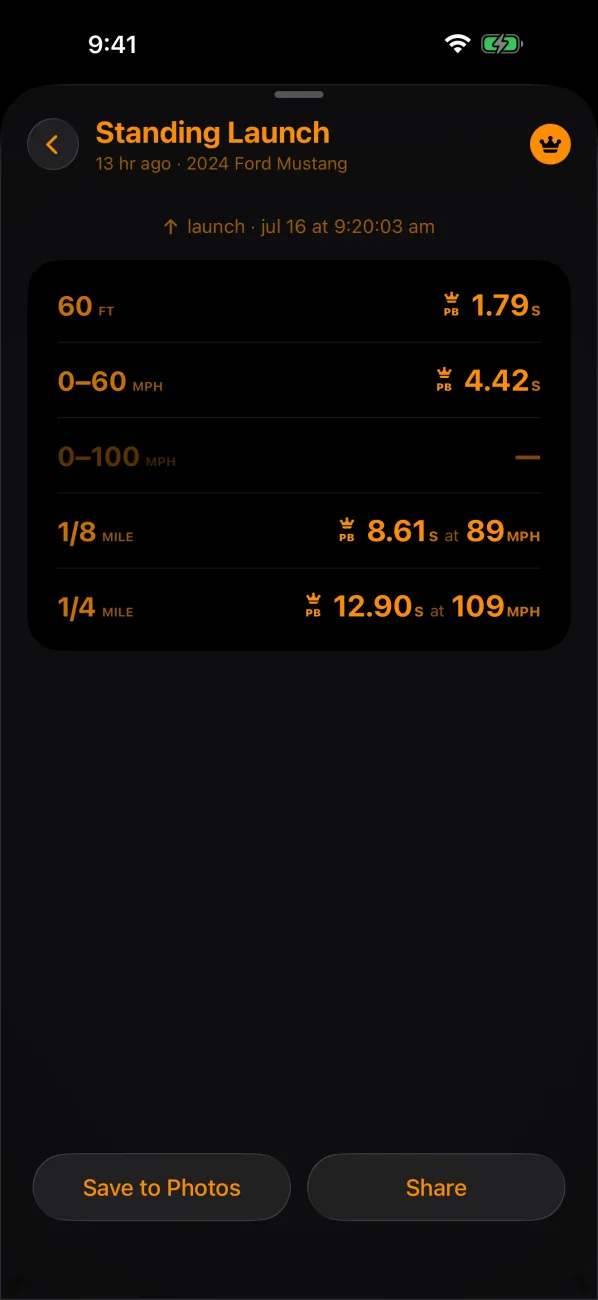
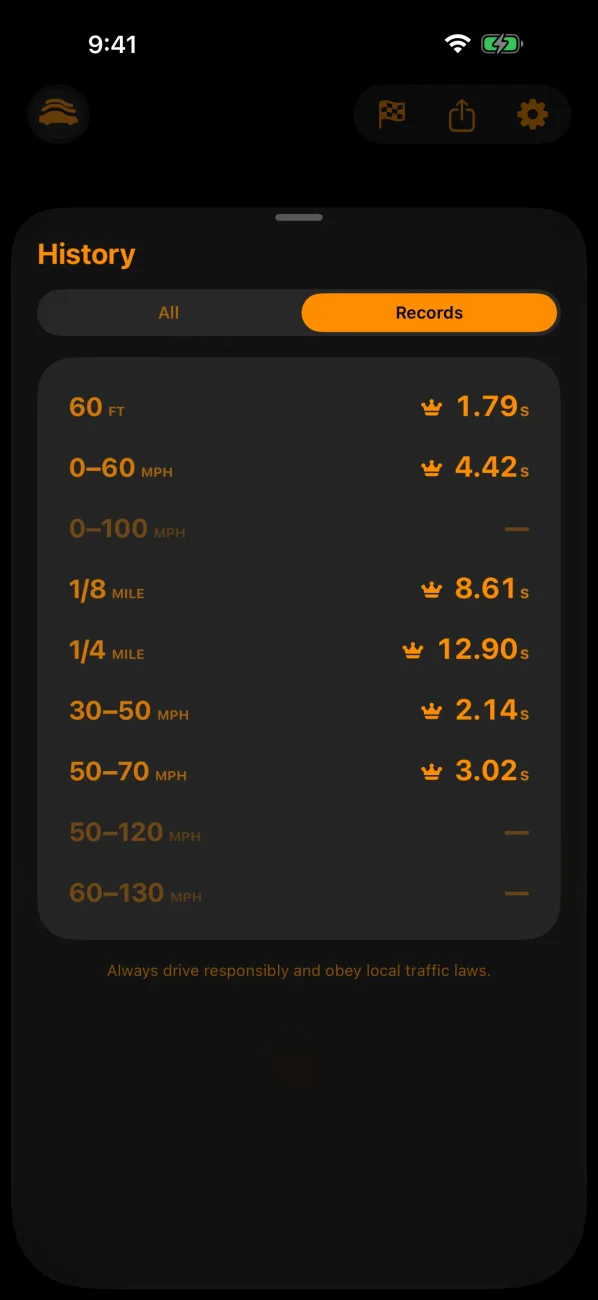
RUNS — YOUR QUARTER-MILE, CAUGHT AUTOMATICALLY Grip watches in the background while you drive. Set a roll or stage a standing launch, floor it, and it banks your 60-foot, 0–60, and quarter-mile — timed from the instant you rolled into it. No button, no countdown — you decide it was a run after the run. Every banked run lands in History with the car that set it, and a Records board tracks your all-time bests across every measure.
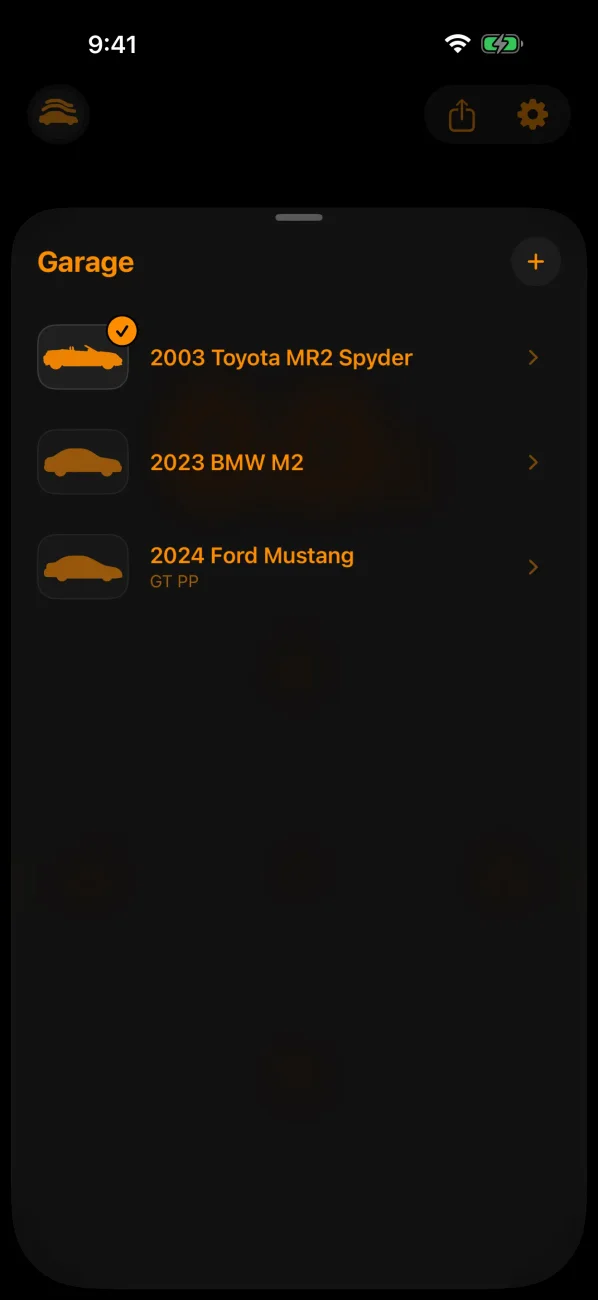
GARAGE Keep more than one car in the Garage — each with its own name and note — and switch which one is active in a tap. Runs are tagged with whichever car was active when you banked them, so History and Records stay sorted by vehicle automatically.
TEN COLORWAYS Choose from White, Amber, Ice Blue, Red, Green, Purple, Blue, Teal, Gold, and Yellow to match your interior or ambient light.
MADE FOR IPHONE DUO
Closed, the full meter fits the outer screen, with your controls in the column under the clock. Open, the reading sits above the fold and the friction circle below it. Open and held wide, they sit side by side with the fold between them.
PRIVATE BY DEFAULT Everything is processed on your device. Location is used only to sense your direction of travel — in real time, never stored, never transmitted. No account, no sign-up, no cloud.
Drive responsibly. Grip is a vehicle dynamics display, not a distraction. Always mount your phone safely and keep your eyes on the road. For closed-course use. Grip is not a safety or certified measurement device.
What’s new
Version 1.3.2 · Oct 28, 2026
Grip 1.3.2 adds support for iPhone Duo.
• Closed — the full meter fits the outer screen, with your controls in the column under the clock.
• Open — the reading sits above the fold and the friction circle below it.
• Open and held wide — the reading takes one side of the fold, the friction circle the other, with your controls down the side.
Also in this update:
• Change which car a run belongs to, any time after you bank it.
• A run banked in Pull now shows Pull's icon when you open it in Grip.
• The share card has a close button in its corner.
App privacy
What Carl Sieber declares on the App Store about how this app handles data.
-
Data not collected
The developer does not collect any data from this app.
Privacy practices may vary, for example with the features you use or your age.
Information
- Seller
- Carl Sieber
- Category
- Utilities
- Version
- 1.3.2
- Updated
- Oct 28, 2026
- Released
- Sep 30, 2026
- Size
- 1.9 MB
- Requires
- iOS 17.6 or later
- Age rating
- 4+
- Languages
- English
- Copyright
- © 2026, Carl Sieber
You might also like
-
 NP Parts & Engineering EHSUtilities
-
 PeakG - G-Force & Motion MeterFlying, Track Days & Karting
-
 G-Force Meter TrackerTrack your driving stability
-
 Marts DigitalMarts Digital
-
 NextHub RemoteDashboard for your DNS Queries
-
 Benchmark Pro: Device TestCPU, GPU & Hardware Checks
-
 Horizontal AccelerometerAutomobile measurement tool
-
 WattWave: Charging Speed TestWatts on your Dynamic Island
-
 Gboard - G-Force DashboardG-force, speed & attitude
-
 ShinyDex - Shiny TrackerCollect And Track Shinies