gronotes: Organize your notes
Ideas, tasks and lists
Designed for iPhone, iPad, Mac, iPod touch
In-app purchases
- Age rating4+
- CategoryProductivity
- DeveloperAdrian Grochla
- LanguagesGerman+ 14 more
- Size55.3 MB
Links to the official App Store page
Download.org hosts no file of gronotes: Organize your notes. The button opens its official App Store page, published by Adrian Grochla. Listing last checked on Nov 21, 2026.
Screenshots



About
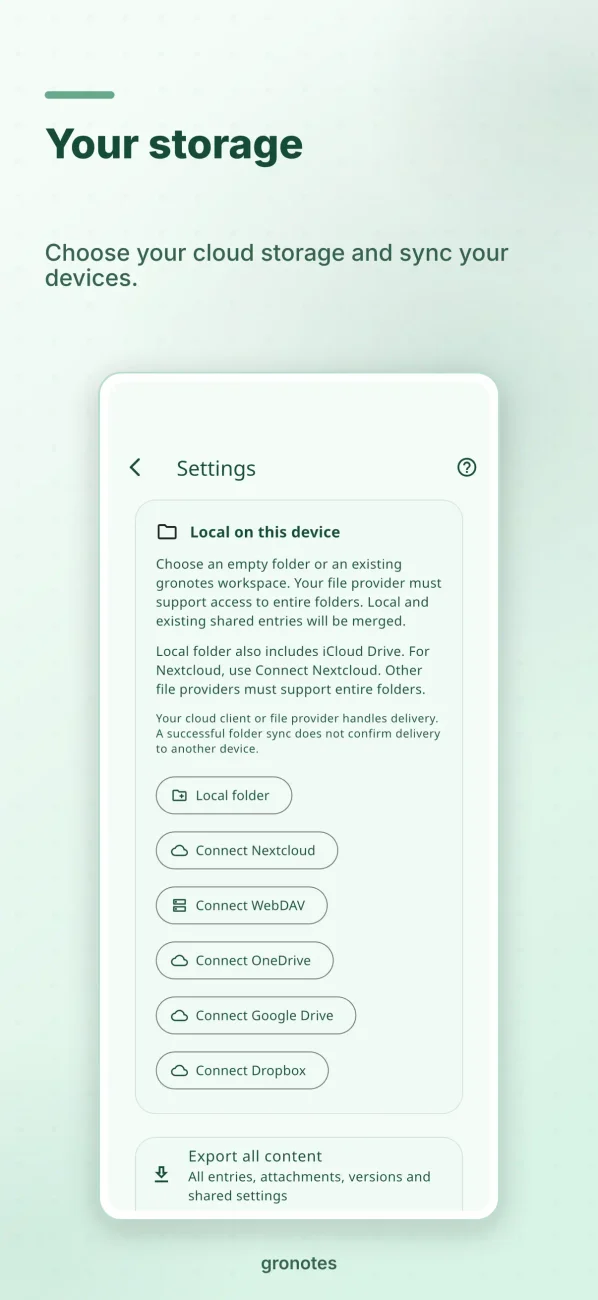
Create notes and sync them across your devices using your own cloud.
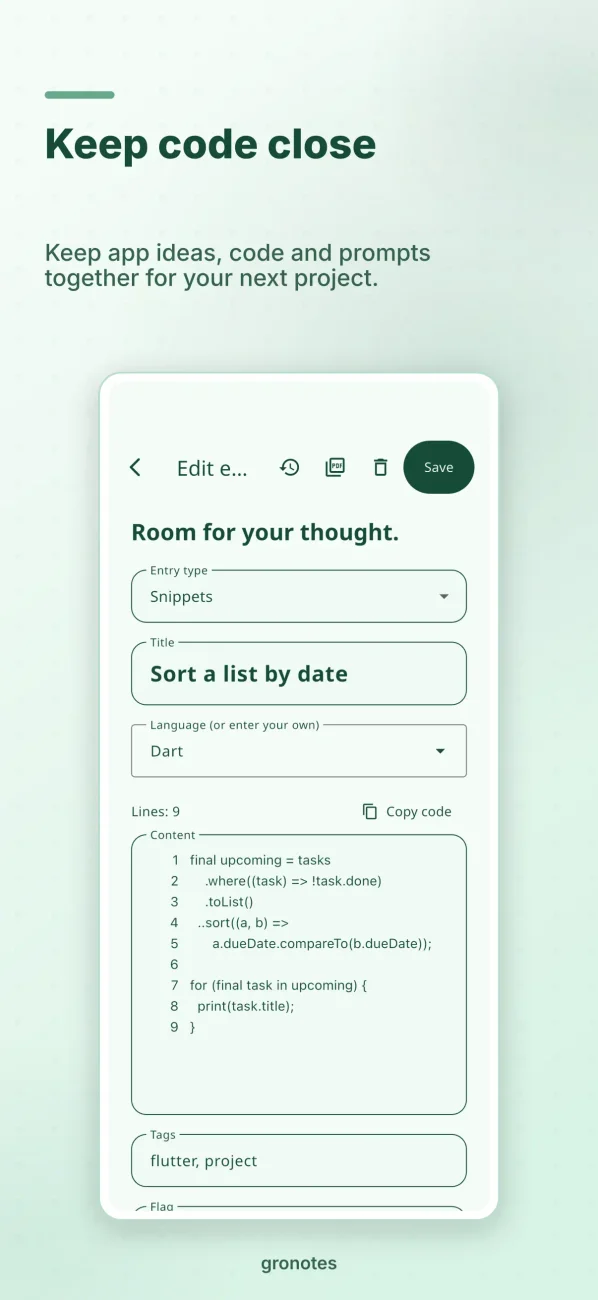
From travel diaries to recipes and code snippets: show only what you need.
Plan recurring income and expenses. Compare weekly, monthly, quarterly and annual amounts; the ring shows averages and surplus or deficit for your selected period.
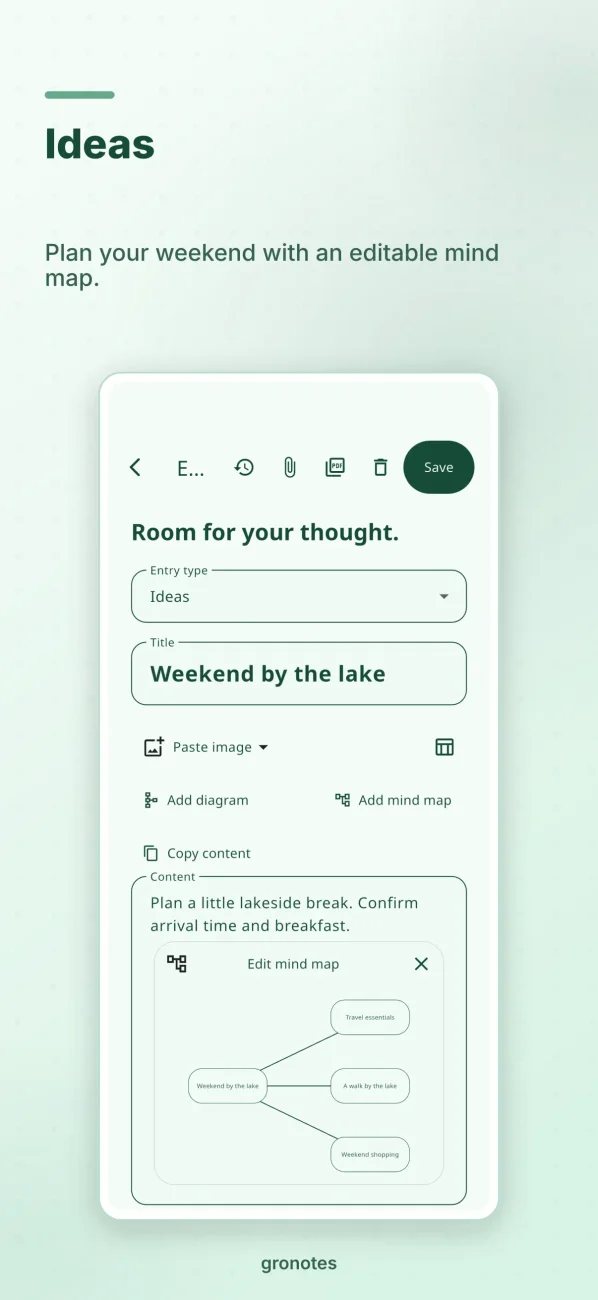
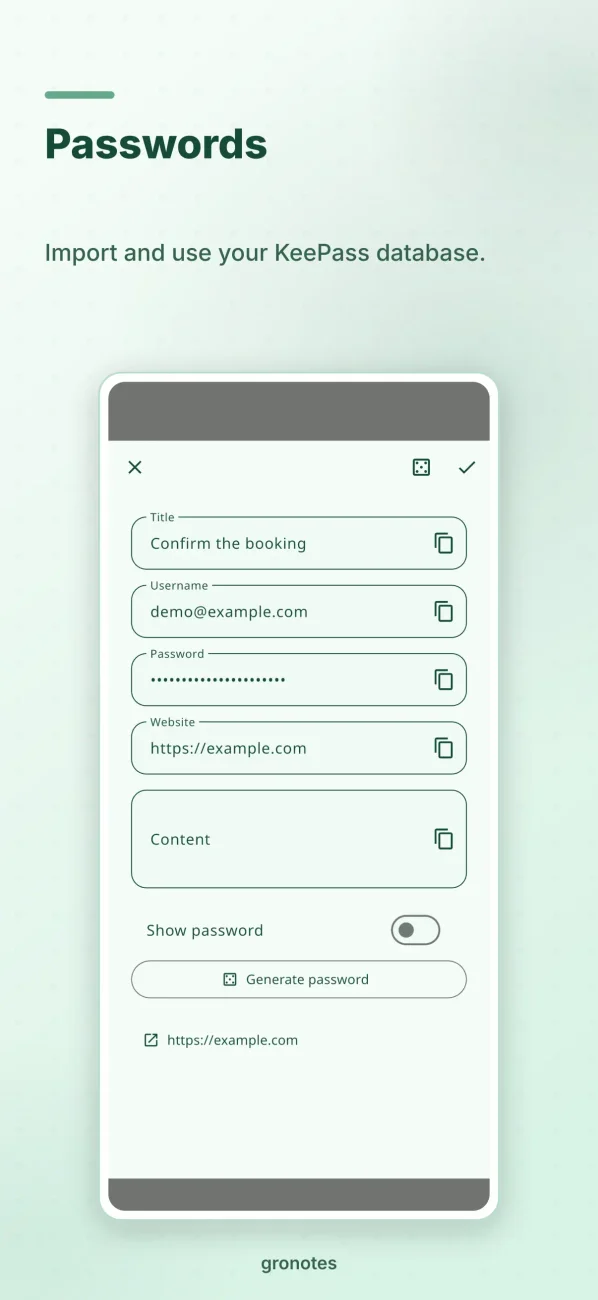
Notes save automatically. Keep up to five earlier versions per entry, or choose zero to turn versions off. Complete tasks directly from the overview. Zoom images and adjust their size. Add tables with headers, rows and columns, plus locally editable diagrams and mind maps. Manage passwords in an encrypted vault and import or export KeePass files with their folder structure. Find contacts and contract details quickly. Open recognized web links in your default browser.
Import saves an encrypted copy in gronotes. The original file stays unchanged. Export changes as KDBX for other password apps.
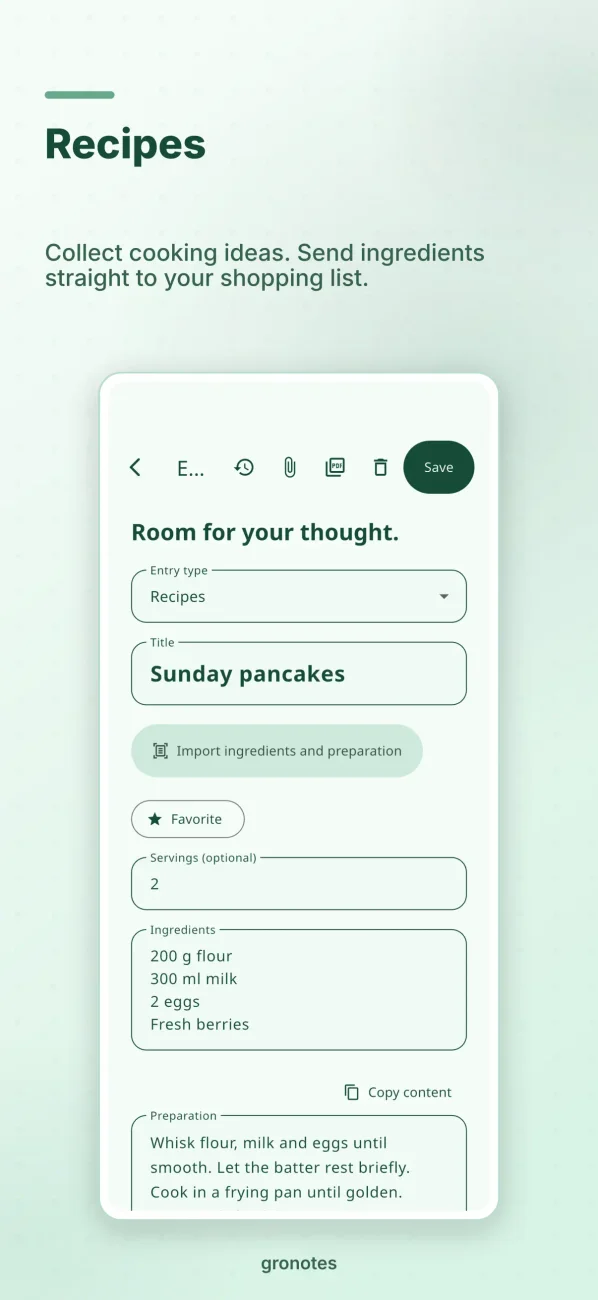
Import recipes from images or text files, then review and edit ingredients and preparation before saving. Insert images within text and copy content with images. Add files with the paperclip and see their count. Check off ideas, choose flags from a dropdown and switch sections easily in narrow portrait views.
Shopping lists with an optional store, full item search and reuse of previous groceries. Checked items remain visible for five seconds so you can undo a tap. Recipes include ingredients, preparation, servings, custom categories and a favorite star; send ingredients to a new or existing shopping list. Attach images and files (up to 8 MB per file, 32 MB for the whole notebook including history). Track homework by subject, optional due date and completion. Choose visible sections per device in Settings; hidden entries are preserved. A list or recipe counts as one entry.
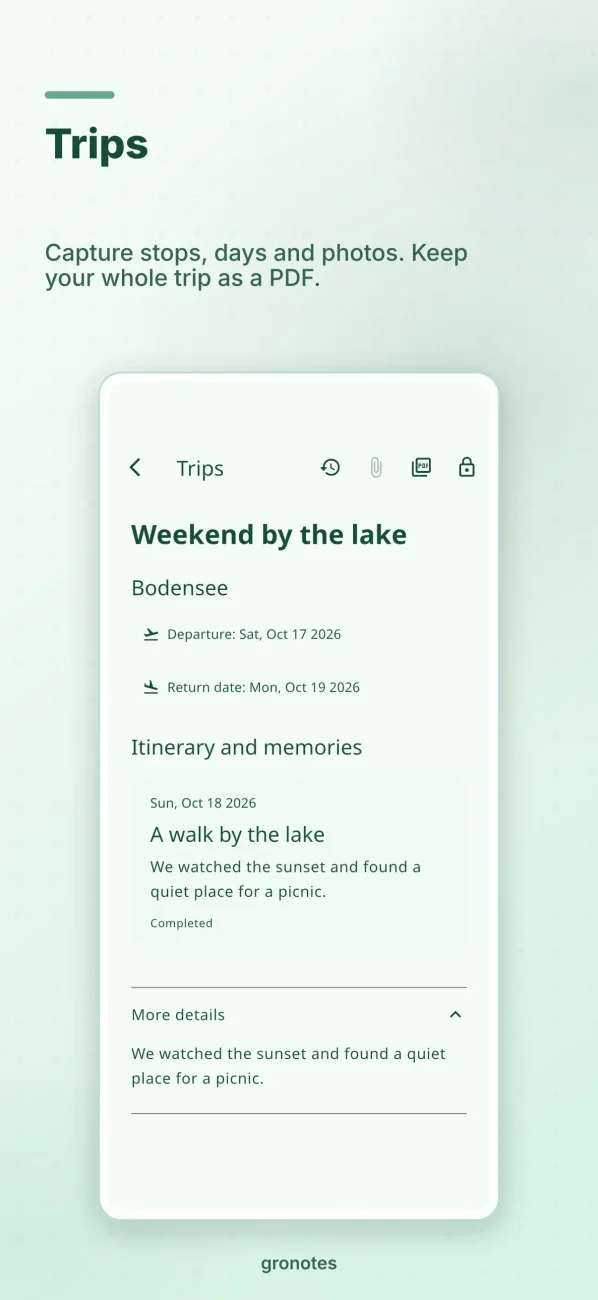
Plan trips and keep your memories with linked base and trip packing lists, a diary, inline images and PDF export. The diary offers optional password protection that encrypts its contents and attachments. Choose light and dark colors, hide completed tasks and return to your last category. Enable new features individually.
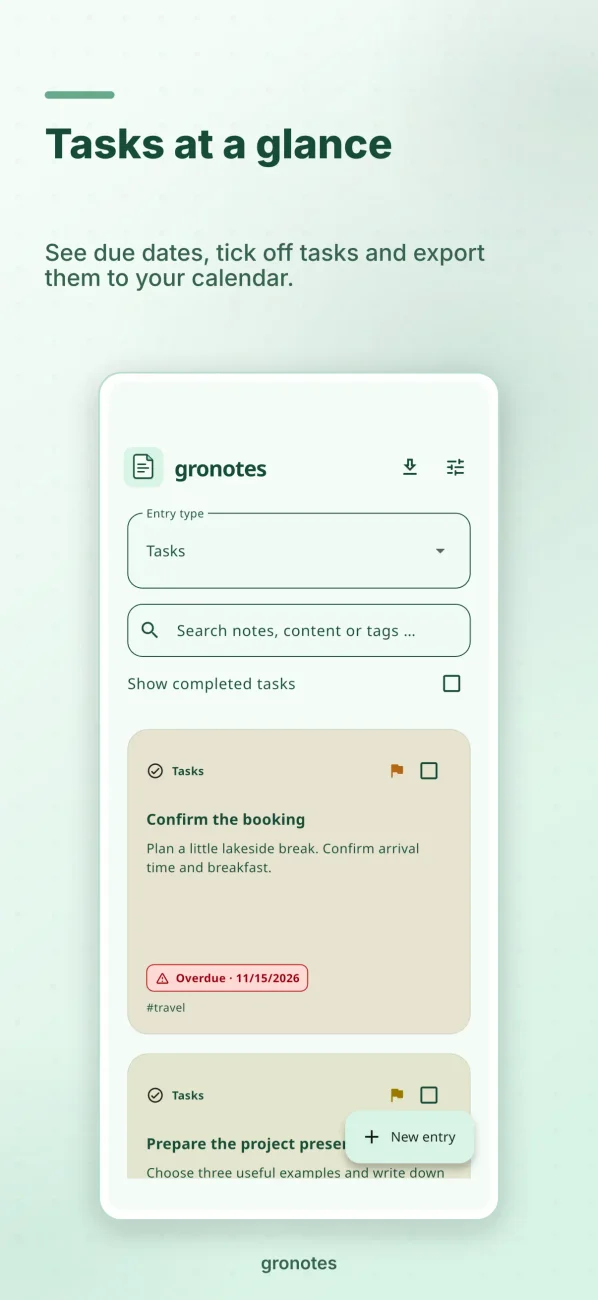
See due dates, tick off tasks and export them to your calendar.
Ten entries in total are free; a one-time in-app purchase enables additional entries. Existing content remains readable, editable and exportable above the limit. No subscription.
After entering the master password and any required key file once, unlock the password vault with biometrics. Enrollment applies only to this device; manual unlocking remains available.
Your cloud client or file provider handles delivery. A successful folder sync does not confirm delivery to another device.
Open edits the original file. External files are not included in the gronotes full export. Do not edit simultaneously in other apps.
What’s new
Version 1.3.0 · Nov 18, 2026
Edit external KeePass files directly and reopen them from recent databases. Changes made by other apps are refreshed. Change a finance plan's currency even with existing payments; amounts are not converted using exchange rates.
App privacy
What Adrian Grochla declares on the App Store about how this app handles data.
-
Data not collected
The developer does not collect any data from this app.
Privacy practices may vary, for example with the features you use or your age.
Information
- Seller
- Adrian Grochla
- Category
- Productivity
- Version
- 1.3.0
- Updated
- Nov 18, 2026
- Released
- Oct 6, 2026
- Size
- 55.3 MB
- Requires
- iOS 15.0 or later
- Age rating
- 4+
- In-app purchases
- Yes
- Languages
- German, Danish, English, French, Italian, Japanese, Korean, Dutch, Norwegian Bokmål, Polish, Portuguese, Swedish + 3 more
- Copyright
- © 2026 groad
You might also like
-
 BetterTextSimple plain-text editor
-
 My Knowledge BaseCollect Info, Find it Fast
-
 Easy BookmarkySave Links Easily
-
 Weeklane: Weekly To-Do PlannerTask List, Focus & App Blocker
-
 DictaWiz: AI Keyboard & NotesPrivate Voice to Text Recorder
-
 Passwords for NextcloudProductivity
-
 Simple Notes.Simple & easy note taking app.
-
 heylogin – Password ManagerProductivity
-
 Nextcloud NotesProductivity
-
 Chuck – Email with SuperpowersEmail Management, Supercharged