gronotes: Notes & Tasks
Organize tasks, ideas and more
Được thiết kế cho iPhone, iPad, Mac, iPod touch
Miễn phí · Mua hàng trong ứng dụng
- Độ tuổi4+
- Danh mụcHiệu Suất
- Nhà phát triểnAdrian Grochla
- Ngôn ngữTiếng Đức+ 14 ngôn ngữ khác
- Kích thước55,3 MB
Liên kết đến trang App Store chính thức
Download.org không lưu trữ tệp nào của gronotes: Notes & Tasks. Nút này mở trang ứng dụng trên App Store, nơi Adrian Grochla phát hành ứng dụng. Trang được kiểm tra lần cuối: 25/11/2026.
Ảnh chụp màn hình

Giới thiệu
Nhà phát triển chưa cung cấp nội dung này bằng ngôn ngữ của bạn.
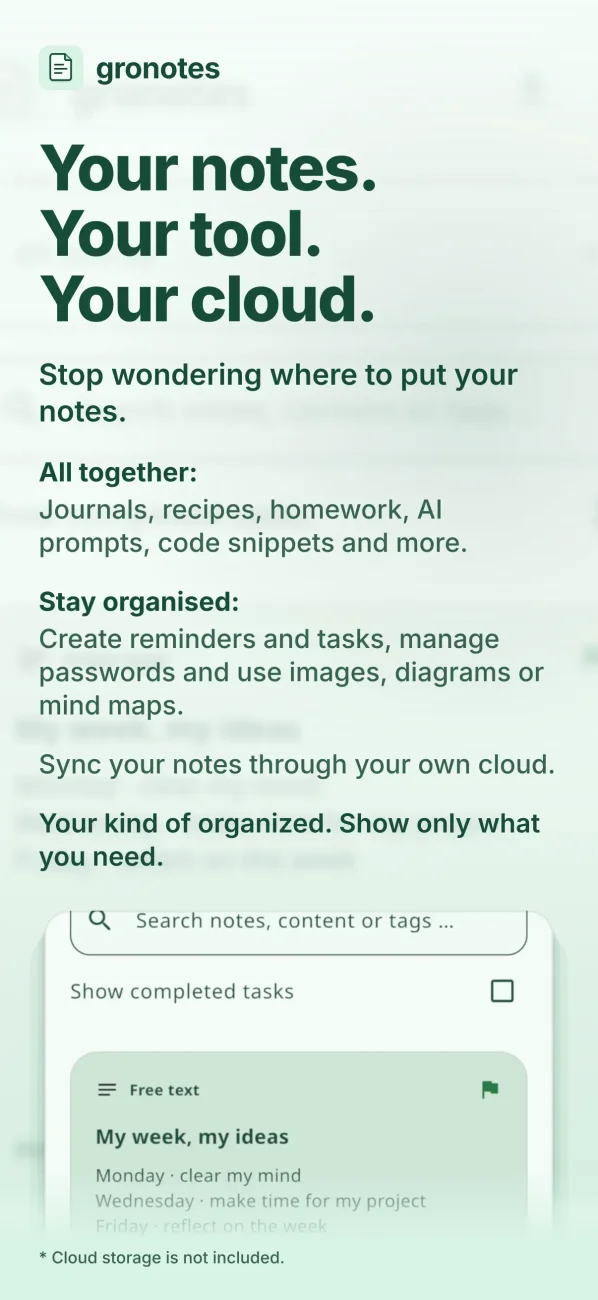
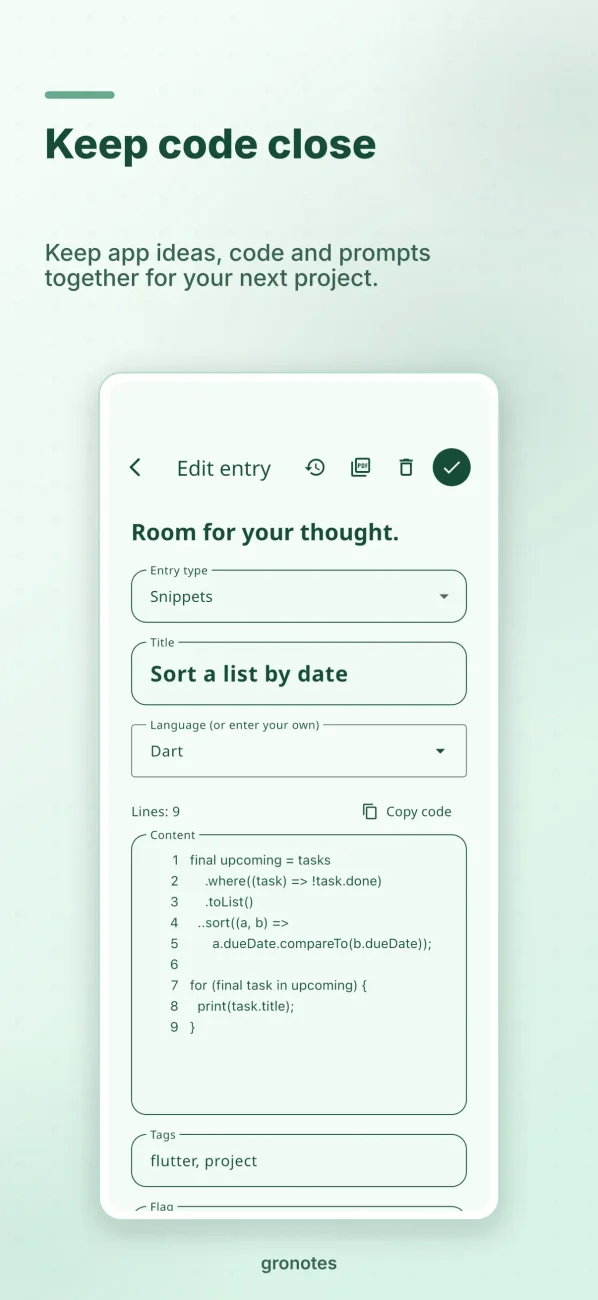
Capture ideas, tick off tasks and organize your day. gronotes brings your notes together with useful lists, recipes and travel plans. Show only the sections you need.
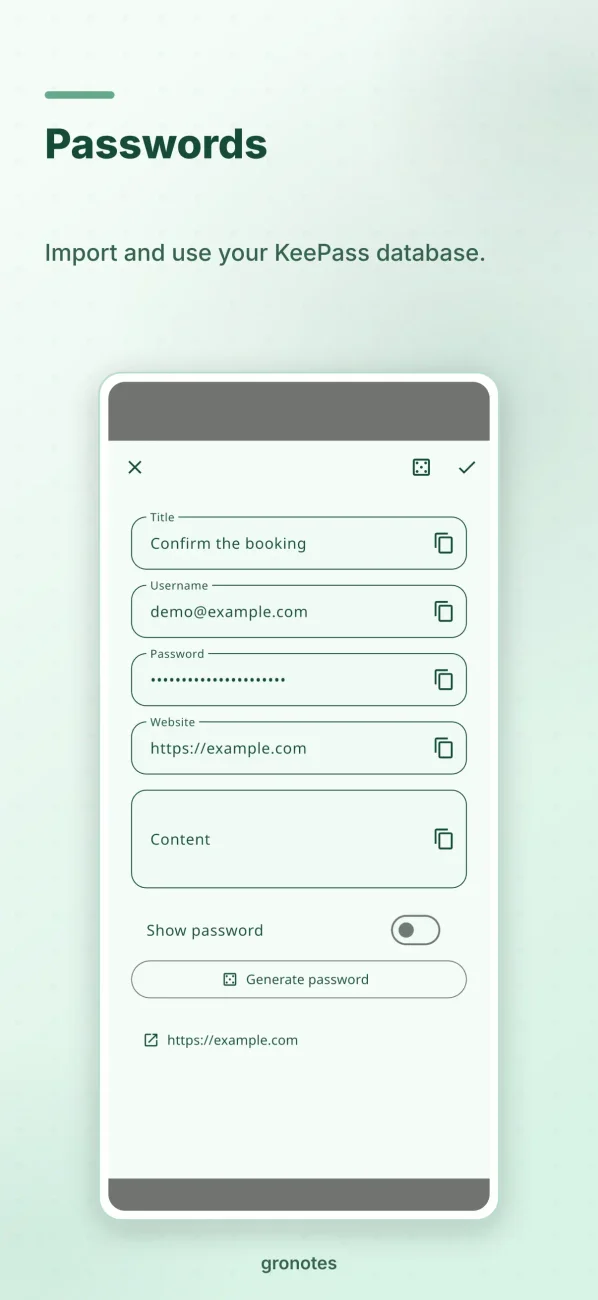
Make gronotes yours with five color themes in light and dark. See the income and expense ring right in the overview. Open an existing password database or create a new one directly from Passwords.
Plan recurring income and expenses. Compare weekly, monthly, quarterly and annual amounts; the ring shows averages and surplus or deficit for your selected period.
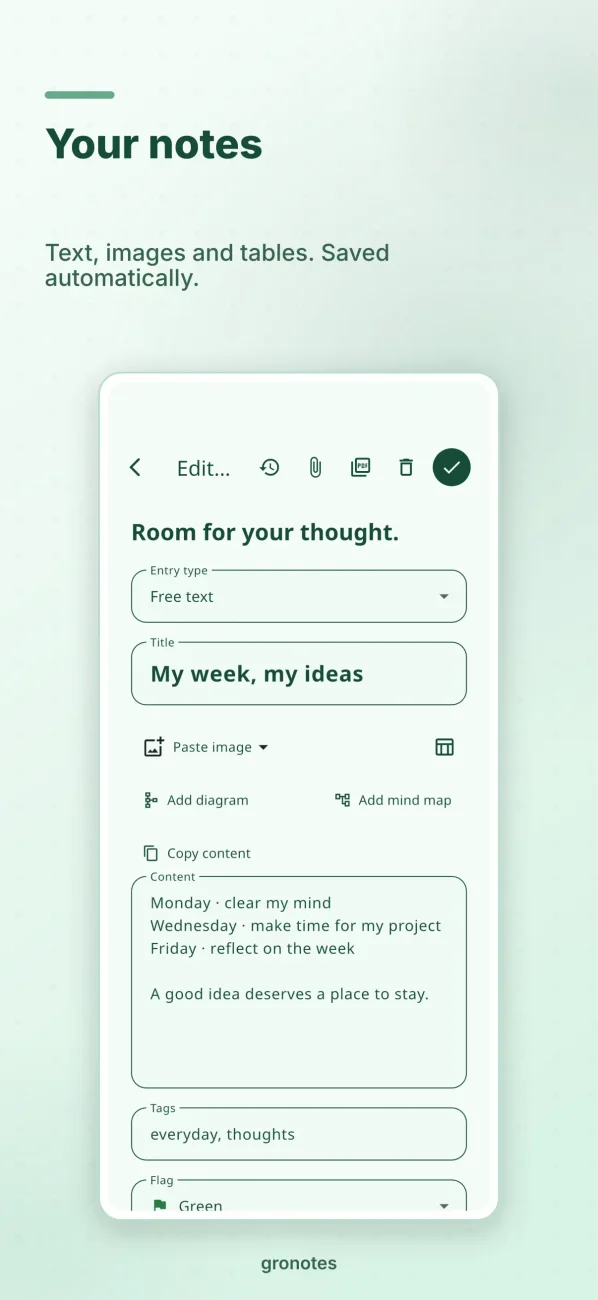
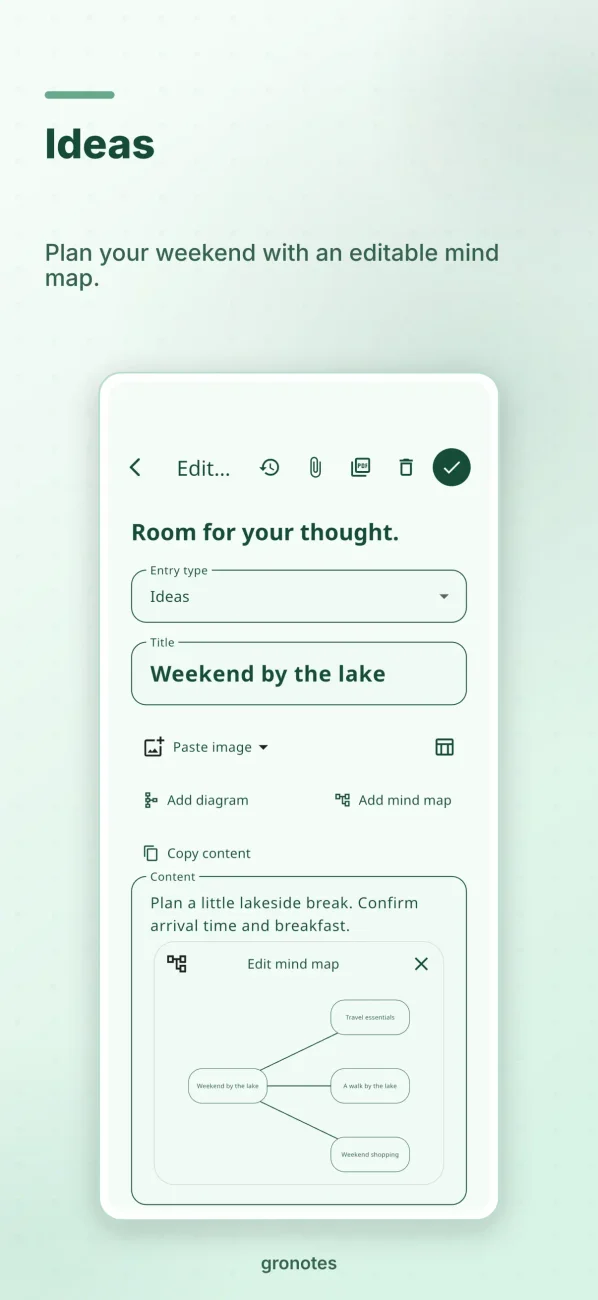
Notes save automatically. Keep up to five earlier versions per entry, or choose zero to turn versions off. Complete tasks directly from the overview. Zoom images and adjust their size. Add tables with headers, rows and columns, plus locally editable diagrams and mind maps. Manage passwords in an encrypted vault and import or export KeePass files with their folder structure. Find contacts and contract details quickly. Open recognized web links in your default browser.
Import saves an encrypted copy in gronotes. The original file stays unchanged. Export changes as KDBX for other password apps.
Import recipes from images or text files, then review and edit ingredients and preparation before saving. Insert images within text and copy content with images. Add files with the paperclip and see their count. Check off ideas, choose flags from a dropdown and switch sections easily in narrow portrait views.
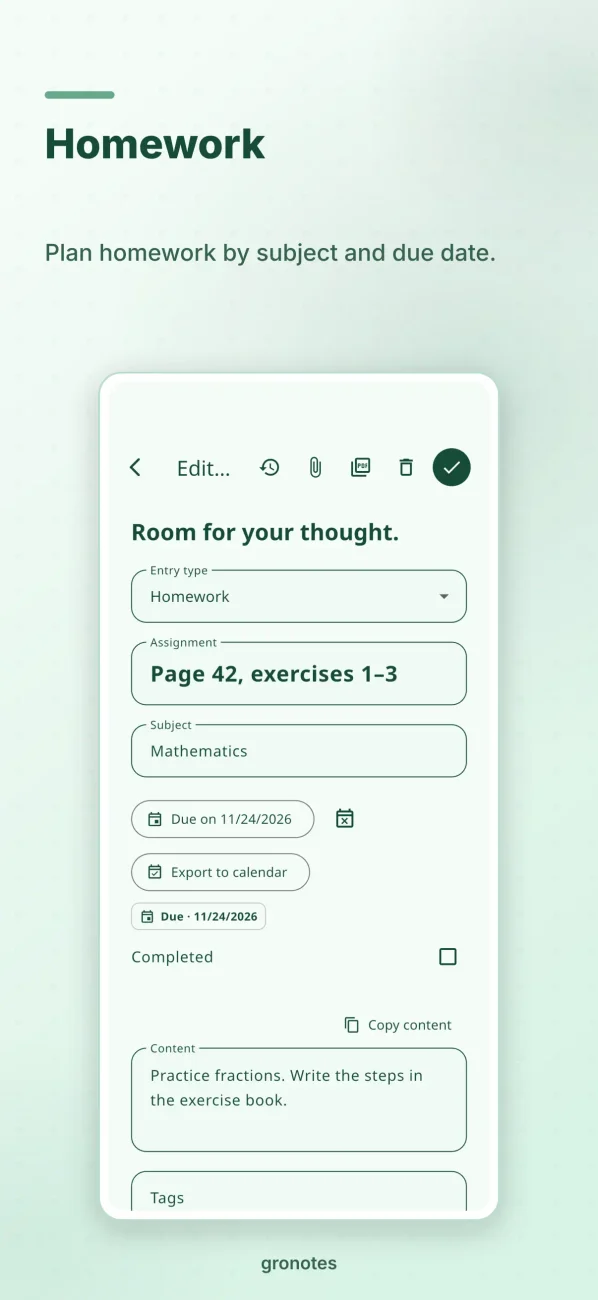
Shopping lists with an optional store, full item search and reuse of previous groceries. Checked items remain visible for five seconds so you can undo a tap. Recipes include ingredients, preparation, servings, custom categories and a favorite star; send ingredients to a new or existing shopping list. Attach images and files (up to 8 MB per file, 32 MB for the whole notebook including history). Track homework by subject, optional due date and completion. Choose visible sections per device in Settings; hidden entries are preserved. A list or recipe counts as one entry.
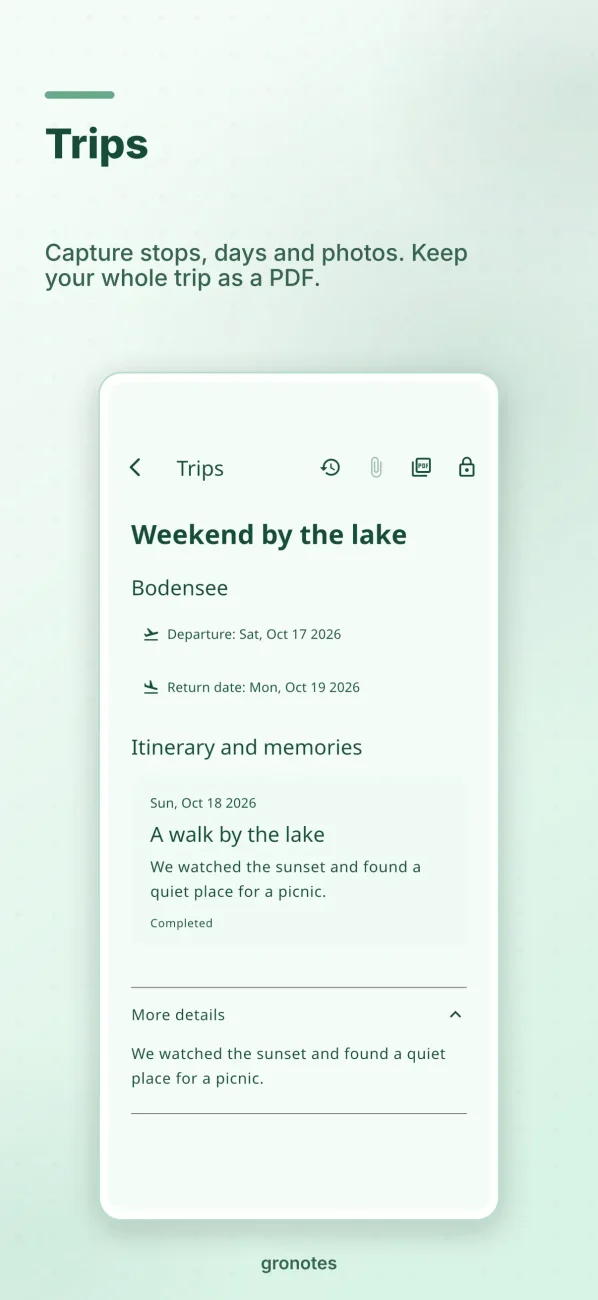
Plan trips and keep your memories with linked base and trip packing lists, a diary, inline images and PDF export. The diary offers optional password protection that encrypts its contents and attachments. Choose light and dark colors, hide completed tasks and return to your last category. Enable new features individually.
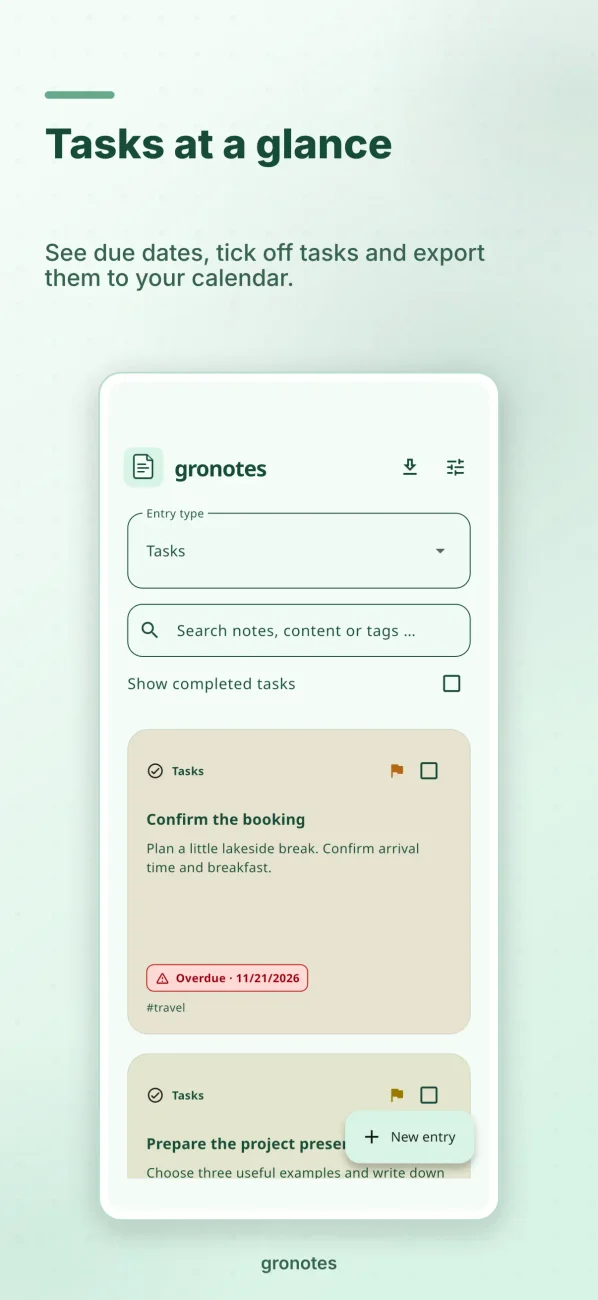
See due dates, tick off tasks and export them to your calendar.
Ten entries in total are free; a one-time in-app purchase enables additional entries. Existing content remains readable, editable and exportable above the limit. No subscription.
After entering the master password and any required key file once, unlock the password vault with biometrics. Enrollment applies only to this device; manual unlocking remains available.
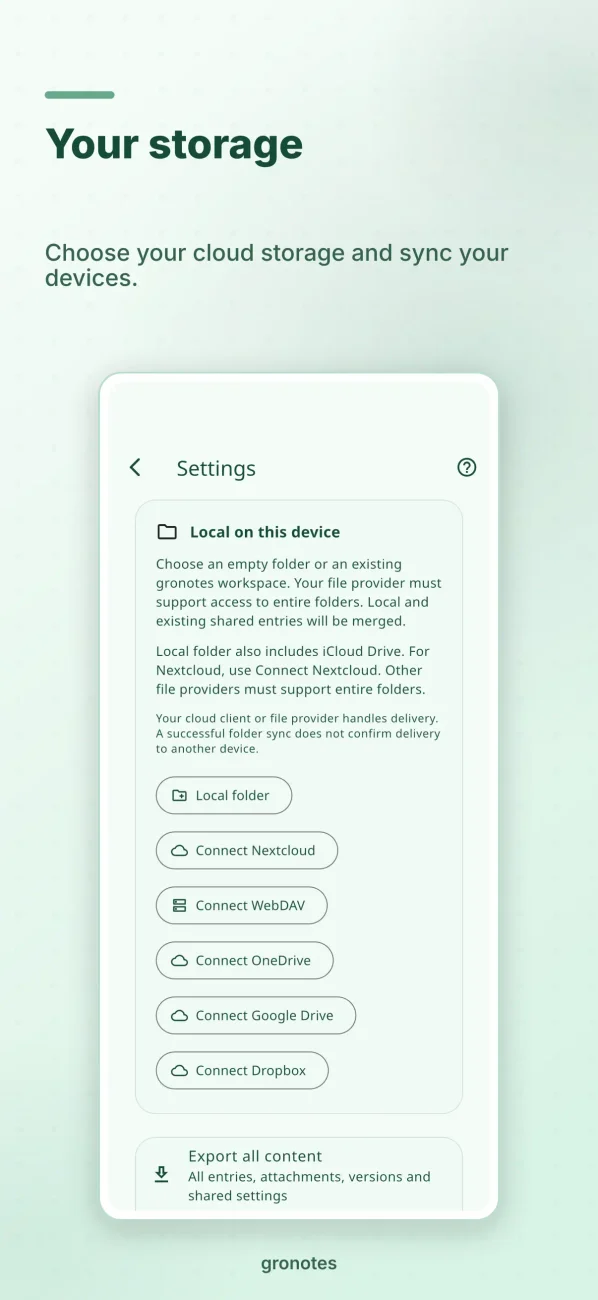
Your cloud client or file provider handles delivery. A successful folder sync does not confirm delivery to another device.
Open edits the original file. External files are not included in the gronotes full export. Do not edit simultaneously in other apps.
Có gì mới
Phiên bản 1.3.1 · 24/11/2026
Make gronotes yours with five color themes in light and dark. See the income and expense ring right in the overview. Open an existing password database or create a new one directly from Passwords.
Quyền riêng tư của ứng dụng
Những gì Adrian Grochla khai báo trên App Store về cách ứng dụng này xử lý dữ liệu.
-
Dữ liệu không được thu thập
Nhà phát triển không thu thập bất kỳ dữ liệu nào từ ứng dụng này.
Phương thức đảm bảo quyền riêng tư có thể khác nhau, chẳng hạn như tuỳ theo các tính năng bạn sử dụng hoặc độ tuổi của bạn.
Thông tin
- Người bán
- Adrian Grochla
- Danh mục
- Hiệu Suất
- Phiên bản
- 1.3.1
- Cập nhật
- 24/11/2026
- Phát hành
- 06/10/2026
- Kích thước
- 55,3 MB
- Yêu cầu
- iOS 15.0 trở lên
- Độ tuổi
- 4+
- Giá
- Miễn phí
- Mua hàng trong ứng dụng
- Có
- Ngôn ngữ
- Tiếng Đức, Tiếng Đan Mạch, Tiếng Anh, Tiếng Pháp, Tiếng Ý, Tiếng Nhật, Tiếng Hàn, Tiếng Hà Lan, Tiếng Bokmål Na Uy, Tiếng Ba Lan, Tiếng Bồ Đào Nha, Tiếng Thụy Điển + 3 ngôn ngữ khác
- Bản quyền
- © 2026 groad
Có thể bạn cũng thích
-
 BetterTextHiệu Suất
-
 My Knowledge BaseHiệu Suất
-
 Easy BookmarkySave Links Easily
-
 Weeklane: Kế hoạch tuầnViệc cần làm, lịch & nhắc nhở
-
 DictaWiz: AI Keyboard & NotesHiệu Suất
-
 Passwords for NextcloudHiệu Suất
-
 Simple Notes.Hiệu Suất
-
 heylogin – Password ManagerHiệu Suất
-
 Nextcloud NotesHiệu Suất
-
 Chuck – Email with SuperpowersHiệu Suất