
GrooveMeter
Live BPM tracking
Designed for iPhone, iPad, Mac, iPod touch
Free · In-app purchases
- Age rating4+
- CategoryMusic
- DeveloperJan Maes
- LanguagesEnglish
- Size2.7 MB
Links to the official App Store page
Download.org hosts no file of GrooveMeter. The button opens its official App Store page, published by Jan Maes. Listing last checked on Nov 18, 2026.
Screenshots

About
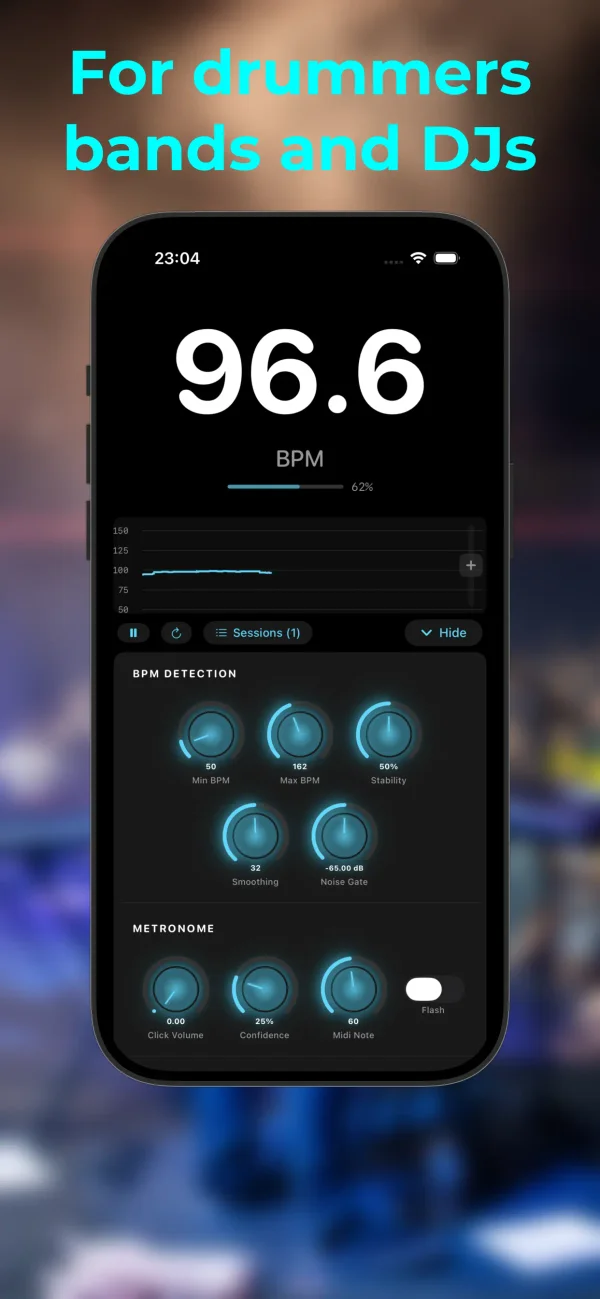
GrooveMeter is a real-time BPM (Beats Per Minute) meter and practice tool for musicians who want to improve their timing. It listens to your playing through the microphone and continuously detects your tempo, making it easy to see how steady you really are.
GrooveMeter runs as a stand-alone app or as an AUv3 plug-in inside compatible AUv3 hosts such as Logic Pro, AUM or GarageBand. Simply open the app, grant microphone access, and start playing. Within seconds, your tempo appears on screen and updates in real time.
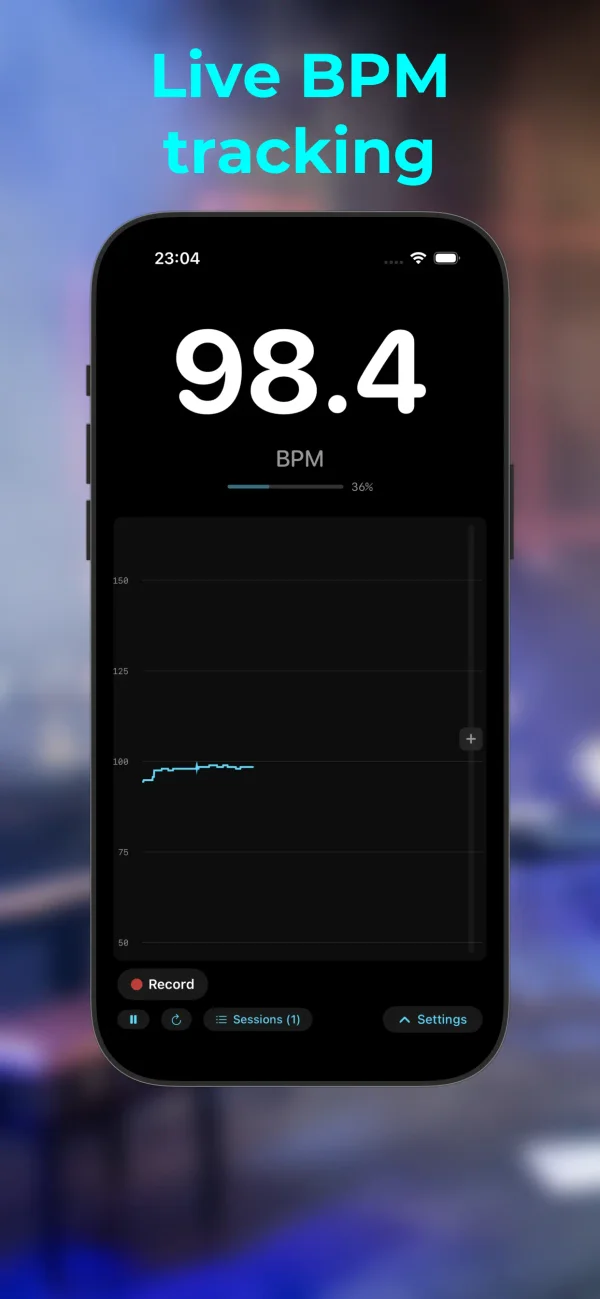
The main BPM display shows a smoothed tempo reading alongside a confidence indicator, so you can tell when the detector is certain about what it hears. When the audio is unclear or too quiet, GrooveMeter's confidence indicator will let you know by dropping to a lower percentage.
A scrolling BPM history graph visualizes how your tempo changes over time. You can adjust the visible time window and set a target BPM to get immediate feedback on how close you are to the desired tempo. Color cues show whether you are on target, slightly off, or drifting significantly.
Tap tempo is built directly into the graph. Tap in time to get a quick read on your tempo manually, which is useful when you want to compare live playing against a tempo in your head rather than relying on audio detection.
GrooveMeter can record practice sessions, capturing both mono audio and a BPM snapshot every second. After recording, you can scrub through the session, see the tempo at any point, and review overall statistics such as median BPM and tempo stability.
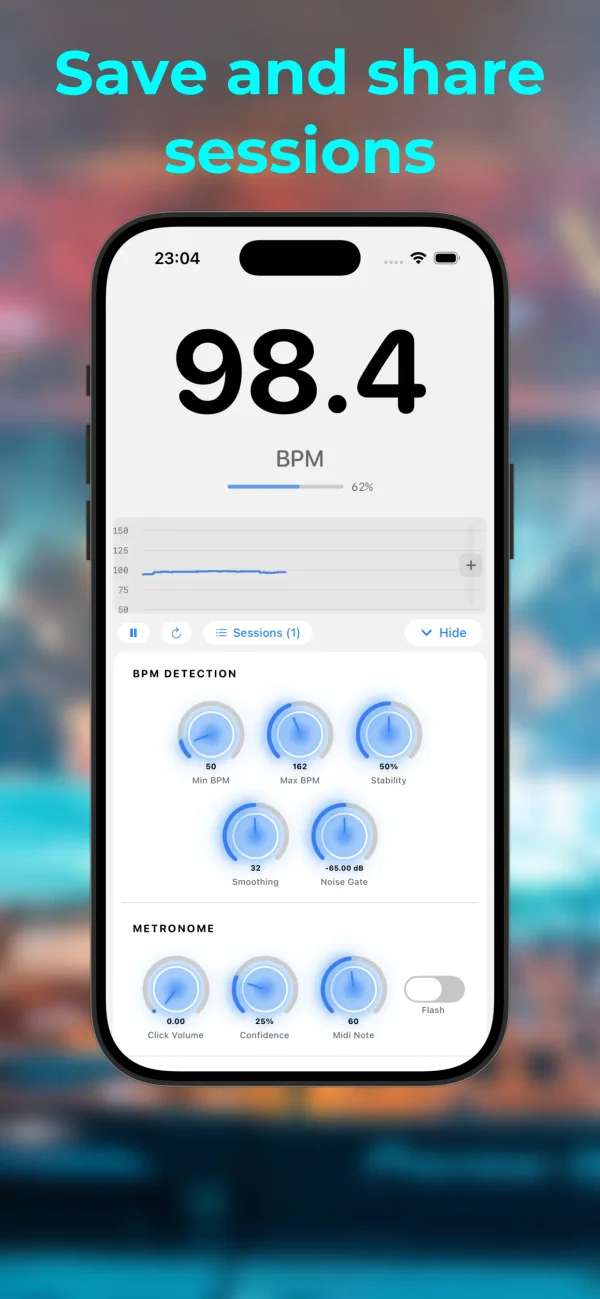
All recorded sessions are stored locally and accessible through the session browser. Each session includes clear statistics like duration, median BPM, minimum and maximum tempo, and a stability percentage that reflects timing consistency.
Sessions can be exported as a zip archive containing the raw audio recording and a PDF practice report. The report includes a BPM timeline graph, summary statistics, and a written assessment of your timing with practice-oriented feedback.
App privacy
What Jan Maes declares on the App Store about how this app handles data.
-
Data not collected
The developer does not collect any data from this app.
Privacy practices may vary, for example with the features you use or your age.
Information
- Seller
- Jan Maes
- Category
- Music
- Version
- 1.0
- Updated
- Apr 17, 2026
- Released
- Apr 16, 2026
- Size
- 2.7 MB
- Requires
- iOS 15.6 or later
- Age rating
- 4+
- Price
- Free
- In-app purchases
- Yes
- Languages
- English
- Copyright
- © 2026 Jan Maes
You might also like
-
 MGP-1 Makk Guitar ProcessorGuitar Processor Audio Unit V3
-
 RiffletMake tiny riffs. Learn keys.
-
 ToneNoiseSine & Noise Generator
-
 Ensemble JammerMultiplayer music jam
-
 TubeSoundTube warmth for your music
-
 MIDI-Probe: Monitor & TestSniff, send & debug your gear
-
 SpinBud - Rotary Speaker FXStereo Cabinet Motion Effect
-
 Bass ResonanceMusic
-
 Strange - Chaos Distortionchaos waveshaping distortion
-
 ARPJAMGenerative Arpeggio Synth