
Grotto: Focus Spaces
Intentional spaces for focus
Designed for iPhone, iPad
Free · In-app purchases
- Age rating4+
- CategoryProductivity
- Developer风雷 杜
- LanguagesEnglish+ 1 more
- Size10.1 MB
Links to the official App Store page
Download.org hosts no file of Grotto: Focus Spaces. The button opens its official App Store page, published by 风雷 杜. Listing last checked on Nov 19, 2026.
Screenshots

About
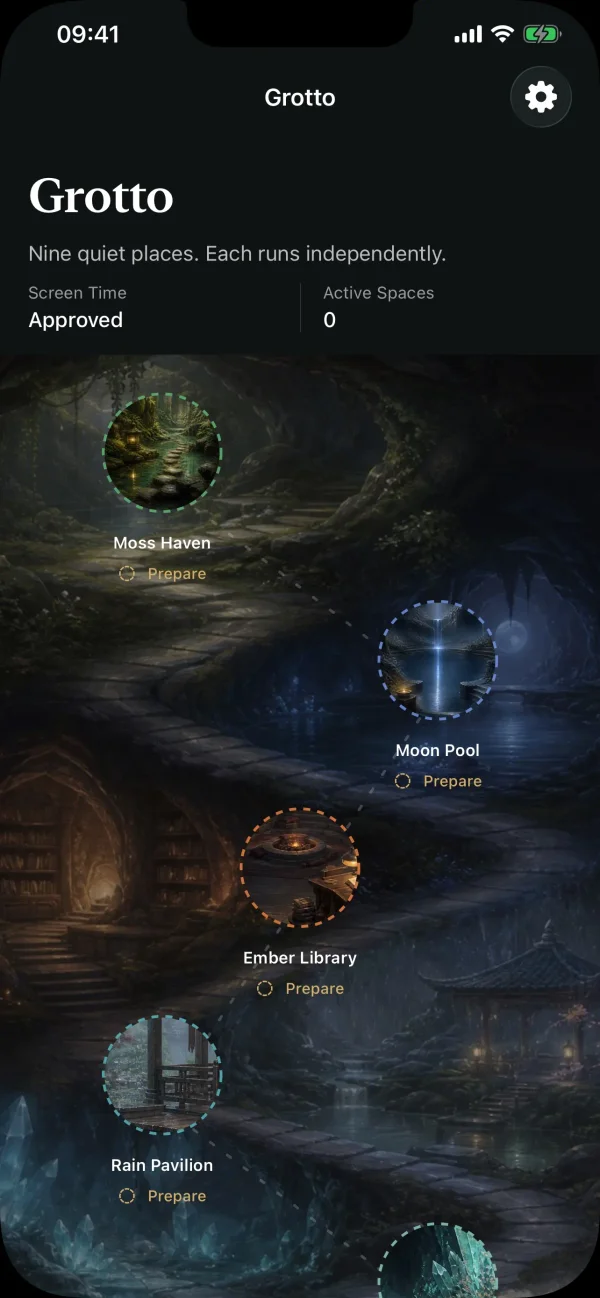
Grotto turns intentional phone use into a place you can enter.
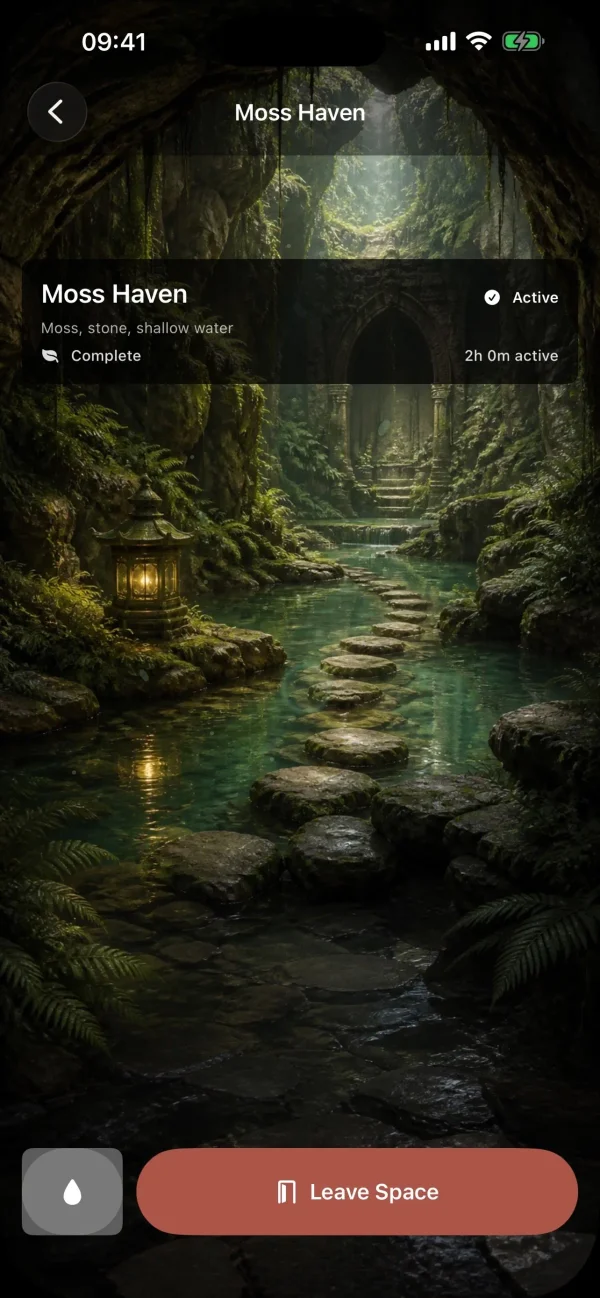
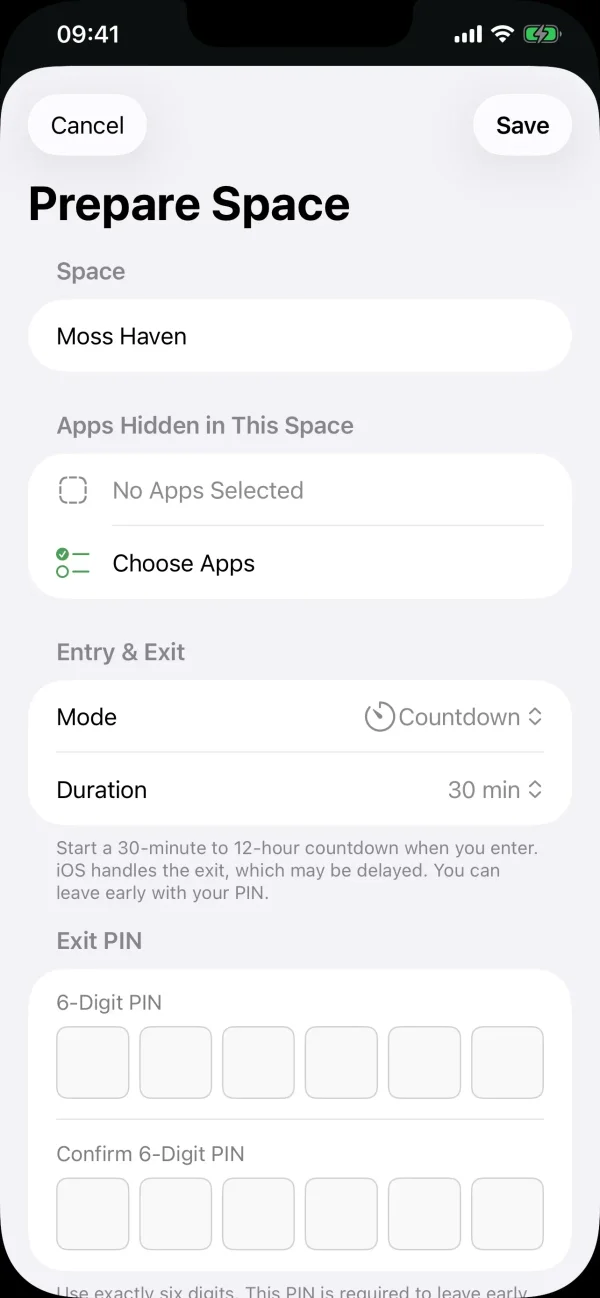
Create up to nine local Spaces and choose apps through Apple's private Screen Time picker. Several Spaces can be active together. Each hides its own selected apps; leaving one keeps apps hidden if another active Space still includes them.
Choose how each Space works:
- PIN: enter with a tap and leave with your six-digit PIN.
- Countdown: start a one-time session from 30 minutes to 12 hours, in 30-minute steps. Use your PIN to leave early.
- Location: automatically enter and leave this Space around its own 500-metre area. Choose its place on a map or use your current location. Different Spaces can use the same place or different places.
Location automation requires Always and Precise Location access. Map selection itself does not request your current location. iOS may delay automatic arrival, departure, or countdown completion; these are not exact-time alarms. After a restart, unlock your device before automation can resume.
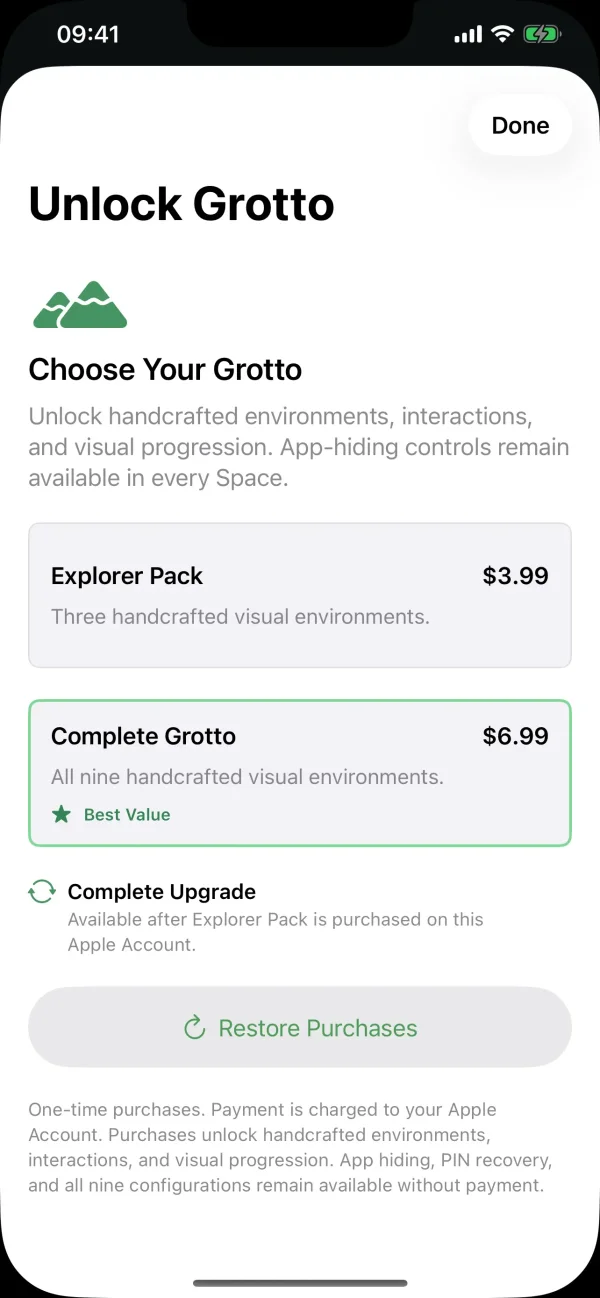
Each Space has a handcrafted 2D environment. Moss Haven is included. Optional one-time purchases unlock additional illustrated environments, interactions, ambience, and visual progression. All nine Space configurations, all three modes, and recovery controls remain available without payment.
Privacy by design:
- App choices use opaque Apple system tokens.
- Grotto stores Space settings locally and does not upload your places or record a movement history.
- Apple Maps loads map data online and may send map-display requests to Apple.
- No Grotto account, analytics, advertising, or tracking.
- Sensitive management screens are covered in the app switcher.
Grotto is for adults managing their own device. Your Space PIN protects manual exit, editing, and deletion. You can revoke Screen Time authorization in iOS Settings. Grotto cannot prevent the device owner from changing system settings or uninstalling the app.
What’s new
Version 1.1.0 · Sep 21, 2026
Spaces now work independently, so several can stay active together. Leaving one preserves the app choices of other active Spaces.
Choose PIN, Location, or Countdown for each Space. Start a countdown from 30 minutes to 12 hours in 30-minute steps, or give each location Space its own 500-metre area using the map or your current location.
Use your Space PIN to leave early, edit, or delete. All three modes remain free; purchases unlock visual environments only. Automatic changes depend on iOS and may be delayed.
App privacy
What 风雷 杜 declares on the App Store about how this app handles data.
-
Data not collected
The developer does not collect any data from this app.
Privacy practices may vary, for example with the features you use or your age.
Information
- Seller
- 风雷 杜
- Category
- Productivity
- Version
- 1.1.0
- Updated
- Sep 21, 2026
- Released
- Sep 1, 2026
- Size
- 10.1 MB
- Requires
- iOS 16.0 or later
- Age rating
- 4+
- Price
- Free
- In-app purchases
- Yes
- Languages
- English, Simplified Chinese
- Copyright
- © 2026 杜风雷
You might also like
-
 Focus Hotel: Pomodoro TimerApp blocker, build your room
-
 FocusFilm - Record Your FocusFocus Timer for Study & Work
-
 Focus Train · Pomodoro TimerStudy, Tasks & Time Management
-
 FocusHide: App BlockerHide Apps on a Schedule
-
 ScrollCop: Block Apps & FocusScreen Time Limit & Control
-
 Pomodoro Timer ADHD: SproutProductivity, Focus & Study
-
 Focus Timer - Clay Focusedblock apps & stay productive
-
 FocusRocket - Focus LiftoffFocus, Study, Pomodoro Timer
-
 Planeta: Pomodoro Focus TimerADHD Study & Deep Work Tracker
-
 Focus Train: Pomodoro TimerADHD Study Timer & App Blocker