Groups - Random Team Generator
Student Name Picker for Class
Designed for iPhone, iPad, Mac
Free · In-app purchases
- Age rating4+
- CategoryEducation
- DeveloperWilliam Taylor
- LanguagesEnglish
- Size23.9 MB
Links to the official App Store page
Download.org hosts no file of Groups - Random Team Generator. The button opens its official App Store page, published by William Taylor. Listing last checked on Nov 20, 2026.
Screenshots


About
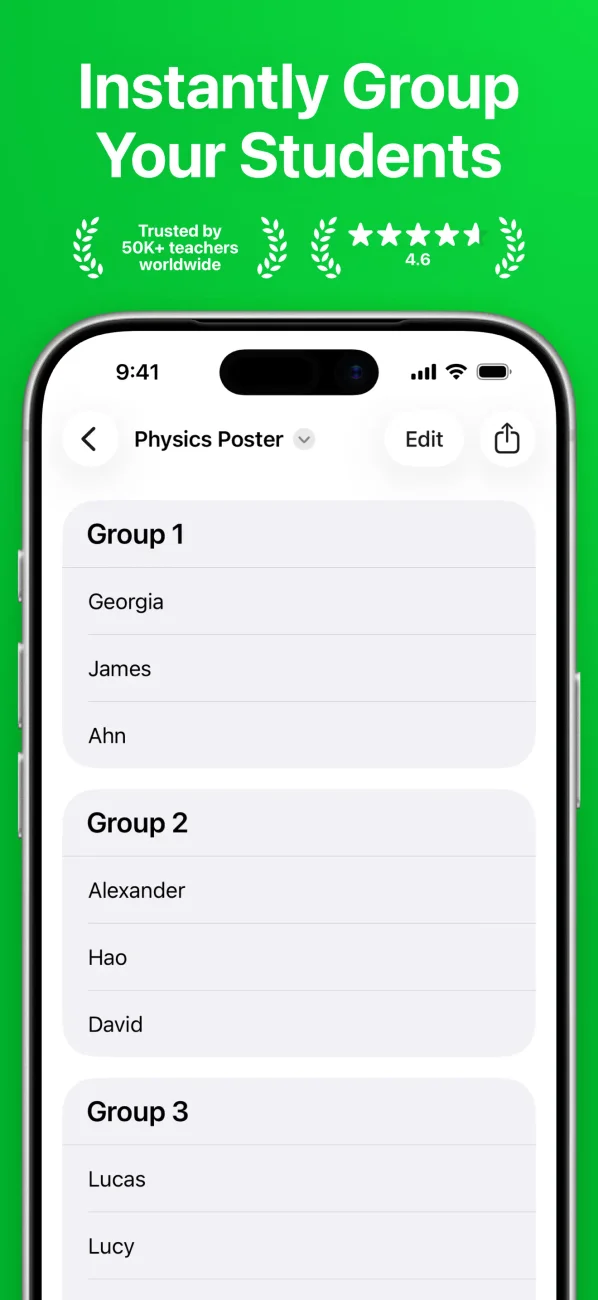
Effortlessly organize your students into effective teams with Groups, promoting meaningful collaboration and building teamwork skills in the classroom.
ADVANCED TEAM BUILDING
Have certain students who don’t work well together? Simply list these pairs in the app and Groups will handle the rest, with its advanced team-building algorithm.
BALANCE GENDERS
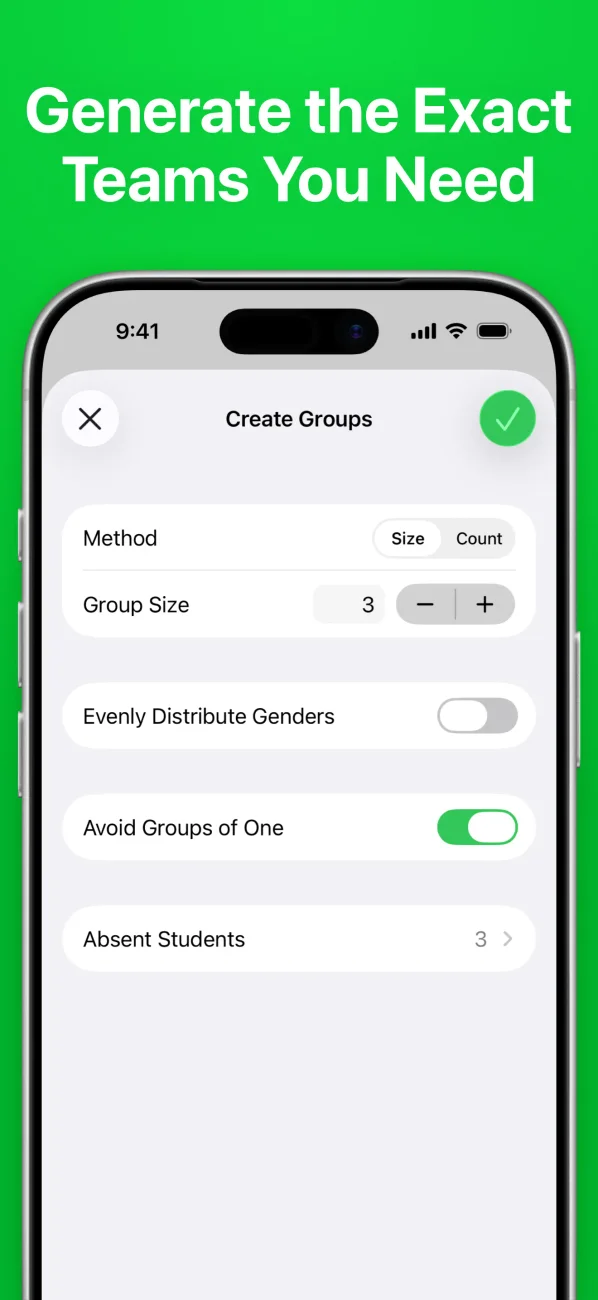
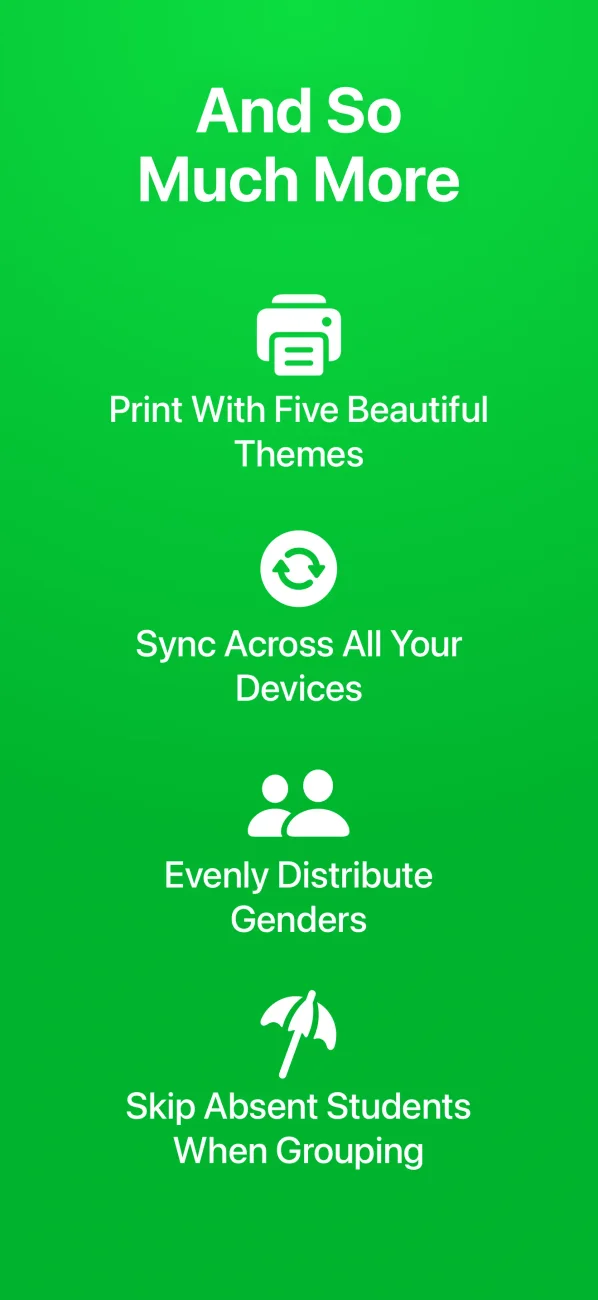
Ensure each group has an even distribution of genders with the ”Balance Genders” option, promoting diversity and encouraging collaboration.
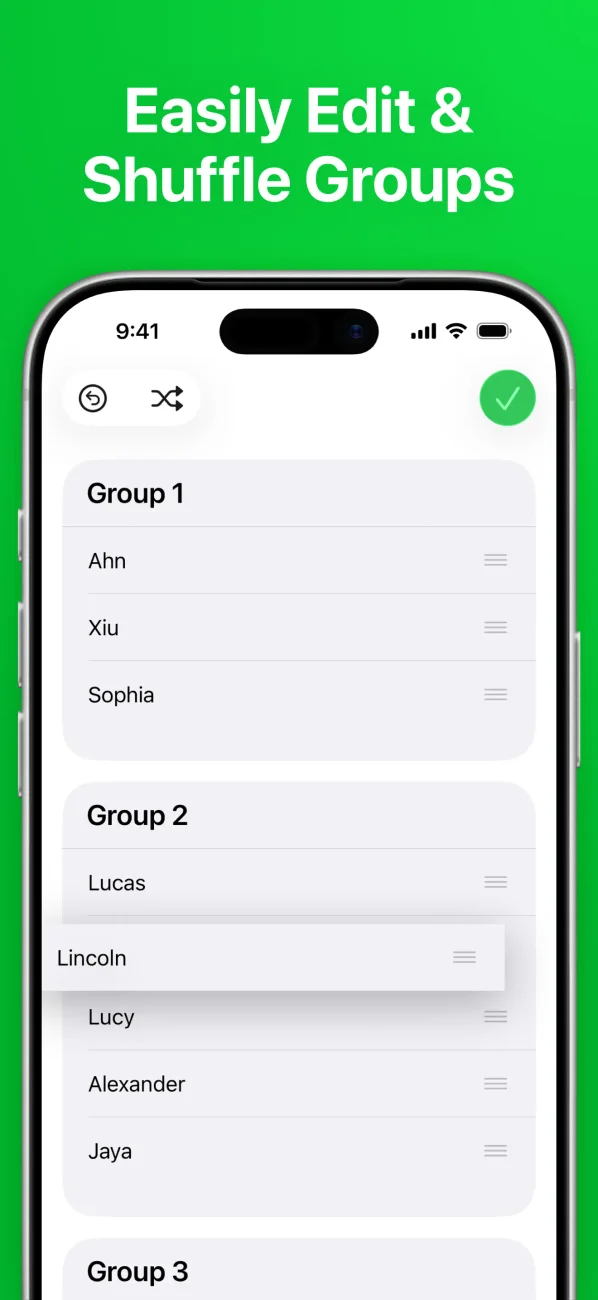
EDIT GROUPS
Need to fine tune the generated groups? Easily rearrange the result to achieve a perfect team composition.
RANDOM STUDENT PICKER
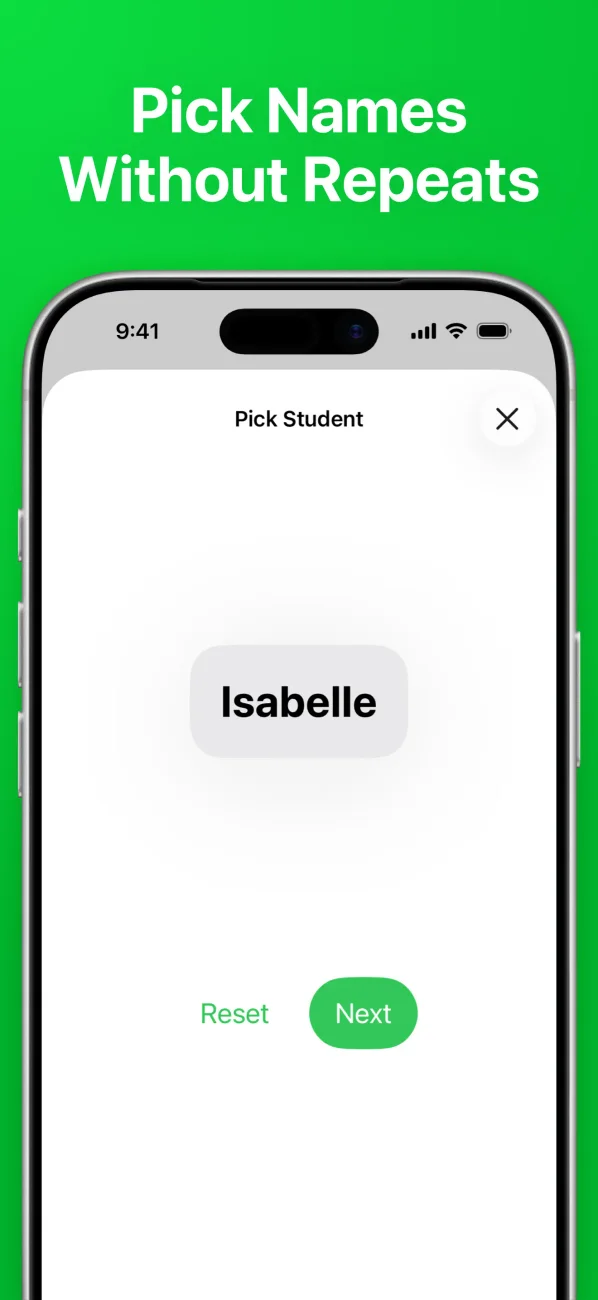
Encourage equal participation in the classroom with Groups’ random student picker. This makes sure everyone gets a chance to provide input, ensuring all voices are heard.
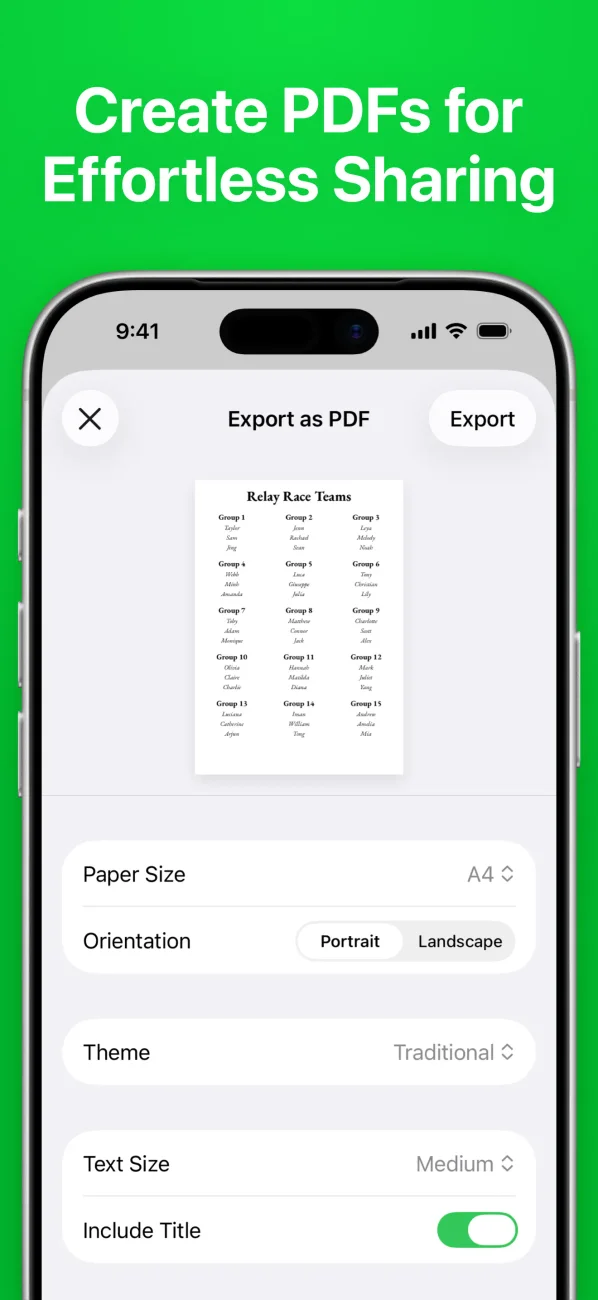
EXPORT AND PRINT
Easily create printable handouts, posters, or a PDF to share using five beautiful themes.
BULK IMPORT
Add students from Microsoft Excel workbooks, CSV files, or plain text lists.
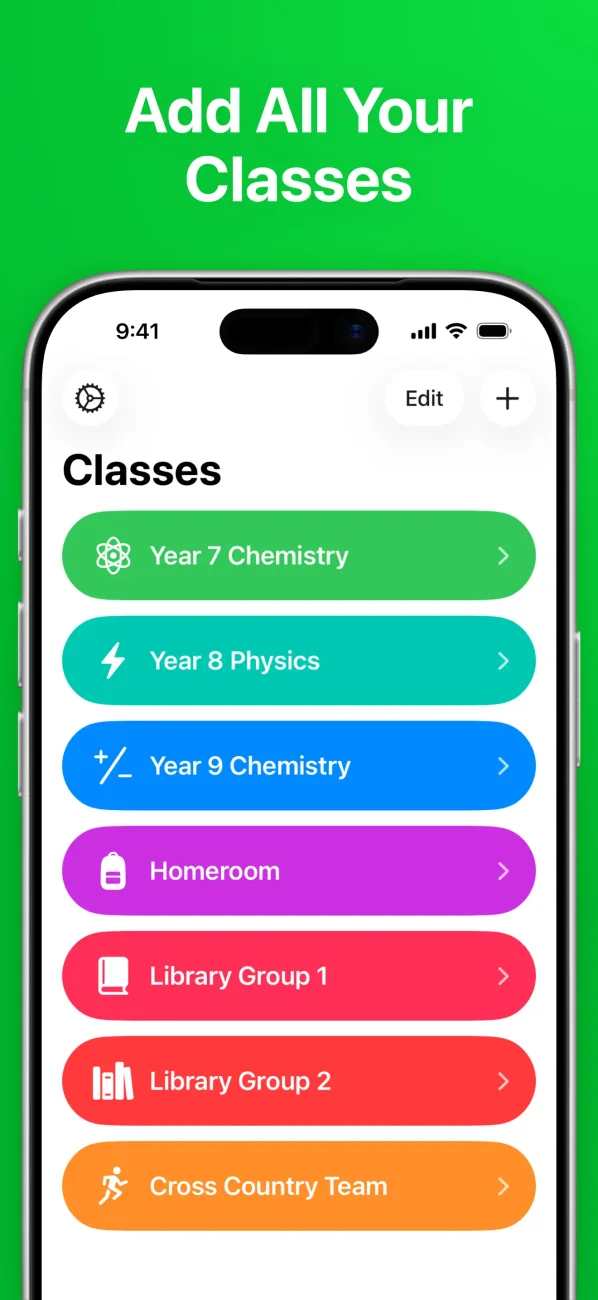
UNLIMITED CLASSES
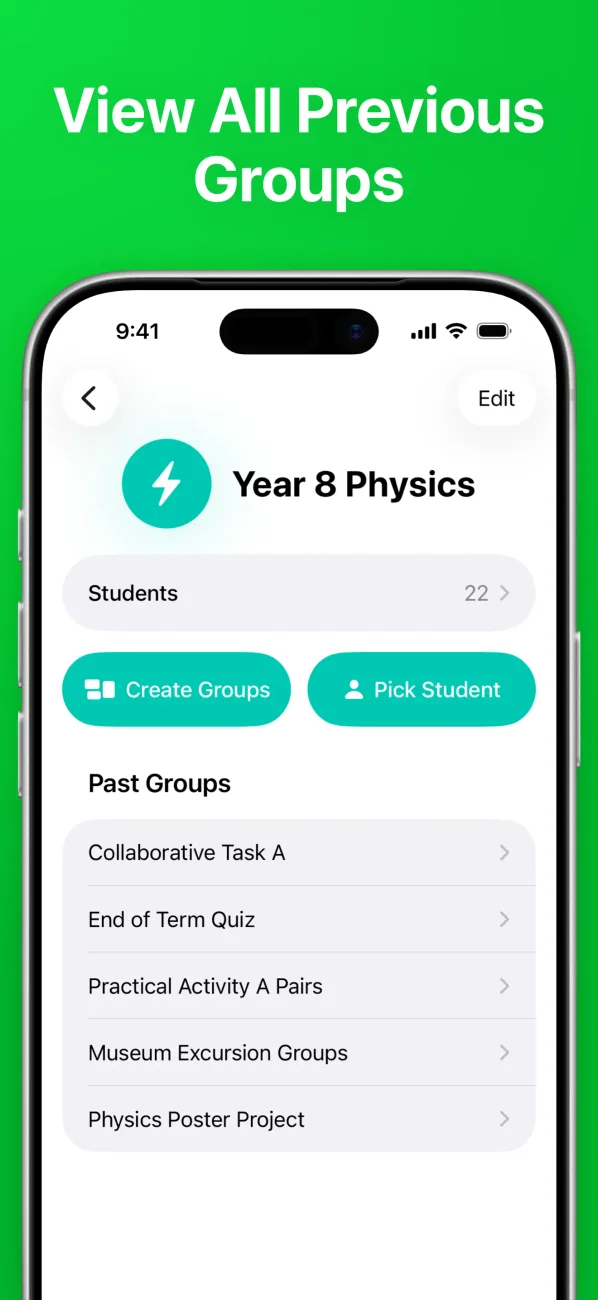
Enter all your students once, and then create as many groups as you need. You can even add an icon and color to each class to easily tell them apart.
CROSS DEVICE SYNC
Add your classes once, and use them across all your Apple devices with iCloud sync.
———————————————
Groups has helped tens of thousands of teachers sort their students into groups, fostering more positive learning environments for students worldwide.
Privacy Policy: https://wttech.com.au/docs/groups/privacy-policy
Terms & Conditions: https://wttech.com.au/docs/groups/eula
What’s new
Version 2.5.1 · Sep 7, 2026
• Bug fixes and performance improvements
App privacy
What William Taylor declares on the App Store about how this app handles data.
-
Data not linked to you
May be collected but is not linked to your identity.
- Identifiers
- Usage data
- Diagnostics
Privacy practices may vary, for example with the features you use or your age.
Information
- Seller
- William Taylor
- Category
- Education
- Version
- 2.5.1
- Updated
- Sep 7, 2026
- Released
- Oct 24, 2016
- Size
- 23.9 MB
- Requires
- iOS 17.4 or later
- Age rating
- 4+
- Price
- Free
- In-app purchases
- Yes
- Languages
- English
- Copyright
- © 2025 William Taylor
You might also like
-
 Popsicle Sticks: Teacher PicksRandom Name Picker
-
 myClassroom: Class ToolsFor Teachers and Classrooms
-
 Random Student - teachersEquitable student selection
-
 Marathon Kids ConnectEducation
-
 Teacher Aide (cloud)By a teacher, for teachers
-
 Teacher Aide ProAttendance, grades & more
-
 Planbook MobileThe leading lesson planner
-
 Classroom Seating ChartSeating plans & group maker
-
 Easy Grade - EZ GraderGrade Calculator for Teachers
-
 PE GamesPhysical Education Games