
- Age rating4+
- CategoryDeveloper Tools
- DeveloperChaoyi Chen
- LanguagesEnglish+ 1 more
- Size33.3 MB
Links to the official App Store page
Download.org hosts no file of gtmux. The button opens its official App Store page, published by Chaoyi Chen. Listing last checked on Nov 18, 2026.
Screenshots

About
View and control tmux sessions on your Mac or Linux server from iPhone and iPad.
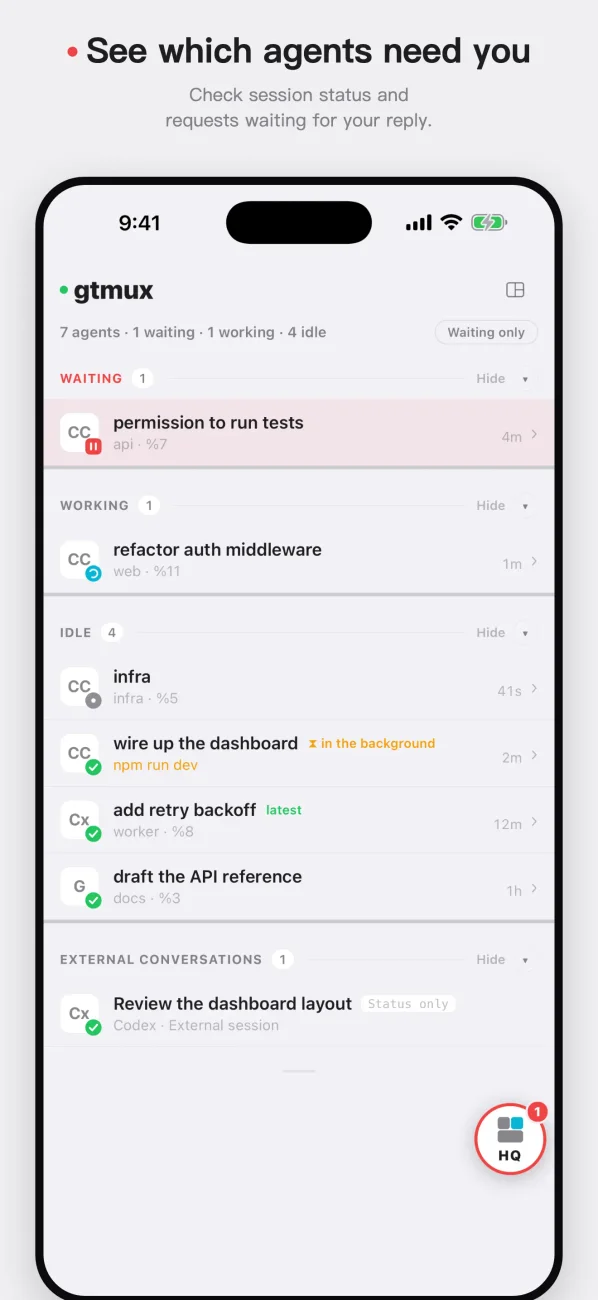
Follow Claude Code, Codex, DeepSeek Harness and other supported coding agents alongside ordinary terminal panes. Read their progress, reply to questions and continue work while away from your desk.
Sessions and replies
• Check agent status and requests that need your attention.
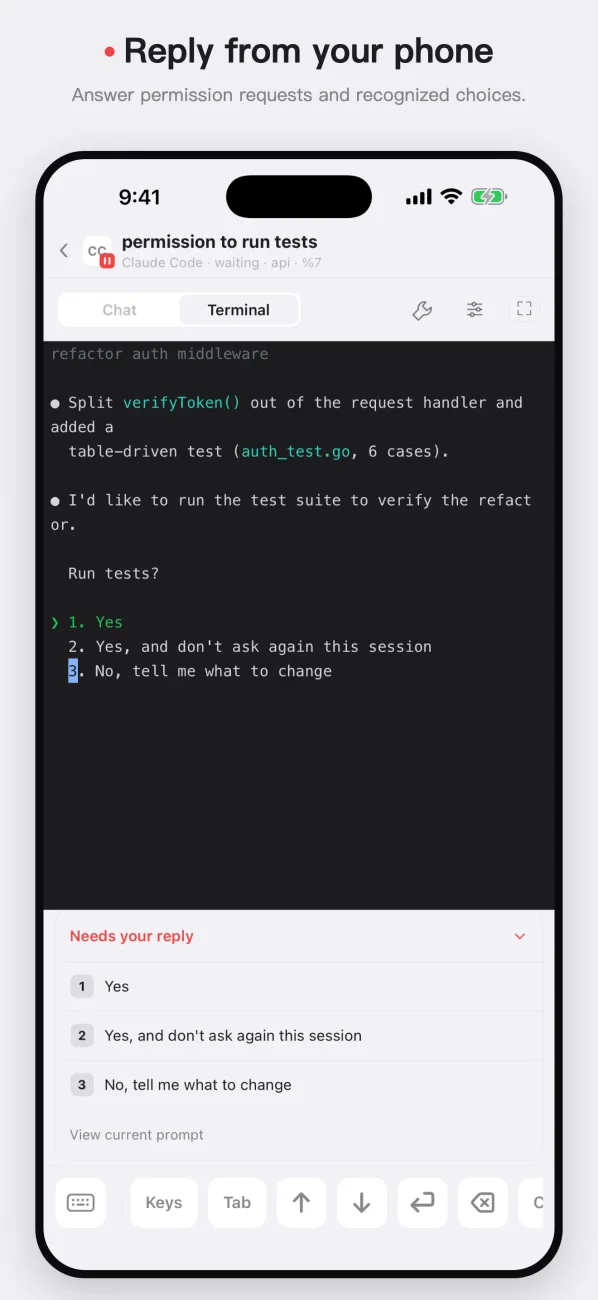
• Read conversations and terminal output, send messages, and answer recognized permission requests or choices.
• Use function keys and modifier combinations when a session needs keyboard input. Input access is controlled separately from viewing.
HQ and knowledge
Follow ongoing matters, decisions and recent results in HQ. Open a matter to see its participants, progress and related messages. Talk to HQ and send files from the same view. HQ can dispatch work within your authorization and keep project context, reusable lessons and feedback in a local knowledge base.
Trace and files
Review a session by conversation turn, tool call and recorded context. Search the records, inspect individual calls and read code with syntax highlighting. Open local files from conversations, including formatted Markdown, HTML reports, PDFs and images. HTML interaction requires your permission for each file.
Usage and notifications
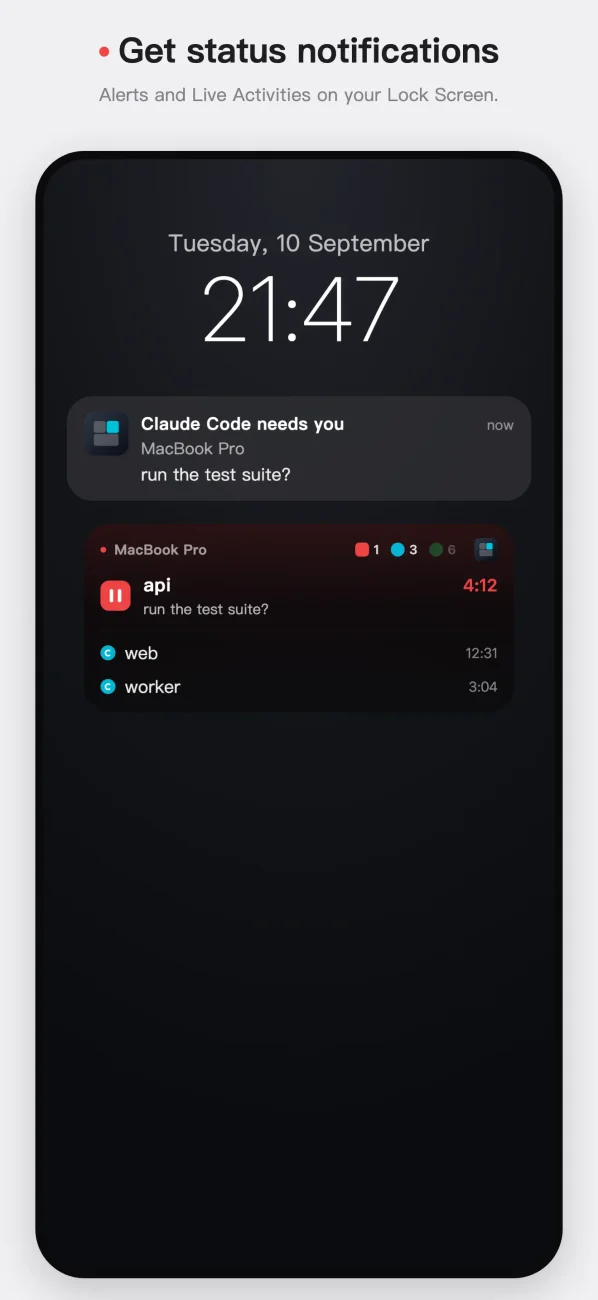
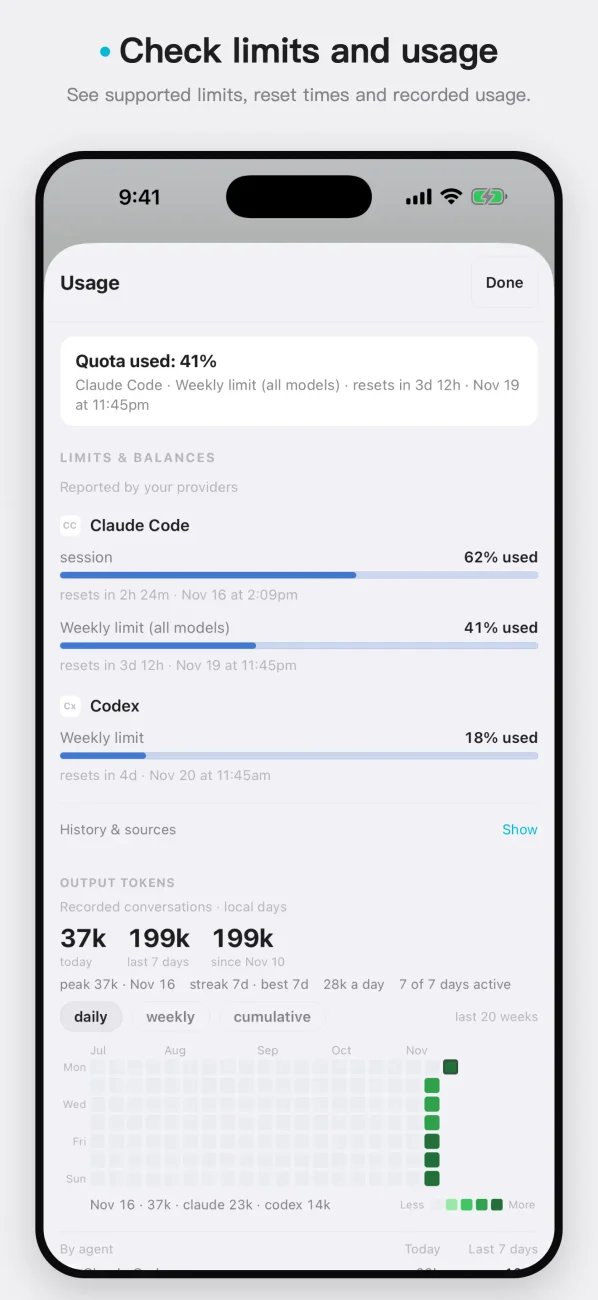
Check the limits, reset times and usage records available from supported agents. Add usage widgets to the iPhone or iPad Home Screen or Lock Screen. Receive notifications when your attention is needed or a task finishes, and follow session state through Live Activities.
Connections
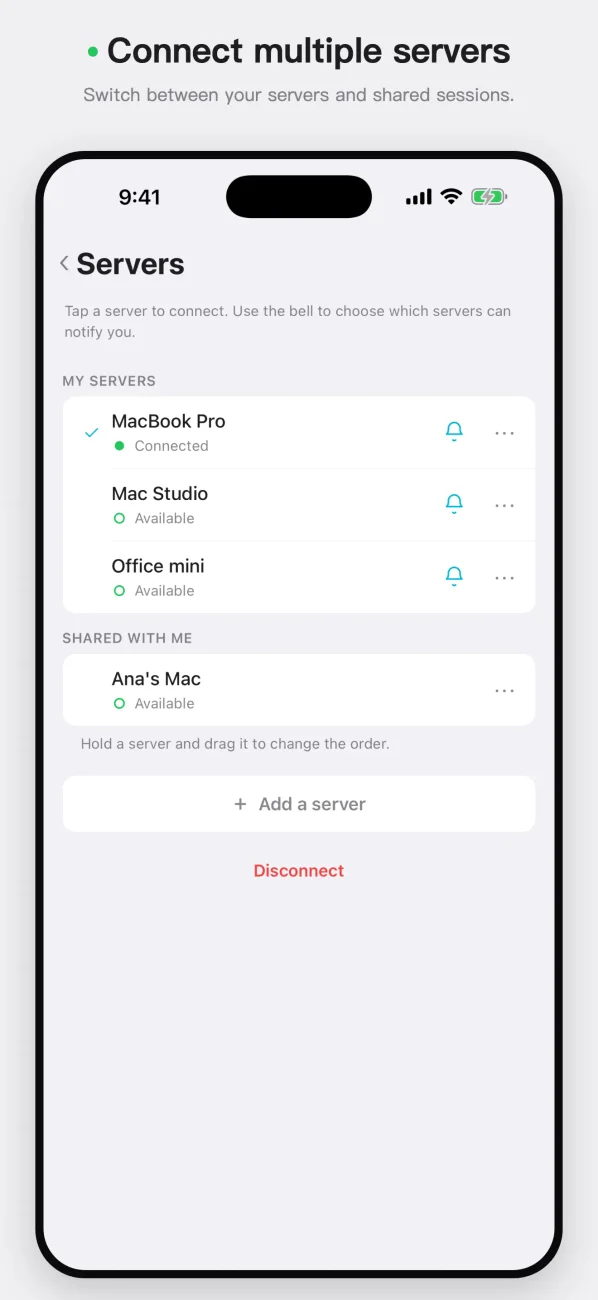
Pair with multiple servers, or open a limited session-sharing link. Sharing can be revoked, and terminal input must be enabled separately. iPad supports a sidebar layout and hardware keyboard shortcuts. English and Simplified Chinese are included.
Getting started
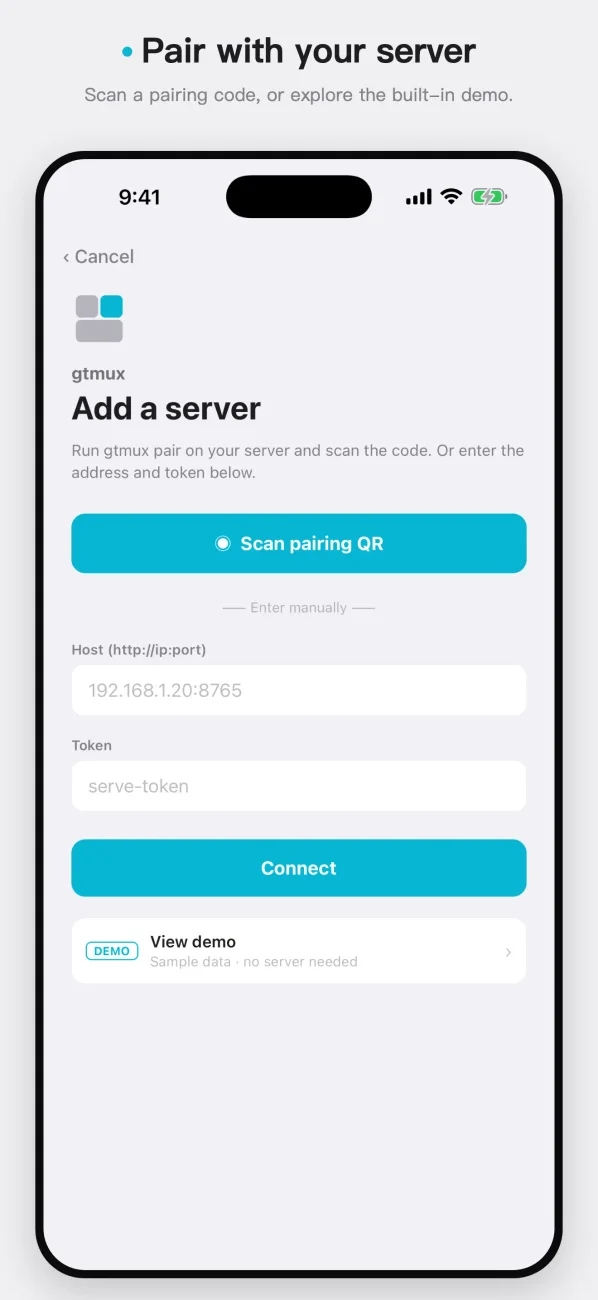
Install the free, open-source gtmux server on your Mac or Linux machine, then scan its pairing code. The built-in demo works without a server. Connect over your own network or a gtmux tunnel; sessions keep running on your server. Setup: ccy.dev/projects/gtmux.
Privacy
gtmux collects no data and requires no account. Your sessions and pairing credentials stay on your devices and server. Notifications pass through a relay to Apple's push service without being stored by the relay.
What’s new
Version 1.0.183 · Nov 17, 2026
Since the last App Store release (1.0.162):
• Chat appearance: choose Light, Dark or System, adjust session text size, and enjoy tighter spacing, clearer iPad layouts and the new three-block loading animation.
• Conversations and Trace: inspect complete tool calls and recorded inputs, read Shell, Python and JavaScript with syntax highlighting, and see more recorded actions from Codex, OpenCode, Kimi and other supported agents.
• Diff reading: browse changes by directory, file and hunk, with line numbers, change counts and clearer long-line formatting.
• Long sessions: load recent conversations first and earlier history on demand while keeping your place and expanded sections. Open the live terminal while history loads; read available history and draft a reply while the current session is being confirmed.
• Photos and markup: select multiple images at once, edit each from the composer, move and zoom while annotating, and follow more detailed upload progress.
• HQ: read questions, reasons and progress separately, with clearer matter counts and reply identity. Choosing an answer fills a draft that you can edit before sending.
• Knowledge: see the core advice first, then expand history and record details. Result confirmation and retries preserve the correct entry revision and source.
• Session recovery: select sessions to restore on your connected Mac, follow recovery progress and retry when needed.
• Usage and widgets: clearer Home Screen and Lock Screen widgets. Slow or failed reads keep the last valid data and show retry, timeout or access errors.
• Notifications: completion alerts wait for the conversation turn to finish. Fewer duplicate sync requests, delayed retries on connection errors and a separate retry for each server.
• Message delivery and recovery: fewer duplicate bubbles and lingering confirmation or failure messages, clearer reload progress, and retry or draft recovery after a send fails. Session associations better survive tmux pane moves, renumbering and renaming.
Update your gtmux server as well to use the latest server-supported features.
App privacy
What Chaoyi Chen declares on the App Store about how this app handles data.
-
Data not collected
The developer does not collect any data from this app.
Privacy practices may vary, for example with the features you use or your age.
Information
- Seller
- Chaoyi Chen
- Category
- Developer Tools
- Version
- 1.0.183
- Updated
- Nov 17, 2026
- Released
- Jul 27, 2026
- Size
- 33.3 MB
- Requires
- iOS 15.1 or later
- Age rating
- 4+
- Price
- Free
- Languages
- English, Simplified Chinese
- Copyright
- © 2026 Chaoyi Chen
You might also like
-
 Voxa CodeVoice coding that calls back
-
 Solace-buzzDeveloper Tools
-
 Wolf MonitorSSH Server Monitor
-
 farcrew: terminal for agentsYour machines, from anywhere
-
 GitzyProfessional Git for Devs
-
 RemoteX: Server OpsAI ops in your pocket
-
 RepoRouteBrowse & Manage Git Repos
-
 RelayPulseLinux server monitor over SSH
-
 BalauDeckSSH, SFTP, tunnels & DB
-
 Reactive PlaygroundPlay with reactive operators