
RemoteX: Server Ops
AI ops in your pocket
Designed for iPhone, iPad, iPod touch
Free · In-app purchases
- Age rating4+
- CategoryDeveloper Tools
- DeveloperPrimoz Cigoj
- LanguagesEnglish
- Size56.5 MB
Links to the official App Store page
Download.org hosts no file of RemoteX: Server Ops. The button opens its official App Store page, published by Primoz Cigoj. Listing last checked on Nov 17, 2026.
Screenshots



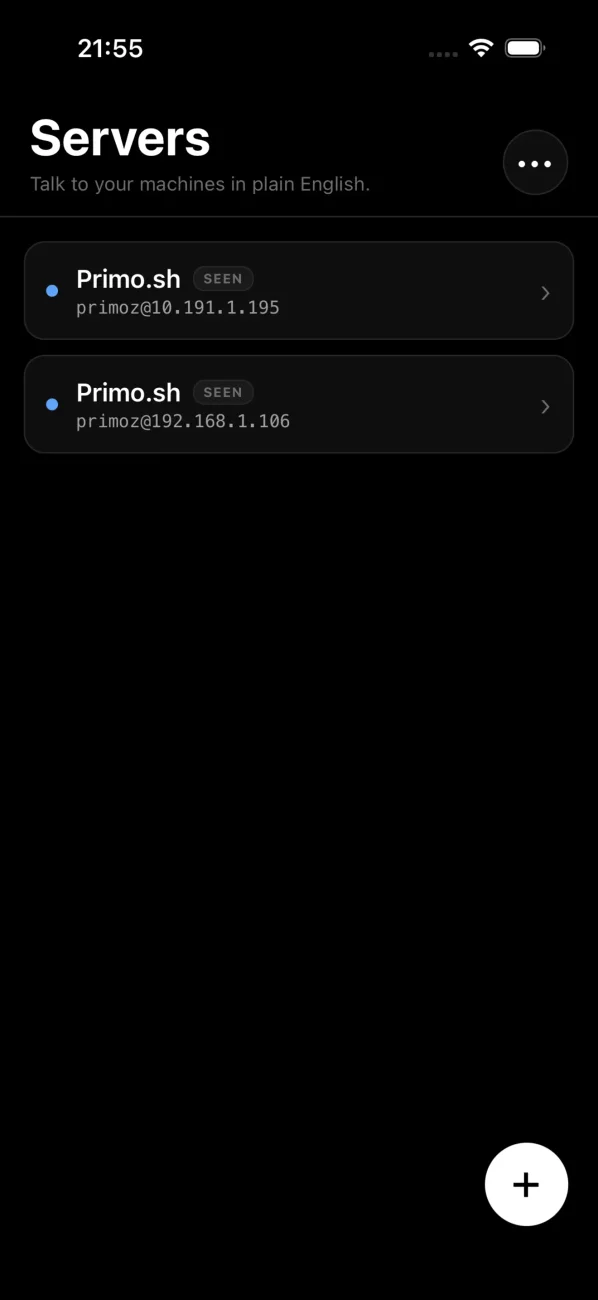
About
RemoteX is a local-first AI workspace for infrastructure operations.
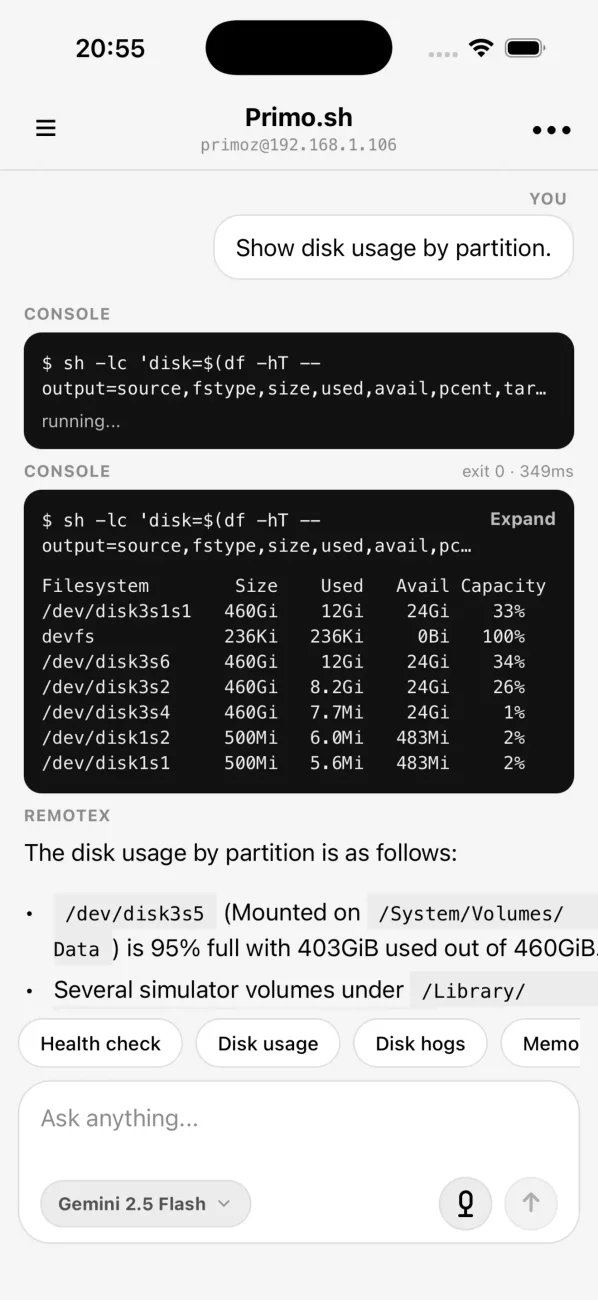
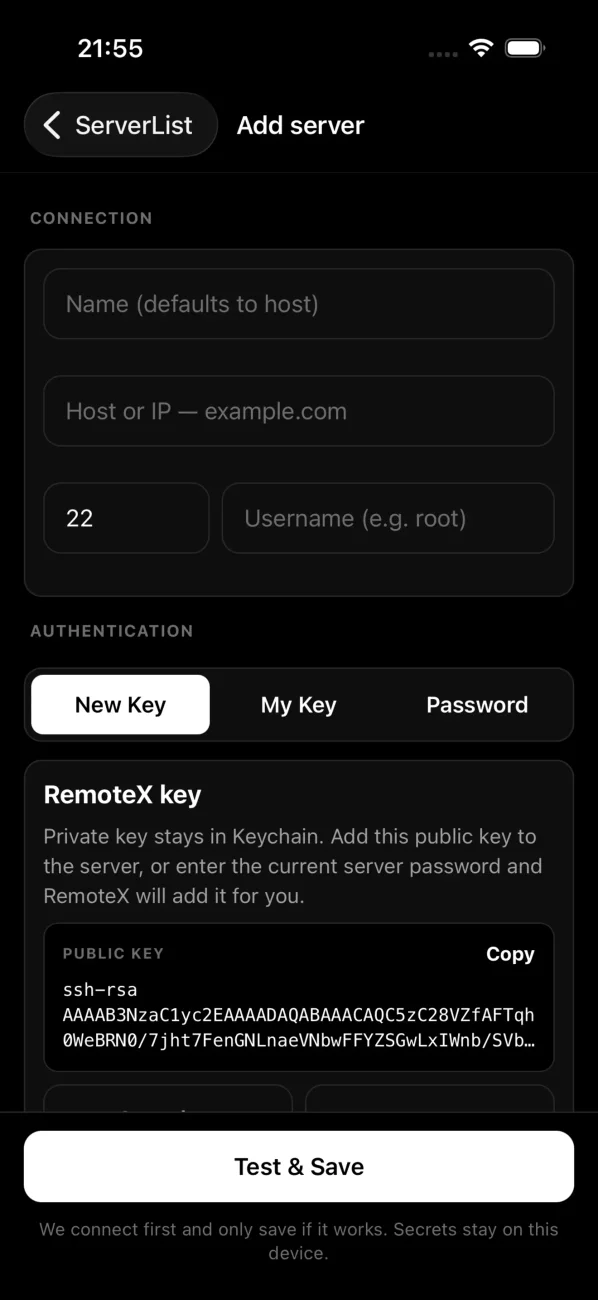
Connect SSH Servers, Kubernetes clusters, and Databases, then interact with them in plain English.
Ask:
• "why is production slow?"
• "show failing pods"
• "what changed recently?"
• "explain this Postgres query"
• "check disk usage across all servers"
RemoteX can inspect infrastructure, read logs, query databases, analyze files, and propose actions — while keeping you in control through approval-based execution and Face ID protection.
There is no RemoteX backend between you and your infrastructure.
Conversations, servers, and chat history sync end-to-end encrypted across your iPhone, iPad, and Mac through your own iCloud. Apple sees nothing but a blob — only your devices hold the key.
WHAT YOU CAN CONNECT
• SSH servers
• Kubernetes clusters via kubeconfig
• PostgreSQL, MySQL, SQLite, and Redis
• Private infrastructure through SSH bastions/tunnels
WHAT IT DOES
• Diagnose infrastructure in plain English
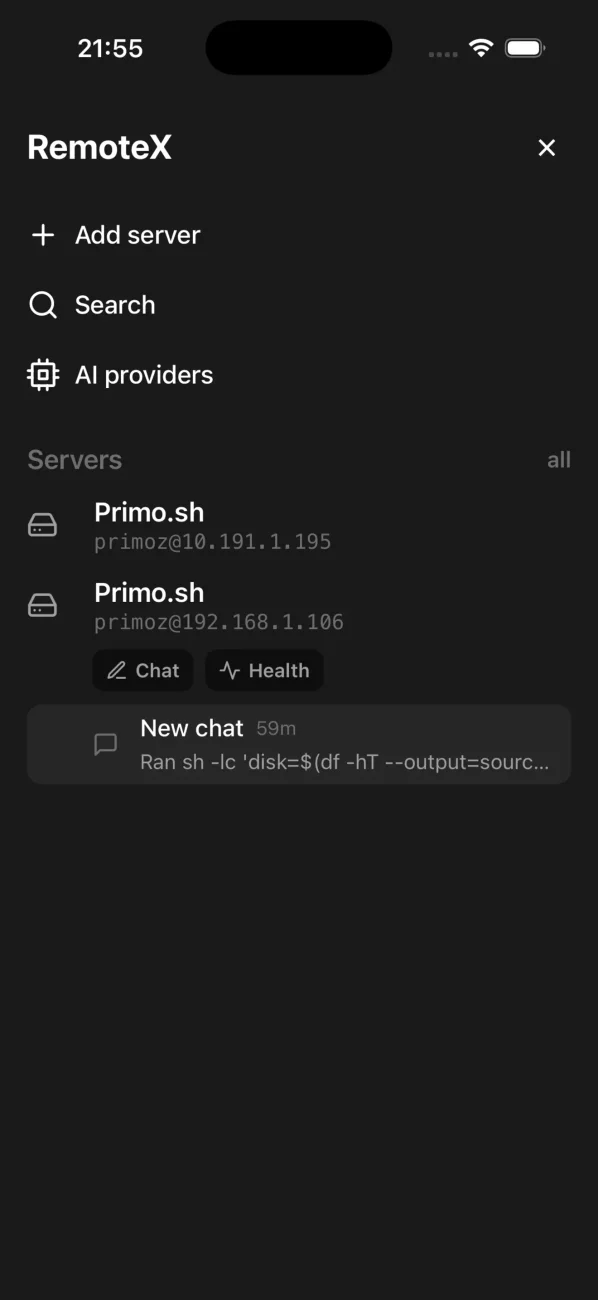
• Chat with multiple servers and environments at once
• Read pod logs and inspect Kubernetes resources
• Run read-only database queries with safety limits
• Explain SQL queries and query plans
• Browse and manage remote files
• Attach PDFs, spreadsheets, logs, code, JSON, YAML, and documents directly into AI chat
• Generate summaries and operational insights instead of walls of terminal output
• One-tap operational recipes and reusable playbooks
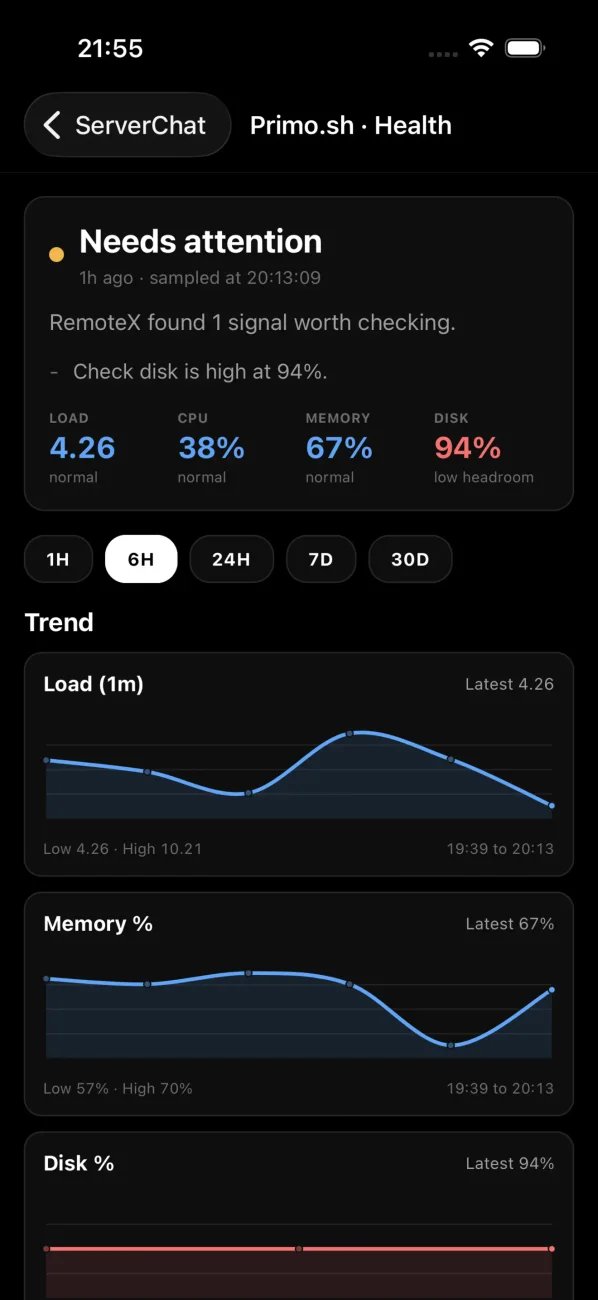
• Background monitoring with notifications
• Full-text conversation search
• Voice input support
• Multiple chats per environment or project
• Continue conversations across iPhone, iPad, and Mac — pick up on your phone what you started on your Mac
SAFETY & CONTROL
• Every state-changing action requires approval
• Face ID / Touch ID protection for sensitive operations
• Clear target routing when actions go through bastion hosts
• SSH host-key pinning with algorithm validation
• Read-only query protections for databases
• Row caps and timeout limits for AI-generated queries
ACROSS YOUR DEVICES
• End-to-end encrypted sync between iPhone, iPad, and Mac via your own iCloud
• A passphrase you set is the key — Apple and RemoteX cannot decrypt your data
• No central server, no account — sync runs entirely between your devices
• Open a chat on iPhone, continue on Mac; add a server on Mac, see it on iPhone
LOCAL-FIRST SECURITY
• SSH credentials, API keys, kubeconfigs, and database credentials stay on your device
• No RemoteX-managed infrastructure proxy
• Optional iCloud sync is end-to-end encrypted with a passphrase only you know — your data is unreadable to Apple, RemoteX, and anyone in between
• Bring your own AI provider:
• Anthropic
• OpenAI
• Google Gemini
• Commands and infrastructure context are sent directly to the AI provider you choose
• Optional crash reporting via Sentry (disabled by default)
BUILT FOR
• DevOps engineers
• Platform teams
• Solo founders running infrastructure
• SREs and on-call engineers
• Developers managing production systems
PRO FEATURES
RemoteX is free for one server.
Upgrade for:
• Unlimited infrastructure connections
• Background monitoring and alerts
• Extended monitoring history
• Custom playbooks and recipes
• Advanced search
REQUIREMENTS
• SSH access to your infrastructure
• API key from Anthropic, OpenAI, or Google AI Studio
• iPhone with Face ID or Touch ID
Terms of Use: https://remotex.dev/terms
Privacy Policy: https://remotex.dev/privacy
What’s new
Version 1.2.10 · Jul 5, 2026
New in RemoteX 1.2.10:
- Added a mobile SSH Shell screen with one-off commands, saved command receipts, recent command history, and an optional interactive terminal.
- Improved approval, activity, and command output flows so read-only work stays cleaner and write actions produce clearer receipts.
- Added mobile skill improvements, including imported skill support and removing imported skills.
- Improved review/diff handling for changed files.
- Fixed stale waiting states, chat scroll behavior, shell lifecycle issues, and several mobile stability/polish problems.
App privacy
What Primoz Cigoj declares on the App Store about how this app handles data.
-
Data linked to you
May be collected and linked to your identity.
- Purchases
- Contact info
- User content
- Identifiers
- Usage data
- Diagnostics
Privacy practices may vary, for example with the features you use or your age.
Information
- Seller
- Primoz Cigoj
- Category
- Developer Tools
- Version
- 1.2.10
- Updated
- Jul 5, 2026
- Released
- May 10, 2026
- Size
- 56.5 MB
- Requires
- iOS 15.1 or later
- Age rating
- 4+
- Price
- Free
- In-app purchases
- Yes
- Languages
- English
- Copyright
- © 2026 Primož Cigoj
You might also like
-
 Wolf MonitorSSH Server Monitor
-
 RelayPulseLinux server monitor over SSH
-
 farcrew: terminal for agentsYour machines, from anywhere
-
 gtmuxtmux sessions on your phone
-
 GitzyProfessional Git for Devs
-
 Server Health: SSH MonitorMonitor Linux servers via SSH
-
 PreloopControl any AI agent
-
 RepoRouteBrowse & Manage Git Repos
-
 Voxa CodeVoice coding that calls back
-
 MOBaiLEYour Mac/Linux, from iPhone