
- Age rating4+
- CategoryMusic
- DeveloperUnited App Sp. z o.o.
- LanguagesEnglish
- Size1.6 MB
Links to the official App Store page
Download.org hosts no file of Guitar Tab Notes. The button opens its official App Store page, published by United App Sp. z o.o. Listing last checked on Nov 23, 2026.
Screenshots
About
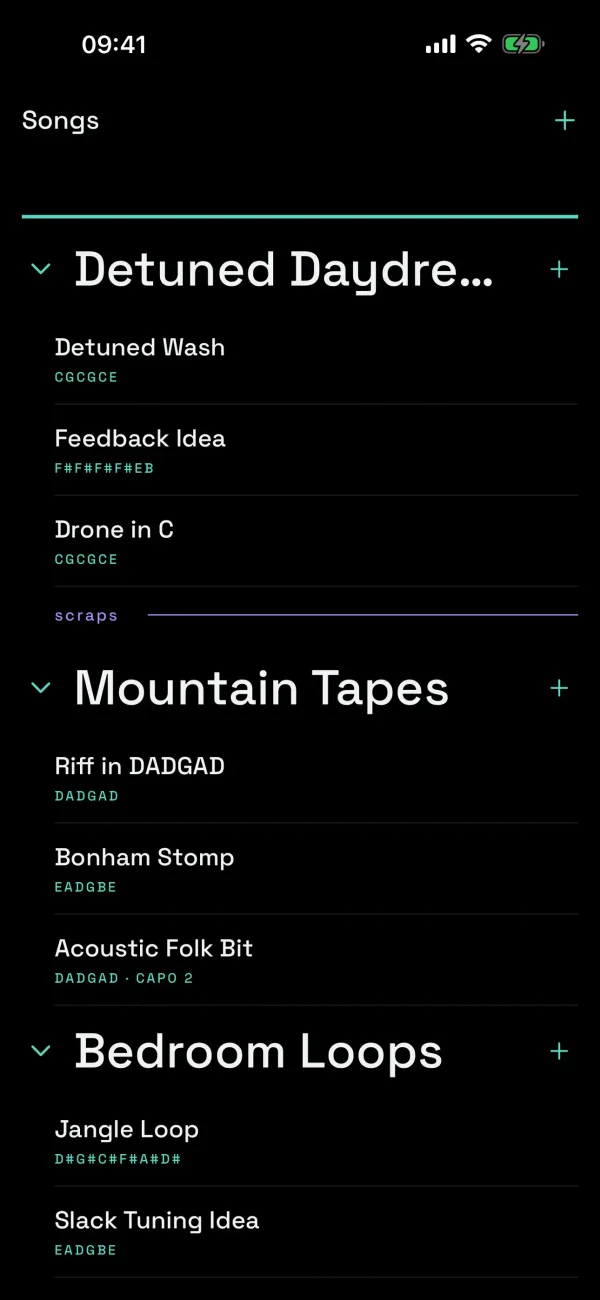
Guitar Tab Notes is a fast sketchpad for guitar players. When a riff or a chord shape shows up, open the app and get it down before it slips away.
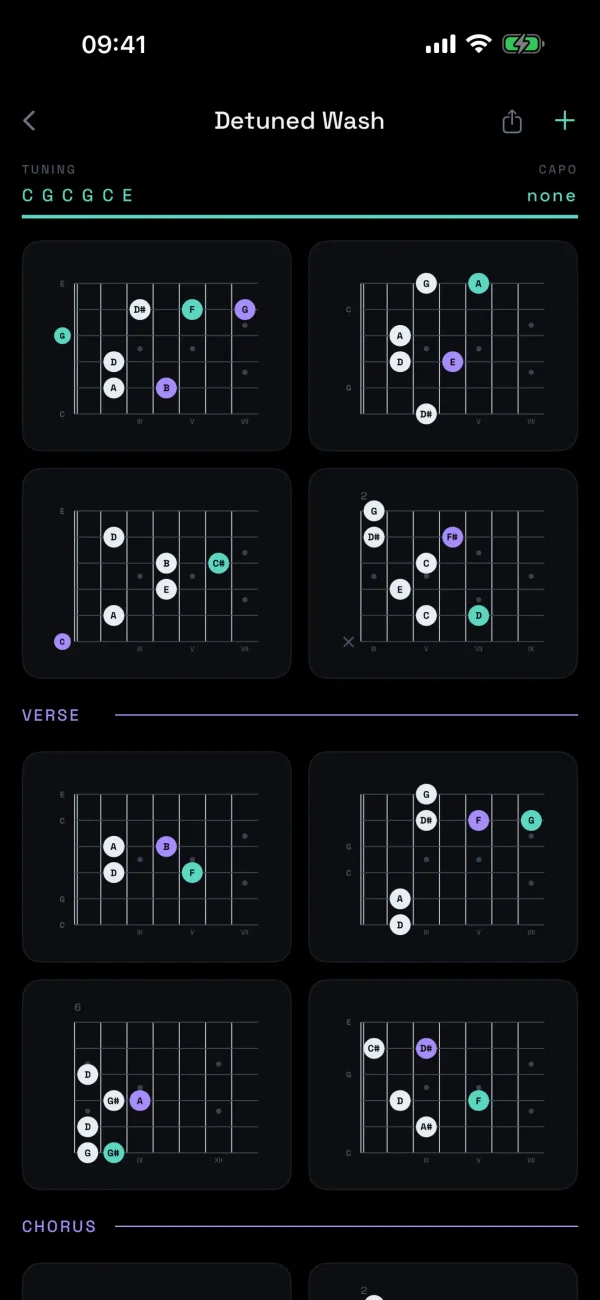
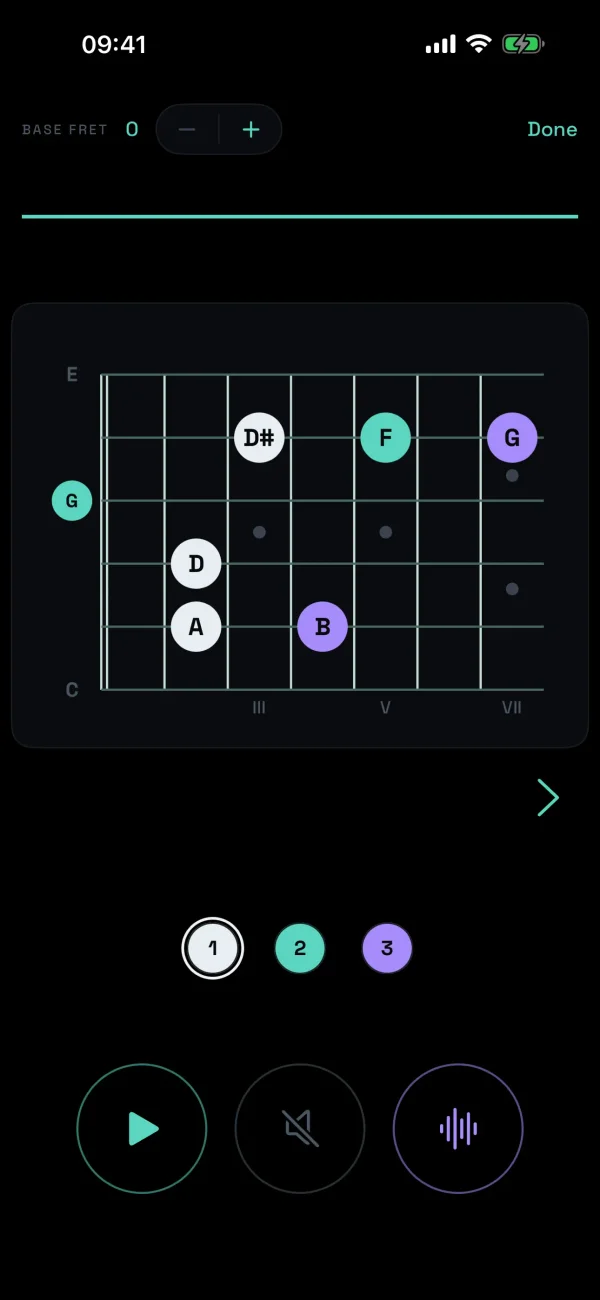
Instead of finger numbers or fret numbers, every position on the fretboard is shown as the actual note it plays (C, C#, D and so on). You read the sounds, not the shapes, so an idea still makes sense days later and is easy to move around in your head.
WHY GUITARISTS USE IT
- Capture ideas fast. Tap the fretboard and the note appears. Nothing in the way.
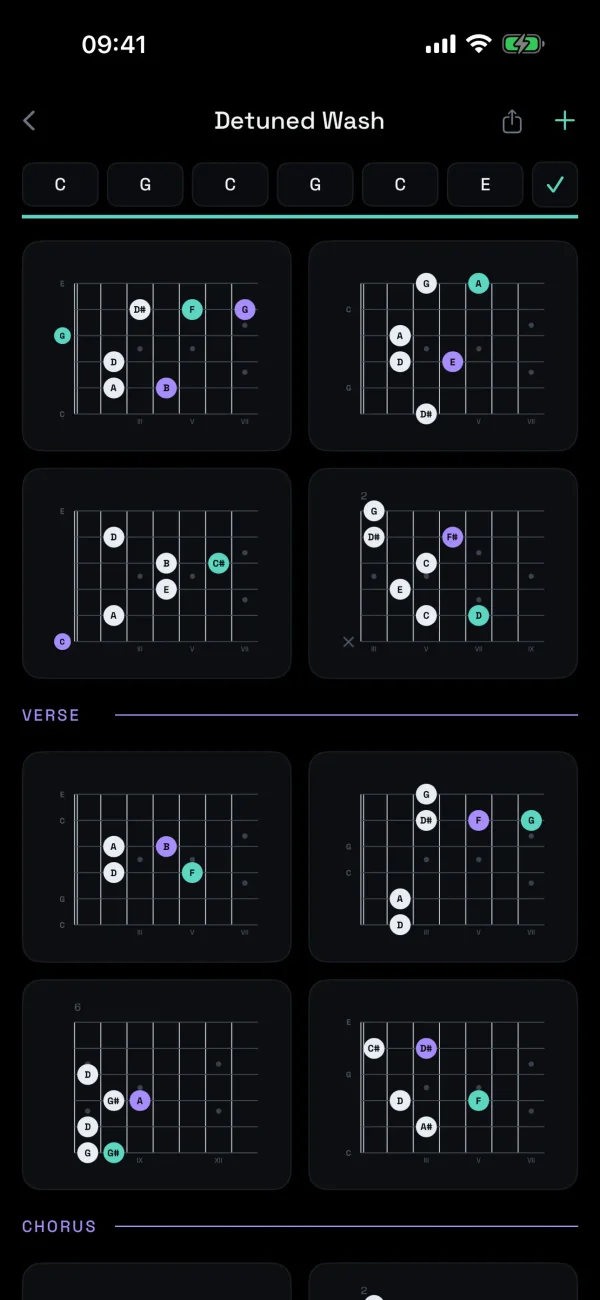
- Think in any tuning. Standard, drop, open, or completely custom alt tunings that you type in and save. Every note name updates instantly across all of your chords.
- Made for sketches, not for perfection. Group ideas into projects, drop in quick section labels like verse or chorus, and reorder everything by dragging.
- Hear it back. Tap play to strum a chord and check an idea on the spot.
- Color your voicings. Highlight alternate notes in four accent colors (turquoise, violet, amber, coral) right on the diagram. Colors can even share one spot with the main note: the dot splits into colored sections.
- Capo aware. Set a capo and the fretboard and note names follow along.
EVERYWHERE YOU WRITE
Guitar Tab Notes runs on iPhone, iPad and Mac, and your whole sketchbook syncs automatically through your private iCloud. Start a riff on the couch with your phone, then finish the arrangement on iPad or Mac later. Nothing to set up and no account to create.
EXPORT AND SHARE
Send a single chord as an image, or a whole song as plain text or as a print-ready PDF: clean black-on-white A4 pages with your section labels, automatic page breaks and a choice of 2, 3 or 4 chords per row. On Mac, exports go through the standard Save dialog.
Simple on purpose and quick by design. Keep the guitar in your hands and let the ideas land.
What’s new
Version 1.0.4 · Nov 13, 2026
- Made for iPhone Duo: the layout now follows the size of the screen. Folded, you get the familiar iPhone view; unfolded, the song grid shows three or four chords per row and the editor gets bigger diagrams, side arrows and larger color pickers, like on iPad
- iPhone Duo: the app uses the whole front of the device edge to edge, with the status bar hidden, and rotates freely when unfolded
- iPad: the app now works in Split View and Stage Manager (it switches to the phone layout in narrow windows)
- Smaller fixes to layout and spacing
App privacy
What United App Sp. z o.o. declares on the App Store about how this app handles data.
-
Data not collected
The developer does not collect any data from this app.
Privacy practices may vary, for example with the features you use or your age.
Information
- Seller
- United App Sp. z o.o.
- Category
- Music
- Version
- 1.0.4
- Updated
- Nov 13, 2026
- Released
- Jul 2, 2026
- Size
- 1.6 MB
- Requires
- iOS 17.0 or later
- Age rating
- 4+
- Price
- Free
- Languages
- English
- Copyright
- © 2026 United App
You might also like
-
 Fretbop - Guitar Chords&ScalesChords, Scales, Progressions.
-
 Chord TherapyEvery chord spelled right
-
 Moya GrainsDark evolving synth landscapes
-
 With HandlebarsGuitar scales & chords
-
 RiffMentorYour virtual practice coach
-
 TabWriterMusic
-
 Orphic DJ: Play It LiveFour Knobs, Infinite Music
-
 Guitar Chord ColorsExplore open chord colors
-
 FingerTab: Guitar Tab PlayerSlow down, loop & practice
-
 Chord Sheet CreatorCreate chords and lyrics