GUPIMO: Work Camera
Project Photos & Videos
Designed for iPhone
Free · In-app purchases
- Age rating4+
- CategoryPhoto & Video
- Developergreen maker k.k.
- LanguagesEnglish+ 3 more
- Size4.2 MB
Links to the official App Store page
Download.org hosts no file of GUPIMO: Work Camera. The button opens its official App Store page, published by green maker k.k. Listing last checked on Nov 18, 2026.
Screenshots

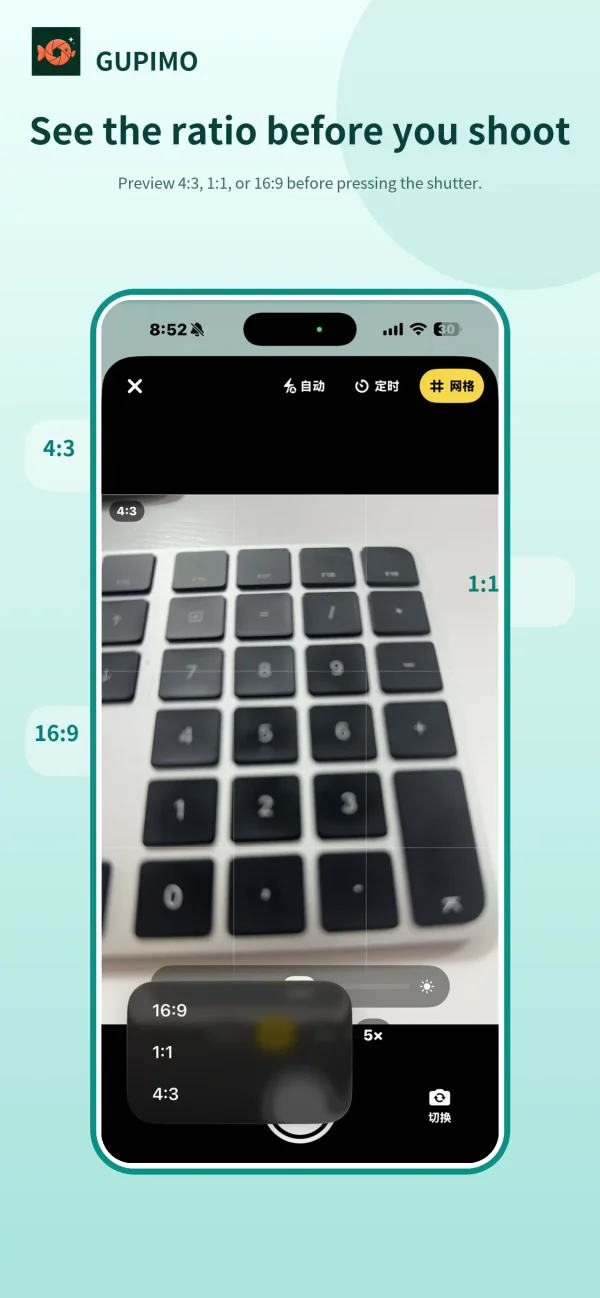
About
GUPIMO: Work Camera
Taking plenty of work photos, but struggling to find them when you need them?
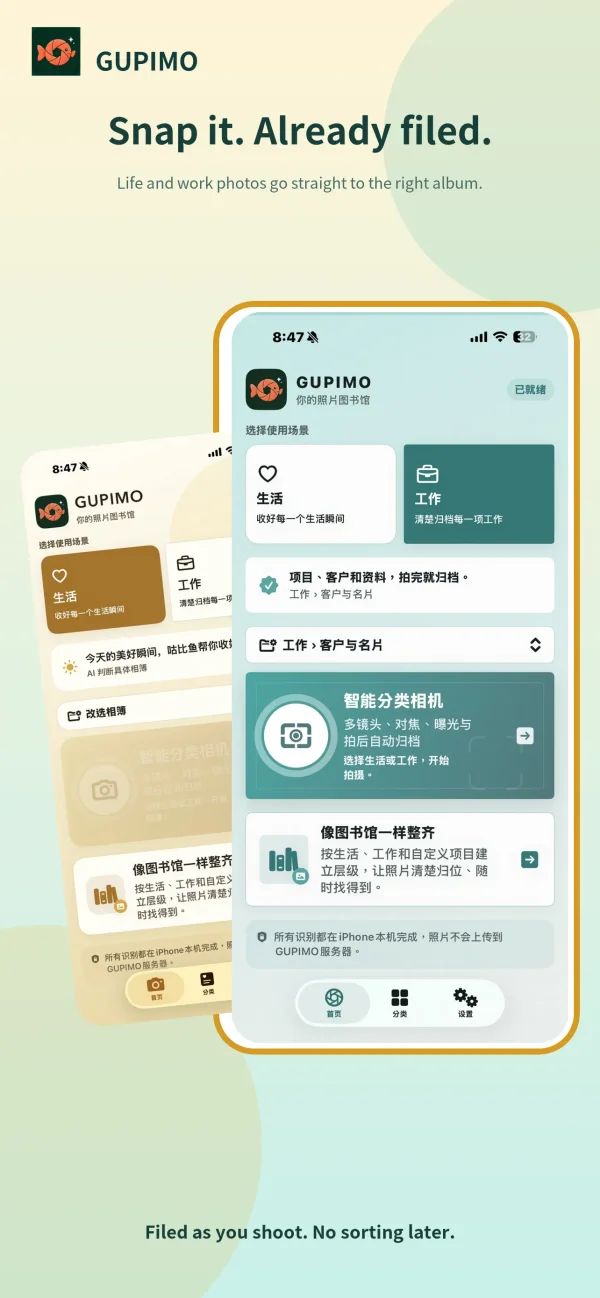
GUPIMO is a photo and video camera built for work documentation. Choose a project or client album before you shoot, so every record has a clear place.
【Capture Straight into an Album】
Create albums for sites, clients, products, equipment and documents. Save photos and videos directly into your chosen album and keep shooting.
【Organize Around Your Work】
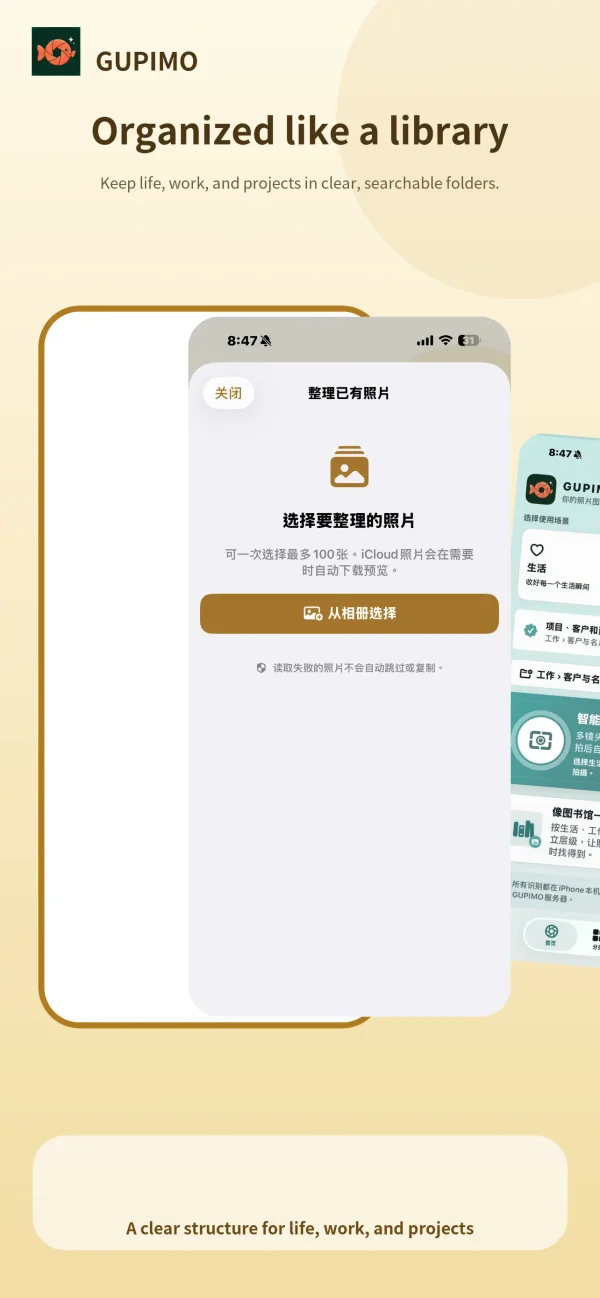
Use second- and third-level albums to organize by project, location or work stage. Browse, move and find your records directly in the app.
【Let AI Suggest Matches】
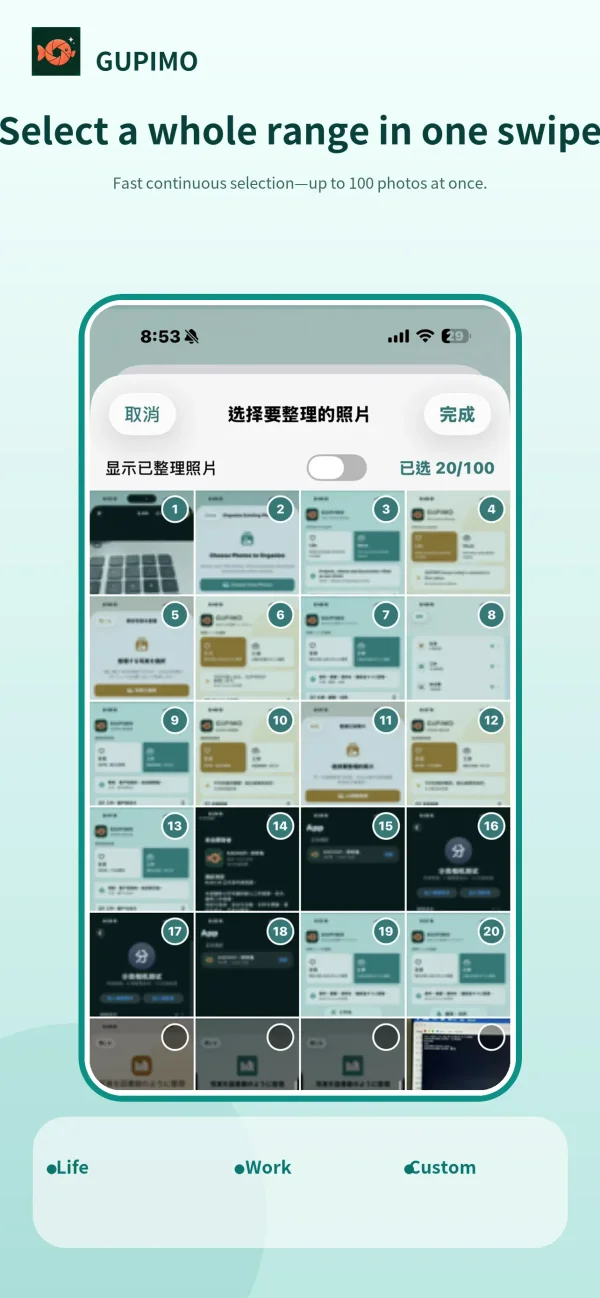
Choose a destination album and a date range of up to 31 days per session, with no photo or video count limit. Review AI suggestions, select missed items or deselect mistakes, then confirm what to add. Pause and resume when needed.
【Select and Share】
Choose photos and videos, then use the system share sheet to send them to Mail, messaging apps or installed social apps. You review and confirm the sending action.
【Keep Work and Life Separate】
Keep work records organized while giving personal memories their own space.
AI analysis runs on your device. Removing album items or deleting an album directory in GUPIMO preserves the originals in Apple Photos. Originals are deleted only when you explicitly choose to delete them in Smart Organize and complete the confirmation steps.
Premium features, including the smart classification camera and batch organization, require an in-app purchase. Monthly subscription and lifetime purchase options are available. See the in-app purchase screen for local pricing and free-trial eligibility.
Terms of Use (Apple Standard EULA): https://www.apple.com/legal/internet-services/itunes/dev/stdeula/
What’s new
Version 1.3.2 · Oct 5, 2026
- Organize by date range: up to 31 days per session, with no photo or video count limit.
- Pause and resume organization. Review AI suggestions before adding items to an album.
- Added deletion controls for level 2 and 3 albums and clearer controls for removing album items.
- Deleting an album or removing its items preserves the originals in Apple Photos.
- Updated multilingual guidance and the organization workflow.
App privacy
What green maker k.k. declares on the App Store about how this app handles data.
-
Data not collected
The developer does not collect any data from this app.
Privacy practices may vary, for example with the features you use or your age.
Information
- Seller
- green maker k.k.
- Category
- Photo & Video
- Version
- 1.3.2
- Updated
- Oct 5, 2026
- Released
- Sep 5, 2026
- Size
- 4.2 MB
- Requires
- iOS 17.0 or later
- Age rating
- 4+
- Price
- Free
- In-app purchases
- Yes
- Languages
- English, Japanese, Simplified Chinese, Traditional Chinese
- Copyright
- © 2026 GreenMaker株式会社
You might also like
-
 TagCamera: Tag & Isolate WorkKeep work & life photos apart.
-
 SortCamPhoto & Video
-
 FolderCam - Work CameraShoot to folders. Bulk delete.
-
 Colorful Screen - RGB LightingPhone Panel Light Controller
-
 AlbumCamera -Organize Camera-Organize photos with camera
-
 工程相机Photo & Video
-
 OnBeat: Reels Maker EditorVideo Recap Music Template AI
-
 抠图软件-酷雀抠图&智能证件照制作改尺寸换背景&清晰度修复Photo & Video
-
 KwaiCut - Video EditorKwai Official Video Edit Tool
-
 Epson Creative PrintPhoto & Video