
- Age rating4+
- CategoryMusic
- Developerseol do sim
- LanguagesEnglish+ 4 more
- Size33.3 MB
Links to the official App Store page
Download.org hosts no file of HandCompose. The button opens its official App Store page, published by seol do sim. Listing last checked on Nov 18, 2026.
Screenshots

About
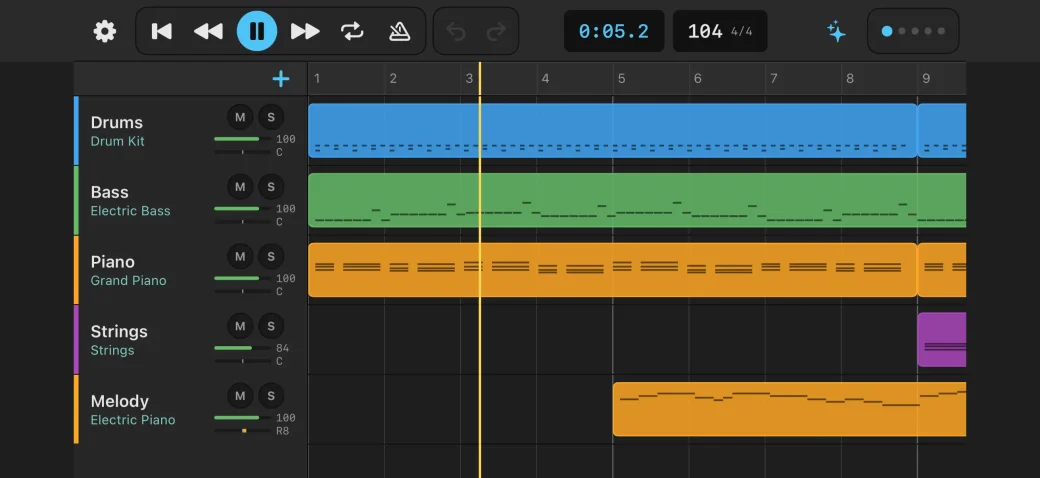
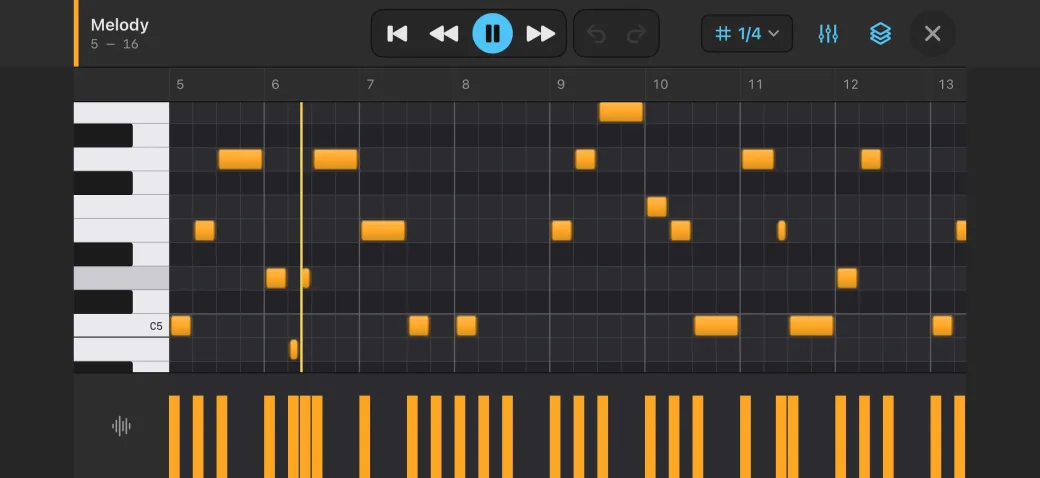
HandCompose is a multitrack composing app you play with your fingers. Arrange clips, draw notes in the piano roll, and hear them right away with 128 instruments and 9 drum kits.
■ Start composing right away
• A demo song with drums, bass, piano and keys is ready on first launch, so you hear music immediately
• Tap an empty cell to add a clip; tap a clip to select it and tap again to open the piano roll
• Long-press to move clips and notes, drag a handle to change their length
• Zoom horizontally and vertically with two fingers
■ Auto compose
• Pick a genre (pop, rock, jazz, ballad, EDM, funk, lo-fi, bossa nova, R&B, waltz), tempo, length and key, and get a whole song with drums, bass, chords, pad and melody
• Songs are built from intro, verse, pre-chorus, chorus, bridge and outro, one clip per section, ready to edit
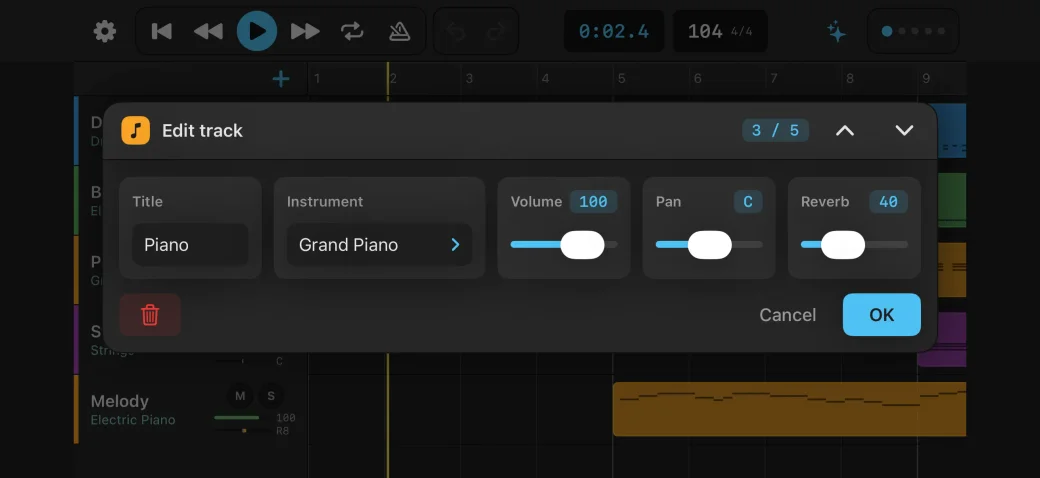
• Don't like a part? Regenerate it from the track settings, and undo brings your previous song back
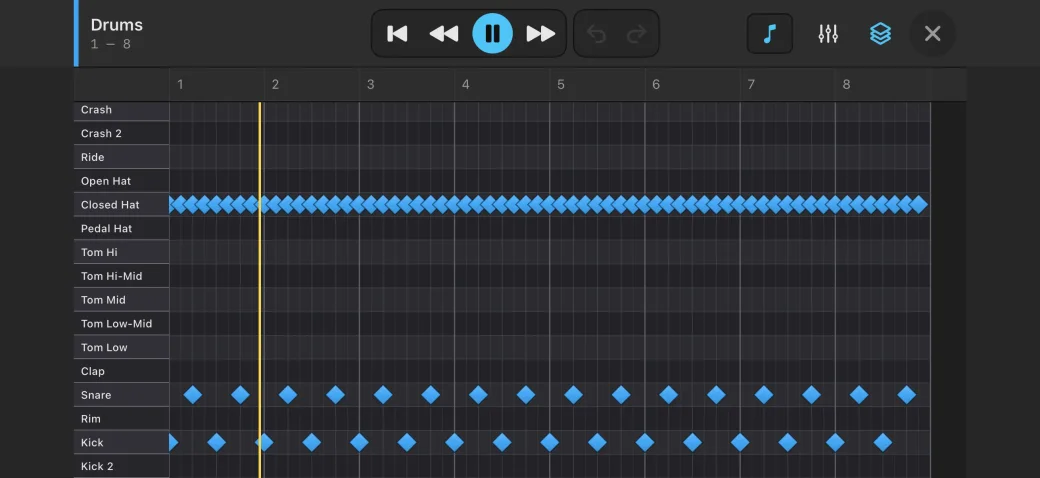
■ Piano roll and drum editor
• Change note length and snap with a 1/1 to 1/16 grid
• Shape dynamics in the velocity lane
• Drum tracks use named drum lanes, and rhythm patterns (8-beat, rock, house, hip-hop, waltz and more) load in one tap
• Turn on "Hear other tracks" to edit along with the whole arrangement
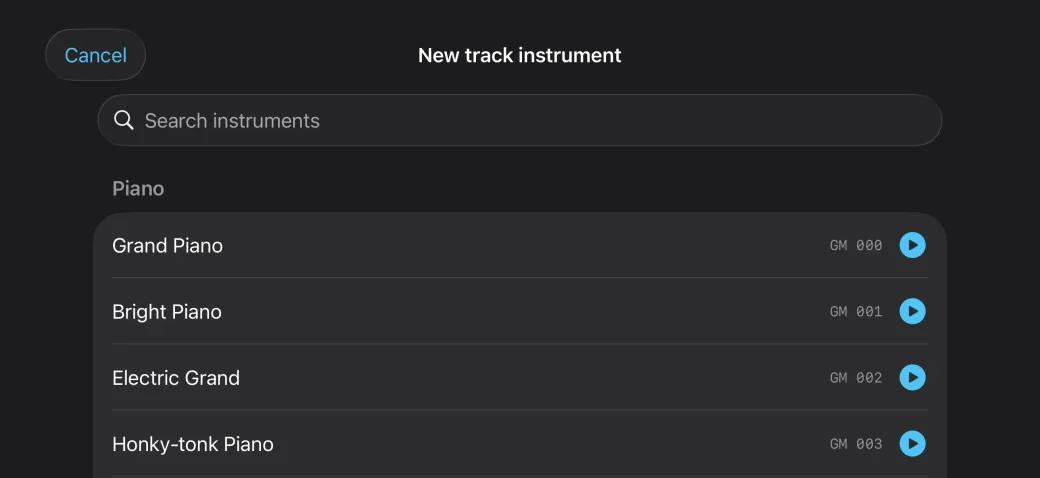
■ 128 instruments, up to 16 tracks
• Every General MIDI instrument plus 9 GS drum kits (GeneralUser GS SoundFont)
• Volume, pan and reverb per track, mute and solo
• Tempo (40–300 BPM), time signature (2/4–12/4), loop region, count-in metronome
■ Import and export
• Import MIDI files as new tracks
• Import audio files such as MP3, M4A and WAV as audio tracks and compose over a backing track
• Export a MIDI file or audio (M4A) and save it to Files, AirDrop it or open it in another app from the share sheet
■ MIDI keyboards
• Connect a USB or Bluetooth MIDI keyboard and play the track you are editing
■ Autosave and 5 slots
• Your work saves automatically, with 5 slots for separate songs
• Undo and redo
■ Privacy
• Collects no data and makes no network connections
What’s new
Version 1.0.3 · Nov 2, 2026
• Better auto compose: pop, rock, ballad, EDM and R&B songs get a pre-chorus, melodies flow more naturally, and the last chorus sounds fuller.
• Open auto compose straight from its toolbar button (the sparkle icon).
• Clips and notes are selected with a tap first. Tap a clip again to open it, and delete a note with the x beside it, so a single tap no longer deletes a note.
• Changing a track's instrument during playback is heard right away.
• Stability improvements
App privacy
What seol do sim declares on the App Store about how this app handles data.
-
Data not collected
The developer does not collect any data from this app.
Privacy practices may vary, for example with the features you use or your age.
Information
- Seller
- seol do sim
- Category
- Music
- Version
- 1.0.3
- Updated
- Nov 2, 2026
- Released
- Oct 18, 2026
- Size
- 33.3 MB
- Requires
- iOS 17.0 or later
- Age rating
- 4+
- Price
- Free
- Languages
- English, Japanese, Korean, Portuguese, Spanish
- Copyright
- © 2026 Dosimi-Soft
You might also like
-
 SensicMusic Through Touch
-
 QuickTrack - AI Music StudioAI Music Studio
-
 Muself: AI Music CreationFrom a prompt to a full piece
-
 Demix: Deconstruct your songs.Mute it. Play it. Sing it.
-
 Hyper Boost - Clipper EffectA power-up for your sound
-
 BEAN MUSERecord and mix your songs
-
 Acapella BandSing It. Play Any Instrument.
-
 Perfect BandPiano, Chords, Songs, Voice
-
 Contour — Ambient Morph SynthDrones, textures, pads, MIDI
-
 Jacquard - Music AppTile-based music sequencer