Handfont
Handwriting Font Maker
Designed for iPhone, iPad, iPod touch
Free · In-app purchases
- Age rating4+
- CategoryGraphics & Design
- Developermint-soft
- LanguagesEnglish
- Size58.4 MB
Links to the official App Store page
Download.org hosts no file of Handfont. The button opens its official App Store page, published by mint-soft. Listing last checked on Nov 18, 2026.
Screenshots

About
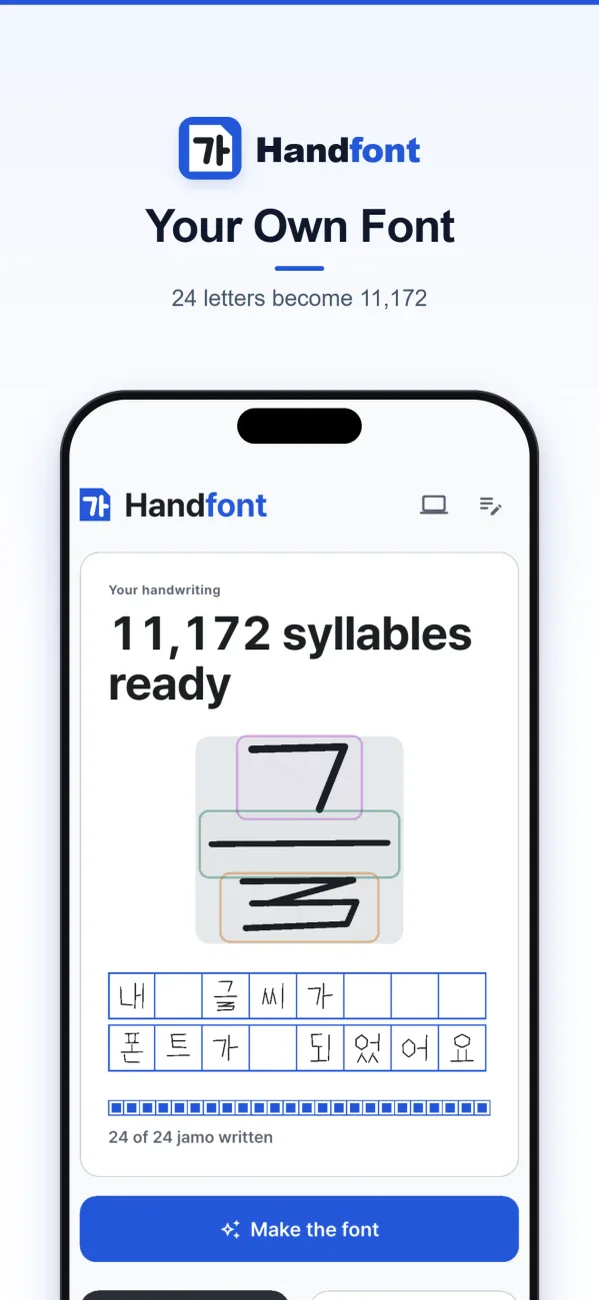
Write 24 letters once. Get a font that writes all 11,172 Korean syllables in your own hand.
PAPER CAPTURE
Print the jamo sheet from the app, write each letter with a pen, and take one photo. Four corner markers straighten the page, the 24 boxes are cut apart, and your handwriting becomes a font. Nothing leaves your phone - extraction, assembly and font generation all run on the device.
OR WRITE ON SCREEN
No printer nearby? Draw each letter with a finger or a stylus. Same result.
11,172 SYLLABLES FROM 24 LETTERS
Hangul is assembled, not drawn one character at a time. Handfont places your initial, medial and final letters at the right coordinates, so every Korean syllable comes out in your handwriting - along with Latin letters, digits and punctuation.
TUNE IT
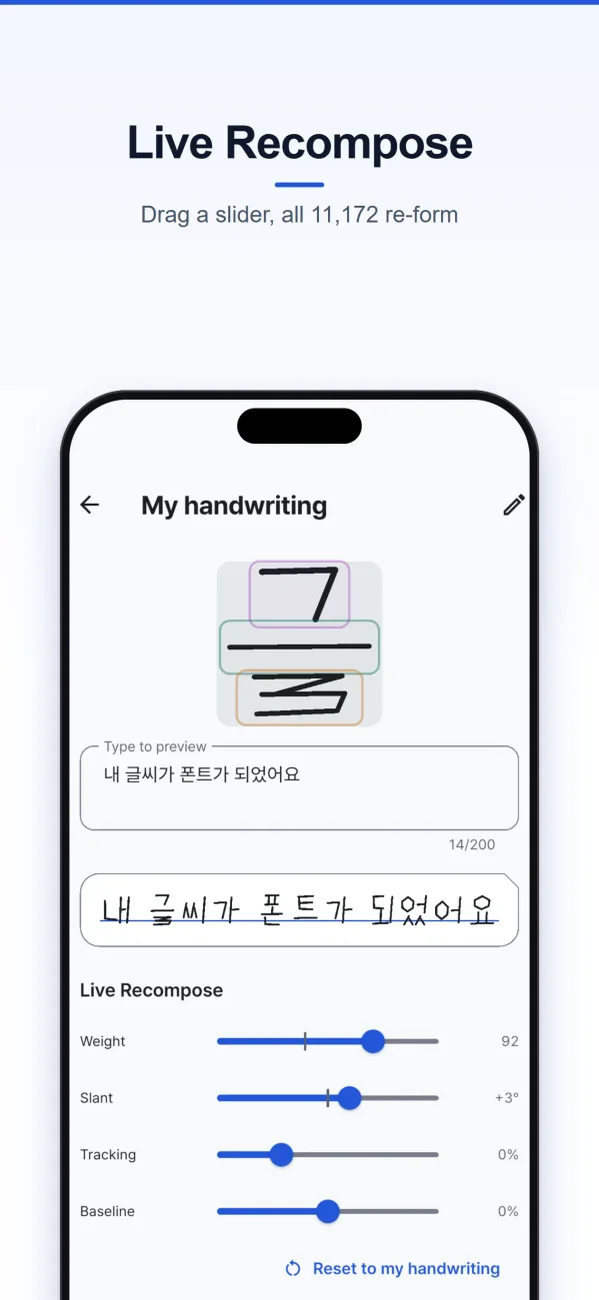
Adjust stroke weight, slant, letter spacing and baseline until it looks like you.
EXPORT
Save a real .ttf file and use it anywhere fonts are accepted.
WRITE AND KEEP
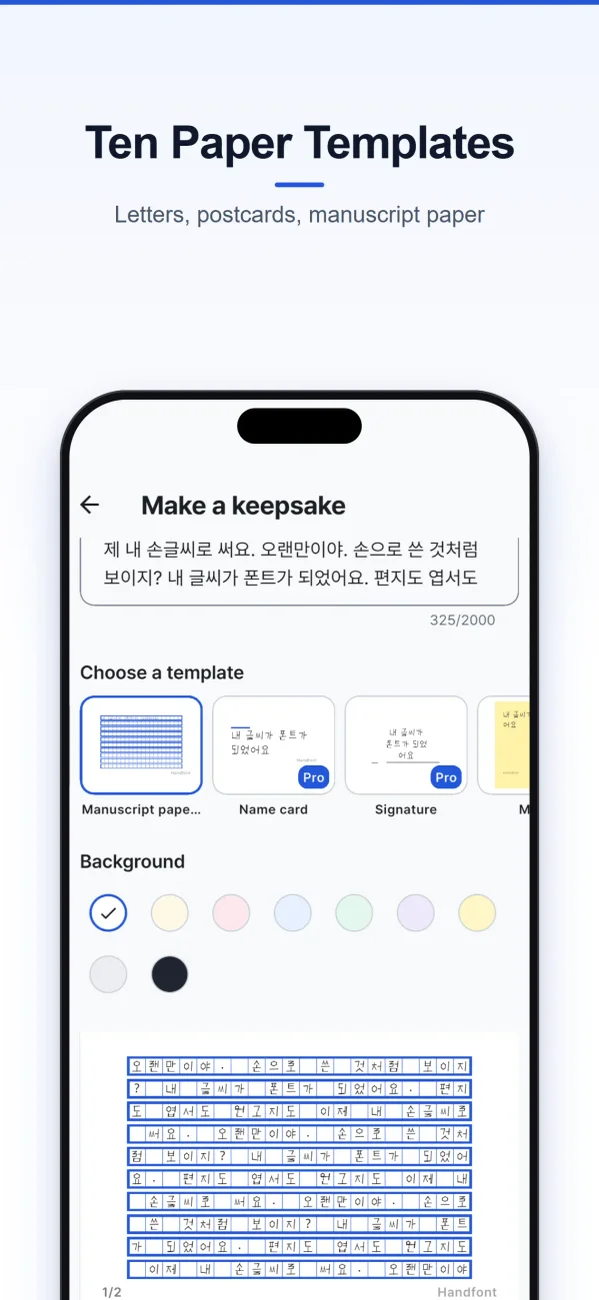
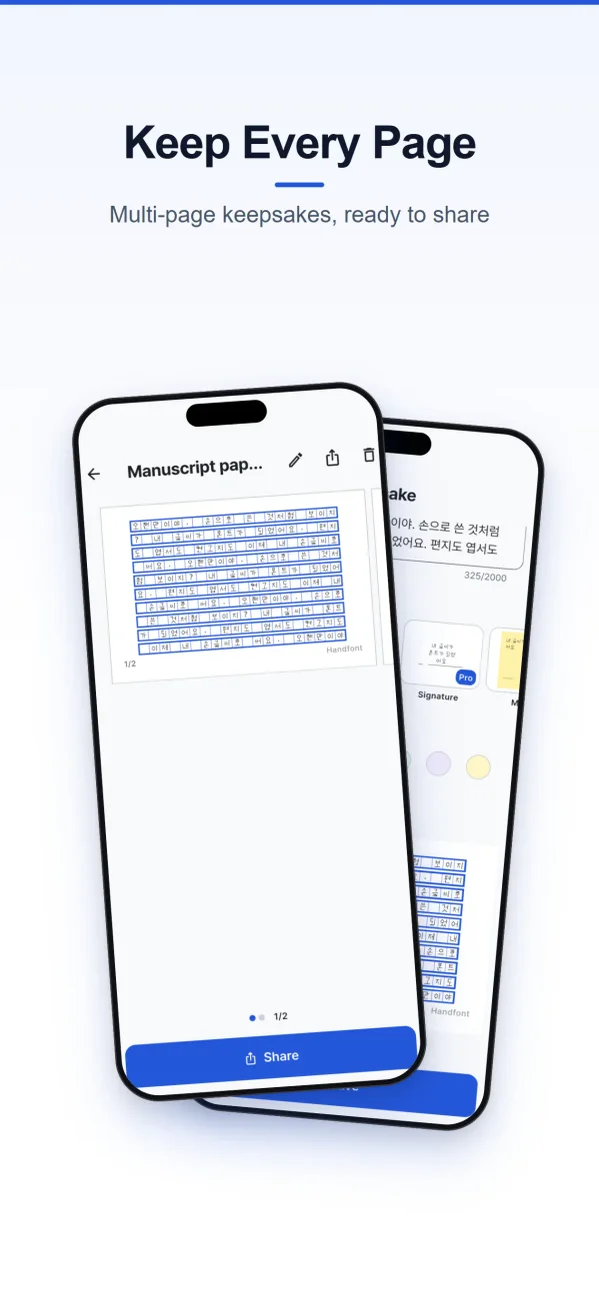
Write a letter or a card in your font and save it. Come back later and edit it - weight and slant are kept per writing, so a note and a title can look different.
FREE AND PRO
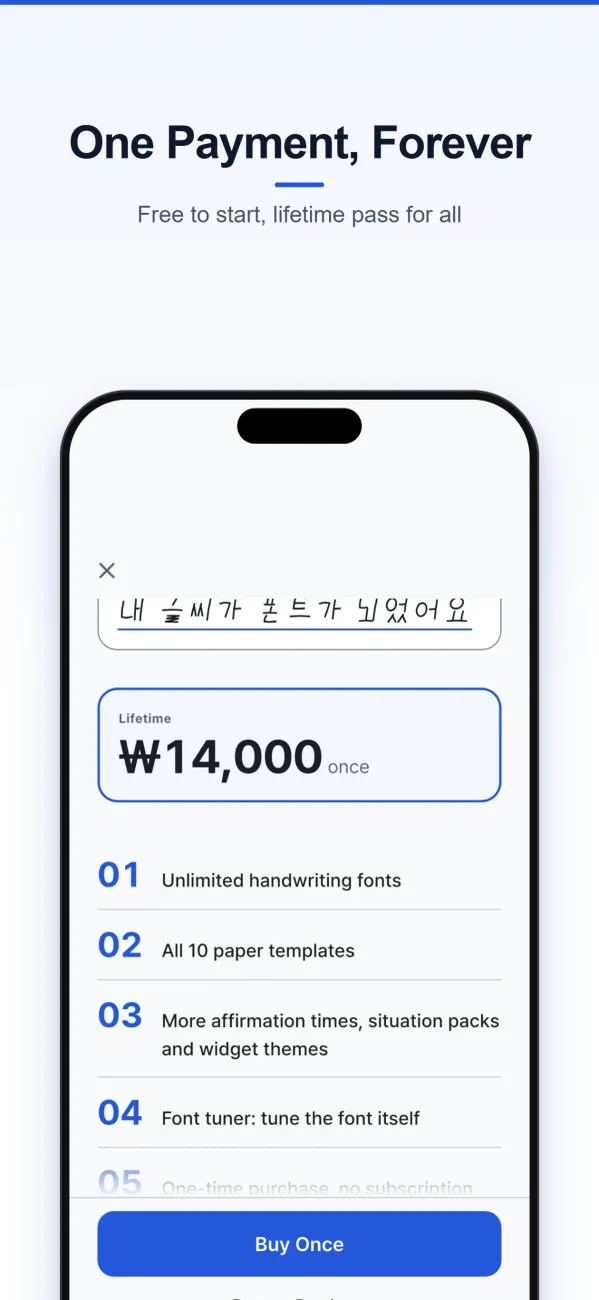
Free forever: your first font, 3 paper templates (letter, postcard, manuscript), up to 3 affirmation times and the quote widget. The lifetime pass unlocks unlimited fonts, all 10 templates, more affirmation times and situation packs, widget themes and permanent font tuning, and removes ads - a one-time purchase, not a subscription. You can also watch one ad to use a Pro template once.
TODAY'S QUOTE WIDGET
A home-screen widget shows a daily quote in your own handwriting font - or your own words. Free for everyone.
AFFIRMATIONS IN YOUR HANDWRITING
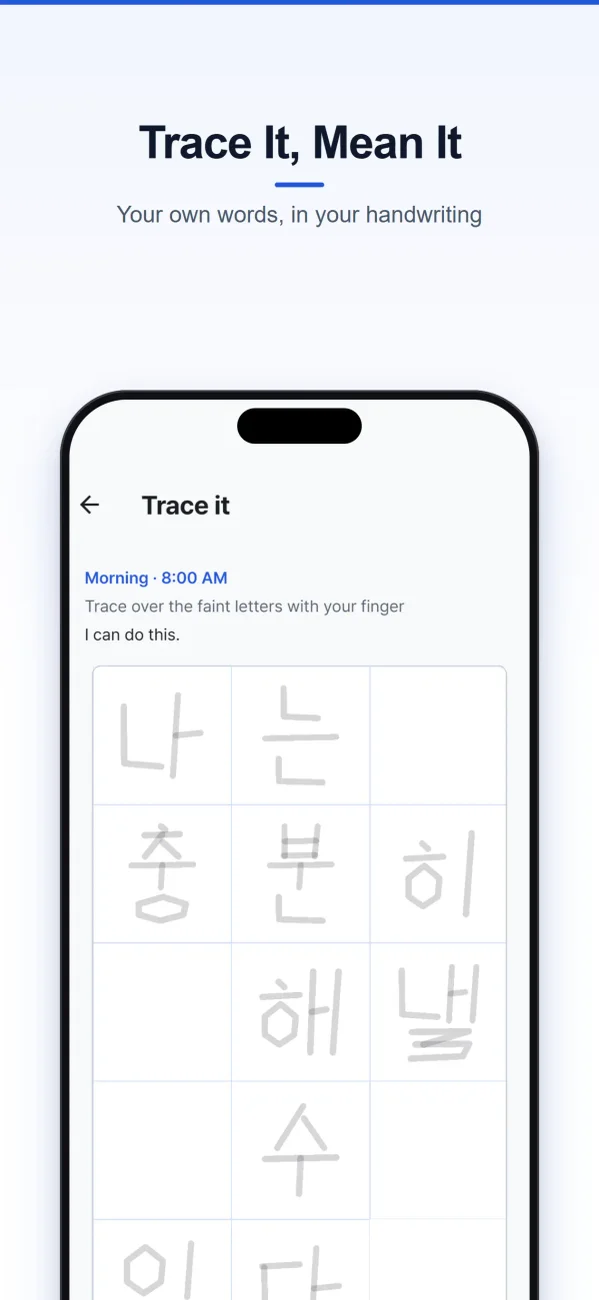
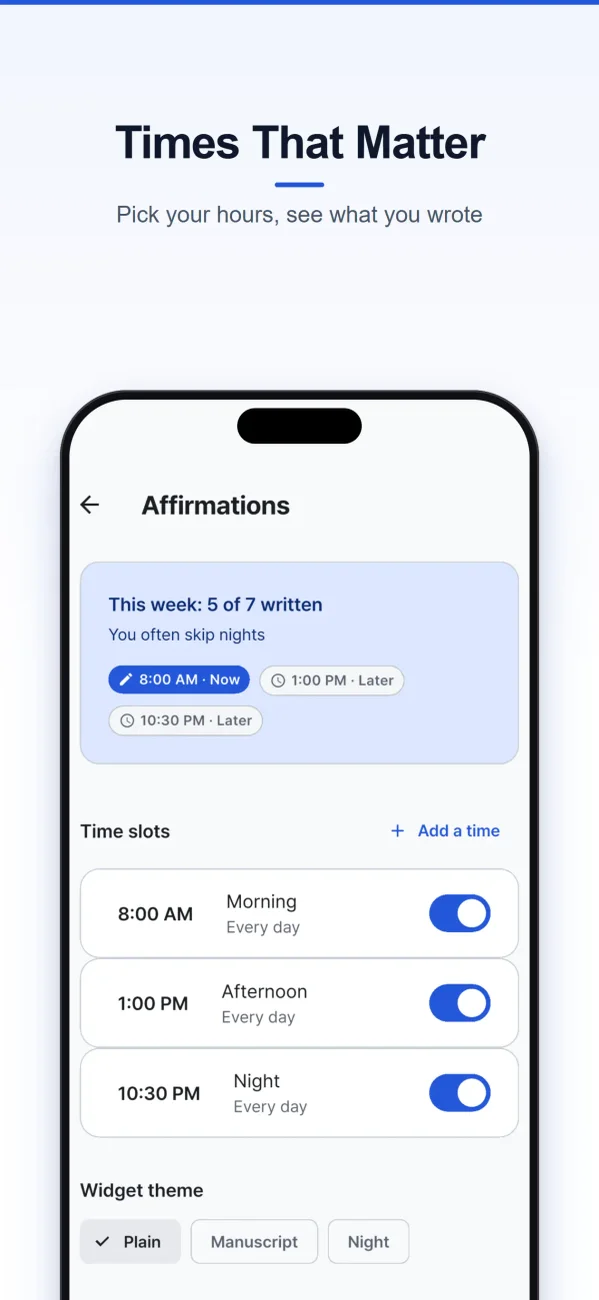
Pick the moments you tend to waver. At those times an affirmation appears in your own handwriting in a notification and on the widget. Trace it once with your finger and it counts as written; skipped lines come back at the next time. A weekly summary shows when you skip most.
Terms of Use (EULA): https://app.mint-soft.com/apps/handfont/terms
Privacy Policy: https://app.mint-soft.com/apps/handfont/privacy
What’s new
Version 1.4.0 · Nov 15, 2026
Version 1.4.0
- New: Fix a letter — tap any Korean letter in your font's preview and rewrite just that one.
- Shared cards now use your fixed letters right away.
- More reliable saving and accessibility refinements across the app.
App privacy
What mint-soft declares on the App Store about how this app handles data.
-
Data used to track you
May be used to track you across apps and websites owned by other companies.
- Identifiers
-
Data linked to you
May be collected and linked to your identity.
- Purchases
- Identifiers
- Diagnostics
Privacy practices may vary, for example with the features you use or your age.
Information
- Seller
- mint-soft
- Category
- Graphics & Design
- Version
- 1.4.0
- Updated
- Nov 15, 2026
- Released
- Sep 25, 2026
- Size
- 58.4 MB
- Requires
- iOS 15.0 or later
- Age rating
- 4+
- Price
- Free
- In-app purchases
- Yes
- Languages
- English
- Copyright
- © Copyright 2026 MintSoft
You might also like
-
 HideNest: Leather LayoutPlan cuts. Make scraps count.
-
 Lingua — Conlang BuilderYour script, your language
-
 Font Maker: TypeMineDraw, Type & Export Fonts
-
 FontMaker: Make Your Own FontDraw or scan your handwriting
-
 FotoFont - Photo to Font MakerHandwriting to TTF, OTF & WOFF
-
 FontStudio: Create & Edit FontTurn handwriting into fonts
-
 Quick Font CreatorMake Fonts from Handwriting
-
 早安圖不重複Graphics & Design
-
 FantasyMapAICreate Fantasy Maps with AI
-
 Flag MakerCustom Designer, Editor & GIFs