
- Age rating4+
- CategoryDeveloper Tools
- DeveloperHitosea
- LanguagesEnglish+ 3 more
- Size115.4 MB
Links to the official App Store page
Download.org hosts no file of Happy Next. The button opens its official App Store page, published by Hitosea. Listing last checked on Nov 17, 2026.
Screenshots
About
Happy Next is a secure mobile companion for AI coding agents. Follow long-running tasks, respond when your agent needs input, and continue conversations from your iPhone or iPad.
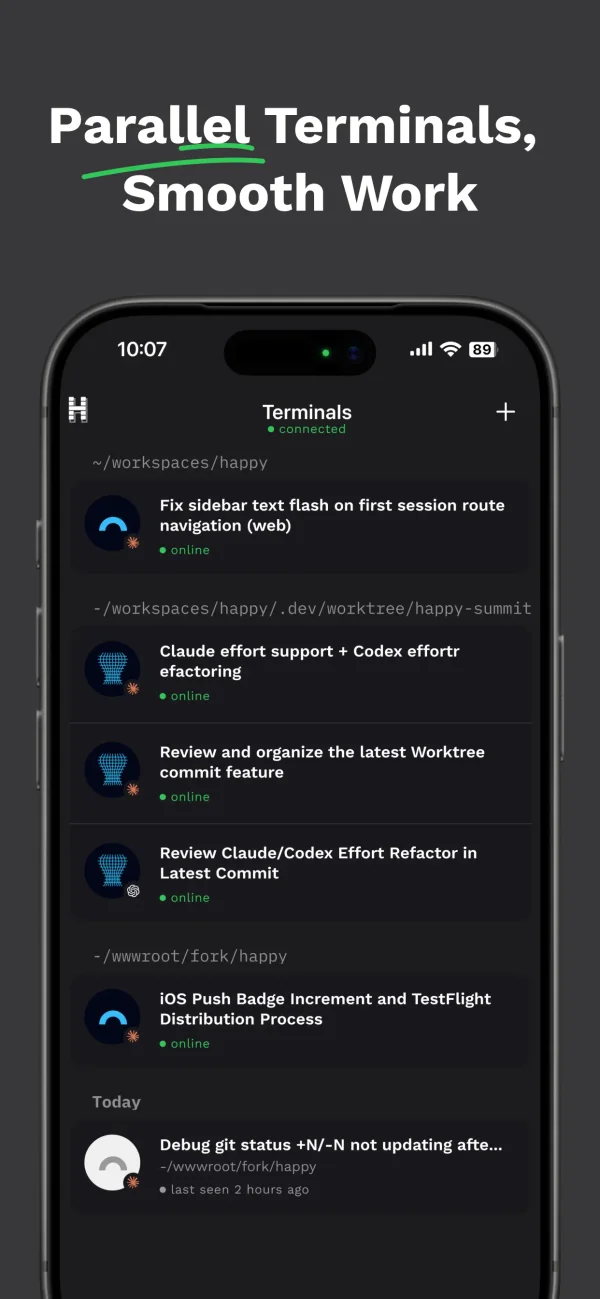
Happy Next works with Claude Code, Codex, and Gemini through the Happy desktop CLI. Pair your devices with a QR code, start a supported coding agent on your computer, and keep the session available while you are away from your desk.
KEY FEATURES
• Continue AI coding sessions between desktop and mobile
• Receive notifications for permission requests and completed tasks
• Stream responses and tool activity in real time
• Browse conversation history and reconnect to active sessions
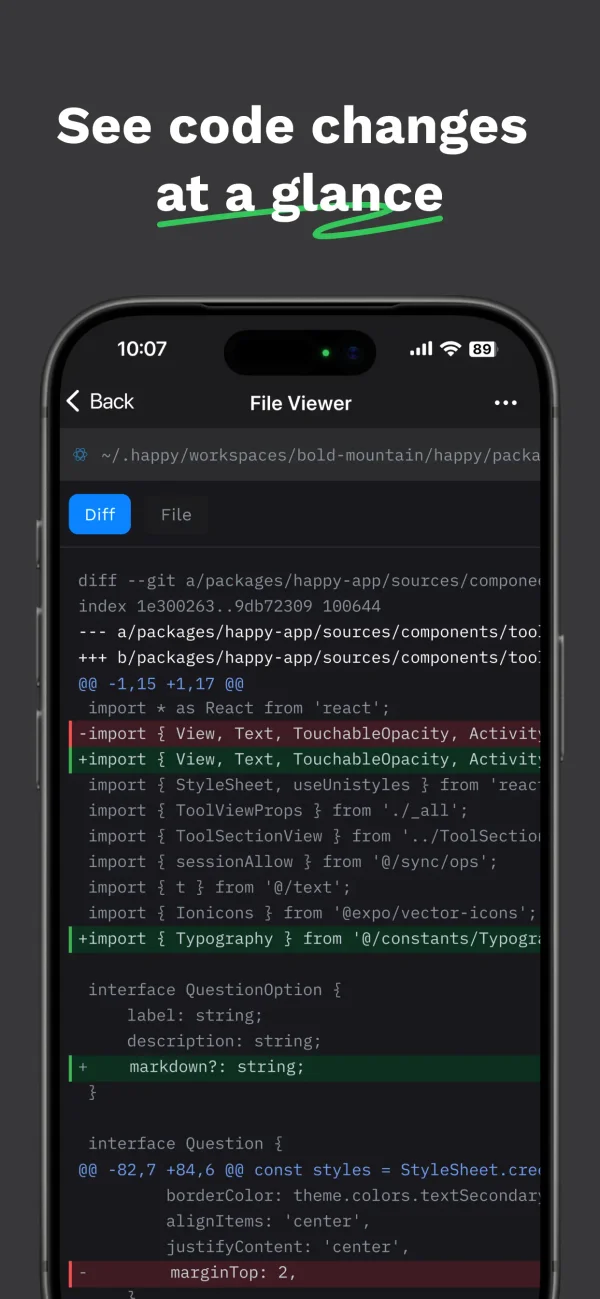
• View files, code, images, and rich tool output
• Pair devices securely with a QR code
• Protect session content with end-to-end encryption
• Use an open-source client and CLI
HOW IT WORKS
1. Install the Happy CLI on your computer.
2. Pair the mobile app by scanning a QR code.
3. Start Claude Code, Codex, or Gemini through Happy.
4. Monitor and continue the session from your mobile device.
REQUIREMENTS
Happy Next is a companion app. A computer running the Happy CLI and a supported AI coding agent is required. Availability and usage of third-party AI services depend on the accounts and terms of their respective providers.
Happy Next is an independent open-source project and is not affiliated with Anthropic, OpenAI, or Google.
What’s new
Version 2.26.0 · Nov 12, 2026
This update brings a smoother, clearer AI session experience:
• Manage queued messages more flexibly, including sending one into a task that’s already running
• Choose custom context windows for Claude and Qoder
• See more complete task progress, notices, plans, and review status from Claude, Codex, and Qoder
• Find earlier messages with the conversation minimap, even if they haven’t loaded on your device
• Enjoy clearer views of delegated tasks, orchestrator runs, and session details
• Improved image, PDF, and file previews, along with text selection
• Refined iOS menus, scrolling, dark mode, and task details
• Stability fixes and performance improvements
App privacy
What Hitosea declares on the App Store about how this app handles data.
-
Data linked to you
May be collected and linked to your identity.
- Contact info
- Contacts
- User content
- Identifiers
-
Data not linked to you
May be collected but is not linked to your identity.
- Usage data
Privacy practices may vary, for example with the features you use or your age.
Information
- Seller
- Guangxi Hitosea Information Technology Co., Ltd
- Category
- Developer Tools
- Version
- 2.26.0
- Updated
- Nov 12, 2026
- Released
- Aug 2, 2026
- Size
- 115.4 MB
- Requires
- iOS 15.1 or later
- Age rating
- 4+
- Price
- Free
- Languages
- English, Japanese, Simplified Chinese, Traditional Chinese
- Copyright
- © 2026 Guangxi Hitosea Information Technology Co., Ltd.
You might also like
-
 React Native BibleDeveloper Tools
-
 Every App - GatewayAccess your self-hosted apps.
-
 TermIO: SSH & SFTP ClientTerminal & Server Tools
-
 DockPilot AIAI copilot for your servers
-
 Mobaide: AI Coding Agents IDEChat, Terminal, Git & Voice
-
 IAP AlertsGet notified when you make $
-
 MonkeytailHTTP, cURL & JSON Client
-
 myscan: network scannerLocal host scanner, open ports
-
 HTTrailNetwork proxy & API client
-
 Pi: Local Agent HarnessPi locally on your phone