Haptics Touch: Vibration Test
Feel, Create & Share Patterns
Designed for iPhone, iPod touch
Free · In-app purchases
- Age rating4+
- CategoryDeveloper Tools
- DeveloperKeyhan Mortezaeifar
- LanguagesEnglish
- Size24.8 MB
Links to the official App Store page
Download.org hosts no file of Haptics Touch: Vibration Test. The button opens its official App Store page, published by Keyhan Mortezaeifar. Listing last checked on Nov 27, 2026.
Screenshots
About
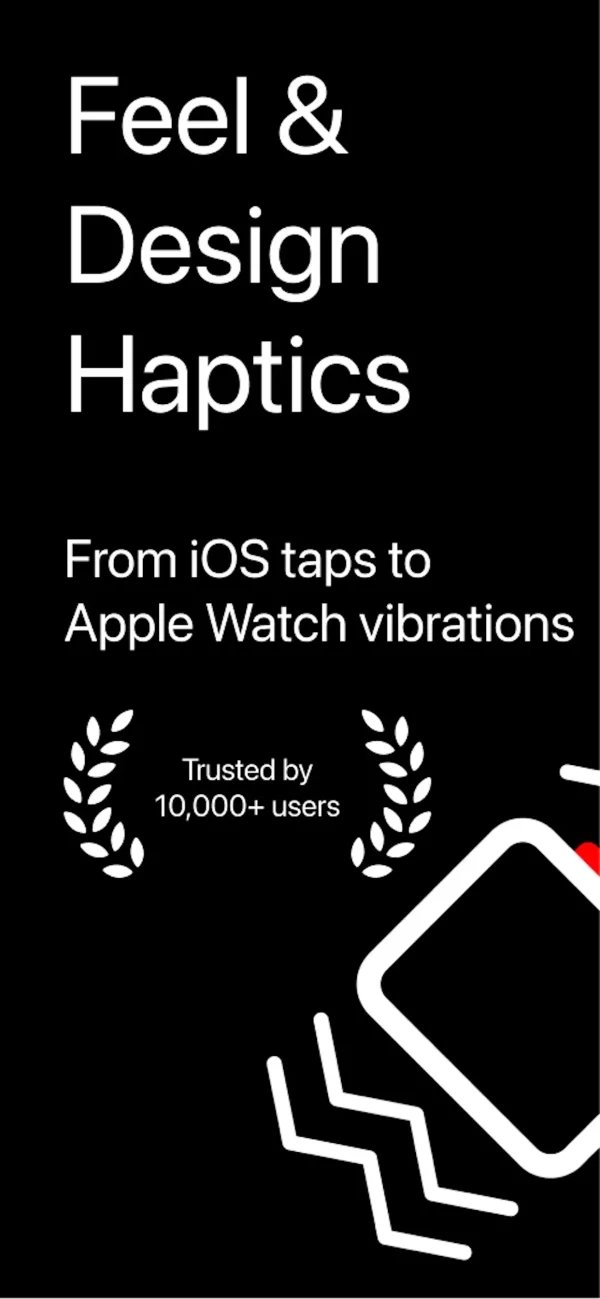
You know the haptic you want. You just need to feel it before you write the code.
Explore and test iOS and watchOS haptic feedback patterns with HapticsTouch.
Perfect for developers and designers, this ad-free tool lets you:
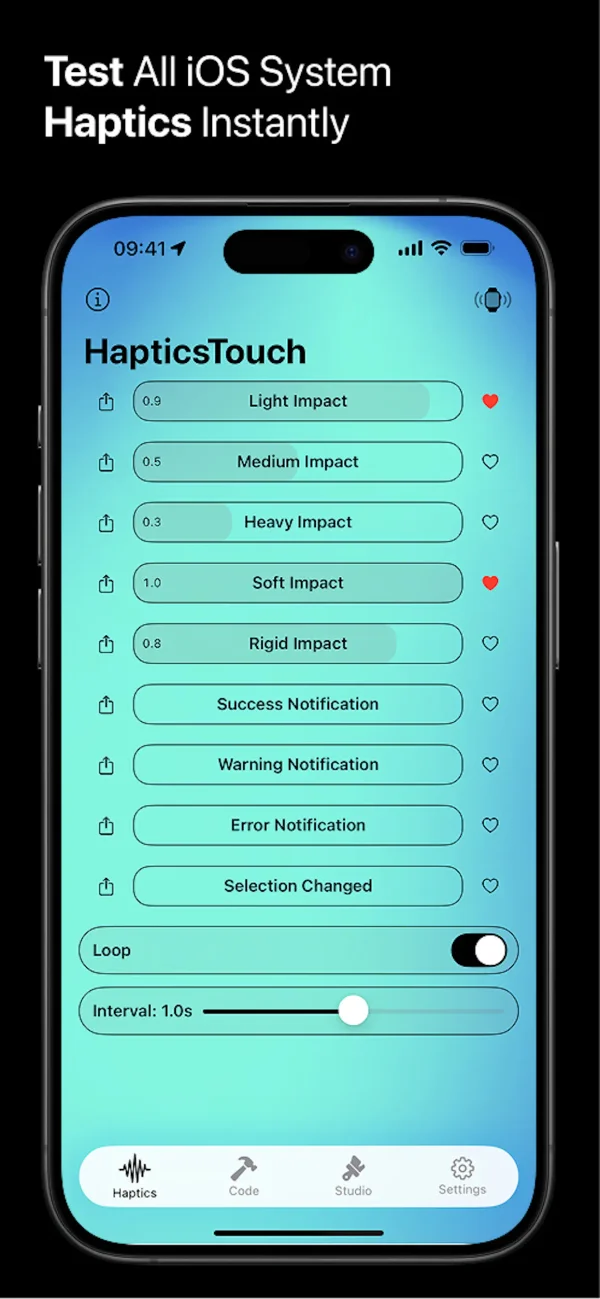
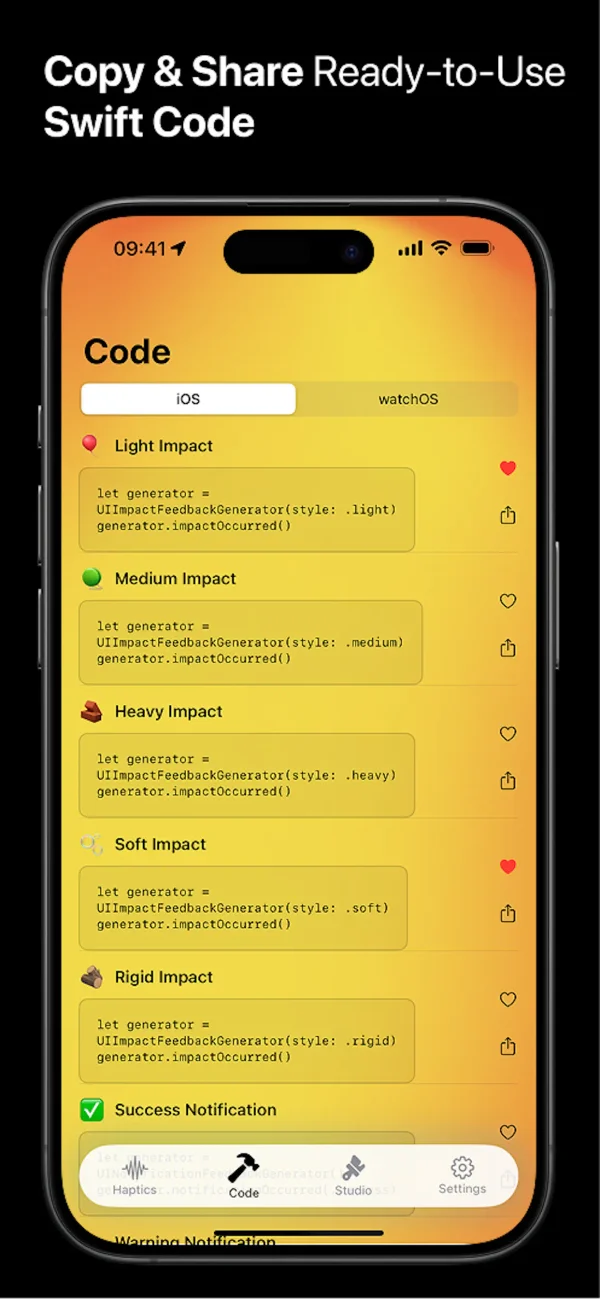
• Interactively experience default haptic patterns.
• Favorite and organize preferred haptics.
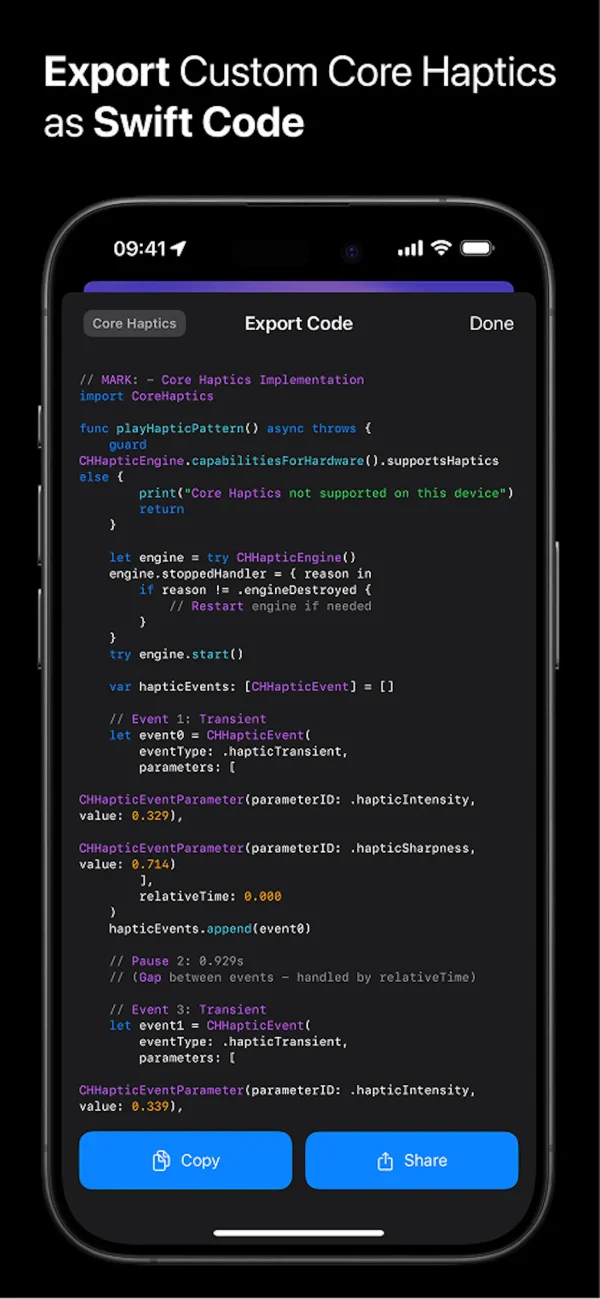
• Instantly share Swift code snippets for seamless implementation.
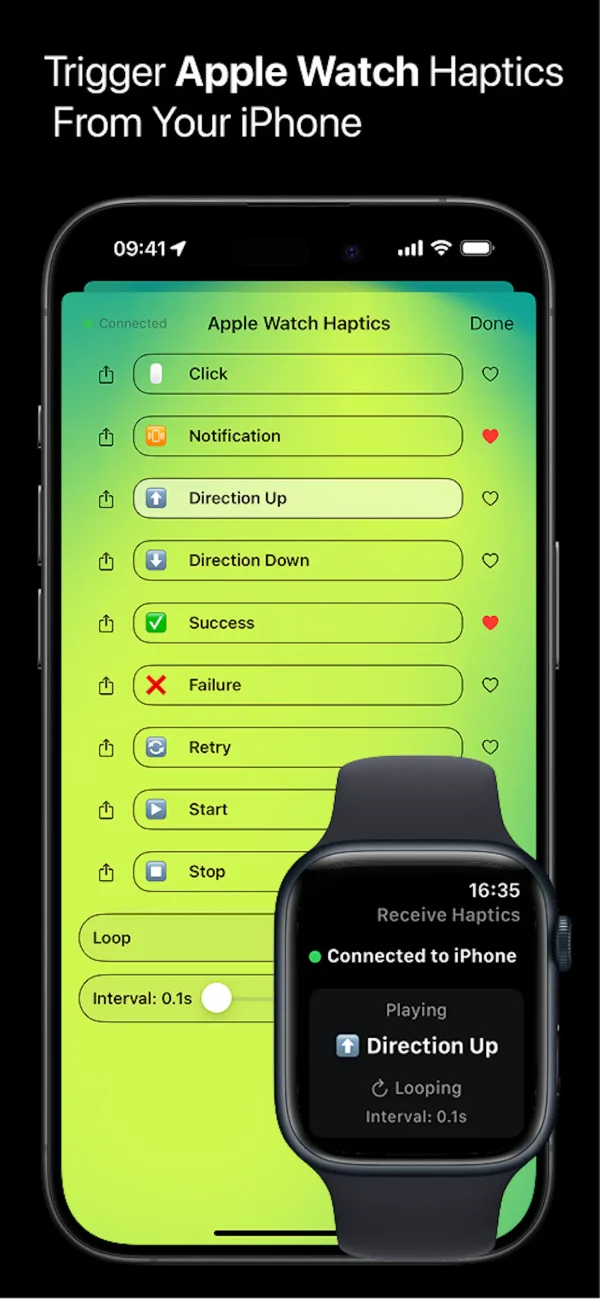
• Use the Apple Watch companion app to feel haptics directly on your wrist.
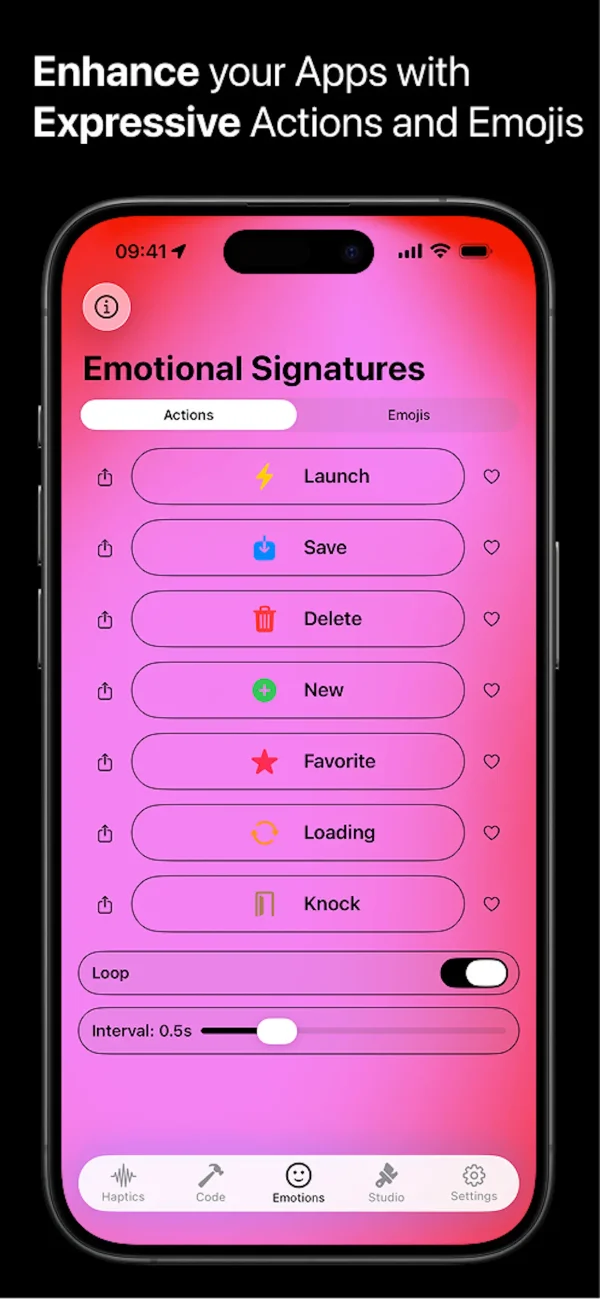
• Bring life to your app with Emotional Signatures: actions & emoji haptics and animations ready to copy.
Apple Watch Companion
Use the Apple Watch app to:
• Feel haptics directly on your wrist on loop or not
• Test patterns remotely from your iPhone
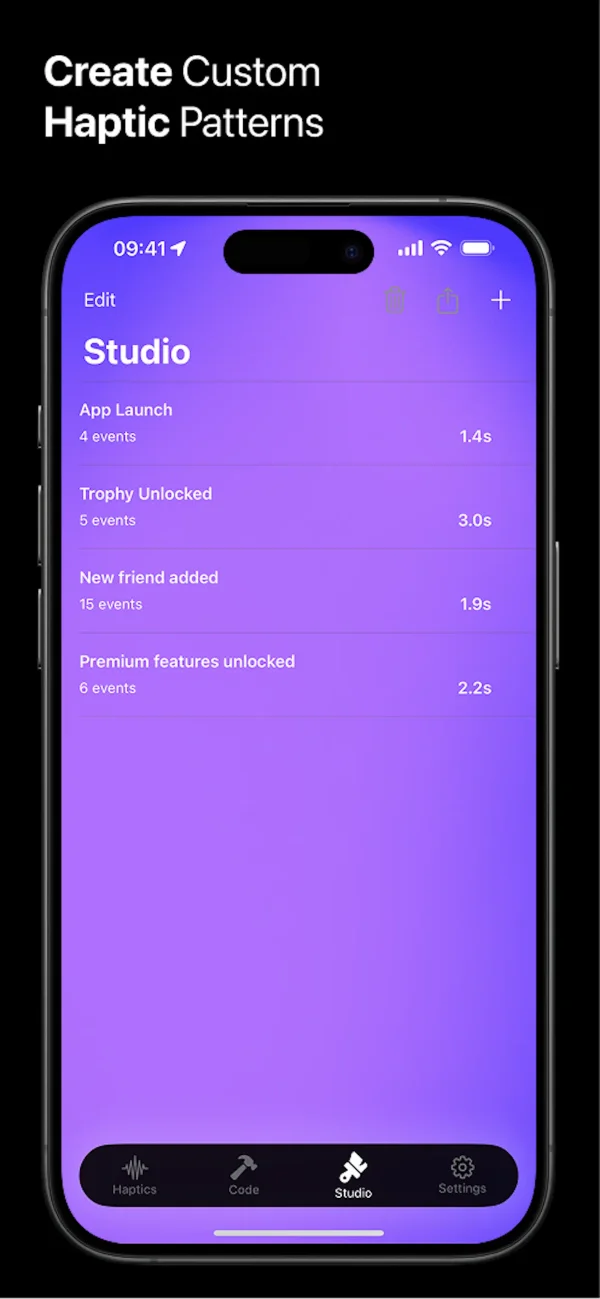
Create Custom Haptics
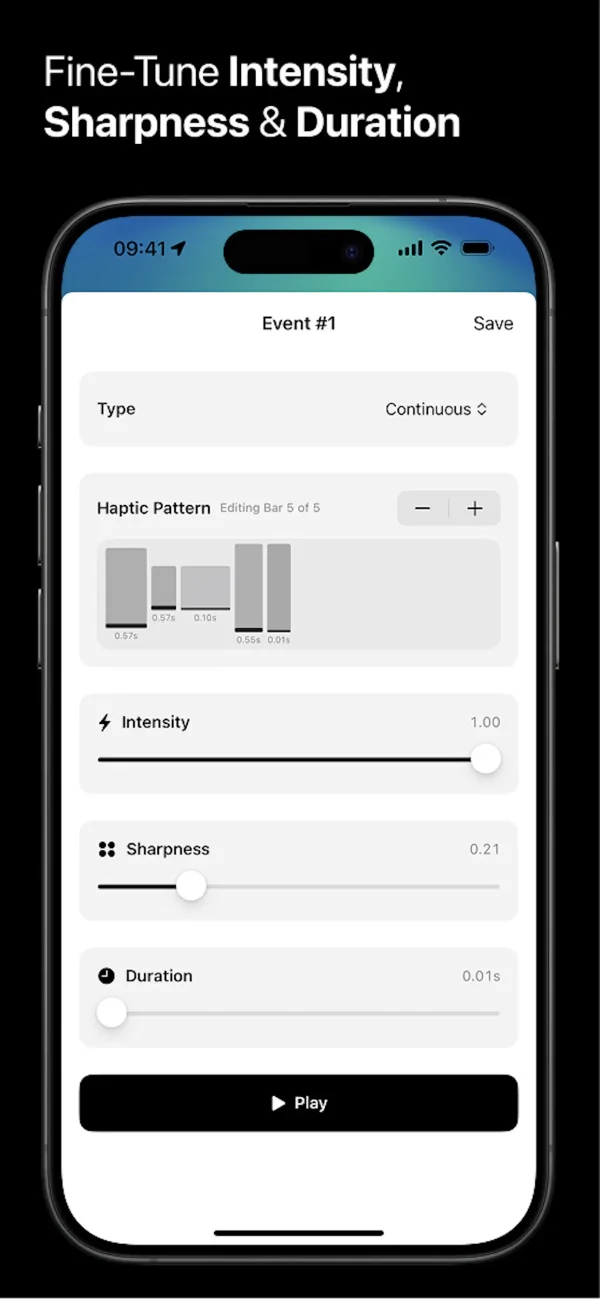
Go beyond system haptics with the new Haptic Studio:
• Record custom haptic patterns
• Adjust intensity, sharpness, and timing
• Export custom Core Haptics code for your apps
Enhance your apps with tactile feedback using HapticsTouch.
Available Haptic Patterns:
iOS
• Light Impact
• Medium Impact
• Heavy Impact
• Soft Impact
• Rigid Impact
• Success
• Warning
• Error
• Selection Changed
watchOS
• Click
• Notification
• Direction Up
• Direction Down
• Navigation Maneuver (code only)
• Navigation Left Turn (code only)
• Navigation Right Turn (code only)
• Retry
• Start
• Stop
Available Emotional Signatures:
Actions
• Launch
• Save
• Delete
• New
• Favorite
• Loading
• Knock
Emojis
• Like
• Love
• Laugh
• Surprised
• Sad
• Angry
Don't hesitate to request more with the button "Send Feedback & Feature Request" in Settings!
Terms of Use: https://www.apple.com/legal/internet-services/itunes/dev/stdeula/
What’s new
Version 0.3.7 · Nov 25, 2026
• Redesign of main elements
• General optimizations
App privacy
What Keyhan Mortezaeifar declares on the App Store about how this app handles data.
-
Data not linked to you
May be collected but is not linked to your identity.
- Purchases
- Identifiers
- Usage data
Privacy practices may vary, for example with the features you use or your age.
Information
- Seller
- Keyhan Mortezaeifar
- Category
- Developer Tools
- Version
- 0.3.7
- Updated
- Nov 25, 2026
- Released
- Dec 13, 2024
- Size
- 24.8 MB
- Requires
- iOS 16 or later
- Age rating
- 4+
- Price
- Free
- In-app purchases
- Yes
- Languages
- English
- Copyright
- © Keyhan Mortezaeifar
You might also like
-
 Haptic Testing: Developer ToolExplorer Vibration: Device Use
-
 Haptics - Test Device FeedbackHaptic Vibration Dev Tool
-
 Haptics ExplorerExplore haptic feedbacks
-
 Haptics StudioCompose haptics for iPhone
-
 Haptic HeroHaptic testing for devs
-
 Haptic ProCraft Perfect Haptic Patterns
-
 HapticSync - Vibration StudioCreate Haptics Fast & Easy
-
 Hapticlabs: Haptic designCreate & prototype vibrations
-
 Developer AIGenerate code most languages
-
 Interactions: App DesignHaptics for Micro-Interactions