Harbor Notes
Private notes, tasks & files
Designed for iPhone, iPad, Mac
Free · In-app purchases
- Age rating4+
- CategoryProductivity
- DeveloperCloudmanic Labs, LLC
- LanguagesEnglish
- Size44.6 MB
Links to the official App Store page
Download.org hosts no file of Harbor Notes. The button opens its official App Store page, published by Cloudmanic Labs, LLC. Listing last checked on Nov 23, 2026.
Screenshots


About
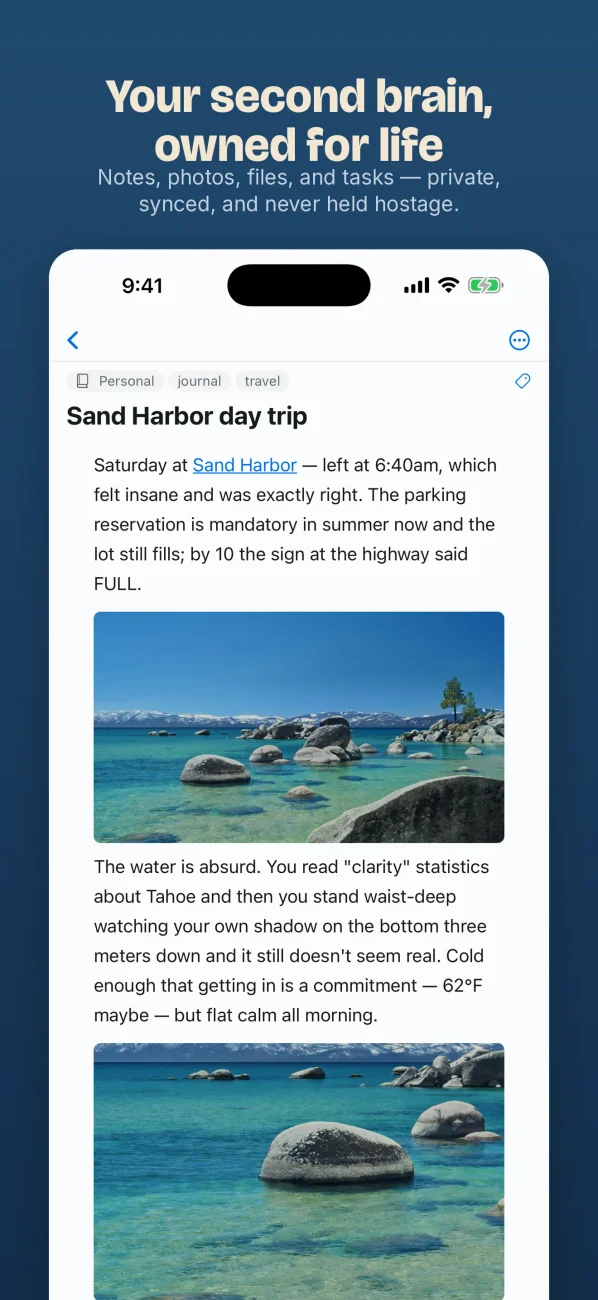
Harbor is your private second brain — a fast, native notes app for people who want to remember everything and own it for life.
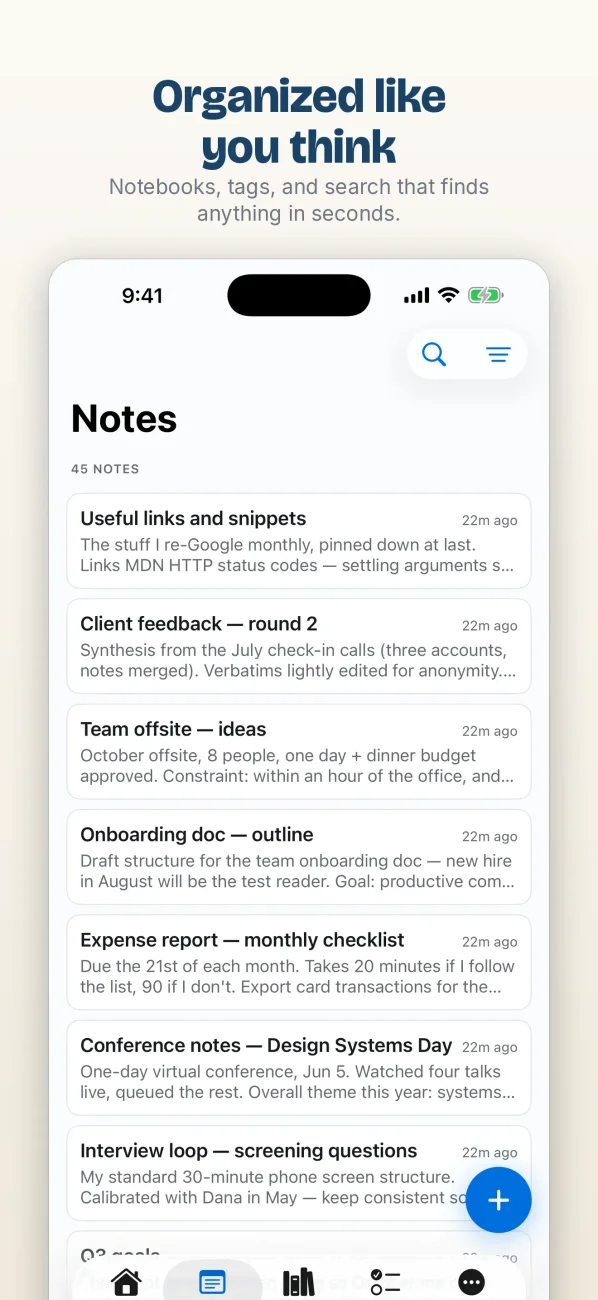
Capture notes, organize them into notebooks, tag anything, attach photos and files, scan paper documents, sketch ideas, and record voice memos. Then find any of it in seconds — Harbor's search even reads the text inside your images and scans.
REMEMBER EVERYTHING
• Rich notes with checklists, tables, images, links, and highlights
• Notebooks and stacks that keep every part of your life organized
• Tags that cut across notebooks
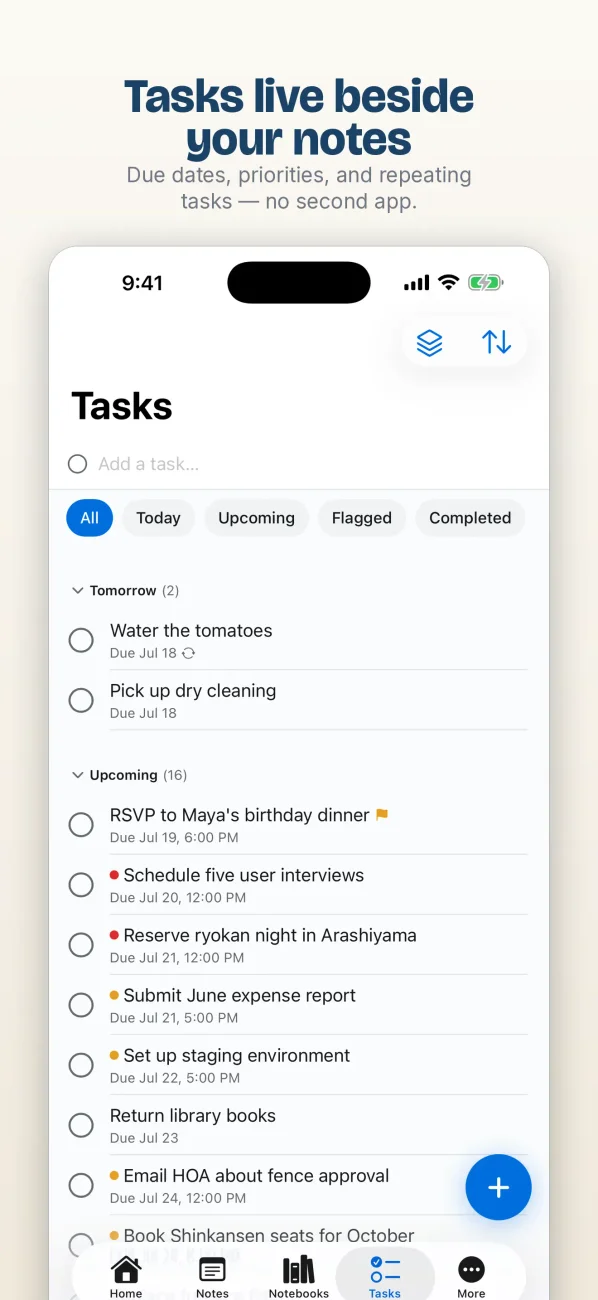
• Tasks with due dates, right beside your notes
• Scan documents with your camera; sketch with your finger or Apple Pencil
• Voice memos and file attachments of every kind
• Instant search across everything — including the text inside images and scans (OCR)
YOURS, EVERYWHERE
• Truly native apps for iPhone, iPad, and Mac — no web wrapper
• Offline-first: your notes live on your device and sync automatically
• The full web app at app.harbor.my from any browser
• A web clipper that saves articles and pages straight into your notebooks
PRIVATE BY DESIGN
• No ads. No selling your data. No training AI on your notes. Ever.
• Optional end-to-end encryption locks down your most sensitive notes so that no one — not even us — can read them
• Export everything anytime in open formats. You are never locked in.
SWITCHING FROM ANOTHER NOTES APP?
Import your Evernote notebooks (.enex files) with the Mac or web app — your notebooks, tags, and attachments sync straight to your iPhone and iPad.
SIMPLE, HONEST PRICING
Harbor is free for up to 50 notes, 3 notebooks, and 20 tags — no credit card required. When you outgrow the free plan, Harbor Unlimited removes every limit:
• $9.99/month or $99/year
• Unlimited notes, notebooks, tags, tasks, and files
• A written price-lock promise in our terms: your price won't go up for at least 3 years
Subscriptions are billed to your Apple ID and renew automatically until cancelled at least 24 hours before the end of the current period. Manage or cancel anytime in your App Store account settings. And even if you stop paying, you can always read and export your notes — Harbor never holds your data hostage.
Privacy Policy: https://harbor.my/privacy/
Terms of Use: https://harbor.my/terms/
Questions? A real person answers: help@harbor.my
What’s new
Version 1.1.0 · Nov 22, 2026
• iPad: a new layout made for the big screen. Your note opens beside its list.
• iPad: a left bar you can reach with your thumb.
• iPad: Notebooks, Tags, Tasks and Home are tidied for tablets, with bigger buttons and pointer hover.
• iPad: a bigger format bar on the keyboard, and a place for it when you use a hardware keyboard.
• iPhone Duo: open it and Harbor switches to the tablet layout. One editor stretches across the fold.
• iPad and iPhone Duo: Sign out, Export and Delete account are easy to find again.
App privacy
What Cloudmanic Labs, LLC declares on the App Store about how this app handles data.
-
Data linked to you
May be collected and linked to your identity.
- Purchases
- Contact info
- User content
- Identifiers
- Usage data
Privacy practices may vary, for example with the features you use or your age.
Information
- Seller
- Cloudmanic Labs, LLC
- Category
- Productivity
- Version
- 1.1.0
- Updated
- Nov 22, 2026
- Released
- Jul 22, 2026
- Size
- 44.6 MB
- Requires
- iOS 18.0 or later
- Age rating
- 4+
- Price
- Free
- In-app purchases
- Yes
- Languages
- English
- Copyright
- © 2026 Cloudmanic Labs, LLC
You might also like
-
 PrivacyNotes: Encrypted NotesTasks, diary, passwords, files
-
 TickbaseEverything to get things done
-
 Grape: AI NotesVoice, handwriting, flashcards
-
 Caliu - Markdown NotesPlain text editor with MCP
-
 Reflect OpenPrivate notes in plain files
-
 Classycal – Calendar & TasksAgenda, reminders, with style
-
 Rosetta: AI Notes, Links, TodoOne memory for all AI apps
-
 Planote - Daily Planner TasksSchedule Organizer, To-do list
-
 Memo AI - Voice Notes TakerRecord & Transcribe Memos
-
 Prism NotesCapture thoughts and links