Plandy: Calendar & Tasks
Reminders by title, not dots
Designed for iPhone, iPad, iPod touch
Free · In-app purchases
- Age rating4+
- CategoryProductivity
- DeveloperDanah Kim
- LanguagesEnglish+ 7 more
- Size279.1 MB
Links to the official App Store page
Download.org hosts no file of Plandy: Calendar & Tasks. The button opens its official App Store page, published by Danah Kim. Listing last checked on Nov 12, 2026.
Screenshots

About
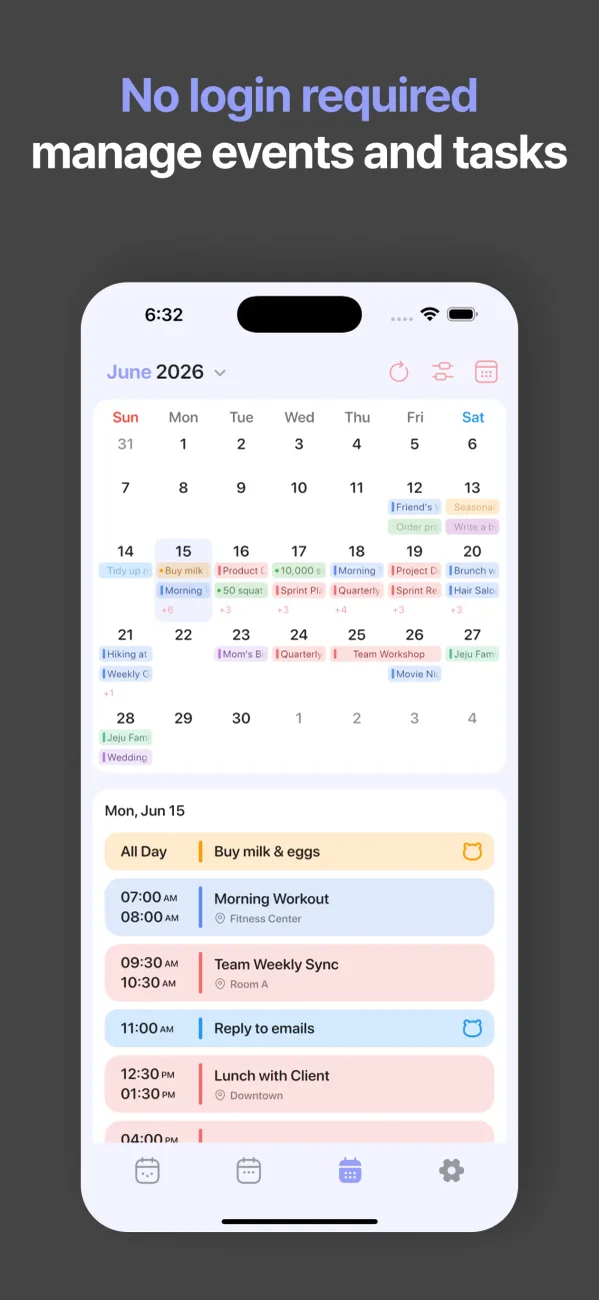
Your calendar cells show task titles, not color dots. Keep using Apple Reminders and Calendar exactly as they are, and see your events and tasks on one screen. No sign-up, no data migration.
■ Key Features
1. Start right away, no login required
No sign-up or login needed. Just open the app and get started.
2. Reminders and calendar, together
View your to-do checklist and your schedule at a glance, making time management so much easier. Calendar cells show actual event titles instead of just colored dots.
3. Sync across your Apple devices
Access the same information on your iPhone, iPad, Mac, and other Apple devices, so you can manage your schedule and tasks anytime, anywhere. (Apple Watch support is on the way, too!)
4. Make it your own
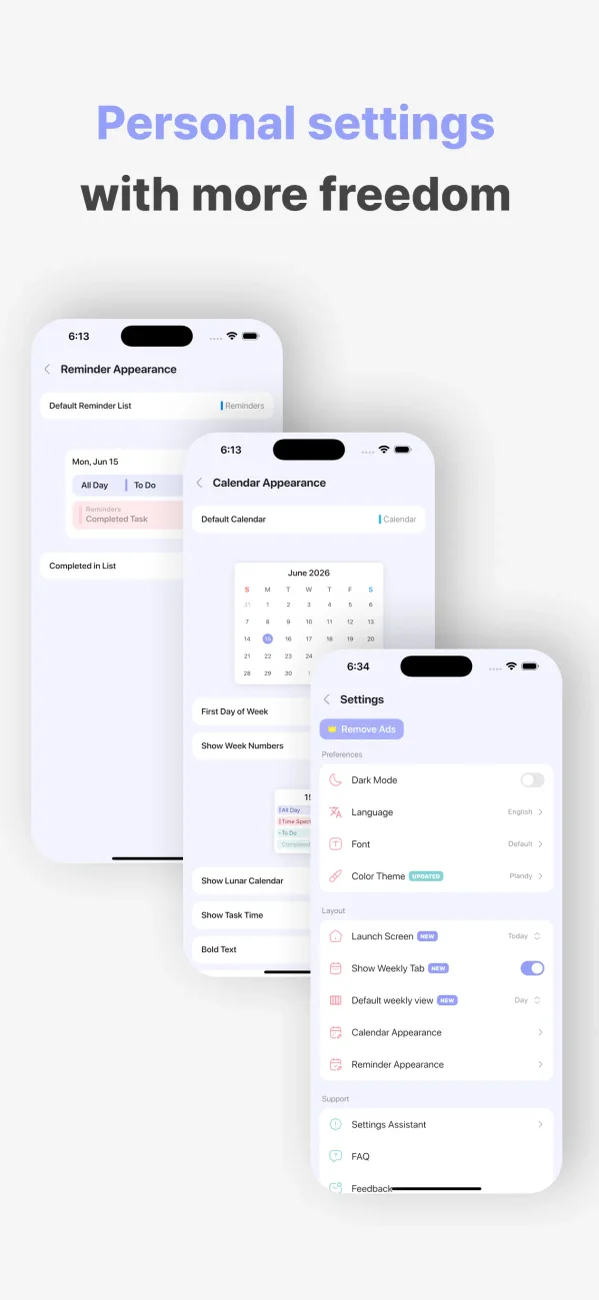
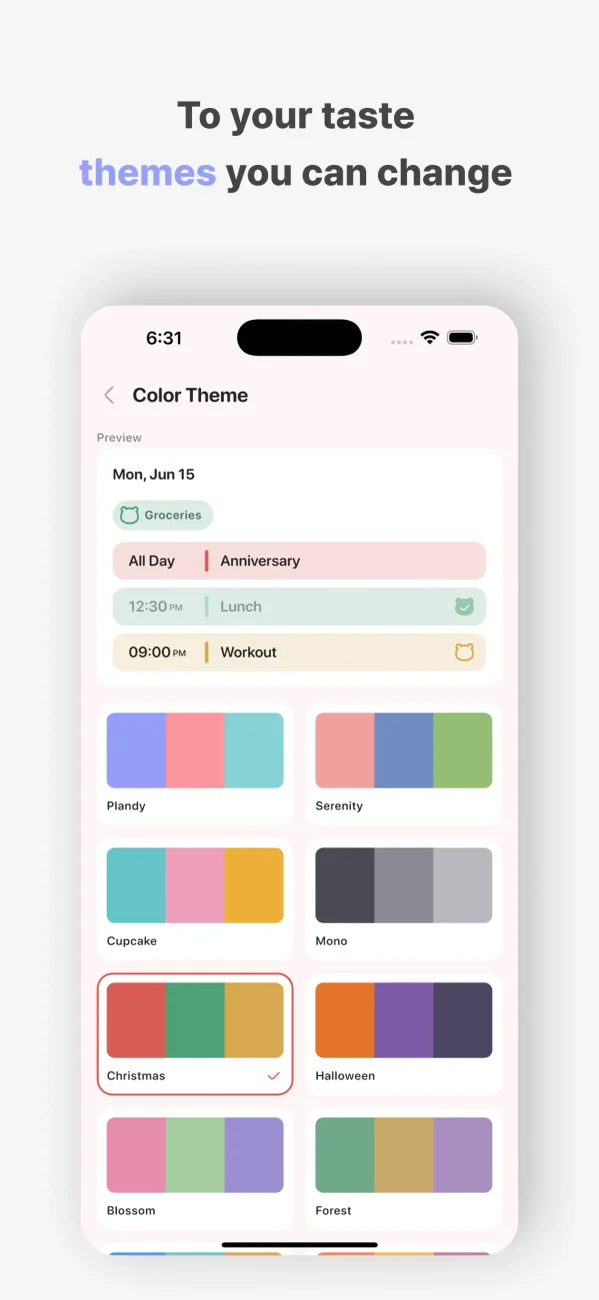
With Dark Mode, a range of fonts, and 14 color themes, you can style Plandy to match your taste. Choose your own start screen, and hide the tabs you don't use.
■ There's more
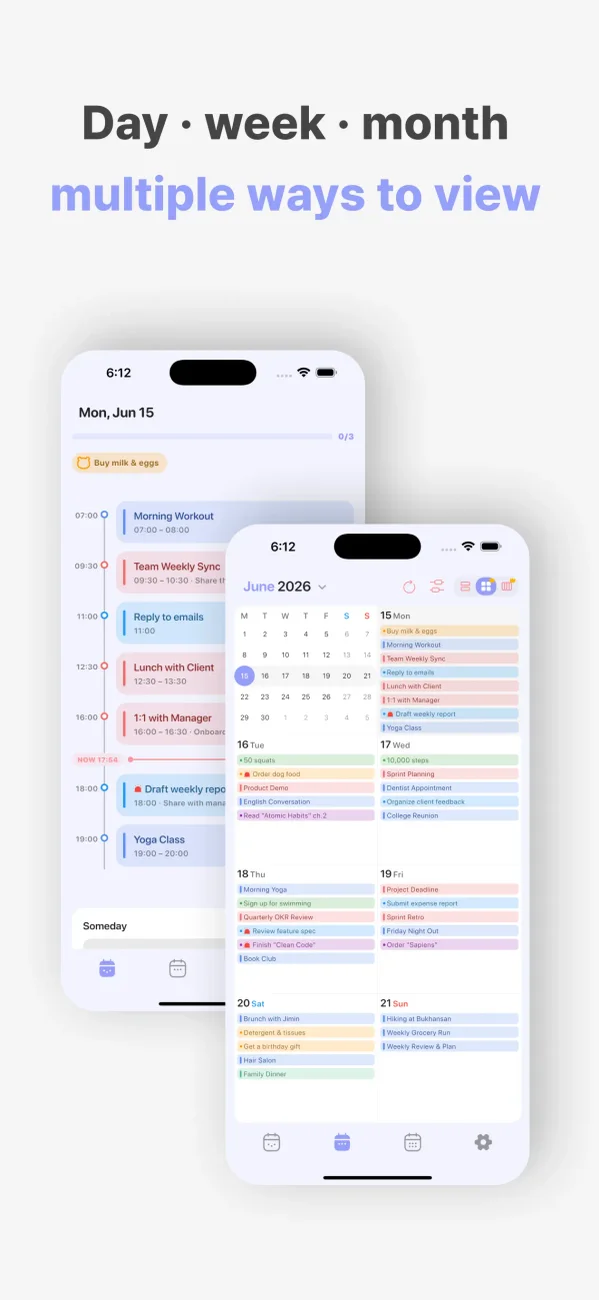
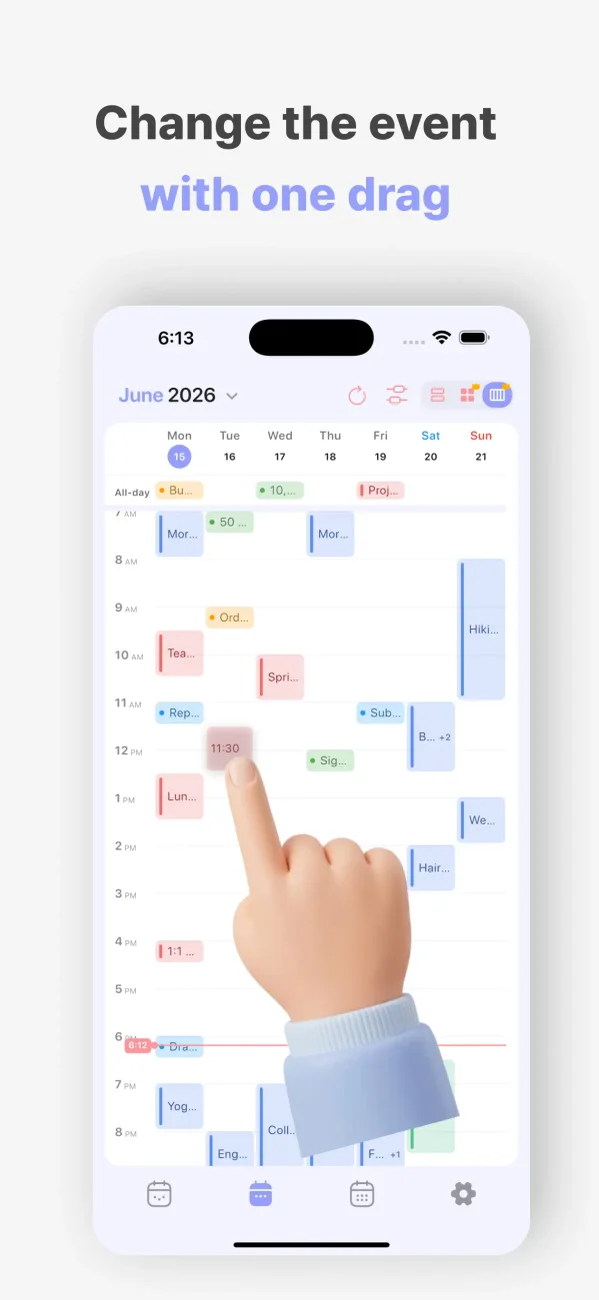
- View your week as a list, two columns, or a timeline. In timeline view, drag to reschedule and pinch to zoom in.
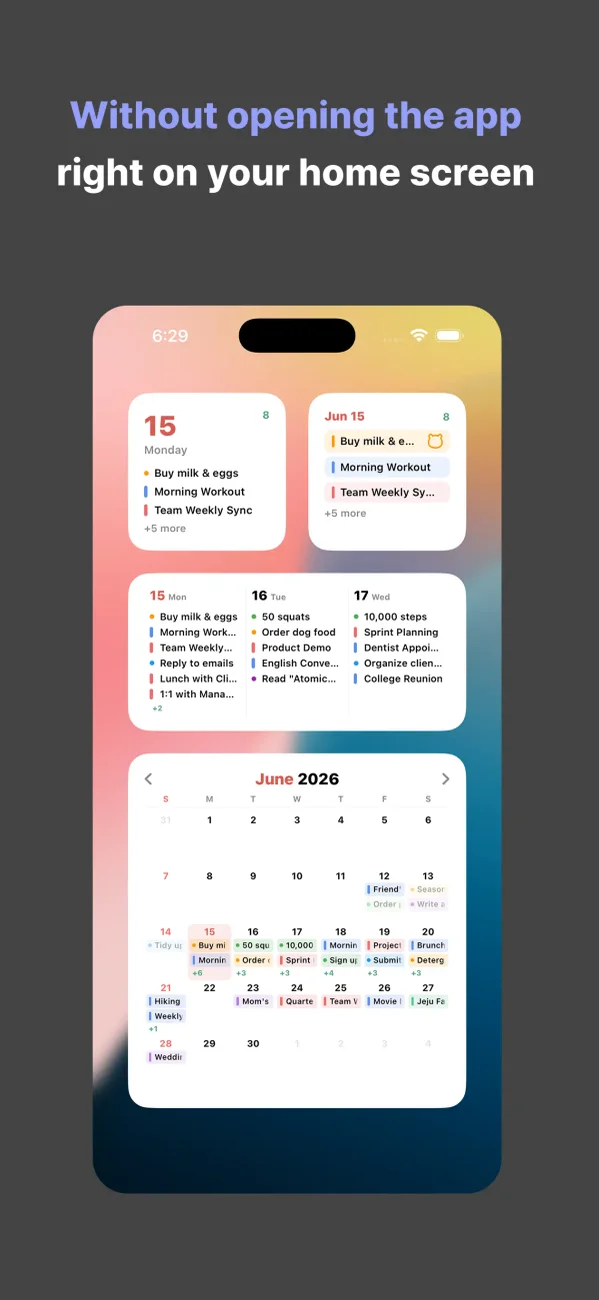
- Check today's events and what's coming up with a Home Screen widget — no need to open the app.
- See lunar calendar dates right alongside your regular calendar.
The free version has everything you need to get started. The two-column and timeline week views, premium color themes, more Home Screen widgets, and ad-free use are all available with Pro.
The ultimate in easy, effortless schedule management — with Plandy, every day can be more productive!
If there's a feature you'd love to see or any feedback to share, reach out anytime at support@case-d.com :D
--
When you confirm your purchase, the payment will be charged to your Apple ID account.
After subscribing, you can manage or cancel your subscription in your App Store account settings.
If you do not cancel at least 24 hours before the end of the subscription period, it will be automatically renewed.
For more details, please check the following link.
Terms of use : https://plandy.app/terms
Privacy policy : https://plandy.app/privacy
What’s new
Version 2.261019.0 · Oct 20, 2026
Thank you for using Plandy! This update focuses on fixing bugs and making your experience a little better.
If you run into any issues or have a feature you’d like to see, please feel free to let us know anytime :)
App privacy
What Danah Kim declares on the App Store about how this app handles data.
-
Data used to track you
May be used to track you across apps and websites owned by other companies.
- Location
- Identifiers
- Usage data
-
Data linked to you
May be collected and linked to your identity.
- Purchases
- Location
- User content
- Identifiers
- Usage data
- Diagnostics
Privacy practices may vary, for example with the features you use or your age.
Information
- Seller
- Danah Kim
- Category
- Productivity
- Version
- 2.261019.0
- Updated
- Oct 20, 2026
- Released
- Nov 19, 2024
- Size
- 279.1 MB
- Requires
- iOS 15.0 or later
- Age rating
- 4+
- Price
- Free
- In-app purchases
- Yes
- Languages
- English, French, German, Japanese, Korean, Norwegian Bokmål, Russian, Spanish
- Copyright
- © Case: D
You might also like
-
 WeeklyTodo | Events and TasksSync with Calendar & Reminders
-
 Haru - Calendar & Task ManagerPlanner, To-Dos & Weather
-
 CallyList: Calendar & TasksTo-Do & Agenda in One View
-
 Tempo Calendar: Daily PlannerSchedule organizer & reminders
-
 minical — Minimal CalendarWidgets · Wallpaper
-
 Pulse Calendar: Daily PlannerAppointments, none forgotten
-
 CalCal|Simple CalendarSee every plan as you scroll
-
 Agendo Week CalendarYour weekly planner, your way
-
 Planote - Daily Planner TasksSchedule Organizer, To-do list
-
 Calendar 2026: Planner & ToDoAppointments, Events, Schedule