
HaruSync: Daily Planner
Goals, Calendar & To-Do List
Designed for iPhone, iPad, iPod touch
In-app purchases
- Age rating4+
- CategoryProductivity
- DeveloperPearrolls
- LanguagesGerman+ 12 more
- Size154.2 MB
Links to the official App Store page
Download.org hosts no file of HaruSync: Daily Planner. The button opens its official App Store page, published by Pearrolls. Listing last checked on Nov 15, 2026.
Screenshots

About
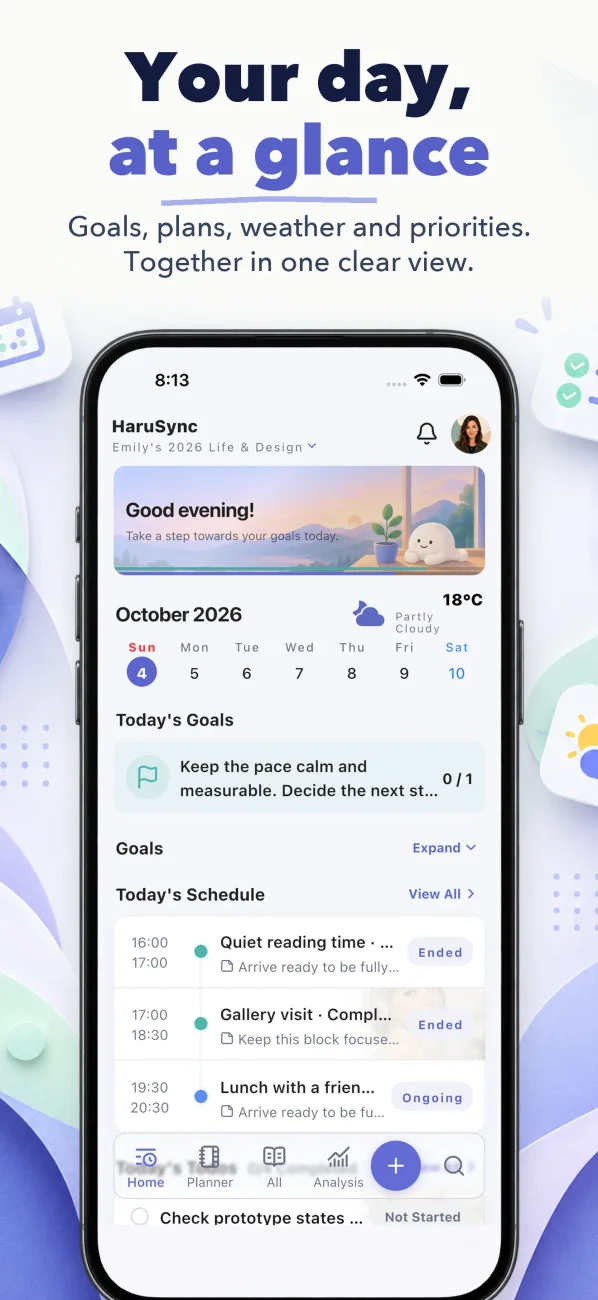
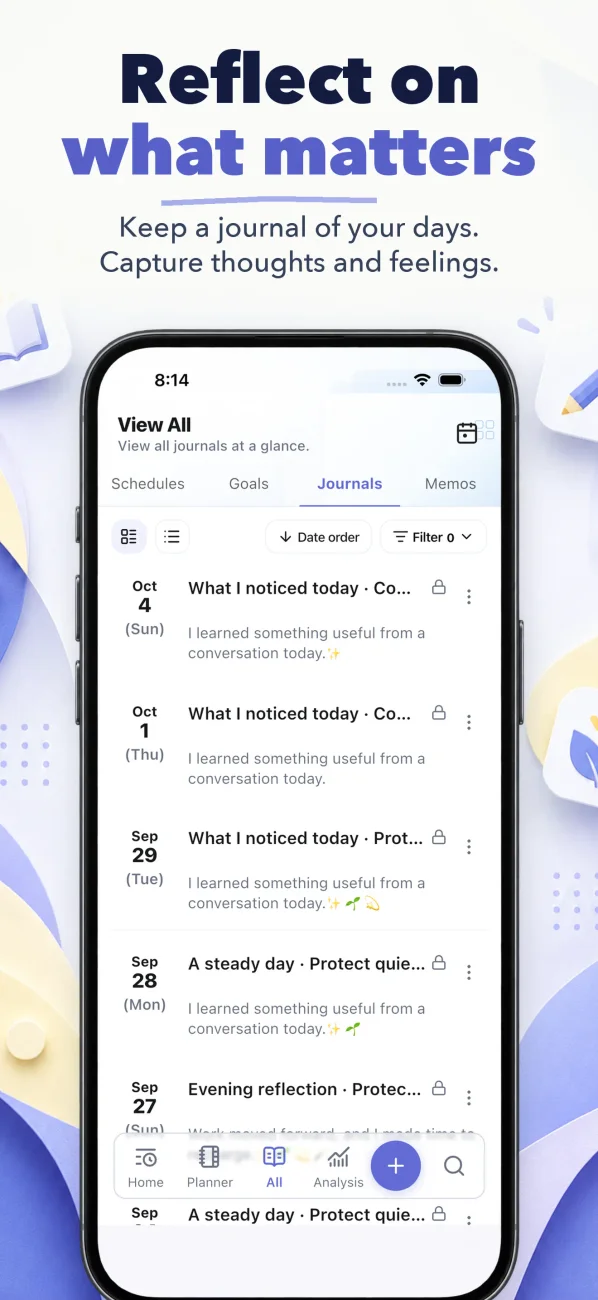
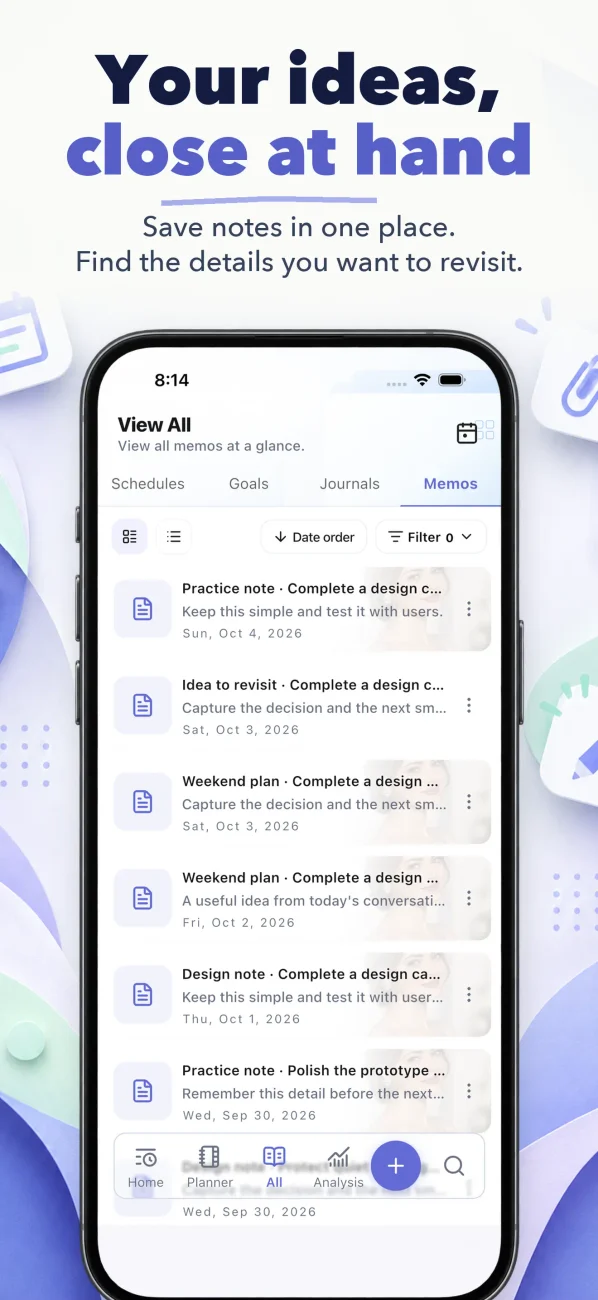
Big goals begin with a small step today. HaruSync is a daily planner that brings your goals, calendar, to-do list, journal and notes together. Plan your studies, work and personal life, take action, then look back on what you did.
Know what to do today
• See today’s and tomorrow’s events, tasks and goal progress on your dashboard
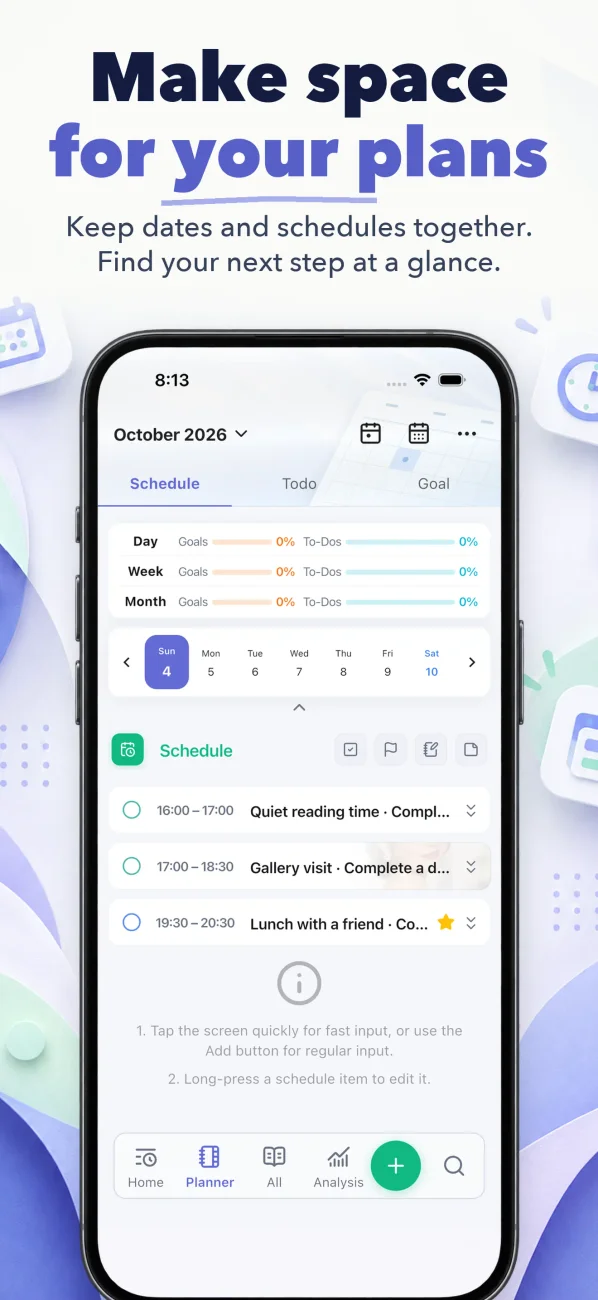
• Organize events in a calendar with recurring schedules and reminders
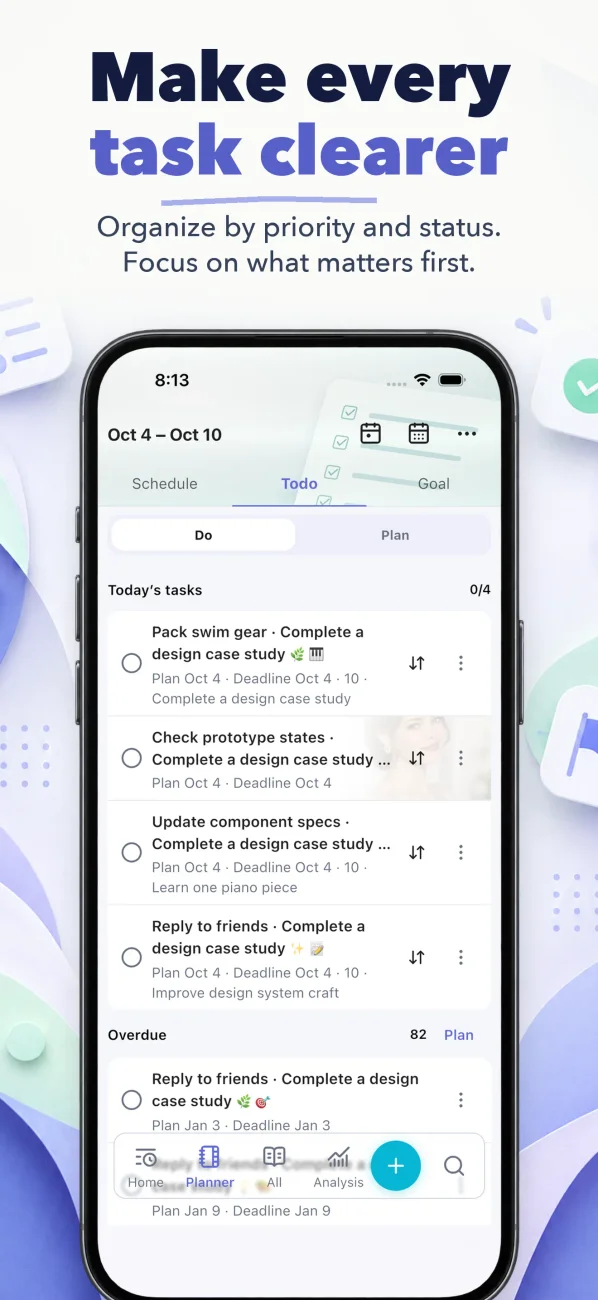
• Give tasks a planned date and a separate due date
• Set priorities, track status and arrange today’s tasks in your preferred order
Connect goals to action
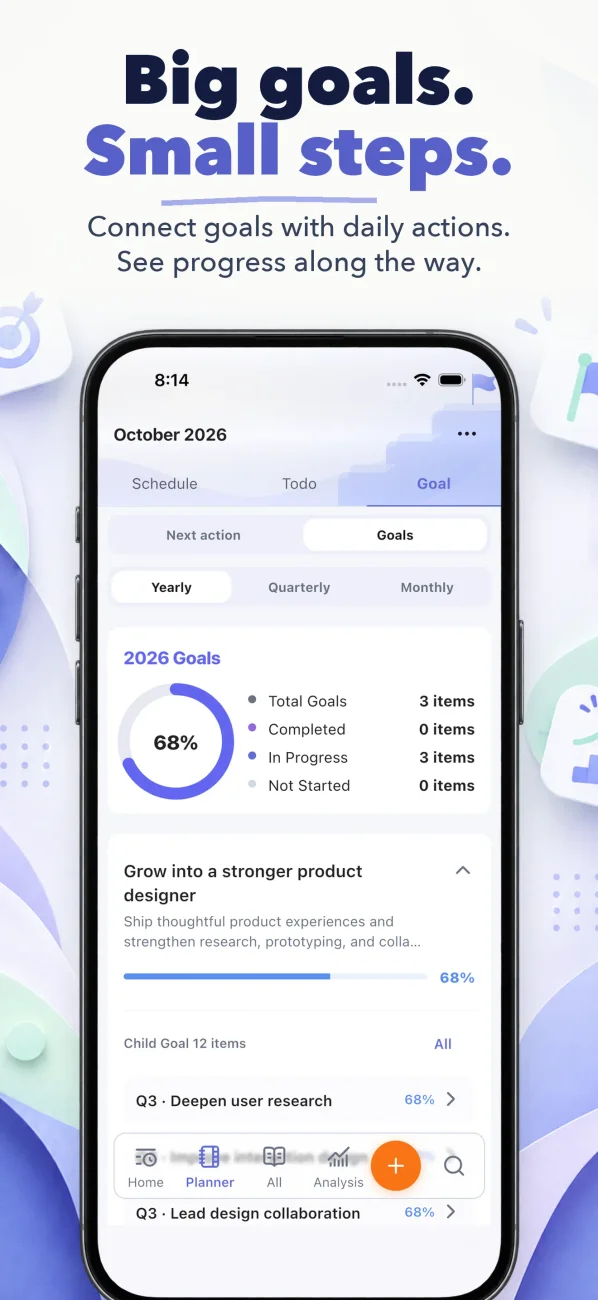
• Plan daily, weekly, monthly, quarterly and yearly goals
• Link events and tasks to a goal and follow your progress
• Focus on one task with a stopwatch, timer or Pomodoro session
Keep the story behind your plans
• Write journal entries with moods and up to five photos
• Create several notes on the same day and attach images or files
• Find records again with search, filters and favorites
• Keep important dates close with countdowns and day counters
Plan together, check at a glance
• Invite friends to share a planner
• View your selected planner with home-screen widgets
• Use layouts for phones and tablets, light and dark modes, and 13 languages
• Use HaruSync in your browser with the web version.
-----
One basic planner is free. Additional planners are unlocked with purchased Credits. Sharing and active-goal limits depend on your subscription; full reports require Basic or above. Check the app for purchase prices and terms.
-----
• Terms of Service: https://harusync.pearrolls.com/legal/terms-of-service
• Privacy Policy: https://harusync.pearrolls.com/legal/privacy-policy
What’s new
Version 2.3.2 · Oct 12, 2026
• Check goals, tasks and events with six iOS Lock Screen widgets and four small widgets for StandBy.
• Create Lock Screen wallpapers in four layouts. Select multiple planners, preview and save images, and use Shortcuts automation.
• Follow Pomodoro phases and remaining time on the Lock Screen and Dynamic Island with Live Activities.
• Improved widget dates, goals and Today/This Week tasks, with date changes based on your planner’s time zone. Fixed a brief login prompt in widgets during app startup.
• Refined widget language, layouts and previews, improved default free planner recovery, and fixed the privacy policy link on the subscription screen.
App privacy
What Pearrolls declares on the App Store about how this app handles data.
-
Data linked to you
May be collected and linked to your identity.
- Contact info
- Identifiers
-
Data not linked to you
May be collected but is not linked to your identity.
- Location
- Contact info
- User content
- Usage data
Privacy practices may vary, for example with the features you use or your age.
Information
- Seller
- Pearrolls
- Category
- Productivity
- Version
- 2.3.2
- Updated
- Oct 12, 2026
- Released
- Jul 13, 2026
- Size
- 154.2 MB
- Requires
- iOS 15.6 or later
- Age rating
- 4+
- In-app purchases
- Yes
- Languages
- German, English, French, Indonesian, Japanese, Korean, Mongolian, Portuguese, Spanish, Thai, Traditional Chinese, Simplified Chinese + 1 more
- Copyright
- © 2026 Pearrolls
You might also like
-
 Dropcal: Reminders & CalendarDrag & Drop Tasks onto Dates
-
 Planwise: Timeline Day PlannerTime Blocking, To-Do & Routine
-
 Calenday: Calendar & PlannerA calendar for a well-run day
-
 Daily Planner & Calendar: TMRWTime Blocks, To Do & Habits
-
 ZenFlow: Day Planner & HabitsHabit tracker, meals & to-dos
-
 Divasa: Daily PlannerPlan Your Day in One Sentence
-
 FocusBao - Focus with ADHDPanda pomodoro study timer
-
 Planthology: Daily PlannerTrip Itinerary & Route Map
-
 Nydhei: Private Visual PlannerCalm Daily Tasks, Notes, Lists
-
 Calend: Daily Planner & FocusVisual Organiser & Calendar