
HB Code for Codex & Claude
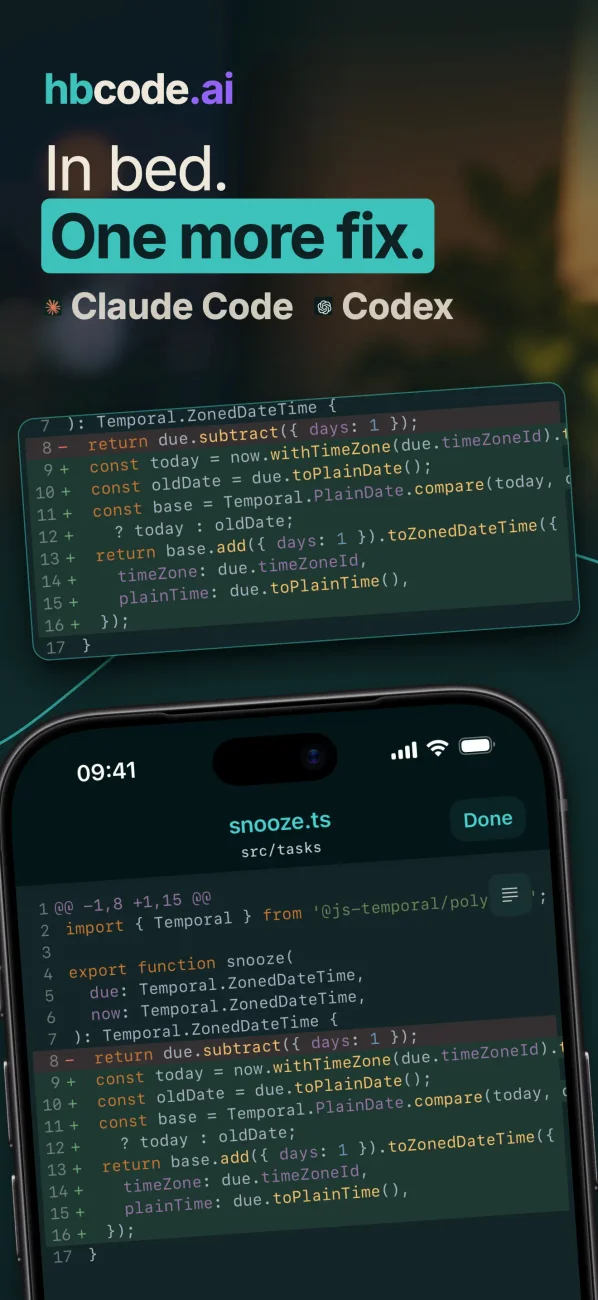
Review diffs. Guide agents.
Designed for iPhone
Free · In-app purchases
- Age rating17+
- CategoryDeveloper Tools
- Developerhelpful bits GmbH
- LanguagesEnglish+ 8 more
- Size80.5 MB
Links to the official App Store page
Download.org hosts no file of HB Code for Codex & Claude. The button opens its official App Store page, published by helpful bits GmbH. Listing last checked on Nov 15, 2026.
Screenshots


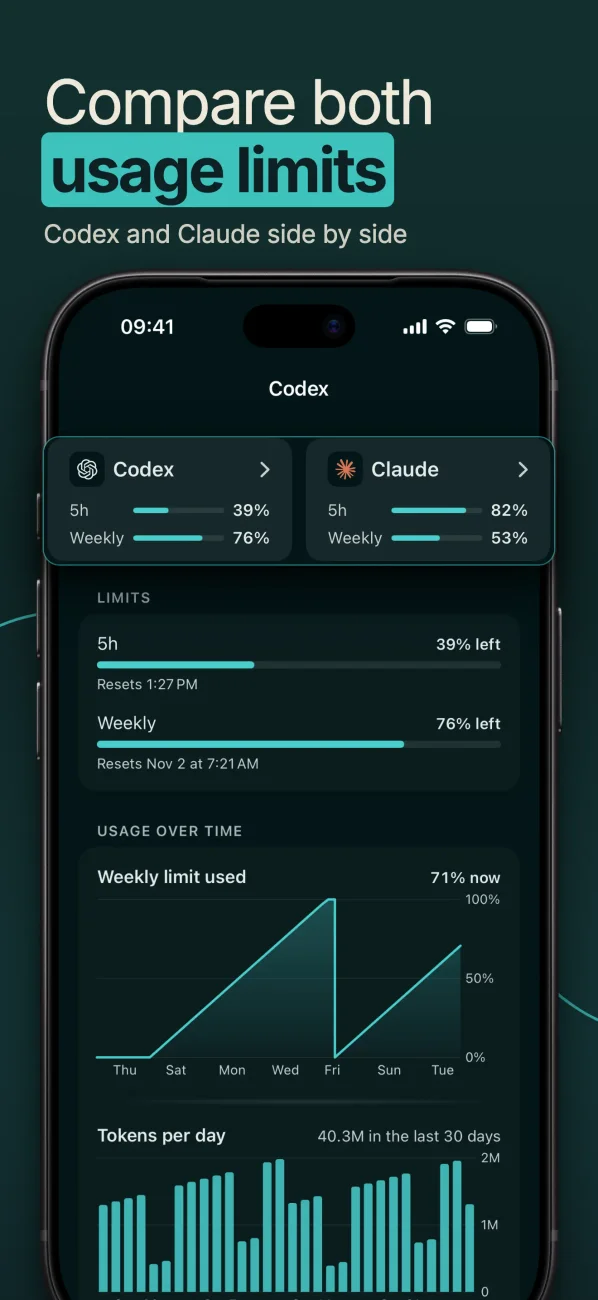

About
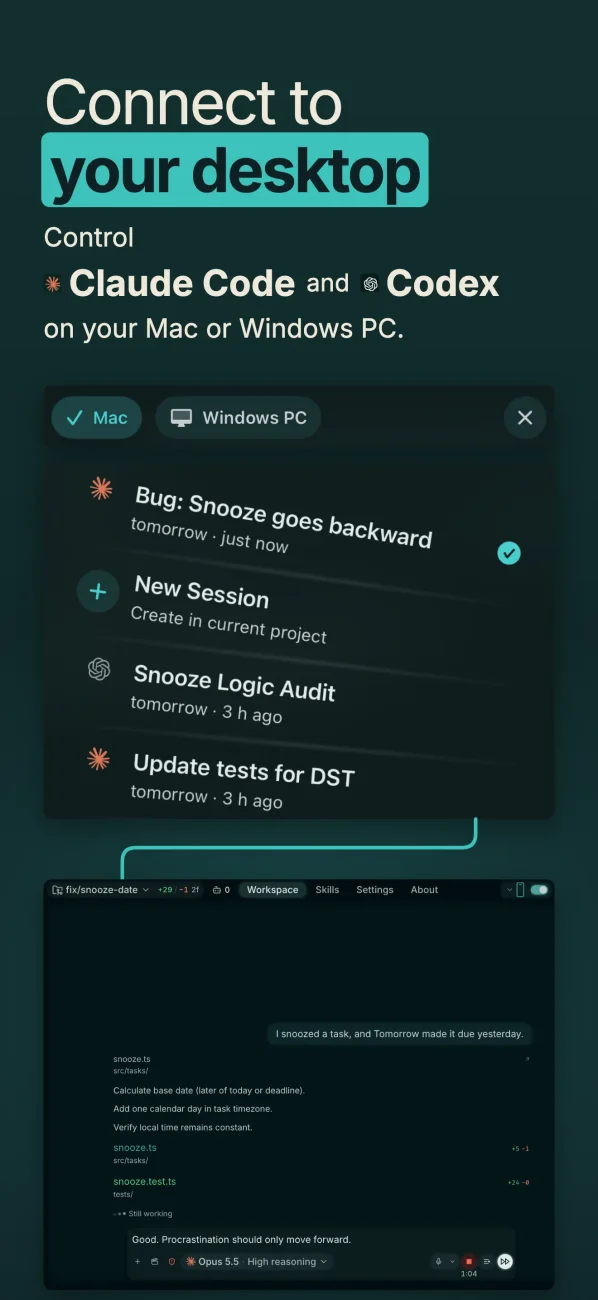
Follow and steer Claude Code and Codex from your iPhone. HB Code connects to HB Code Desktop on your computer. Your desktop runs the coding agent and does the work. Your iPhone shows the same session, live, and sends your next message.
What sets HB Code apart:
- Two agents, one app. Pick Claude Code or Codex when you create a session.
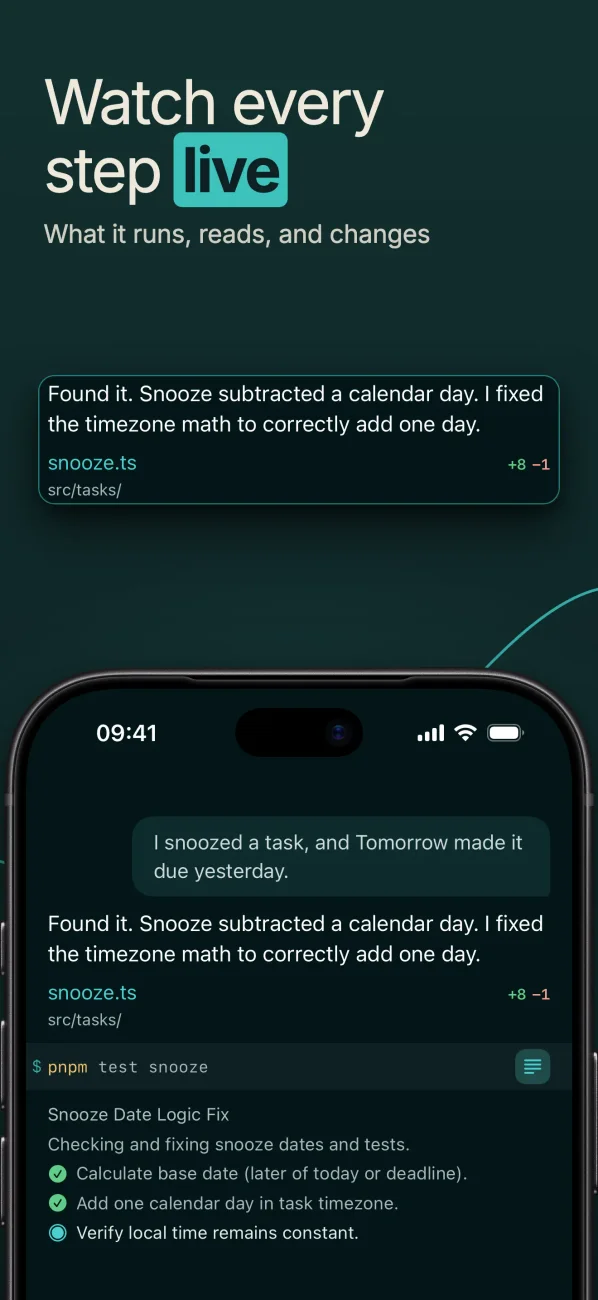
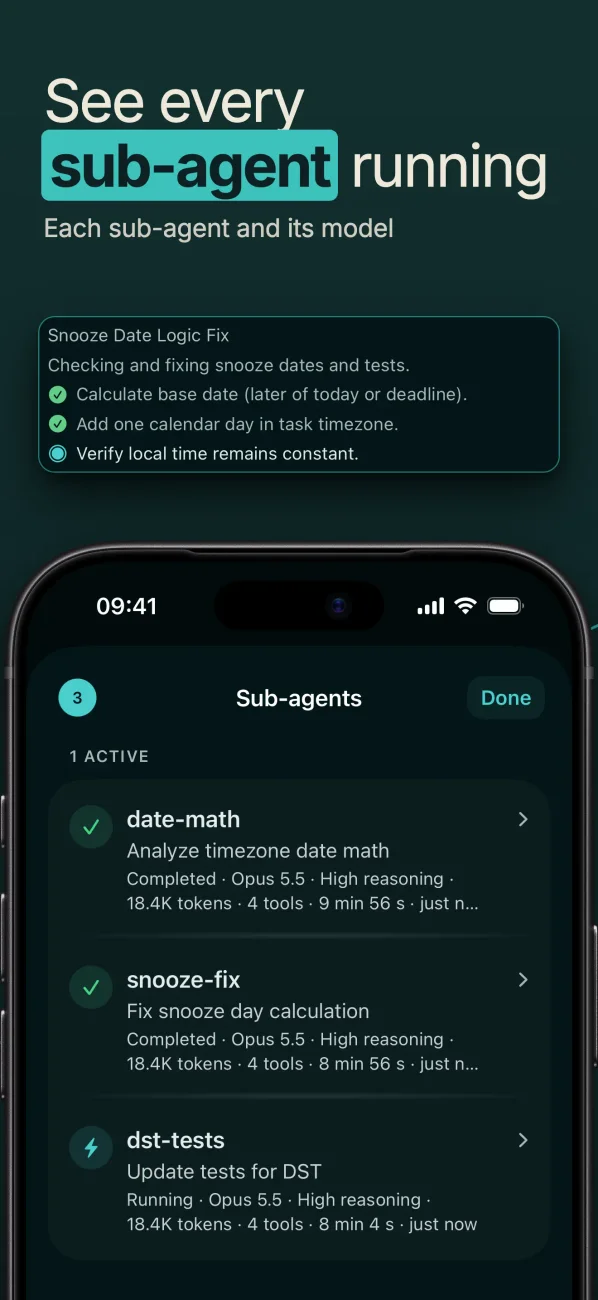
- Every step opens. Tap a command, command output, file read, file change, diff, or tool call and see exactly what the agent ran, read, or changed. Sub-agent threads are included.
- Your own desktop does the work. HB Code Desktop runs on Mac and Windows. Claude Code and Codex sessions run on both.
Open HB Code Desktop and enable Mobile access. Then add a project, create a session, and send instructions from your iPhone. Continue the same work in either app.
What you can do on iPhone:
- Pick a project and session on your desktop
- Add a project from a folder on the connected desktop
- Create a Claude Code or Codex session, or open an existing one
- Follow the session live while the agent works
- Send a message, or queue a follow-up while the agent is busy
- Dictate a message instead of typing it
- Pick the model and reasoning settings for supported sessions
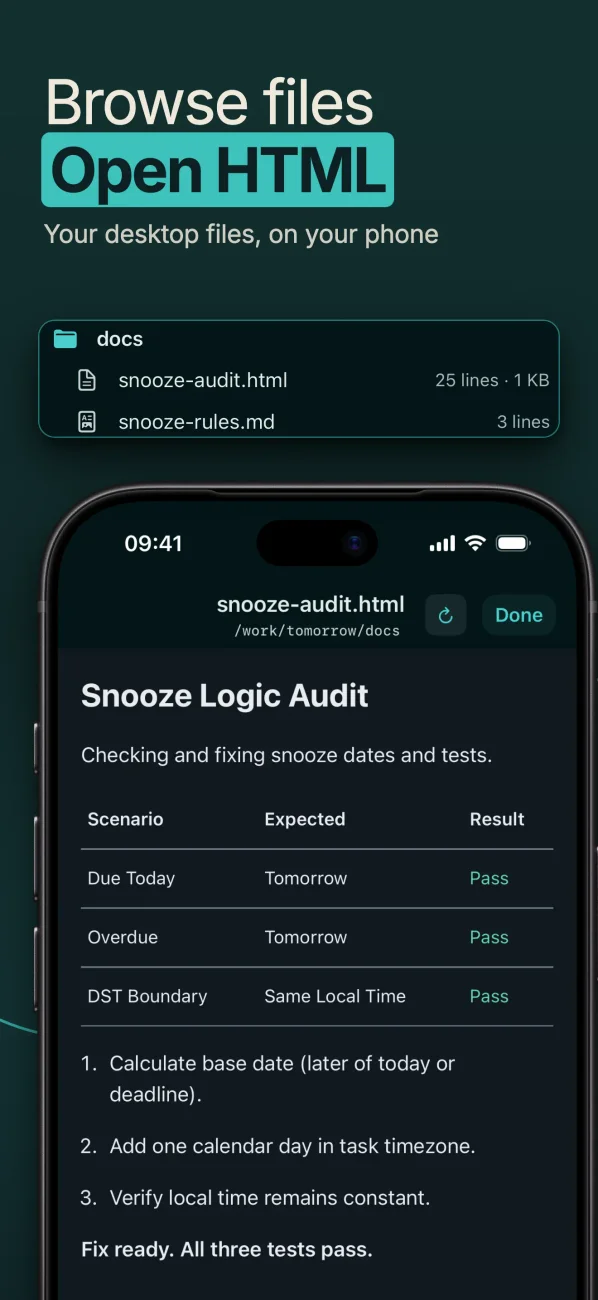
- Browse project files on your desktop
- Open write-ups with diagrams, Markdown, media, and file previews
- Play spoken walkthroughs as audio
- Review git changes and diffs
- Get an alert when the agent finishes, and open the matching session from it
- See the reconnect state when your desktop or network changes
How it works:
1. Install and open HB Code Desktop from https://www.hbcode.ai/downloads on your Mac or Windows PC.
2. Sign in on desktop and iPhone with the same account and region. On desktop, enable Mobile access.
3. Pick your desktop in the iPhone app. Add or select a project, then create or open a session.
4. Work in either app and continue the same project and session on the other.
Your desktop runs the agent and every command. Your files stay on your desktop. Your iPhone sends your requests through the authenticated HB Code relay. It doesn't run a second agent or stream your screen.
Codex sessions use your own ChatGPT subscription, through OpenAI's Codex App Server. Claude Code sessions use your own Claude account. HB Code doesn't sell or include Codex or Claude access. Spoken walkthroughs use your own Gemini API key.
Requirements:
- HB Code Desktop on your Mac or Windows PC
- An internet connection for your account and the relay
Review generated changes and AI output before you use them.
HB Code is an independent app and is not affiliated with Anthropic or OpenAI. Claude Code is a trademark of Anthropic. Codex is a trademark of OpenAI.
Terms of Service: https://www.hbcode.ai/terms
Privacy Policy: https://www.hbcode.ai/privacy
What’s new
Version 1.9 · Oct 31, 2026
• HB Code now speaks your language. The app is available in English, German, French, Spanish, Portuguese (Brazil), Japanese, Korean, Chinese (Simplified), and Russian.
• Sign-in is more reliable. If you use Google on one device and GitHub on another with the same email, both now open the same account.
• Easier first connection between your phone and your desktop.
• New Settings switch for app usage measurement. You can turn it off at any time.
• File paths from your home folder now show correctly in chat.
App privacy
What helpful bits GmbH declares on the App Store about how this app handles data.
-
Data used to track you
May be used to track you across apps and websites owned by other companies.
- Purchases
- Identifiers
-
Data linked to you
May be collected and linked to your identity.
- Purchases
- Location
- Contact info
- User content
- Identifiers
- Other data
-
Data not linked to you
May be collected but is not linked to your identity.
- Usage data
- Diagnostics
Privacy practices may vary, for example with the features you use or your age.
Information
- Seller
- helpful bits GmbH
- Category
- Developer Tools
- Version
- 1.9
- Updated
- Oct 31, 2026
- Released
- Dec 4, 2025
- Size
- 80.5 MB
- Requires
- iOS 18.0 or later
- Age rating
- 17+
- Price
- Free
- In-app purchases
- Yes
- Languages
- English, French, German, Japanese, Korean, Portuguese, Russian, Simplified Chinese, Spanish
- Copyright
- © 2026 helpful bits GmbH
You might also like
-
 AgentShellYour AI Agents, Anywhere
-
 MiniVibeVibe Coding Remote Control
-
 afk — AI Coding Agent RemoteSteer AI agents from anywhere
-
 Lumaq: Mixpanel, AmplitudeMixpanel, PostHog, Amplitude
-
 VeelopsVibe Code Anywhere
-
 MyPilotDeveloper Tools
-
 KeypressAIDeveloper Tools
-
 CodecastDeveloper Tools
-
 Yaver IOCode from your phone
-
 CoTerm – AI Coding TerminalAutomate CLI workflows & task