
HB Code for Codex & Claude
Review diffs. Guide agents.
Được thiết kế cho iPhone
Miễn phí · Mua hàng trong ứng dụng
- Độ tuổi17+
- Danh mụcCông Cụ Nhà Phát Triển
- Nhà phát triểnhelpful bits GmbH
- Ngôn ngữTiếng Anh+ 8 ngôn ngữ khác
- Kích thước80,5 MB
Liên kết đến trang App Store chính thức
Download.org không lưu trữ tệp nào của HB Code for Codex & Claude. Nút này mở trang ứng dụng trên App Store, nơi helpful bits GmbH phát hành ứng dụng. Trang được kiểm tra lần cuối: 15/11/2026.
Ảnh chụp màn hình
Giới thiệu
Nhà phát triển chưa cung cấp nội dung này bằng ngôn ngữ của bạn.
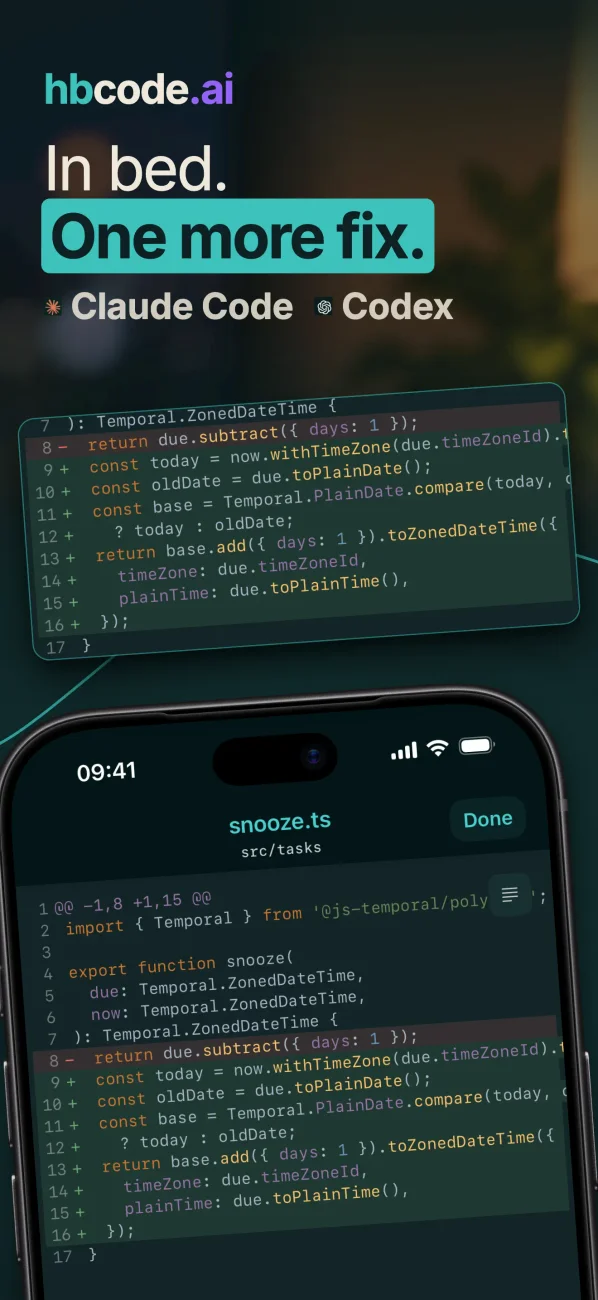
Follow and steer Claude Code and Codex from your iPhone. HB Code connects to HB Code Desktop on your computer. Your desktop runs the coding agent and does the work. Your iPhone shows the same session, live, and sends your next message.
What sets HB Code apart:
- Two agents, one app. Pick Claude Code or Codex when you create a session.
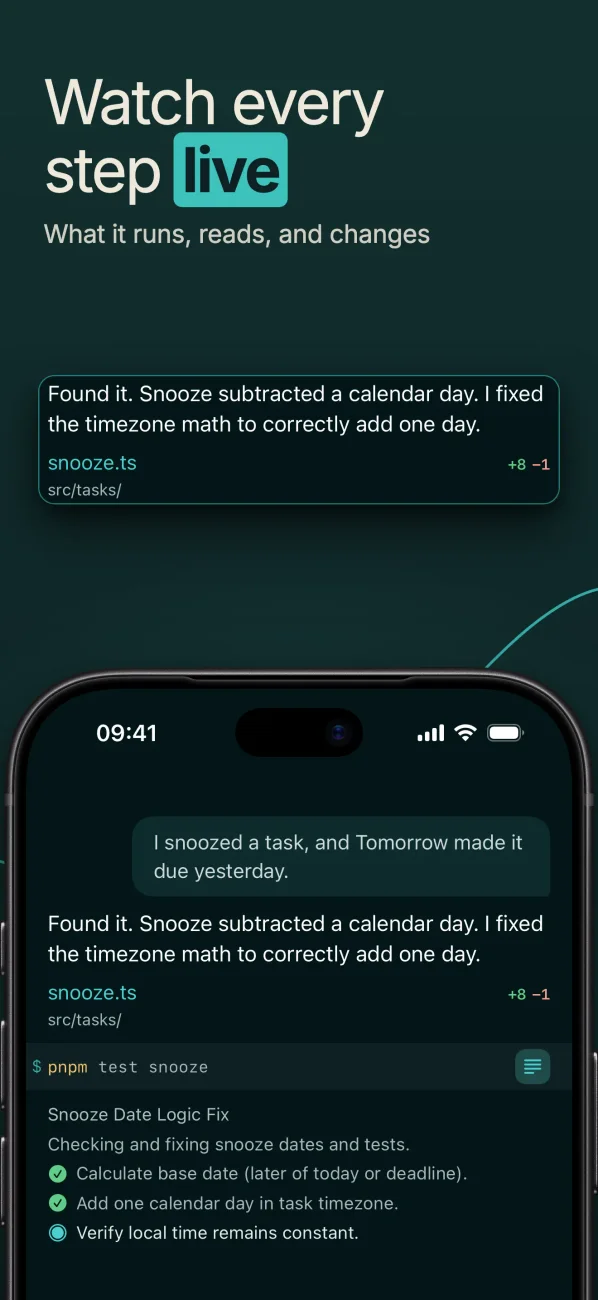
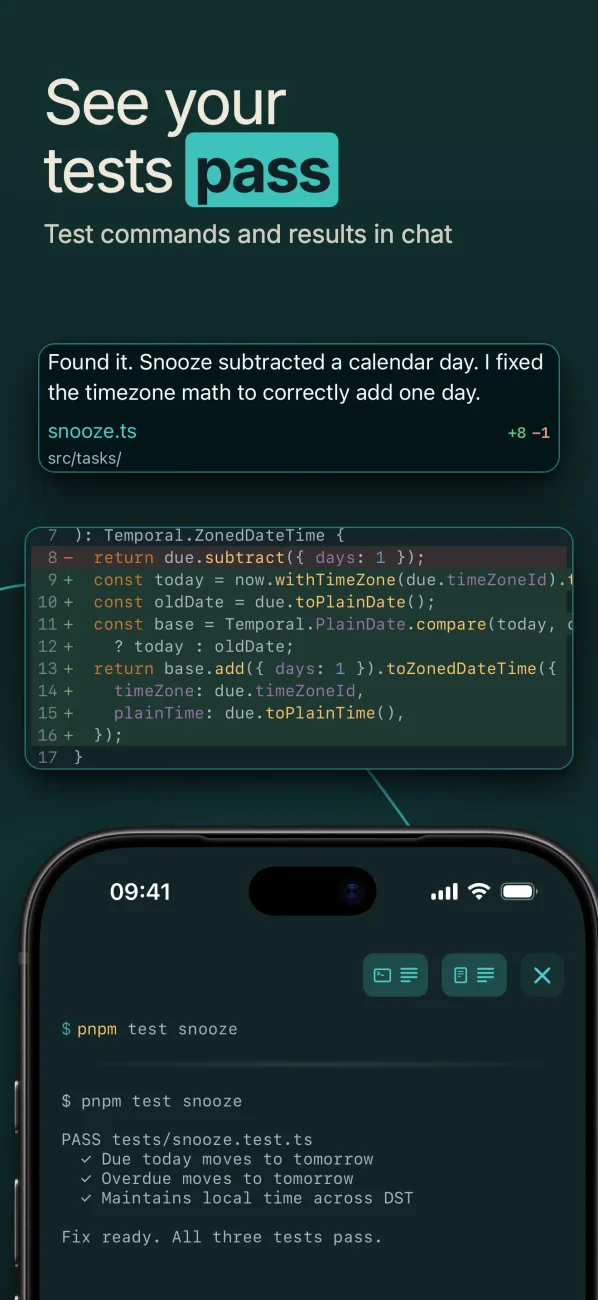
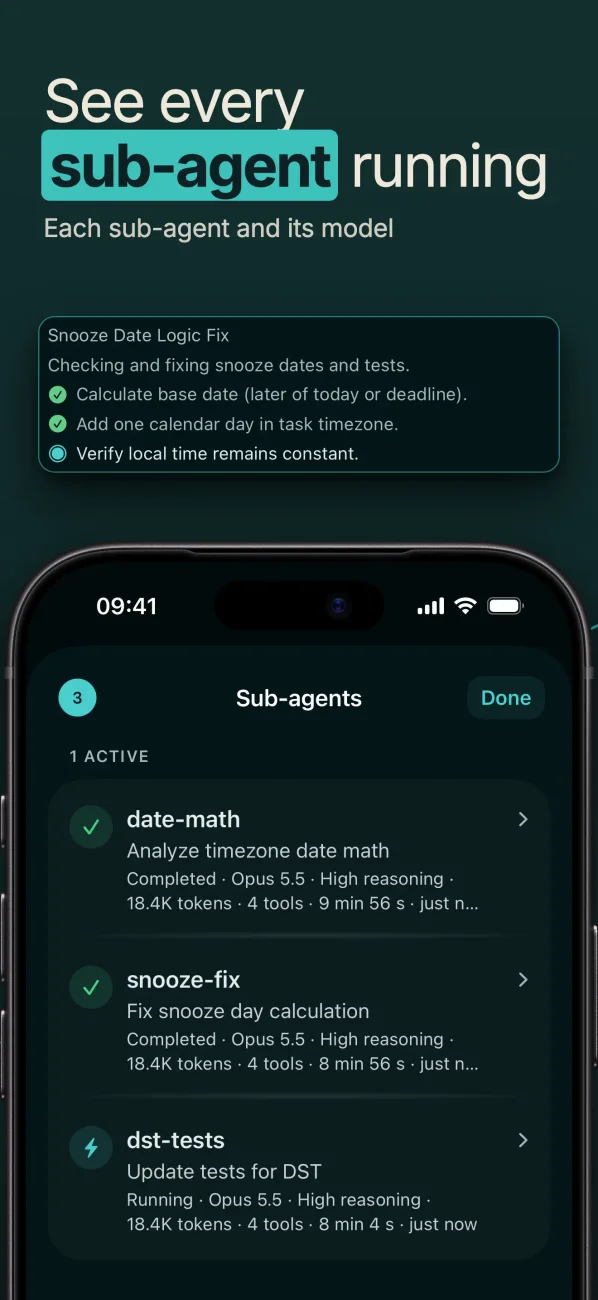
- Every step opens. Tap a command, command output, file read, file change, diff, or tool call and see exactly what the agent ran, read, or changed. Sub-agent threads are included.
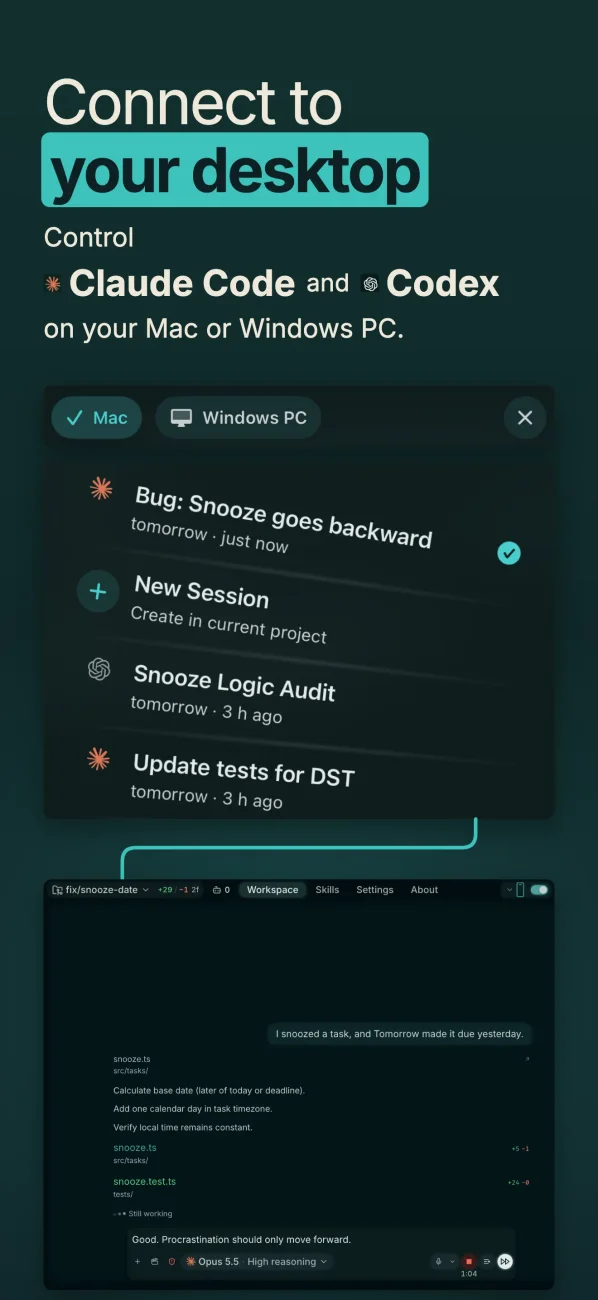
- Your own desktop does the work. HB Code Desktop runs on Mac and Windows. Claude Code and Codex sessions run on both.
Open HB Code Desktop and enable Mobile access. Then add a project, create a session, and send instructions from your iPhone. Continue the same work in either app.
What you can do on iPhone:
- Pick a project and session on your desktop
- Add a project from a folder on the connected desktop
- Create a Claude Code or Codex session, or open an existing one
- Follow the session live while the agent works
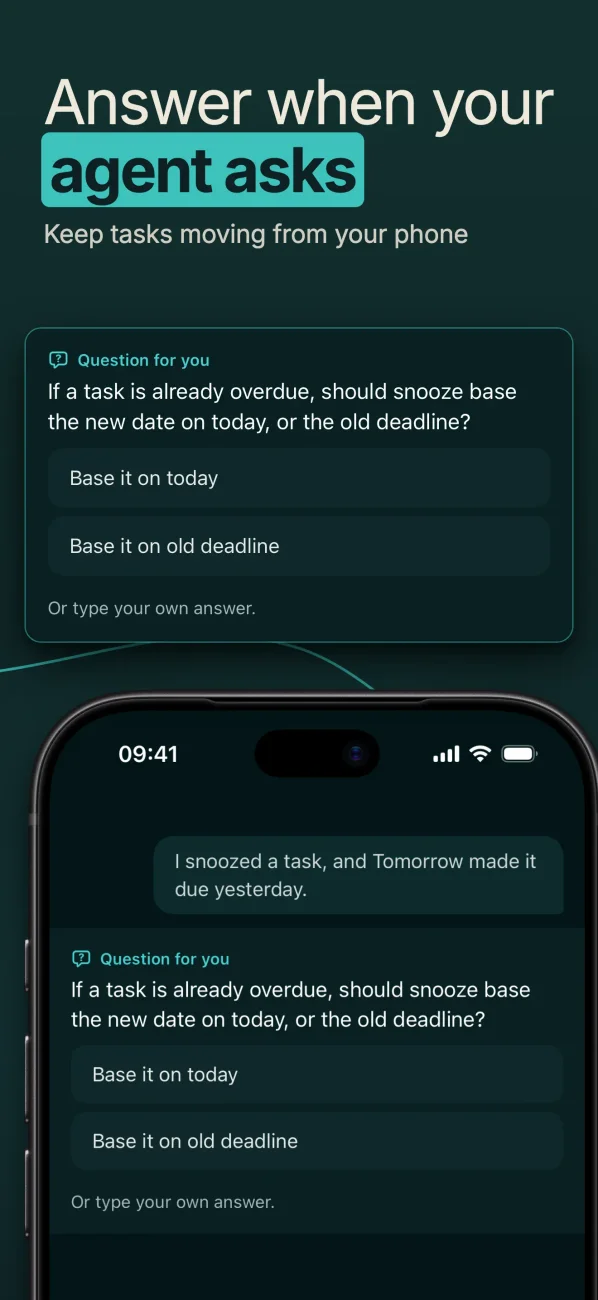
- Send a message, or queue a follow-up while the agent is busy
- Dictate a message instead of typing it
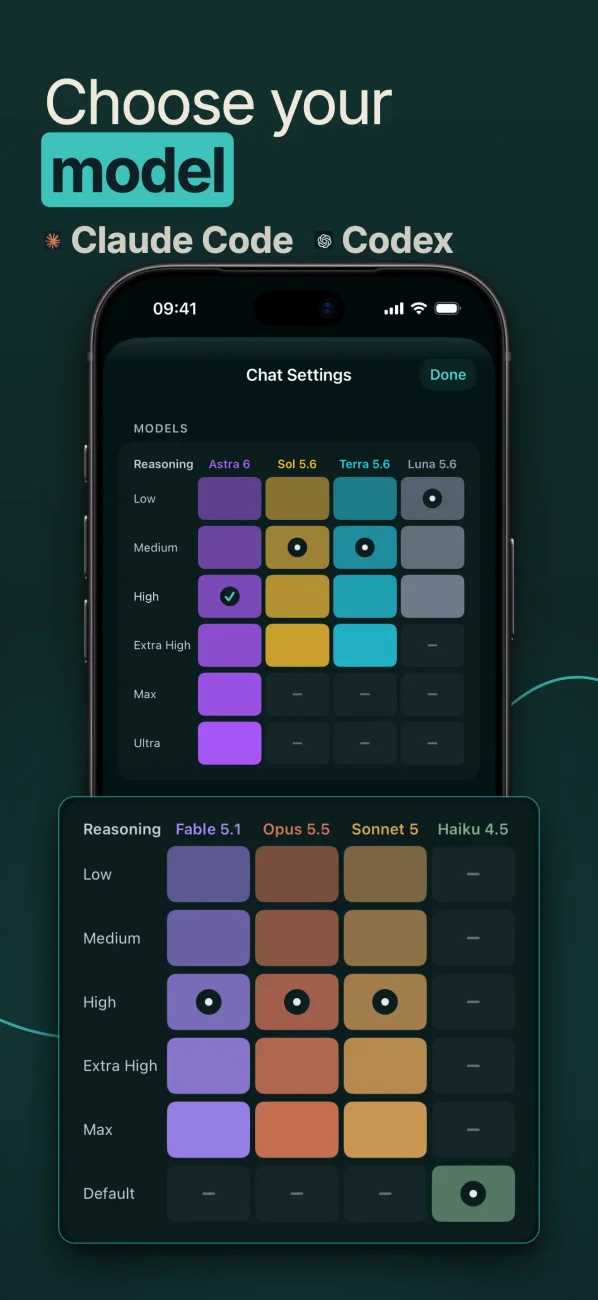
- Pick the model and reasoning settings for supported sessions
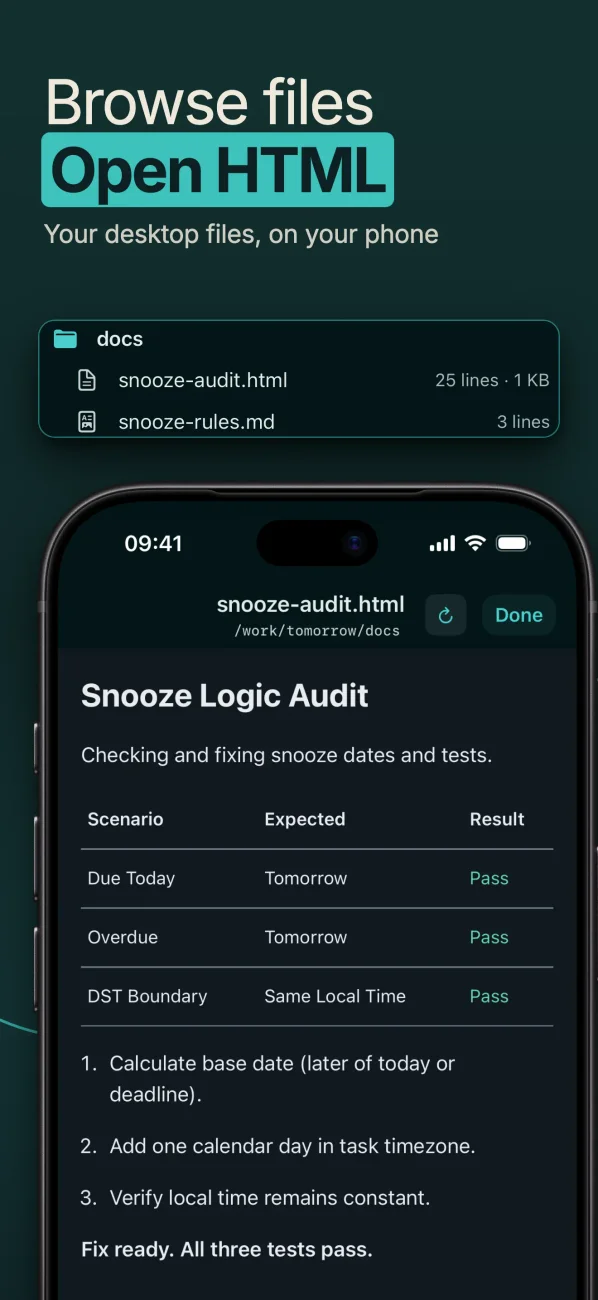
- Browse project files on your desktop
- Open write-ups with diagrams, Markdown, media, and file previews
- Play spoken walkthroughs as audio
- Review git changes and diffs
- Get an alert when the agent finishes, and open the matching session from it
- See the reconnect state when your desktop or network changes
How it works:
1. Install and open HB Code Desktop from https://www.hbcode.ai/downloads on your Mac or Windows PC.
2. Sign in on desktop and iPhone with the same account and region. On desktop, enable Mobile access.
3. Pick your desktop in the iPhone app. Add or select a project, then create or open a session.
4. Work in either app and continue the same project and session on the other.
Your desktop runs the agent and every command. Your files stay on your desktop. Your iPhone sends your requests through the authenticated HB Code relay. It doesn't run a second agent or stream your screen.
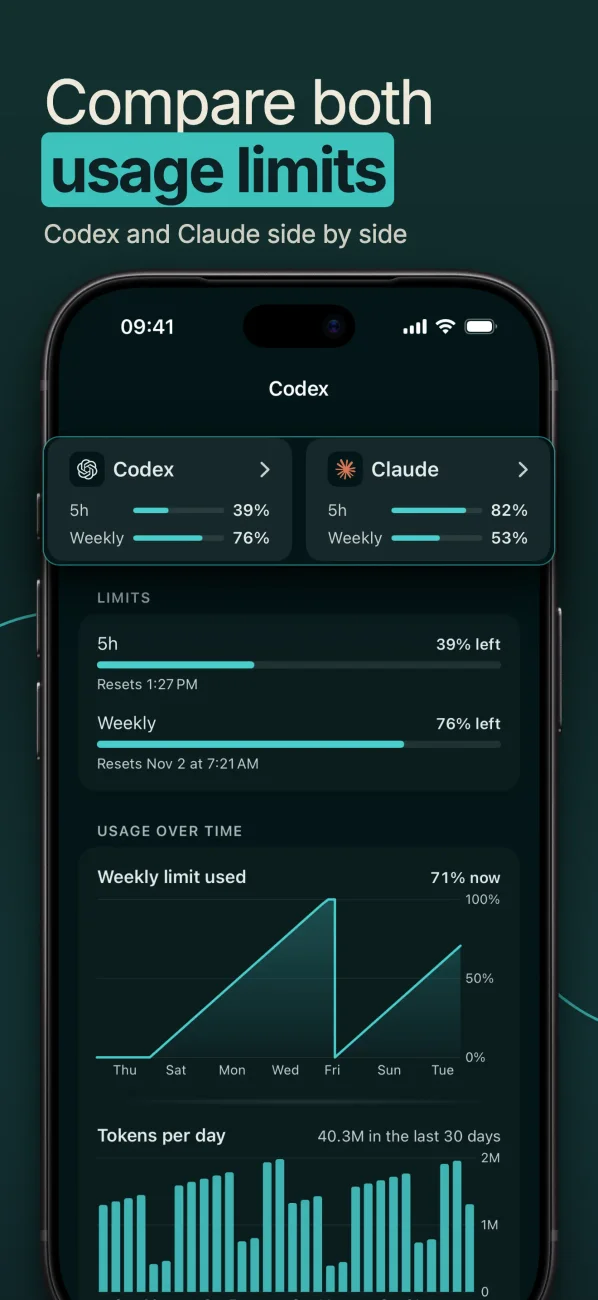
Codex sessions use your own ChatGPT subscription, through OpenAI's Codex App Server. Claude Code sessions use your own Claude account. HB Code doesn't sell or include Codex or Claude access. Spoken walkthroughs use your own Gemini API key.
Requirements:
- HB Code Desktop on your Mac or Windows PC
- An internet connection for your account and the relay
Review generated changes and AI output before you use them.
HB Code is an independent app and is not affiliated with Anthropic or OpenAI. Claude Code is a trademark of Anthropic. Codex is a trademark of OpenAI.
Terms of Service: https://www.hbcode.ai/terms
Privacy Policy: https://www.hbcode.ai/privacy
Có gì mới
Phiên bản 1.9 · 31/10/2026
• HB Code now speaks your language. The app is available in English, German, French, Spanish, Portuguese (Brazil), Japanese, Korean, Chinese (Simplified), and Russian.
• Sign-in is more reliable. If you use Google on one device and GitHub on another with the same email, both now open the same account.
• Easier first connection between your phone and your desktop.
• New Settings switch for app usage measurement. You can turn it off at any time.
• File paths from your home folder now show correctly in chat.
Quyền riêng tư của ứng dụng
Những gì helpful bits GmbH khai báo trên App Store về cách ứng dụng này xử lý dữ liệu.
-
Dữ liệu được sử dụng để theo dõi bạn
Có thể được sử dụng để theo dõi bạn trên các ứng dụng và trang web do công ty khác sở hữu.
- Mục mua
- Mã định danh
-
Dữ liệu liên kết với bạn
Có thể được thu thập và liên kết với danh tính của bạn.
- Mục mua
- Vị trí
- Thông tin liên hệ
- Nội dung của người dùng
- Mã định danh
- Dữ liệu khác
-
Dữ liệu không liên kết với bạn
Có thể được thu thập nhưng không liên kết với danh tính của bạn.
- Dữ liệu sử dụng
- Chẩn đoán
Phương thức đảm bảo quyền riêng tư có thể khác nhau, chẳng hạn như tuỳ theo các tính năng bạn sử dụng hoặc độ tuổi của bạn.
Thông tin
- Người bán
- helpful bits GmbH
- Danh mục
- Công Cụ Nhà Phát Triển
- Phiên bản
- 1.9
- Cập nhật
- 31/10/2026
- Phát hành
- 04/12/2025
- Kích thước
- 80,5 MB
- Yêu cầu
- iOS 18.0 trở lên
- Độ tuổi
- 17+
- Giá
- Miễn phí
- Mua hàng trong ứng dụng
- Có
- Ngôn ngữ
- Tiếng Anh, Tiếng Pháp, Tiếng Đức, Tiếng Nhật, Tiếng Hàn, Tiếng Bồ Đào Nha, Tiếng Nga, Tiếng Trung Giản thể, Tiếng Tây Ban Nha
- Bản quyền
- © 2026 helpful bits GmbH
Có thể bạn cũng thích
-
 AgentShellCông Cụ Nhà Phát Triển
-
 MiniVibeCông Cụ Nhà Phát Triển
-
 afk — AI Coding Agent RemoteCông Cụ Nhà Phát Triển
-
 Lumaq: Mixpanel, AmplitudeCông Cụ Nhà Phát Triển
-
 VeelopsCông Cụ Nhà Phát Triển
-
 MyPilotCông Cụ Nhà Phát Triển
-
 KeypressAICông Cụ Nhà Phát Triển
-
 CodecastCông Cụ Nhà Phát Triển
-
 Yaver IOCông Cụ Nhà Phát Triển
-
 CoTerm – AI Coding TerminalCông Cụ Nhà Phát Triển