- Age rating4+
- CategoryPhoto & Video
- Developer成昭 苑
- LanguagesEnglish+ 4 more
- Size954.0 KB
Links to the official App Store page
Download.org hosts no file of HDMI Cam - OBS Camera. The button opens its official App Store page, published by 成昭 苑. Listing last checked on Nov 28, 2026.
Screenshots
About
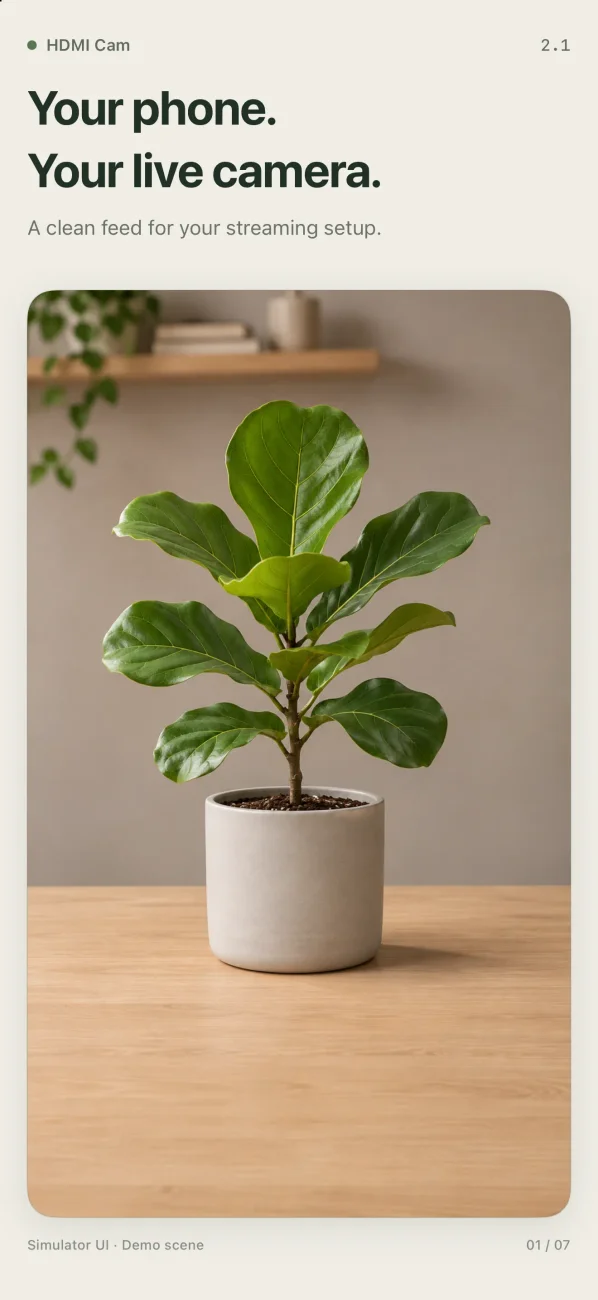
Turn your iPhone into a professional HDMI streaming camera.
HDMI Cam is designed for OBS streaming, video meetings, capture cards, and teaching demos. Connect your iPhone to an HDMI adapter and capture card to get a clean, watermark-free camera feed with no distracting UI.
PRO OUTPUT
- Phone Direct Output: follows your phone orientation by default, ideal for monitoring, meetings, and regular capture.
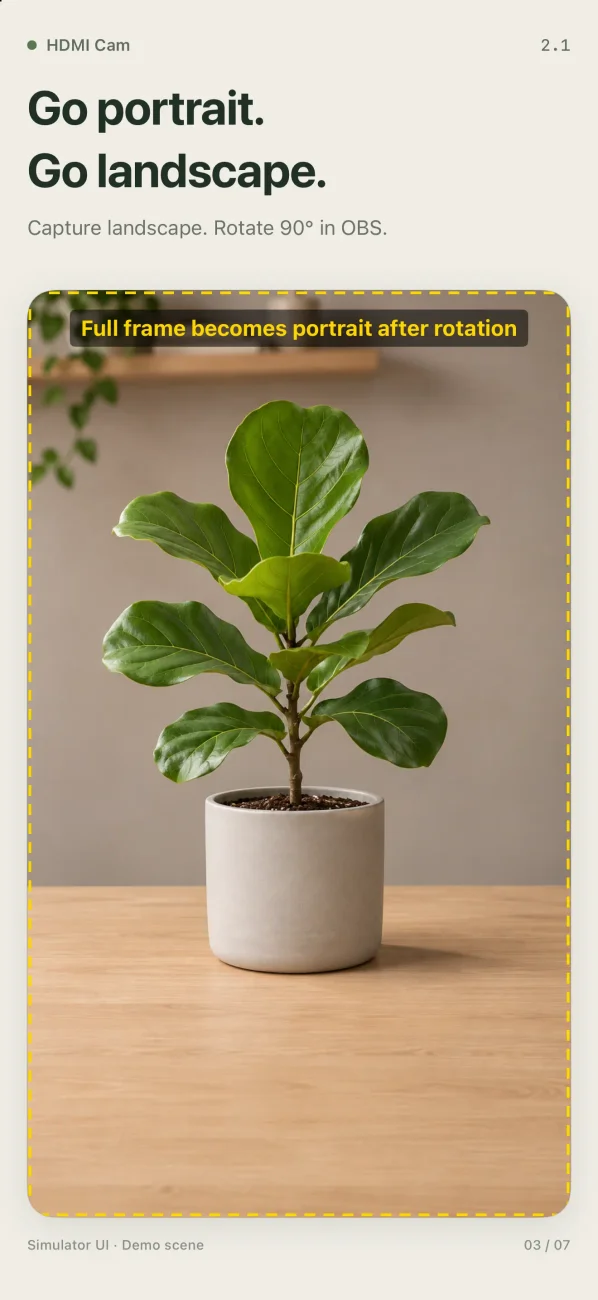
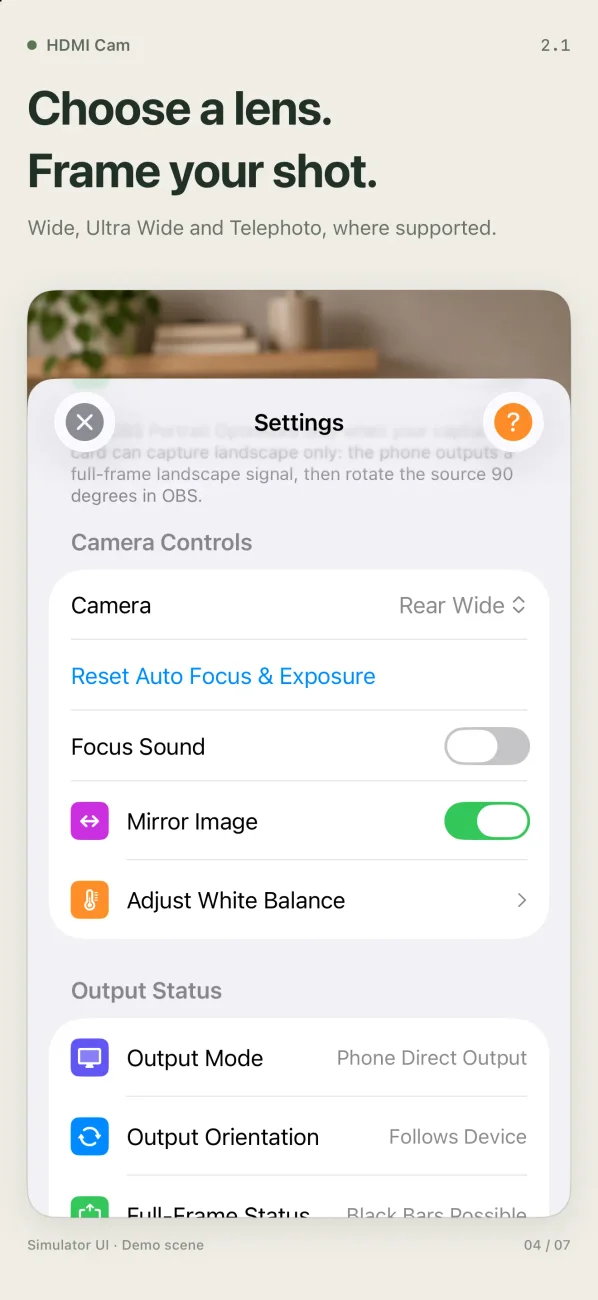
- OBS Portrait Optimized: for capture cards that can capture landscape only. Output a full-frame landscape signal, then rotate the source 90 degrees in OBS to get a full-pixel portrait feed.
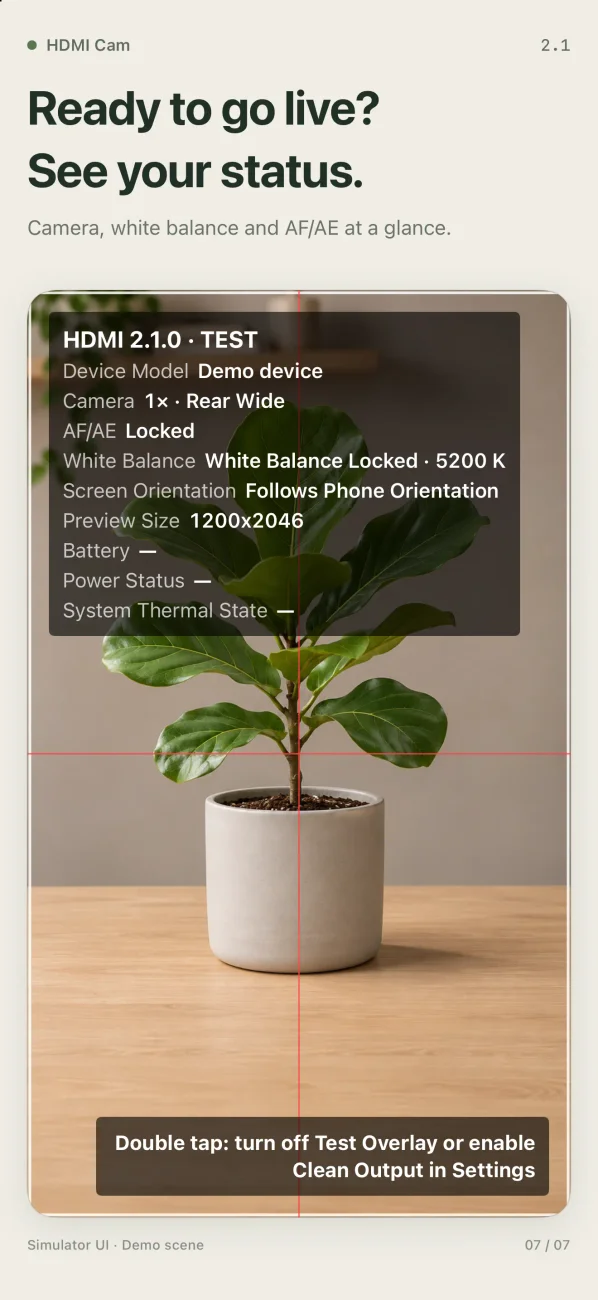
- Clean Output: hide all overlays before going live.
CAMERAS AND WHITE BALANCE
- Choose supported front, Wide, Ultra Wide and Telephoto cameras.
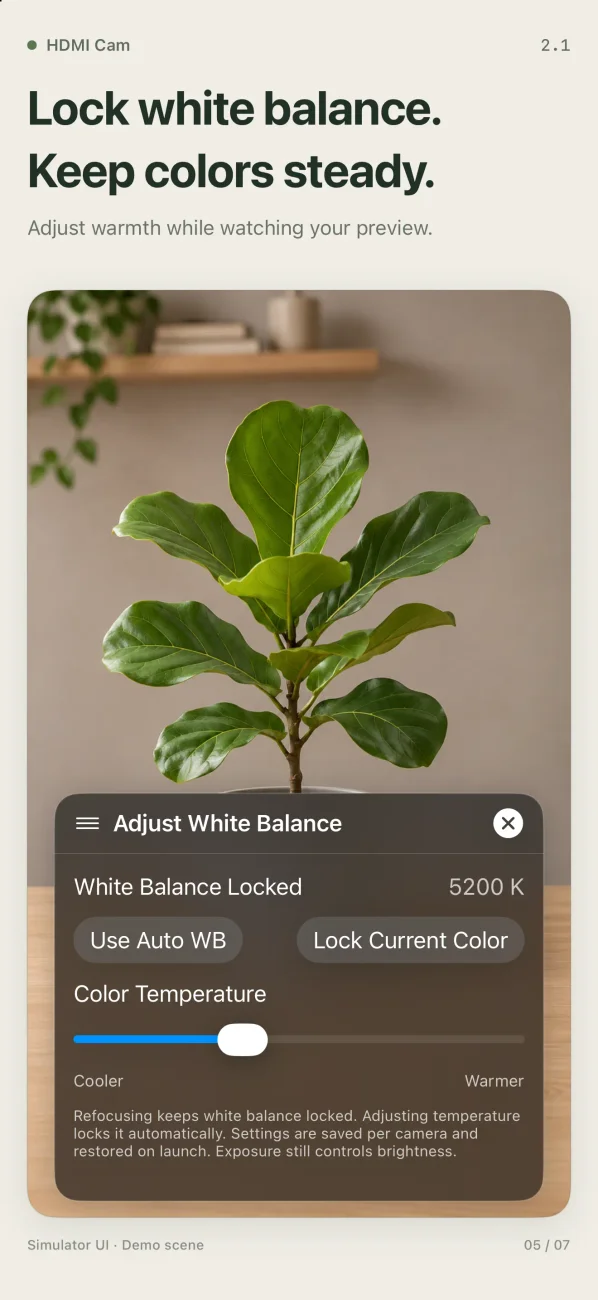
- Lock white balance or adjust color temperature in a floating panel while watching the preview.
- Camera and global settings are saved and restored automatically.
LIVE CONTROL
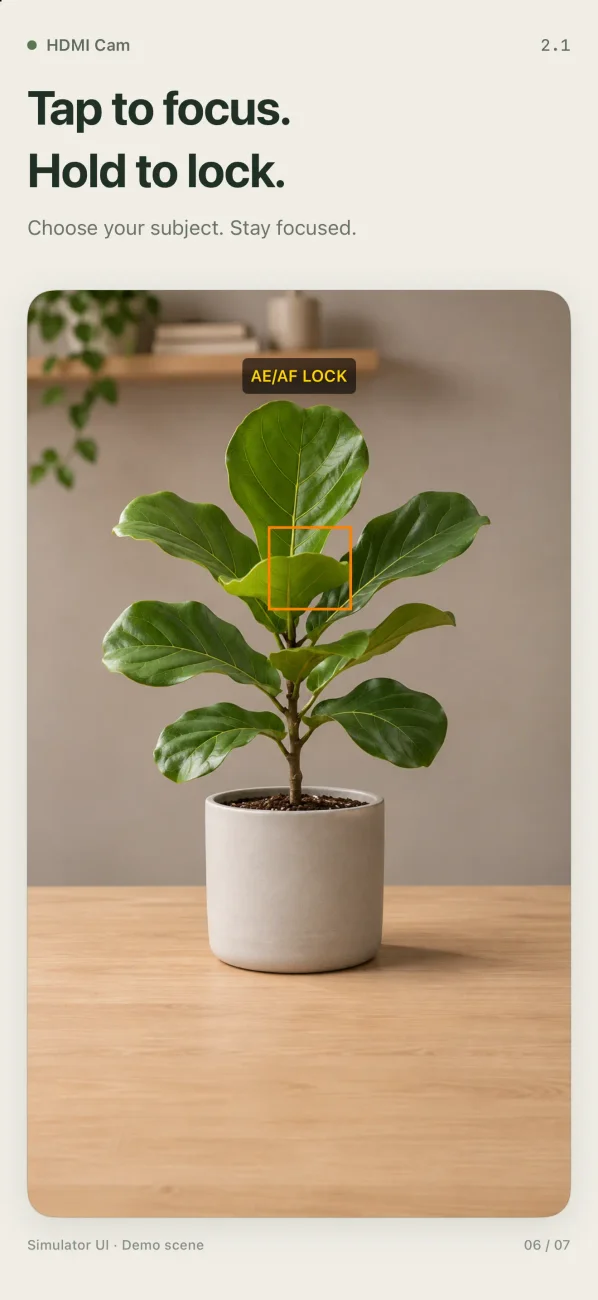
- Tap to focus, long press to lock AF/AE and avoid focus hunting or exposure jumps.
- Double tap to open Settings and quickly control camera switching, grid, mirroring, test overlay, and clean output.
- Front camera auto mirroring for better self-facing capture and portrait workflows.
TEST OVERLAY
Before going live, check device model, active camera, AF/AE status, screen orientation, output frame, battery, power connection, and thermal state.
iOS NATIVE VIDEO EFFECTS
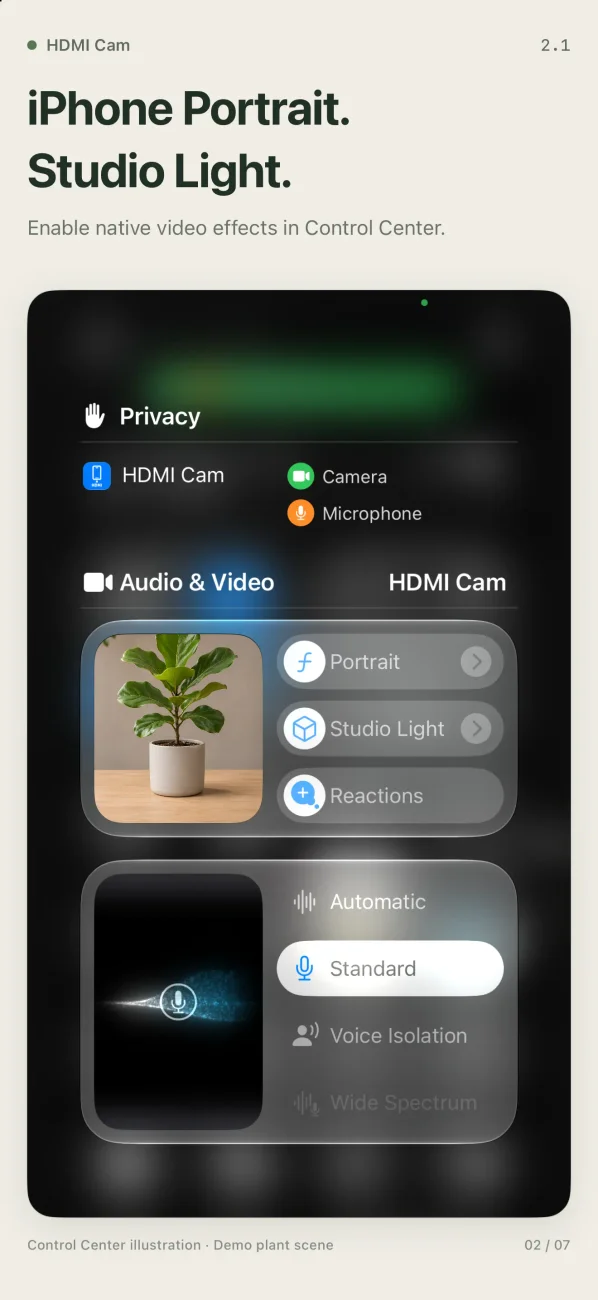
HDMI Cam works with iOS native video effects. While the app is running, open Control Center and tap “Video Effects” to enable supported system features such as Portrait, Studio Light, and Voice Isolation.
Perfect for:
- OBS streaming and portrait live streams
- E-commerce live selling and teaching demos
- Video meetings and remote classes
- Face cam and secondary camera workflows
For best results, use an official Apple HDMI adapter or a reliable USB-C/Lightning HDMI adapter with a mainstream HDMI capture card.
What’s new
Version 2.1.2 · Nov 26, 2026
Clean Output now automatically hides the Home indicator when the preview is idle, including in OBS mode.
App privacy
What 成昭 苑 declares on the App Store about how this app handles data.
-
Data not collected
The developer does not collect any data from this app.
Privacy practices may vary, for example with the features you use or your age.
Information
- Seller
- 成昭 苑
- Category
- Photo & Video
- Version
- 2.1.2
- Updated
- Nov 26, 2026
- Released
- Jan 15, 2026
- Size
- 954.0 KB
- Requires
- iOS 17.6 or later
- Age rating
- 4+
- Price
- $1.99
- Languages
- English, Japanese, Korean, Simplified Chinese, Traditional Chinese
- Copyright
- © 2026 Zach Yuan
You might also like
-
 ZestCam: 4K Streaming WebcamWireless SRT & HDMI for OBS
-
 SuperCam StudioPro Webcam for Streaming & OBS
-
 Full Screen Camera ProDistraction-Free Photo & Video
-
 StrecamOther camera more to streaming
-
 Zu3D Remote CameraPhoto & Video
-
 i3D360PlayerPhoto & Video
-
 Screen Capture for NDI HXCapture your device's screen
-
 YoulogPhoto & Video
-
 OBS 4KVirtual Camera & 4K Viewer
-
 ScreenShare for OBSShare your screen wirelessly