Strecam
Other camera more to streaming
Designed for iPhone, iPad
Free · In-app purchases
- Age rating4+
- CategoryPhoto & Video
- DeveloperPablo Gutierrez
- LanguagesEnglish+ 5 more
- Size10.6 MB
Links to the official App Store page
Download.org hosts no file of Strecam. The button opens its official App Store page, published by Pablo Gutierrez. Listing last checked on Nov 18, 2026.
Screenshots

About
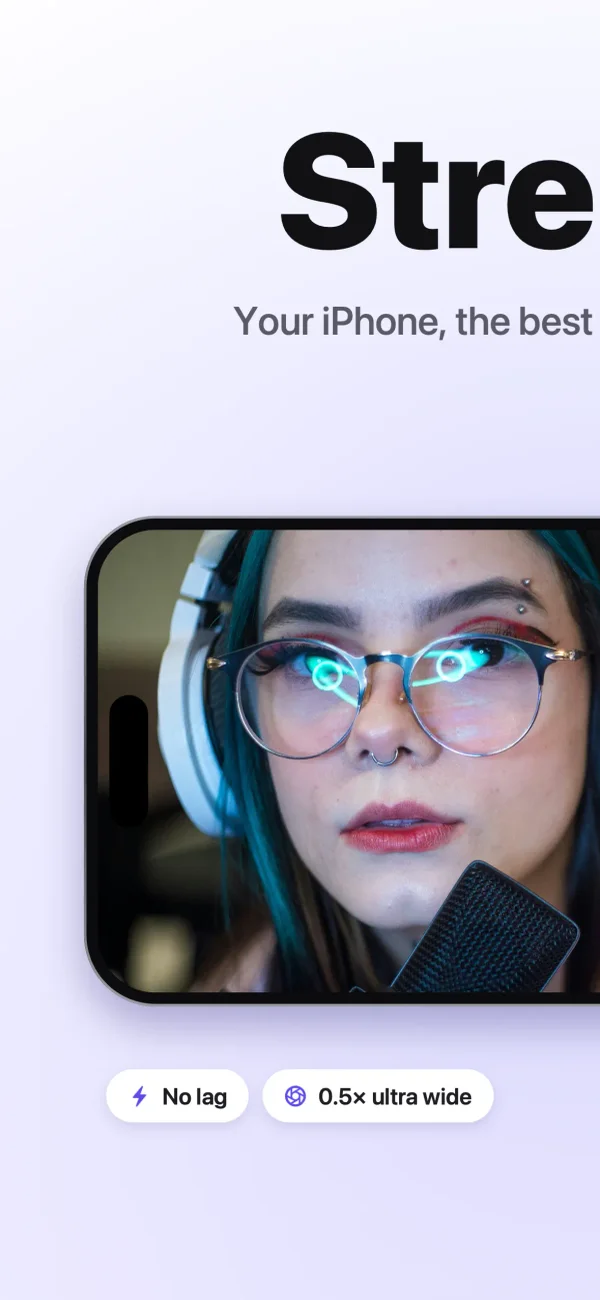
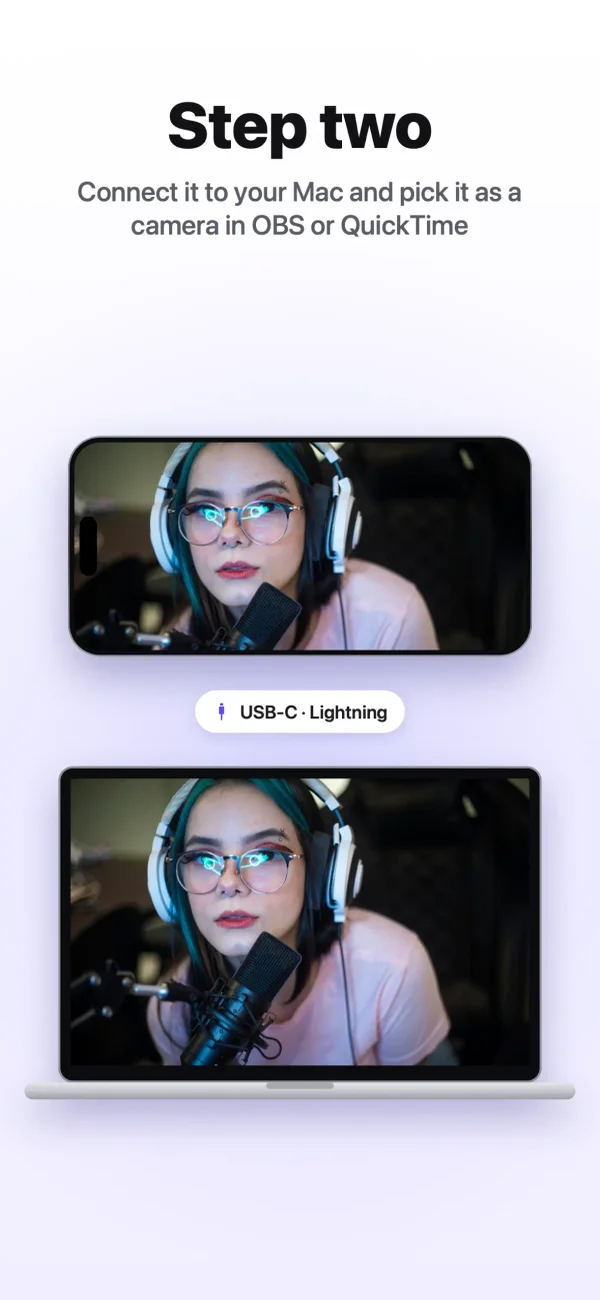
Turn your iPhone or iPad into the best webcam for your Mac. Connect it with a cable and use it as a camera in OBS, QuickTime or your favorite streaming app: live video, no lag and no Wi‑Fi needed.
A CAMERA WITH NOTHING ON SCREEN
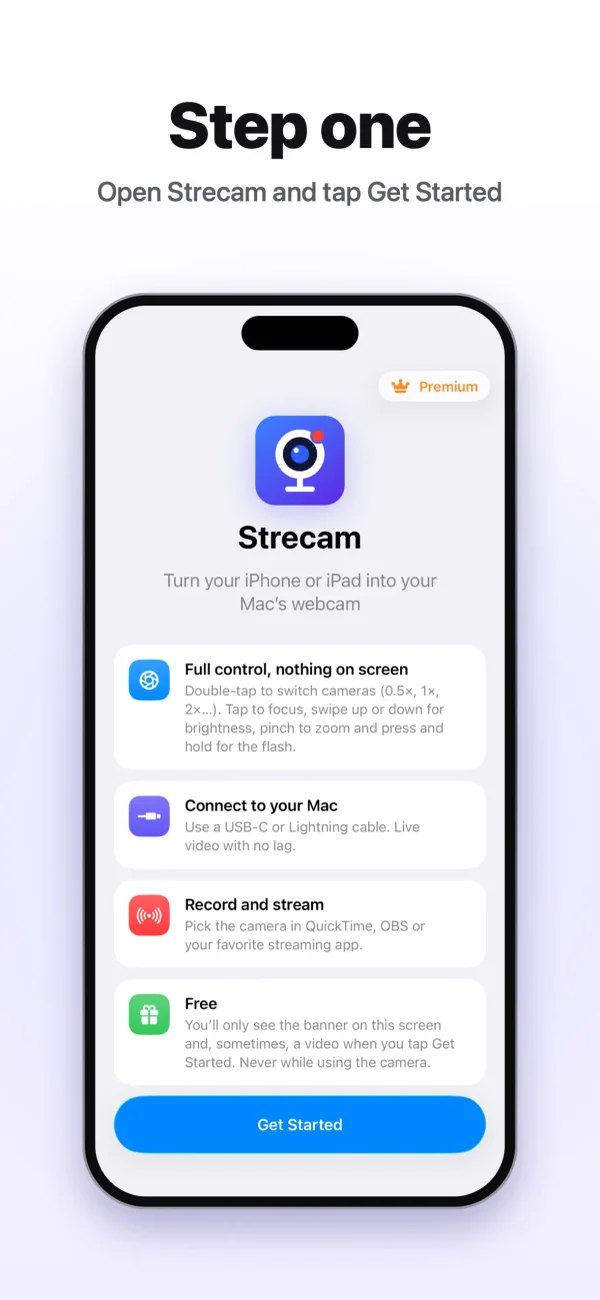
Strecam shows only your image: no buttons, no frames, no menus. Everything is controlled with gestures:
• Double-tap: switch cameras (0.5× ultra wide, 1×, 2× and front)
• Tap: focus on that spot
• Swipe up or down: adjust brightness
• Pinch: zoom
• Press and hold: turn the flash on or off (rear camera)
Works in portrait and landscape.
FREE
You'll only see a banner on the start screen and, sometimes, a video when you tap Get Started. Never while you're using the camera. If you like, watch a video and use Strecam for 24 hours without the watermark or video ads, or go Premium to remove them forever.
TIP
Turn on Do Not Disturb and silence your device so no notifications show up while you stream.
HOW TO USE IT WITH OBS
1. Connect your iPhone or iPad to your Mac with a USB‑C or Lightning cable. If asked, tap "Trust" on the device.
2. Open Strecam on your device and tap Get Started.
3. In OBS, click + under "Sources" and choose "Video Capture Device".
4. Give it a name and select your iPhone or iPad under "Device".
Done!
HOW TO USE IT WITH QUICKTIME
1. Connect your iPhone or iPad to your Mac with a USB‑C or Lightning cable.
2. Open Strecam on your device and tap Get Started.
3. In QuickTime, go to File > New Movie Recording.
4. Click the arrow next to the record button and select your iPhone or iPad as the camera.
Done!
ALSO ON A SCREEN OR CAPTURE CARD
With Apple's Digital AV Adapter you can show the image on a TV, a monitor or an HDMI capture card.
What’s new
Version 1.5.1 · Nov 7, 2026
Stability and performance improvements, plus small tweaks to make Strecam work even better on all your devices.
App privacy
What Pablo Gutierrez declares on the App Store about how this app handles data.
-
Data not linked to you
May be collected but is not linked to your identity.
- Usage data
- Diagnostics
Privacy practices may vary, for example with the features you use or your age.
Information
- Seller
- Pablo Gutierrez
- Category
- Photo & Video
- Version
- 1.5.1
- Updated
- Nov 7, 2026
- Released
- Jun 5, 2020
- Size
- 10.6 MB
- Requires
- iOS 17.0 or later
- Age rating
- 4+
- Price
- Free
- In-app purchases
- Yes
- Languages
- English, French, German, Portuguese, Simplified Chinese, Spanish
- Copyright
- © Pablo Gutiérrez
You might also like
-
 StreamCam for OBS & StreamLabs4K livestream webcam
-
 LM-Cam for OBS studioNDI(R),SRT,RTMP Camera Client
-
 Shoot Pro Camera SourceRemote-control. Drawing tools.
-
 Stream Studio NDI OBS CameraYour IPhone as pro cam
-
 NDI Screen CaptureFull or Partial Screen Capture
-
 Phonecam for OBS StudioWireless NDI webcam & camera
-
 USB Camera to NDIUVC(USB-C)Monitor, NDI Sending
-
 Larix Broadcaster: Live StreamSRT, NDI, RTMP Live Encoder
-
 CameraFi LiveRecording & Live Streaming
-
 VDO.NinjaVideo capture for VDO.Ninja