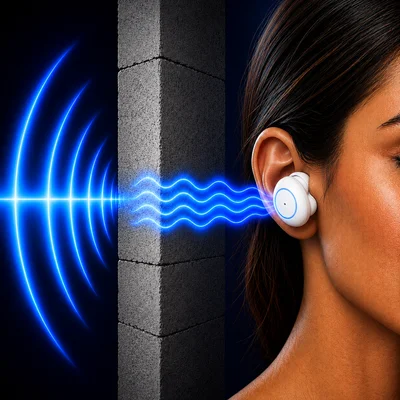
Hear Through Walls
Listen from another room
Designed for iPhone, iPad
Free · In-app purchases
- Age rating4+
- CategoryUtilities
- DeveloperRonald Lumor
- LanguagesEnglish
- Size5.6 MB
Links to the official App Store page
Download.org hosts no file of Hear Through Walls. The button opens its official App Store page, published by Ronald Lumor. Listing last checked on Nov 24, 2026.
Screenshots
About
Hear Through Walls app is a live hearing amplifier that helps you listen through walls and hear sounds from another room.
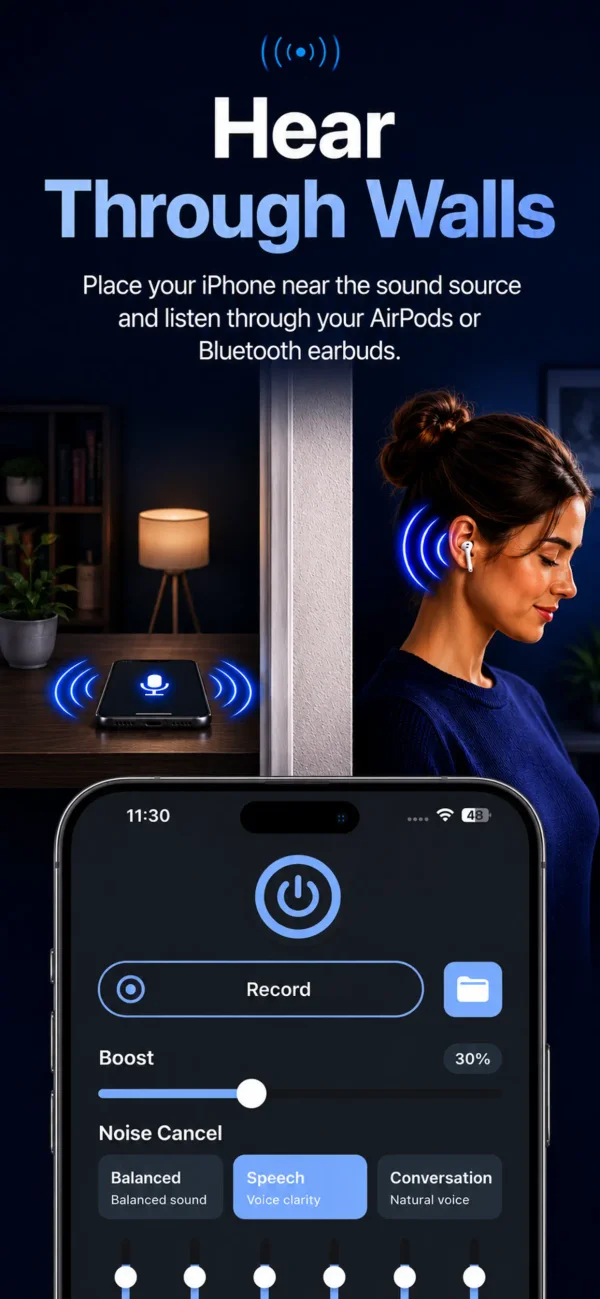
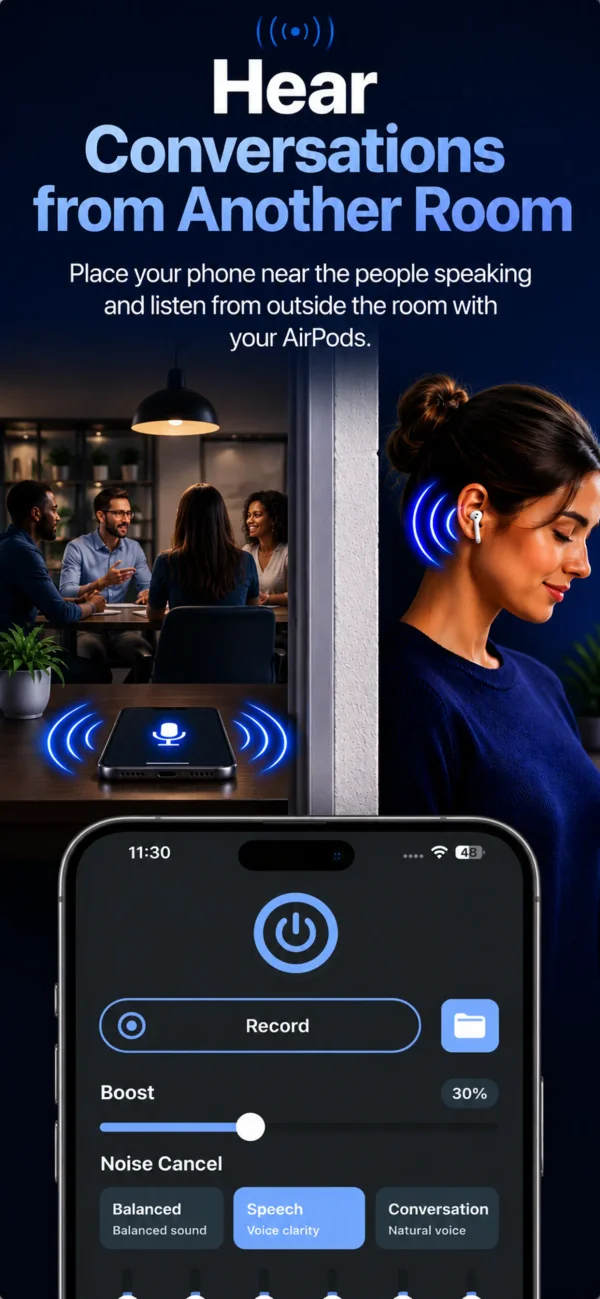
Connect your AirPods or Bluetooth earbuds and place your iPhone/iPad near the sound source (such as in front of a TV, near a baby crib, etc), and listen through walls from another room as the live audio streams directly from your iPhone microphone to your wireless earbuds.
The Hear Through Walls app turns your iPhone into a remote microphone, sound amplifier, TV listening device, and makeshift audio baby monitor. Place your phone near a television, speaker, conversation, baby crib area, or another sound source, then tap Listen to hear through walls and continue listening from another room.
Hear Through Walls does not amplify sound through the wall itself. Instead, your iPhone captures sound from inside the room and streams it to your connected Bluetooth headphones. This allows you to listen through walls when your phone remains close to the sound you want to hear.
Use Hear Through Walls when you want to continue listening while moving around your home. Leave your iPhone near the television or another sound source and listen through walls using your wireless earbuds while you cook, clean, work, do laundry, use the washroom, or move into another room.
HEAR TV THROUGH WALLS
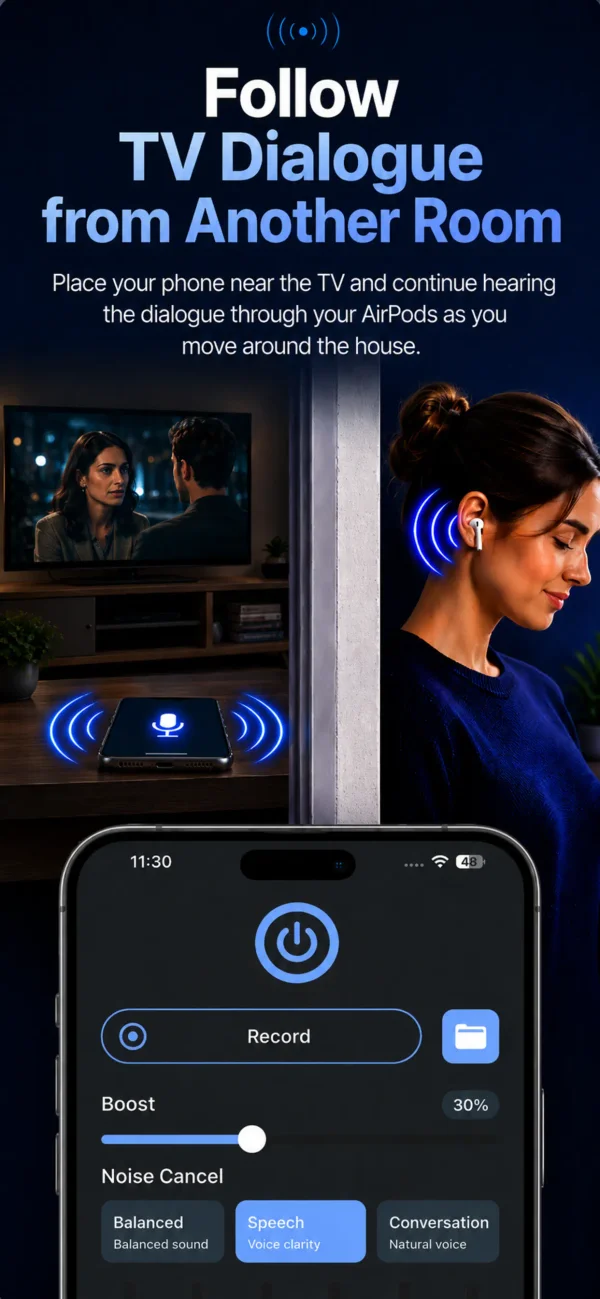
Hear Through Walls is useful when you are watching television but need to step away for some time. Place your iPhone near the TV, connect your AirPods or Bluetooth headphones, and continue listening through walls while you move around the house or work in another room.
Use Hear Through Walls to follow TV shows from another room.
LISTEN THROUGH WALLS FROM ANOTHER ROOM
Hear Through Walls lets you place your phone in one room and listen through walls from another nearby room.
Your iPhone acts as a wireless remote microphone that captures live sound and sends it directly to your connected headphones.
For clearer results, place your iPhone as close as safely possible to the television, speaker, conversation, baby crib area, or sound source. The closer the microphone is to the sound, the clearer and louder the sound will be.
Connect your AirPods, Bluetooth earbuds, or wireless headphones, tap Listen, and leave your phone in the room containing the sound. You can then listen through walls while remaining within the supported wireless connection range.
AUDIO BABY MONITORING AT HOME
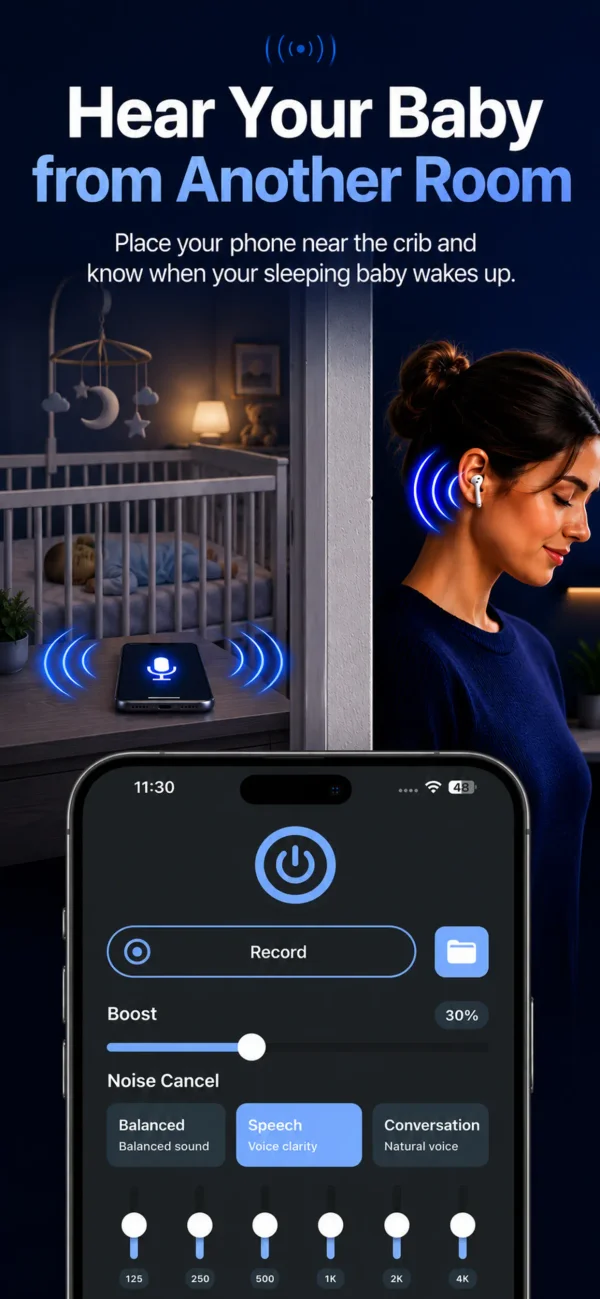
Hear Through Walls can also be used as a simple audio baby monitor at home. Place your iPhone safely near the baby’s crib area or inside the baby’s room, then listen through walls for baby sounds using your connected AirPods or Bluetooth headphones.
Use Hear Through Walls to listen for crying, movement, soft noises, waking sounds, and other baby sounds while you are in the kitchen, living room, home office, bedroom, or another nearby part of the house.
LIVE REMOTE MICROPHONE
Hear Through Walls captures sound through your iPhone microphone and streams the live audio directly to your connected headphones. Your iPhone works like a wireless microphone, helping you listen through walls and hear sounds from another room in real time.
Use Hear Through Walls to:
• Hear TV through walls from another room
• Listen for baby sounds from another nearby room.
• Monitor your sleeping baby and know when they wake up.
• Continue following TV dialogue while moving around the house
• Hear better from the back row during a lecture
PLACE YOUR IPHONE:
• Near a television
• Near a baby crib area
• Close to a speaker
• Inside the room containing the sound source
Then connect your AirPods, Bluetooth earbuds, or wireless headphones to listen through walls from another room.
CUSTOMIZE YOUR SOUND
• Sound Boost — 25% free boost; Full Boost requires an upgrade
• Noise Reduction — Free presets; Manual frequency adjustment requires an upgrade.
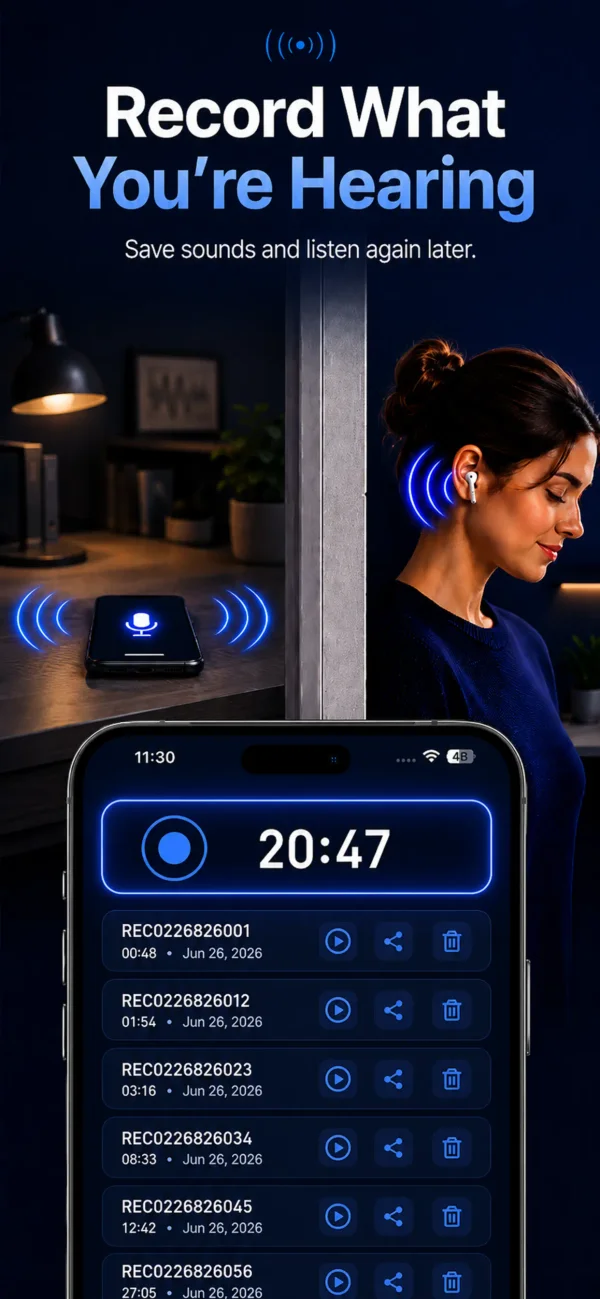
• Audio Recording — requjres an upgrade
What’s new
Version 1.3 · Sep 8, 2026
Clearer sound
App privacy
What Ronald Lumor declares on the App Store about how this app handles data.
-
Data not collected
The developer does not collect any data from this app.
Privacy practices may vary, for example with the features you use or your age.
Information
- Seller
- Ronald Lumor
- Category
- Utilities
- Version
- 1.3
- Updated
- Sep 8, 2026
- Released
- Jul 20, 2026
- Size
- 5.6 MB
- Requires
- iOS 16.6 or later
- Age rating
- 4+
- Price
- Free
- In-app purchases
- Yes
- Languages
- English
- Copyright
- © 2026 Ronasoft
You might also like
-
 Spy HearingSuper Ear · Listening Device
-
 Ear Spy - Super HearingHear Clear From Distance
-
 Ear SpyHearing Amplifier & Hear Aid
-
 Super Ear: Hear from DistanceLive Hearing Amplifier.
-
 Hear Through Walls: Amplify#1 Hearing Amplifier
-
 Hear Boost: Sound AmplifierBoost volume for conversations
-
 Spy Hearing: Sound AmplifierLive Listening Device
-
 Sound Amplifier: Hear BoostSuper Hearing Volume Booster
-
 Listening Device: ClariveSound Amplifier & Hear Boost
-
 Sound Amplifier +Hearing Assist & Mic Booster