
Heftig – School Planner
Homework & exams, sorted
Designed for iPhone, iPad, iPod touch
Free
- Age rating4+
- CategoryEducation
- DeveloperSven Carsten Nickel
- LanguagesEnglish
- Size32.9 MB
Links to the official App Store page
Download.org hosts no file of Heftig – School Planner. The button opens its official App Store page, published by Sven Carsten Nickel. Listing last checked on Nov 18, 2026.
Screenshots
About
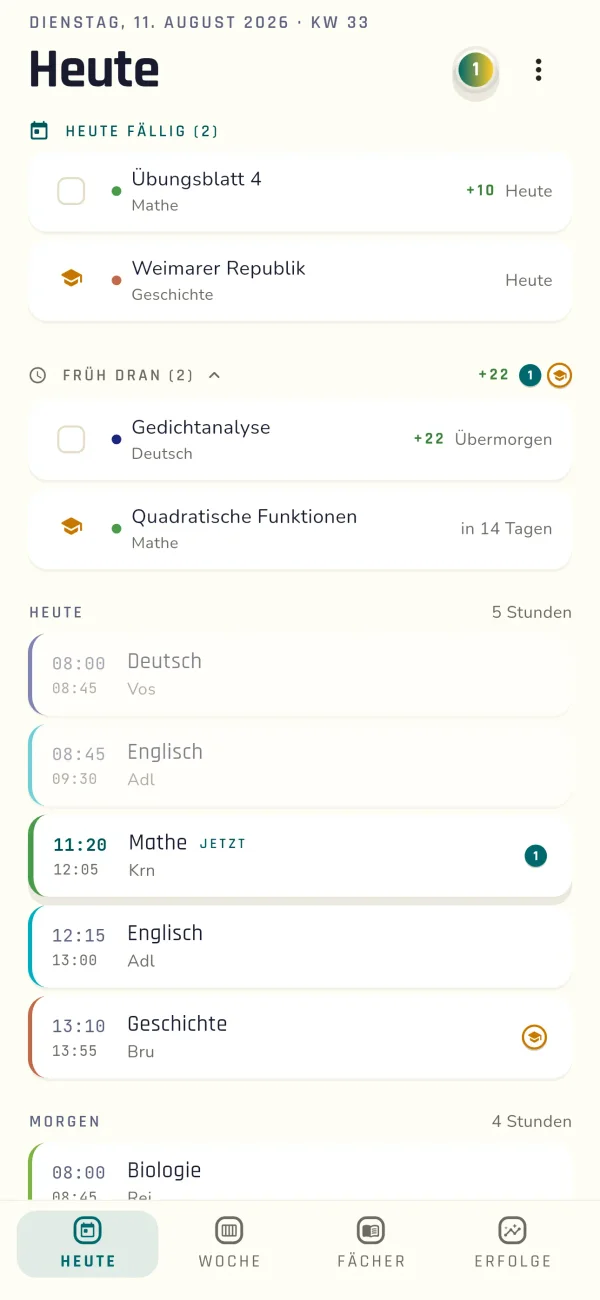
Heftig keeps your school life together – homework, exam dates, timetable and notes in one place, clear and without the clutter.
HOMEWORK & EXAMS
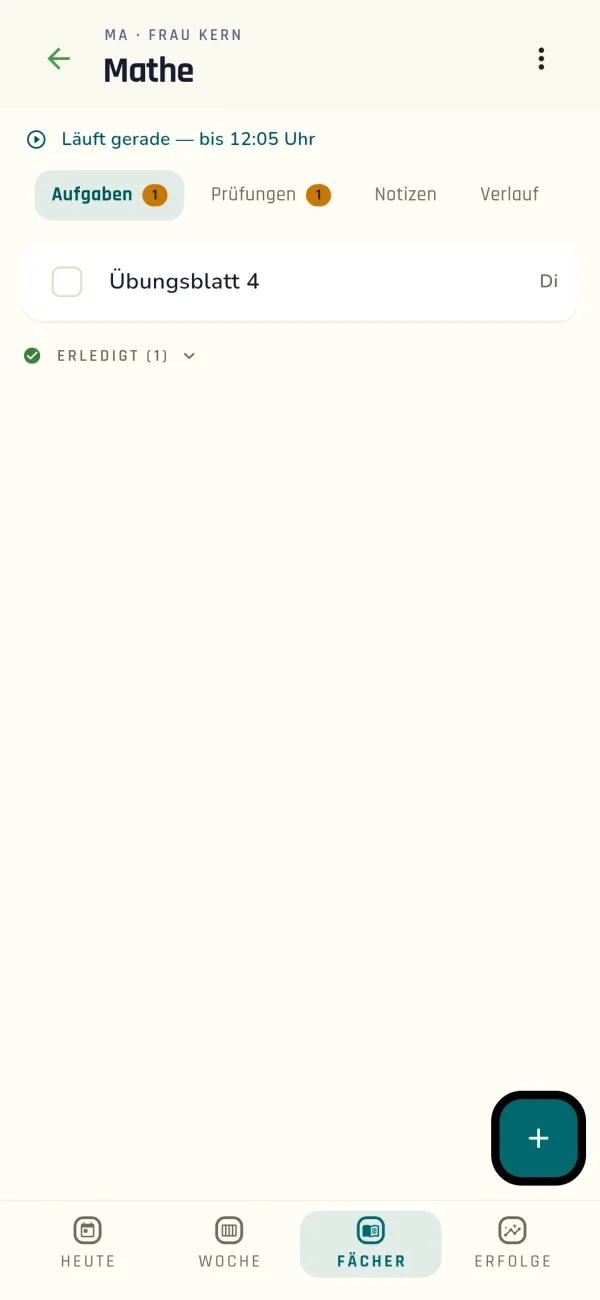
• Homework with subject, note and due date – picked straight from your timetable instead of typed out
• Exams with a study plan: Heftig spreads the study days and shows when it gets tight
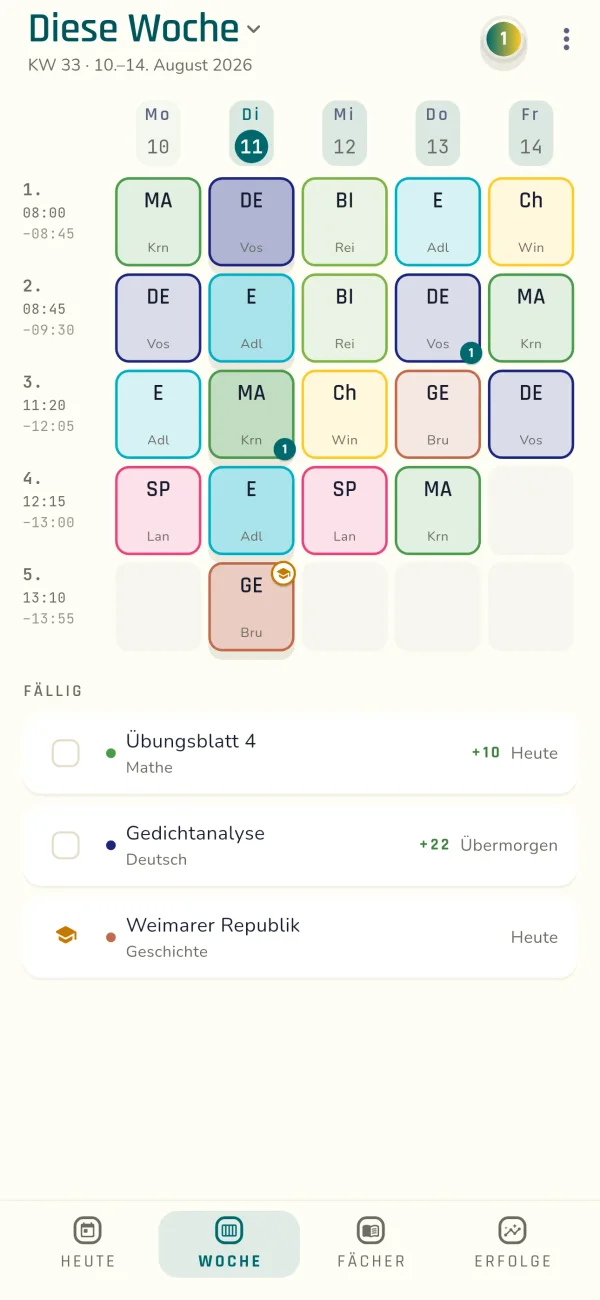
• "Today" and "Week" show what's coming without any searching
TIMETABLE
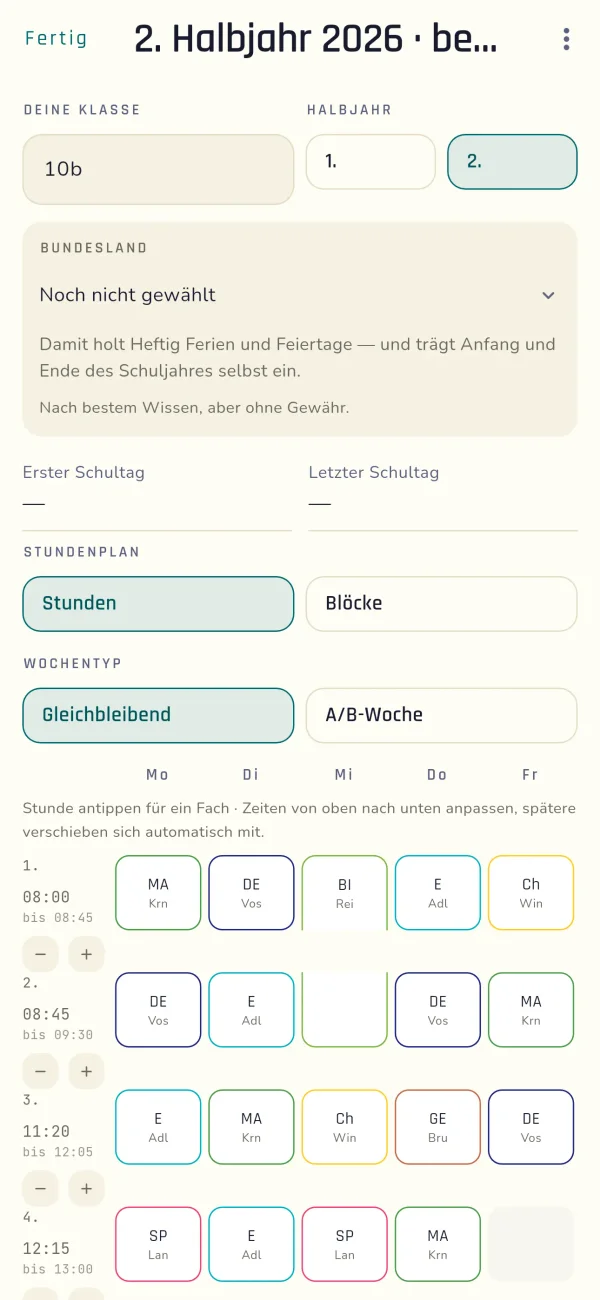
• Set up to your rhythm: single periods or double blocks
• Optional weekly switch between two plans (A/B weeks)
• Teacher and room right at each lesson, including exceptions for single lessons
• Share your plan as a link – your class imports it with one tap
SCHOOL HOLIDAYS
• Just pick your federal state: holidays and public holidays appear in the plan
• Heftig fills in the start and end of your term itself
• Days off show up as a block – a fully free week tells you why
WEATHER
• The daily forecast above each column of the week, discreetly
• One tap opens the detailed report for the way there and back
ACHIEVEMENTS
• XP for completed tasks and study days kept, with a weekly history
NOTES
• Your own notes per subject, with a history across weeks
ACCOUNT & SYNC (OPTIONAL)
• Without an account not a single record leaves your device – everything stays local
• Optional account with a one-time sign-in code by email, no password at all
• Syncs your content across devices if you want, including your state and term dates
YOUR DATA IS YOURS
• No name, no school, no class – we never ask
• No full date of birth, only month and year (we only need to know whether you are 16 or older)
• No ads, no tracking or analytics services, nothing passed on to third parties
• If you are under 16, we ask a parent for consent before anything syncs (Art. 8 GDPR)
• You can delete your account in the app at any time, including the data stored on our server
Heftig is free to use, for students who want to organise their school life themselves. By default your data stays local on your device – cloud features only apply once you sign in. School holidays come from openholidaysapi.org, the weather from Germany's national weather service via Bright Sky.
What’s new
Version 1.0.10 · Nov 11, 2026
What's new:
• Homework and exams: you can now change the subject afterwards (via a subtle “Change subject” link) – Heftig then suggests matching dates from the new subject's timetable.
• Invited notebooks: timetable, homework and exams are now visible, even without your own age.
• Photographing a timetable: pointer cursor on cells and invitation, discard dialog scrolls.
App privacy
What Sven Carsten Nickel declares on the App Store about how this app handles data.
-
Data linked to you
May be collected and linked to your identity.
- Contact info
- User content
- Identifiers
- Other data
-
Data not linked to you
May be collected but is not linked to your identity.
- User content
Privacy practices may vary, for example with the features you use or your age.
Information
- Seller
- Sven Carsten Nickel
- Category
- Education
- Version
- 1.0.10
- Updated
- Nov 11, 2026
- Released
- Sep 30, 2026
- Size
- 32.9 MB
- Requires
- iOS 15.0 or later
- Age rating
- 4+
- Price
- Free
- Languages
- English
- Copyright
- © 2026 Sven Nickel
You might also like
-
 LomdimTimetable, homework & exams
-
 Compasswork GeometryRuler & compass constructions
-
 School Assistant PlannerRevision, Syllabus & GPA
-
 ClassDeck: School PlannerTimetable, Homework & Grades
-
 Squool: Tutor Schedule PlannerTutoring Tracker & Payments
-
 King of Math Jr: School EdElementary School Math Games
-
 Ahead - AI Student PlannerAI Syllabus Scanner & Planner
-
 Lernwerkstatt PrivatEducation
-
 Memora: Study App & FlashcardsAI Revision Cards from Notes
-
 Recess: Study, Then ScrollBlock apps until you study