
- Age rating17+
- CategoryProductivity
- DeveloperHangzhou Linghe Intelligent Technology
- LanguagesEnglish+ 1 more
- Size85.3 MB
Links to the official App Store page
Download.org hosts no file of HeyCC. The button opens its official App Store page, published by Hangzhou Linghe Intelligent Technology. Listing last checked on Nov 23, 2026.
Screenshots


About
Meet PhoneBot. Get things done on iPhone.
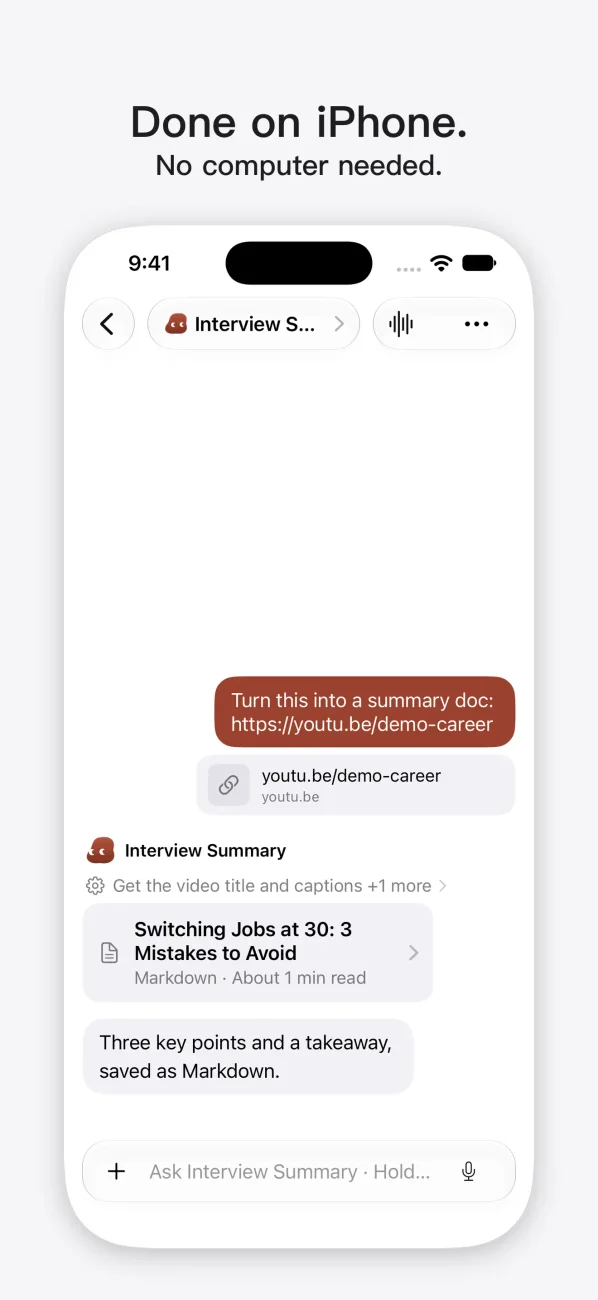
Turn ideas, files, and voice notes into useful results. Create documents, organize information, and work through everyday tasks with a bot you make your own. HeyCC brings practical AI tools into the conversation, so your phone becomes a place to get work done, not just ask questions.
FROM A REQUEST TO A USEFUL RESULT
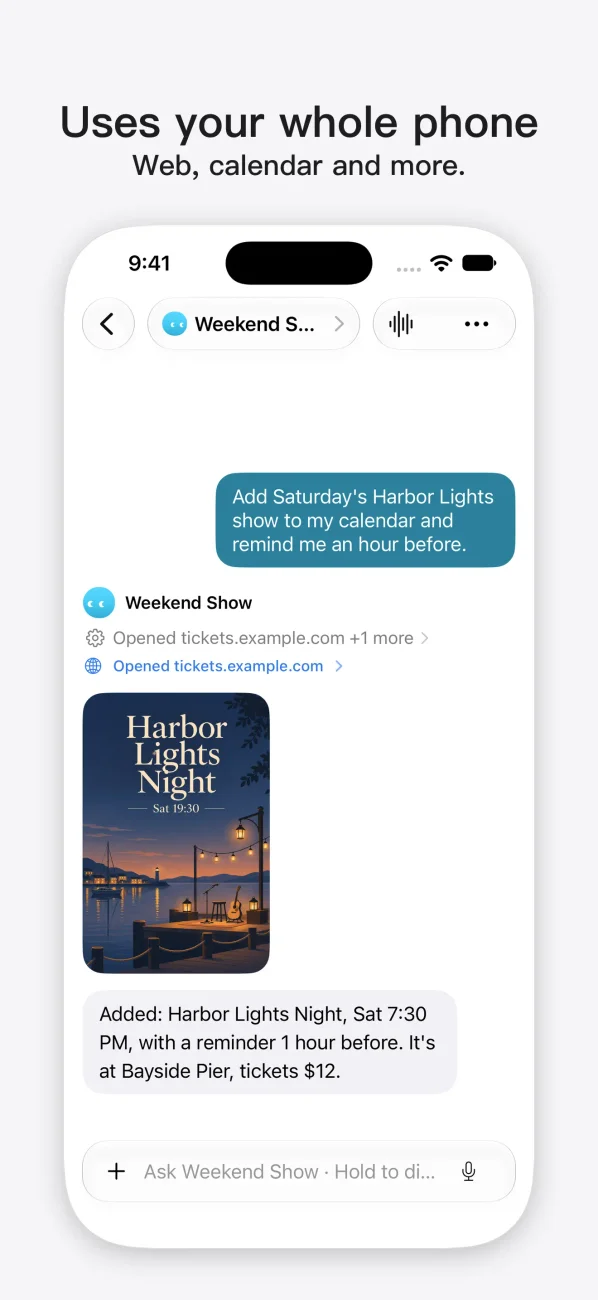
Ask PhoneBot to turn meeting notes into an action plan, organize project material into a brief, or create a checklist you can open and use. Work with files and web information using available tools. With your permission, supported calendar and reminder tools help connect your plans to everyday tasks.
YOUR BOT. YOUR STYLE.
Give your bot a name, choose its appearance, and shape its role through conversation or settings. Create a writing partner, a planning assistant, or a bot for another kind of work. A personal bot should feel like yours and have a clear purpose.
MORE PERSPECTIVES. ONE CONVERSATION.
Bring different roles together in GroupBot. Explore ideas, compare suggestions, and ask a bot to check what you might have missed. Mention a bot when you want its perspective. When a task needs tools, continue in that bot's individual conversation.
TURN VOICE NOTES INTO NEXT STEPS
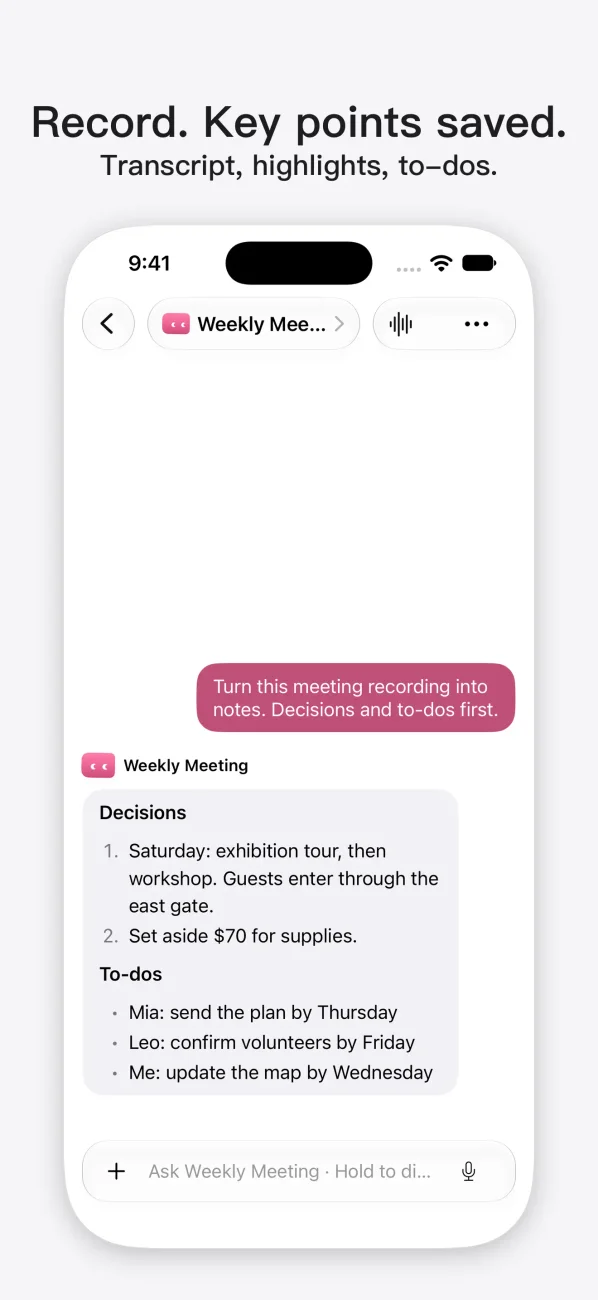
Capture a thought with voice input or notes, then bring it into a conversation to organize the key points and what to do next. Keep working with your material while the idea is still fresh.
MORE ROOM ON IPAD. A BOT ON YOUR WRIST.
Use HeyCC's roomier iPad layout to work with conversations and content. On a compatible Apple Watch, access the assistant interface and watch-face entry.
Start with one task. Make PhoneBot your own.
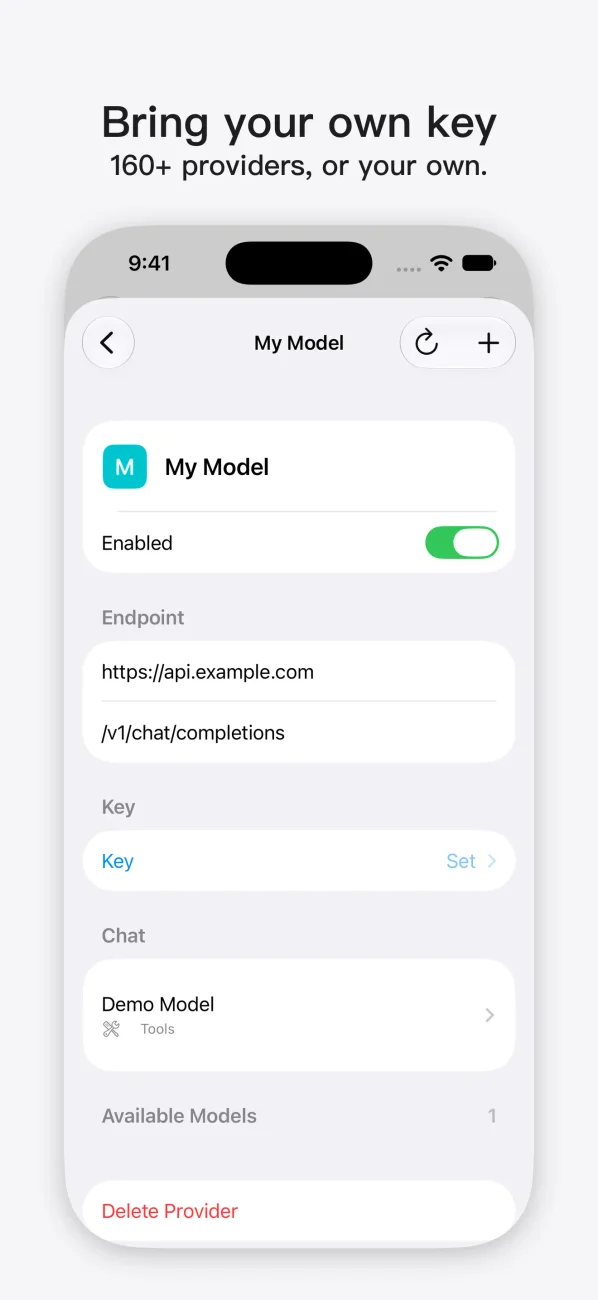
AI features require a configured, supported model service. Capabilities and fees vary by service and configuration. Relevant messages and attachments are sent to your configured AI endpoint. Device-side tools do not mean all AI runs offline. System features require permission; Apple Watch features require compatible hardware.
What’s new
Version 0.0.18 · Nov 21, 2026
What's new:
• See the result first. When an assistant finishes, it shows you the result. Tap the end of a reply to see how it got there.
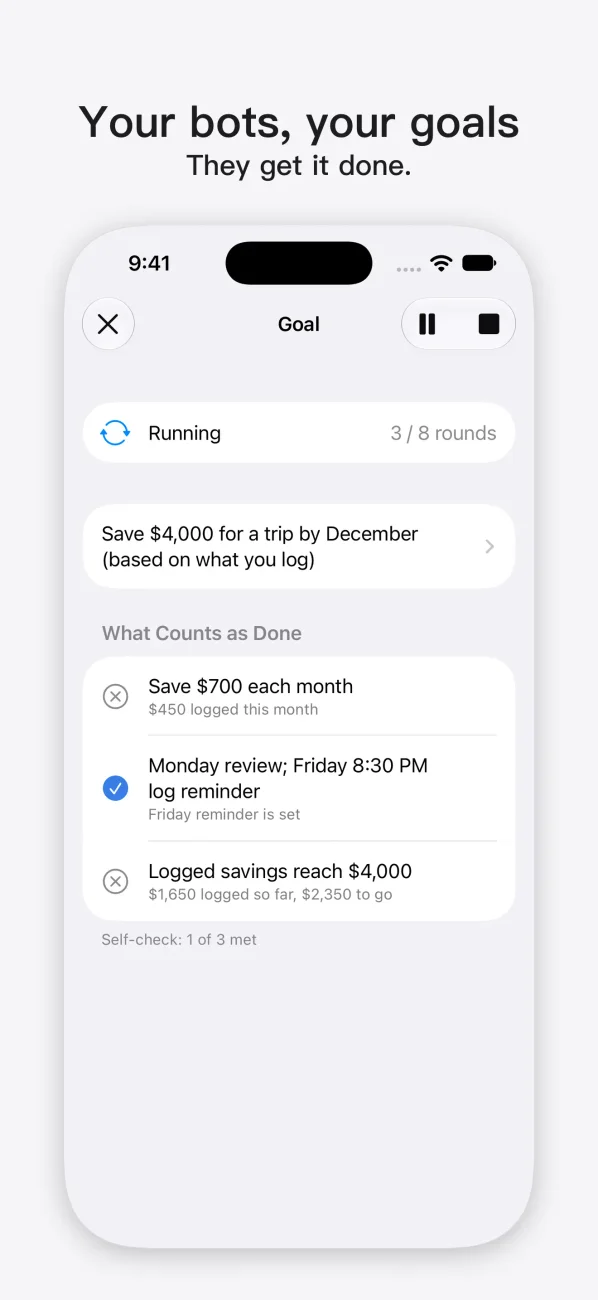
• Tell an assistant your goal, and it breaks it into small steps and works through them.
• Tap + to add photos and files. When viewing an image, save it or ask about it right there.
• Assistants can pass files to each other.
• New here? Pick an assistant and start right away.
• Other improvements and fixes.
App privacy
What Hangzhou Linghe Intelligent Technology declares on the App Store about how this app handles data.
-
Data linked to you
May be collected and linked to your identity.
- User content
Privacy practices may vary, for example with the features you use or your age.
Information
- Seller
- Hangzhou Linghe Intelligent Technology Co., Ltd
- Category
- Productivity
- Version
- 0.0.18
- Updated
- Nov 21, 2026
- Released
- May 29, 2026
- Size
- 85.3 MB
- Requires
- iOS 18.0 or later
- Age rating
- 17+
- Price
- Free
- Languages
- English, Simplified Chinese
- Copyright
- © 2026 Yiman Xu. All rights reserved.
You might also like
-
 Ox - Local BotA self-evolving local bot
-
 Stella - Your AIYour Personal AI Assistant
-
 Halo - Personal AIPrivacy-First AI Assistant
-
 Kai - AIFast, Simple, Open-Source
-
 RakazoAI teammates you control
-
 MausBot: Private AI AgentsRun bots on your own computer
-
 Eney - AI AssistantGet things done from anywhere
-
 OpenBot.runProductivity
-
 Open MinisYour Private On-Device Agent
-
 Cue by Manusconnect, unlock, explore