- 対象年齢17+
- カテゴリ仕事効率化
- 開発元Hangzhou Linghe Intelligent Technology
- 言語英語ほか1言語
- サイズ85.3 MB
App Storeの公式ページにリンクしています
Download.orgはHeyCCのファイルを一切ホストしていません。ボタンを押すと、Hangzhou Linghe Intelligent Technologyが公開しているApp Storeのアプリページが開きます。ページの最終確認:2026/11/23。
スクリーンショット


概要
開発元はこのテキストをお使いの言語で提供していません。
Meet PhoneBot. Get things done on iPhone.
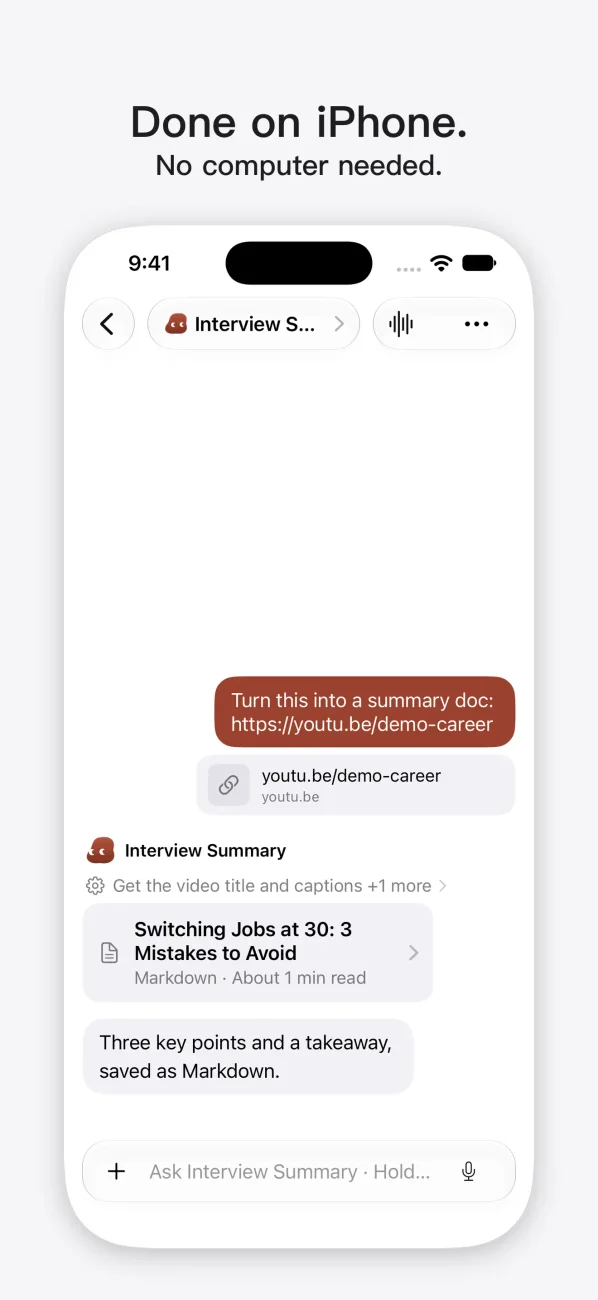
Turn ideas, files, and voice notes into useful results. Create documents, organize information, and work through everyday tasks with a bot you make your own. HeyCC brings practical AI tools into the conversation, so your phone becomes a place to get work done, not just ask questions.
FROM A REQUEST TO A USEFUL RESULT
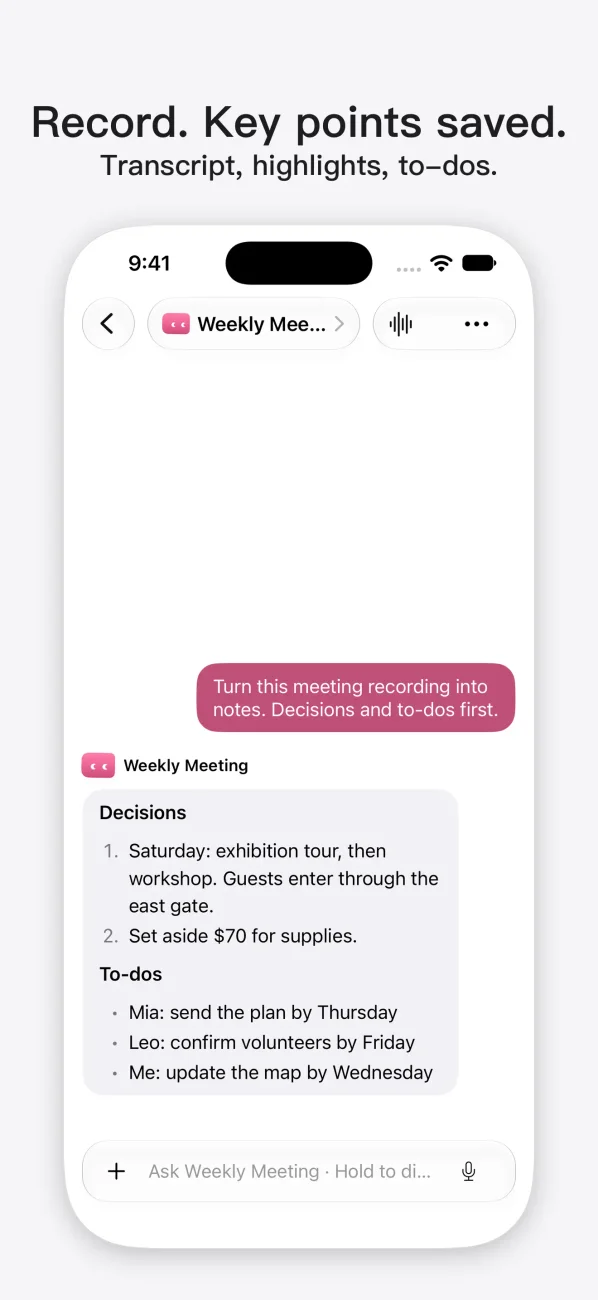
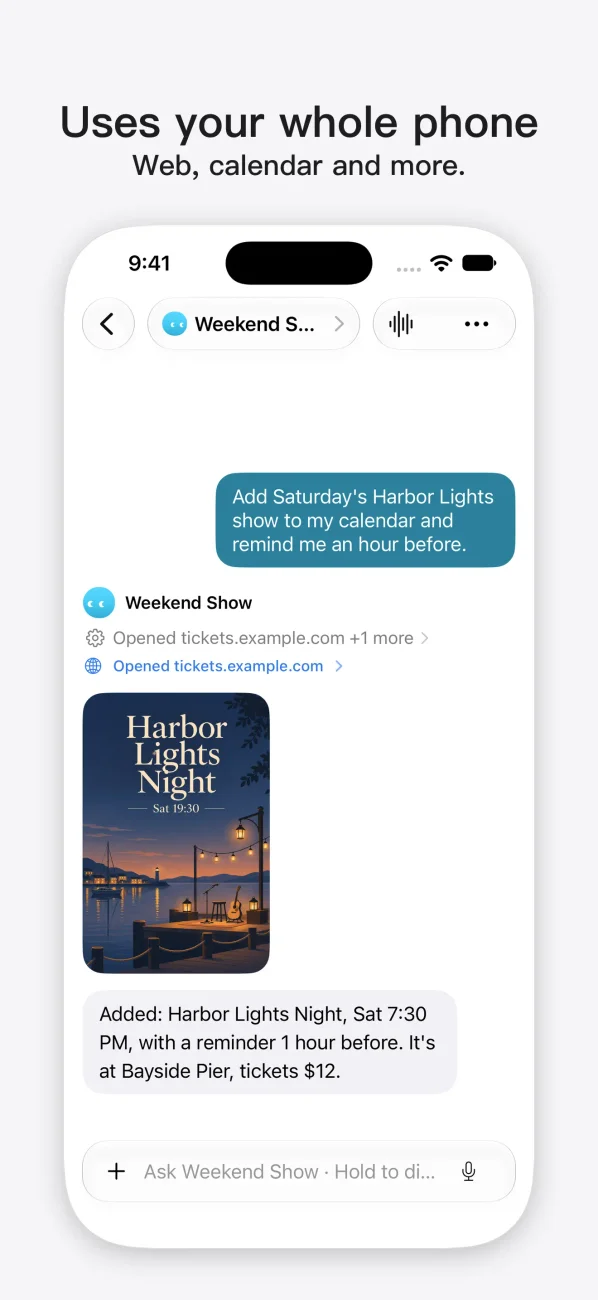
Ask PhoneBot to turn meeting notes into an action plan, organize project material into a brief, or create a checklist you can open and use. Work with files and web information using available tools. With your permission, supported calendar and reminder tools help connect your plans to everyday tasks.
YOUR BOT. YOUR STYLE.
Give your bot a name, choose its appearance, and shape its role through conversation or settings. Create a writing partner, a planning assistant, or a bot for another kind of work. A personal bot should feel like yours and have a clear purpose.
MORE PERSPECTIVES. ONE CONVERSATION.
Bring different roles together in GroupBot. Explore ideas, compare suggestions, and ask a bot to check what you might have missed. Mention a bot when you want its perspective. When a task needs tools, continue in that bot's individual conversation.
TURN VOICE NOTES INTO NEXT STEPS
Capture a thought with voice input or notes, then bring it into a conversation to organize the key points and what to do next. Keep working with your material while the idea is still fresh.
MORE ROOM ON IPAD. A BOT ON YOUR WRIST.
Use HeyCC's roomier iPad layout to work with conversations and content. On a compatible Apple Watch, access the assistant interface and watch-face entry.
Start with one task. Make PhoneBot your own.
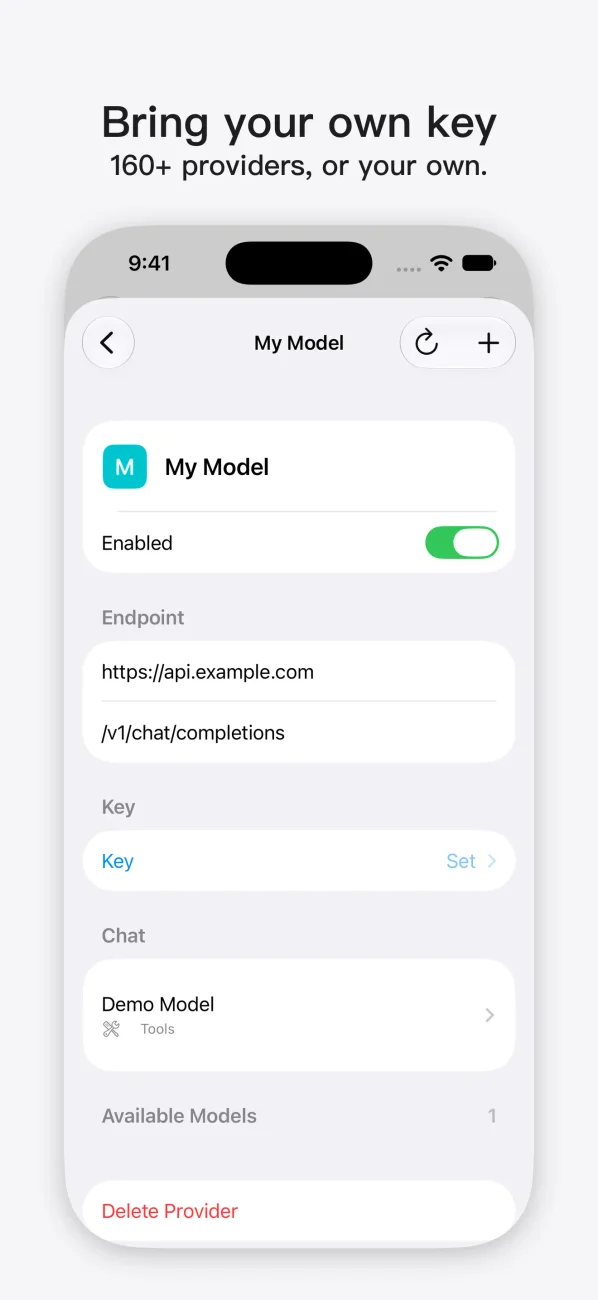
AI features require a configured, supported model service. Capabilities and fees vary by service and configuration. Relevant messages and attachments are sent to your configured AI endpoint. Device-side tools do not mean all AI runs offline. System features require permission; Apple Watch features require compatible hardware.
新機能
バージョン 0.0.18 · 2026/11/21
What's new:
• See the result first. When an assistant finishes, it shows you the result. Tap the end of a reply to see how it got there.
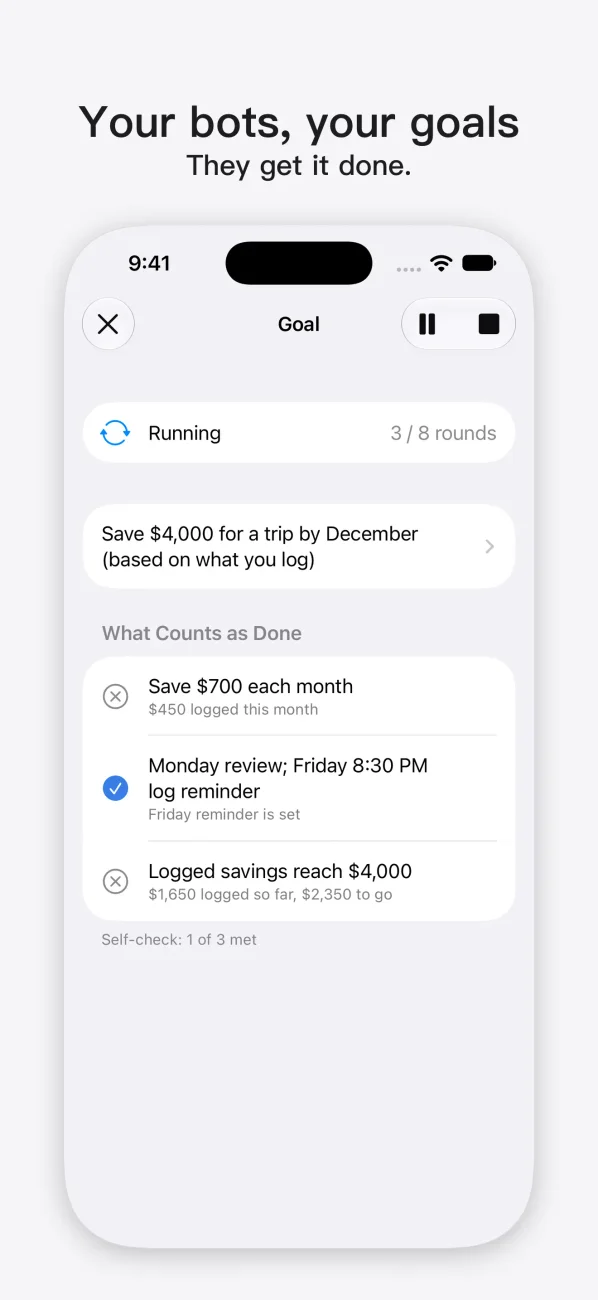
• Tell an assistant your goal, and it breaks it into small steps and works through them.
• Tap + to add photos and files. When viewing an image, save it or ask about it right there.
• Assistants can pass files to each other.
• New here? Pick an assistant and start right away.
• Other improvements and fixes.
アプリのプライバシー
このアプリのデータの取り扱いについて、Hangzhou Linghe Intelligent TechnologyがApp Storeで申告している内容です。
-
ユーザーに関連付けられたデータ
収集され、ユーザーの識別情報に関連付けられる場合があります。
- ユーザーコンテンツ
プライバシーの取り扱いは、ご利用の機能やお客様の年齢などに応じて異なる場合があります。
情報
- 販売元
- Hangzhou Linghe Intelligent Technology Co., Ltd
- カテゴリ
- 仕事効率化
- バージョン
- 0.0.18
- 更新日
- 2026/11/21
- リリース
- 2026/5/29
- サイズ
- 85.3 MB
- 必要条件
- iOS 18.0以降
- 対象年齢
- 17+
- 価格
- 無料
- 言語
- 英語, 簡体字中国語
- 著作権
- © 2026 Yiman Xu. All rights reserved.