Heypush: Custom Notifications
Personalized Notifications
Designed for iPhone
Free · In-app purchases
- Age rating4+
- CategoryProductivity
- DeveloperFreelans Tecnologia LTDA
- LanguagesEnglish+ 7 more
- Size76.6 MB
Links to the official App Store page
Download.org hosts no file of Heypush: Custom Notifications. The button opens its official App Store page, published by Freelans Tecnologia LTDA. Listing last checked on Nov 25, 2026.
Screenshots
About
Create notifications with the photo, text and time you choose.
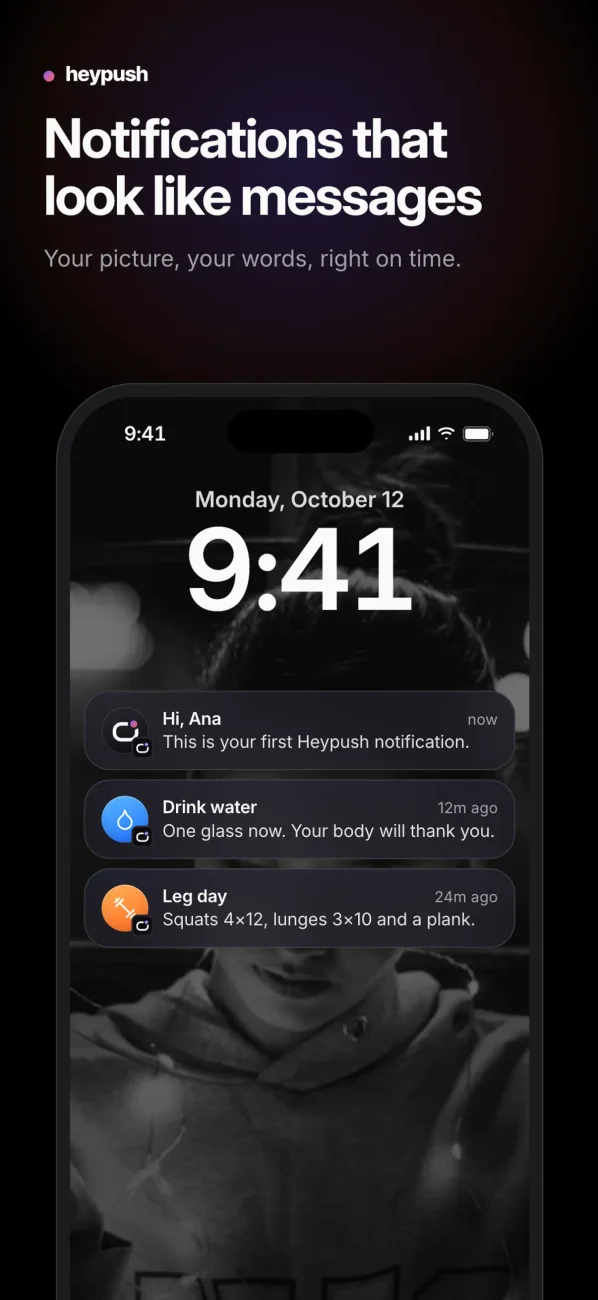
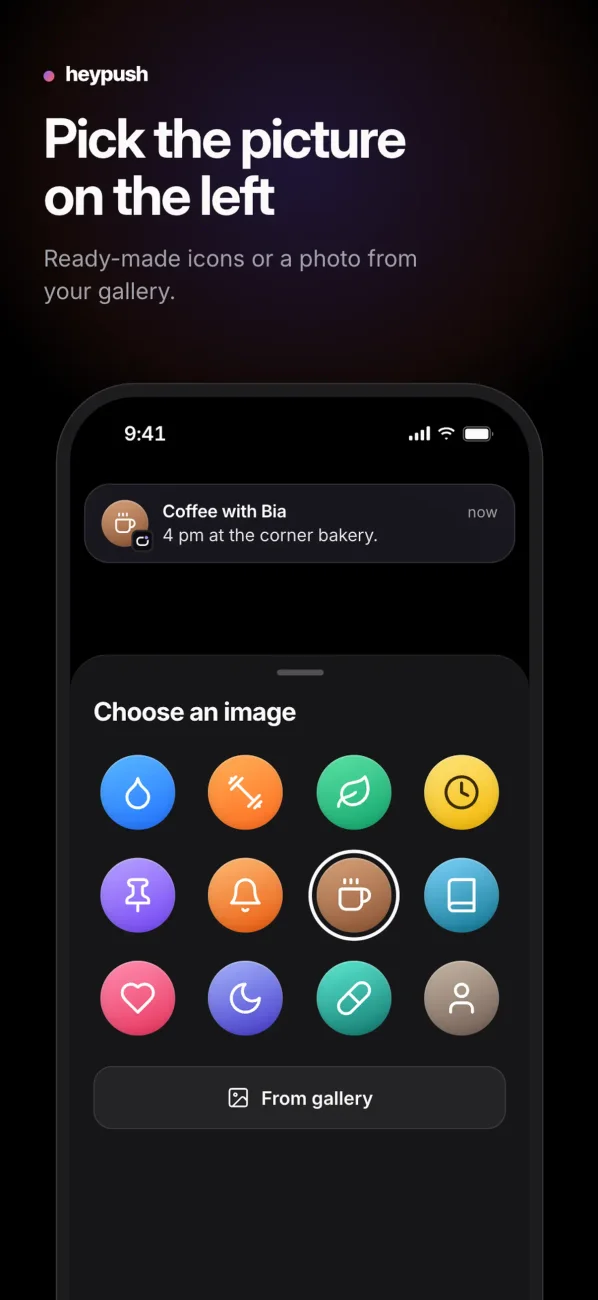
Heypush builds notifications on your iPhone: the photo shows on the left, like a contact’s, with the title and text you want. They land on your lock screen, even offline. It works by subscription.
TWO WAYS TO USE IT
• To remember what matters: water, workouts, breaks, meds. Good-looking reminders that feel like you.
• To create content: realistic notifications for videos, screenshots and scripts, with the names and photos you choose.
HOW IT WORKS
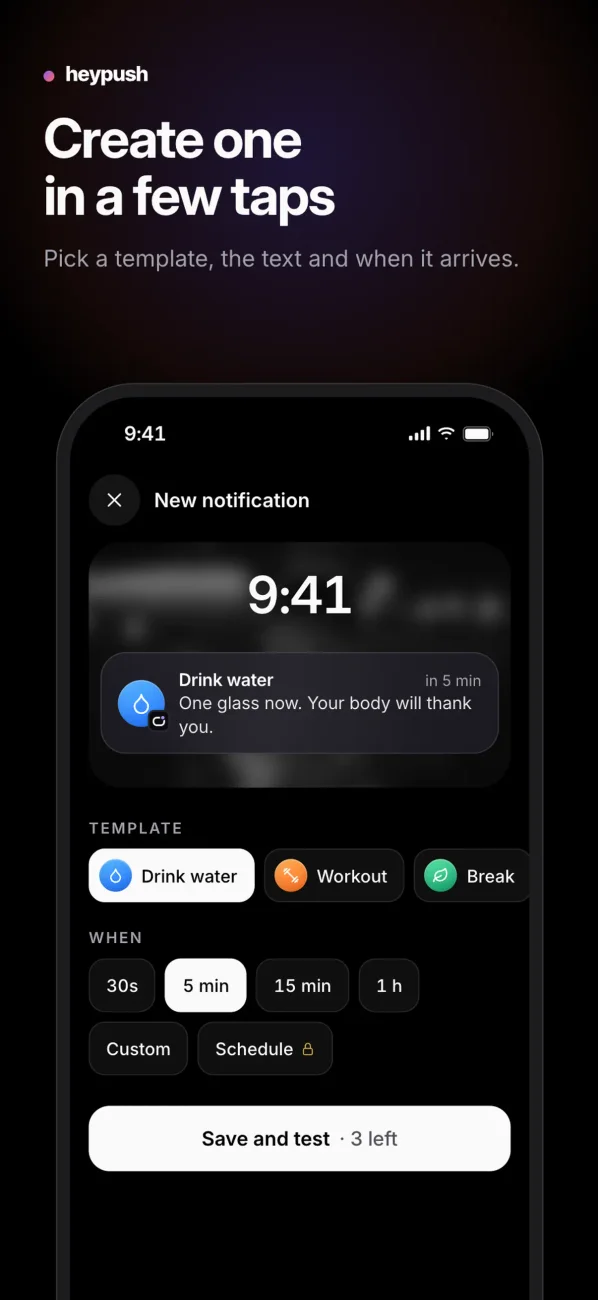
1. Pick the photo, title and text.
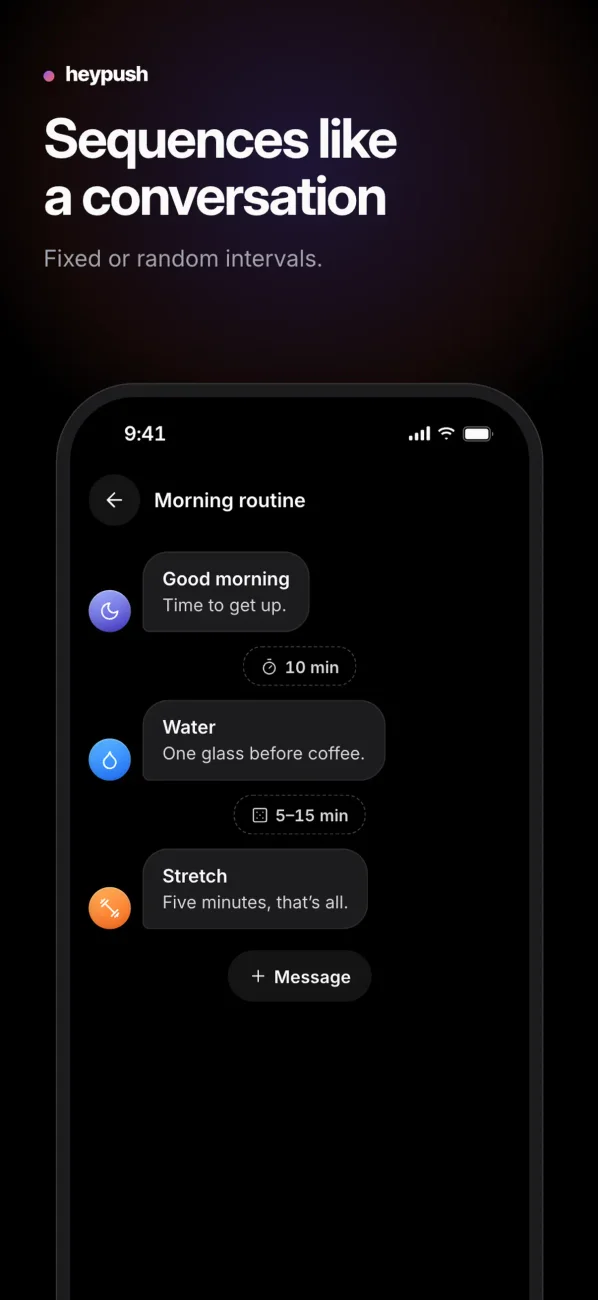
2. Choose when it arrives: timer, repeating schedule or sequence.
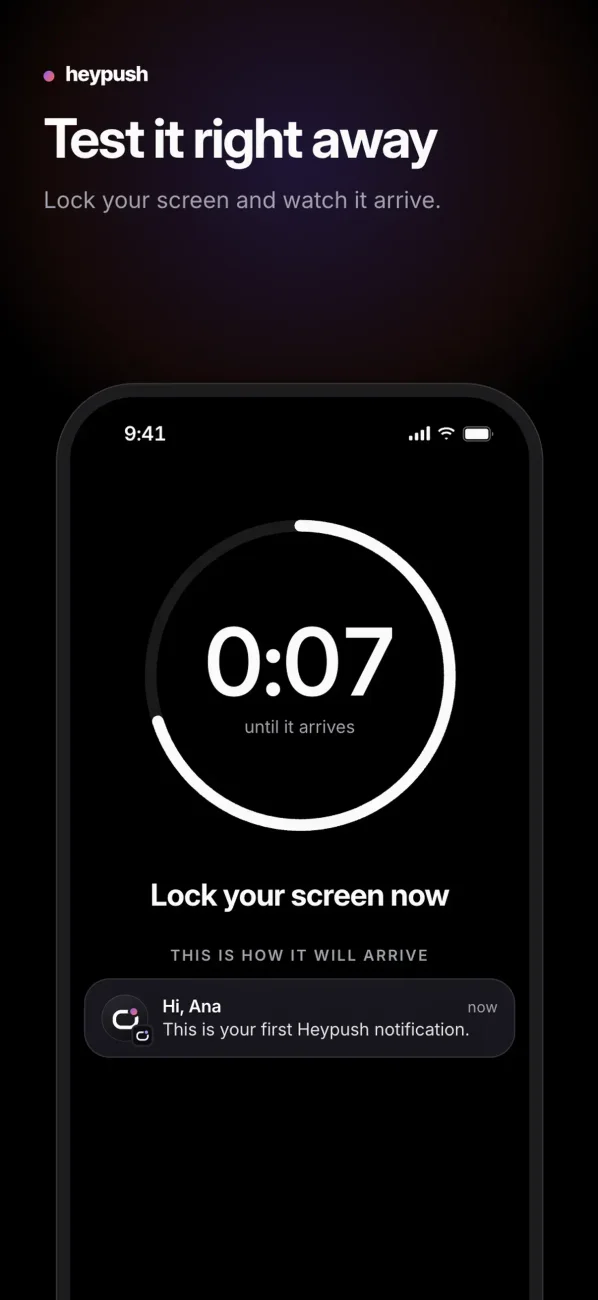
3. Test and receive. See right away how it lands on the lock screen.
FEATURES
• Photo on the left, like a contact photo in a message
• As many active notifications as you want
• Timer: in a few seconds or minutes
• Repeating schedule: every day at 7, or Fridays only
• Sequences: several messages with fixed or random gaps
• Tap action: open a link or an app
• Instant test, before saving
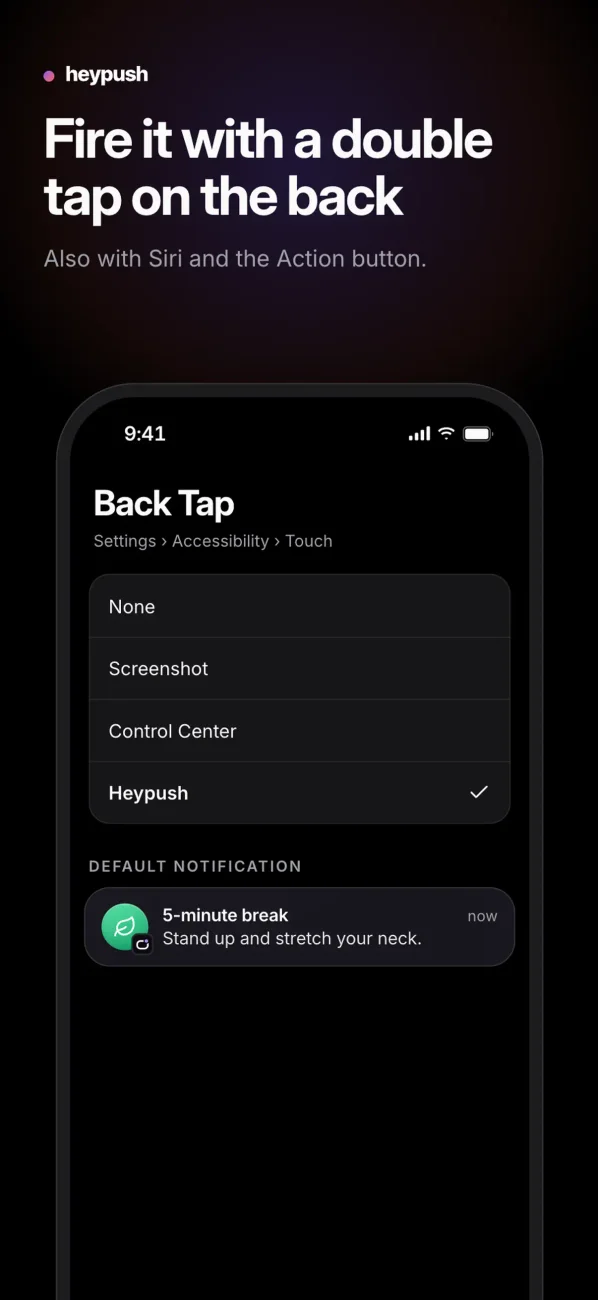
• Shortcuts: Action button, Back Tap, Siri and the Shortcuts app
• History of everything you received, by day
• App icon color
• In English, Portuguese, Spanish, German, French, Italian, Japanese and Korean, following your iPhone’s language
NO ACCOUNT
Heypush has no account or sign-in. Your notification content stays on your iPhone.
SUBSCRIPTION
Using Heypush requires a subscription (monthly or yearly) or the lifetime purchase. Before you pay, you create your first notification and test it on your iPhone. The subscription includes every feature above.
Plans: monthly and yearly (auto-renewable subscriptions) and lifetime (one-time purchase, no renewal). Payment is charged to your Apple Account when you confirm the purchase. Subscriptions renew automatically unless canceled at least 24 hours before the end of the current period. Manage or cancel in Settings › your name › Subscriptions.
Terms of Use: https://heypush.app/en/terms
Privacy Policy: https://heypush.app/en/privacy
What’s new
Version 1.1.3 · Nov 24, 2026
The new setup guides you through creating your first reminder and trying the widget.
Use the Home Screen widget to open the quick editor, see your next reminder, and mark it done. In the editor, pick the date and time and compare follow-up alert options before saving.
App privacy
What Freelans Tecnologia LTDA declares on the App Store about how this app handles data.
-
Data used to track you
May be used to track you across apps and websites owned by other companies.
- Purchases
- Location
- Identifiers
- Usage data
-
Data not linked to you
May be collected but is not linked to your identity.
- Purchases
- Location
- Identifiers
- Usage data
- Diagnostics
Privacy practices may vary, for example with the features you use or your age.
Information
- Seller
- Freelans Tecnologia LTDA
- Category
- Productivity
- Version
- 1.1.3
- Updated
- Nov 24, 2026
- Released
- Oct 14, 2026
- Size
- 76.6 MB
- Requires
- iOS 16.4 or later
- Age rating
- 4+
- Price
- Free
- In-app purchases
- Yes
- Languages
- English, French, German, Italian, Japanese, Korean, Portuguese, Spanish
- Copyright
- © 2026 Freelans Tecnologia LTDA
You might also like
-
 ToDoリストにもなるメモアプリ - Shoot!Productivity
-
 Neotriad appProductivity
-
 Chat memo. Memo app like tweetYour own memo app.
-
 Calendar Widget - Schedule AppWidget Calendar Daily Planner
-
 STELCOOfficial STELCO Application
-
 EuroCondomíniosProductivity
-
 ExcalidrawZWhiteboard & Diagrams
-
 Random NotificationProductivity
-
 GrafanaGrafana Cloud on the go
-
 To Do List Widget - SimpleHome Screen ToDo Lists & Tasks