Highlights: PDF Reader & Notes
Edit Research Documents/Books
Designed for iPhone, iPad, Mac, iPod touch
Free · In-app purchases
- Age rating4+
- CategoryProductivity
- DeveloperJonas Myren Ribe
- LanguagesEnglish
- Size37.1 MB
Links to the official App Store page
Download.org hosts no file of Highlights: PDF Reader & Notes. The button opens its official App Store page, published by Jonas Myren Ribe. Listing last checked on Nov 21, 2026.
Screenshots


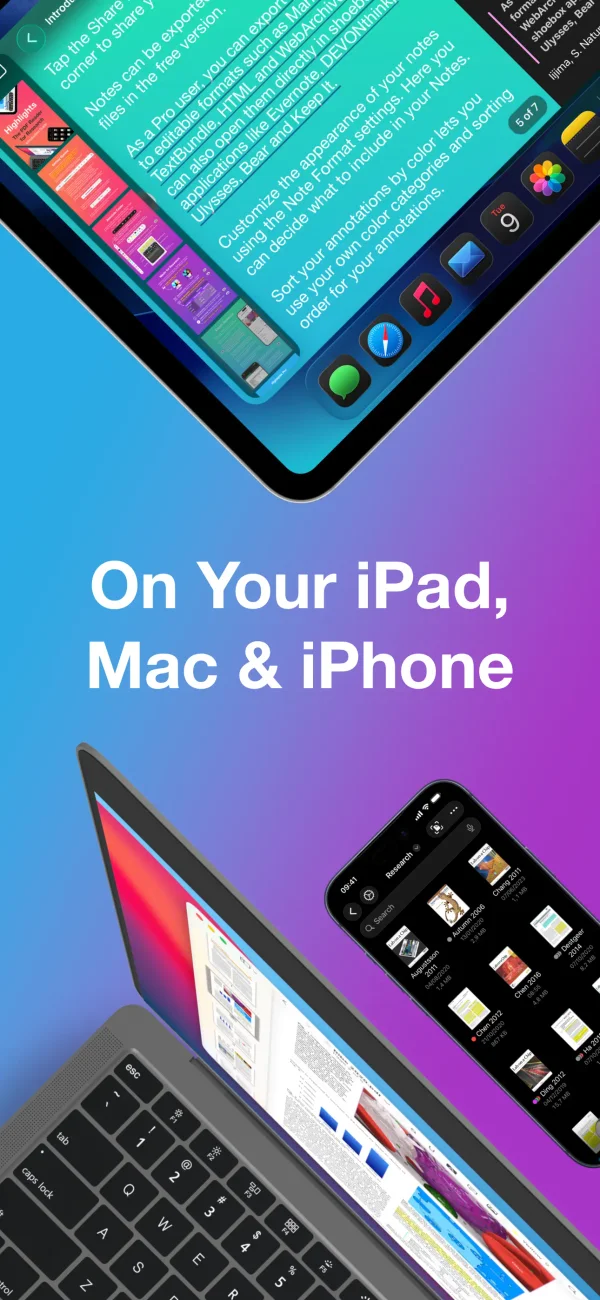
About
"... an app that students, academics, and anyone who does substantial amounts of PDF-based research should try" - Macstories.net
"It’s the novel approach to PDF annotation that makes this app a cut above the rest"- TapSmart.com
*** "App of the Day" - App Store, US ***
USE HIGHLIGHTS FOR FREE
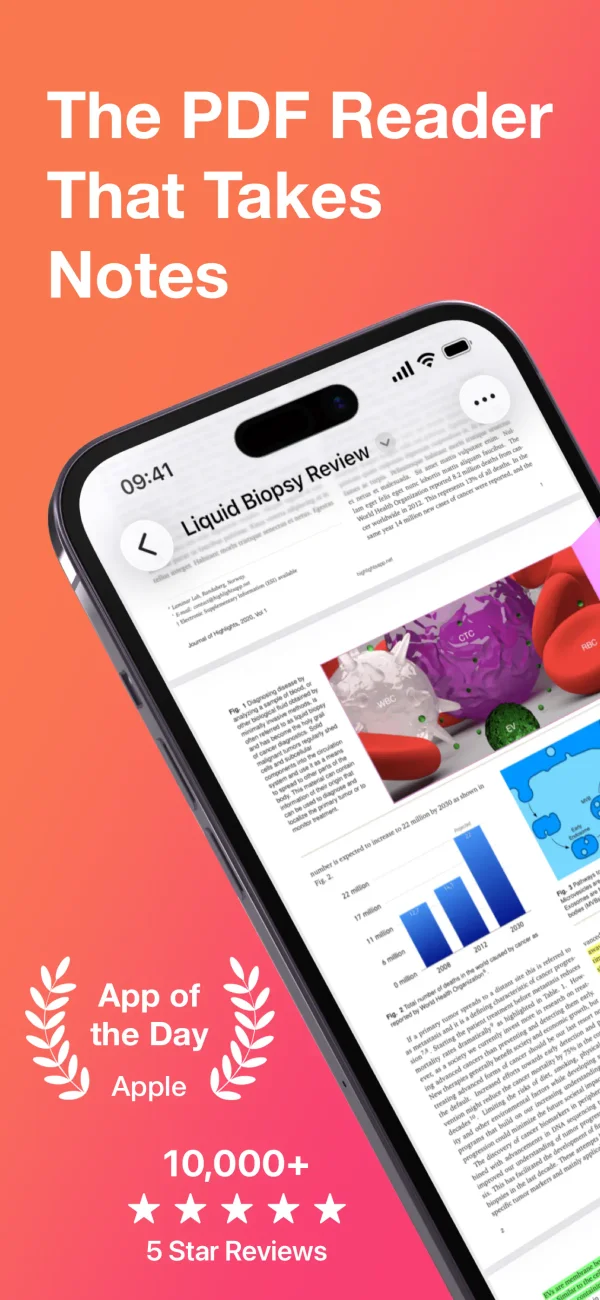
Highlights is a fast and lightweight PDF reader (under 10MB) packed with features to help you do your best research.
Free users have access to standard PDF reader features including document browsing, reading and annotating. There are NO ADS, time limits or tracking.
READ PDF DOCUMENTS
• Open PDF documents from anywhere
• Browse files using the familiar document browser
• Open PDFs in Single Page or Two Page scroll mode
• Double tap to Smart Zoom in on a paragraph or figure
• Scrub smoothly to the desired page
• Search the entire document in an instant
• Navigate using any connected keyboard or mouse
STORE YOUR FILES WHERE YOU WANT
• Full support for "Open In Place" lets you make edits to the file where it is
• Access your files from iCloud Drive, Dropbox, Google Drive, OneDrive or Box using the document browser
• Or keep them privately on device only
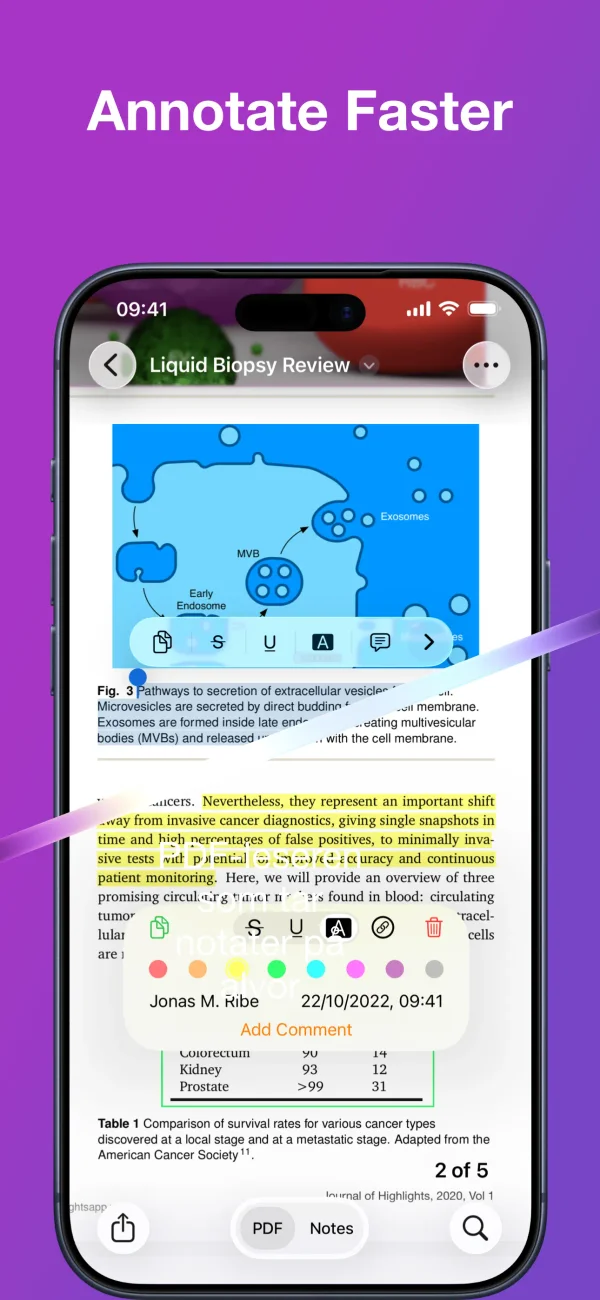
HIGHLIGHT AND ANNOTATE FASTER
• Select text with your finger, Apple Pencil or mouse pointer
• Highlight, underline, strikethrough text and make image selections
• Add comments to annotations or as individual sticky notes
• Annotate with fewer taps using context aware popovers
• Default annotation colors prevents you from having to repeatedly setting the color for the same type of annotation every time
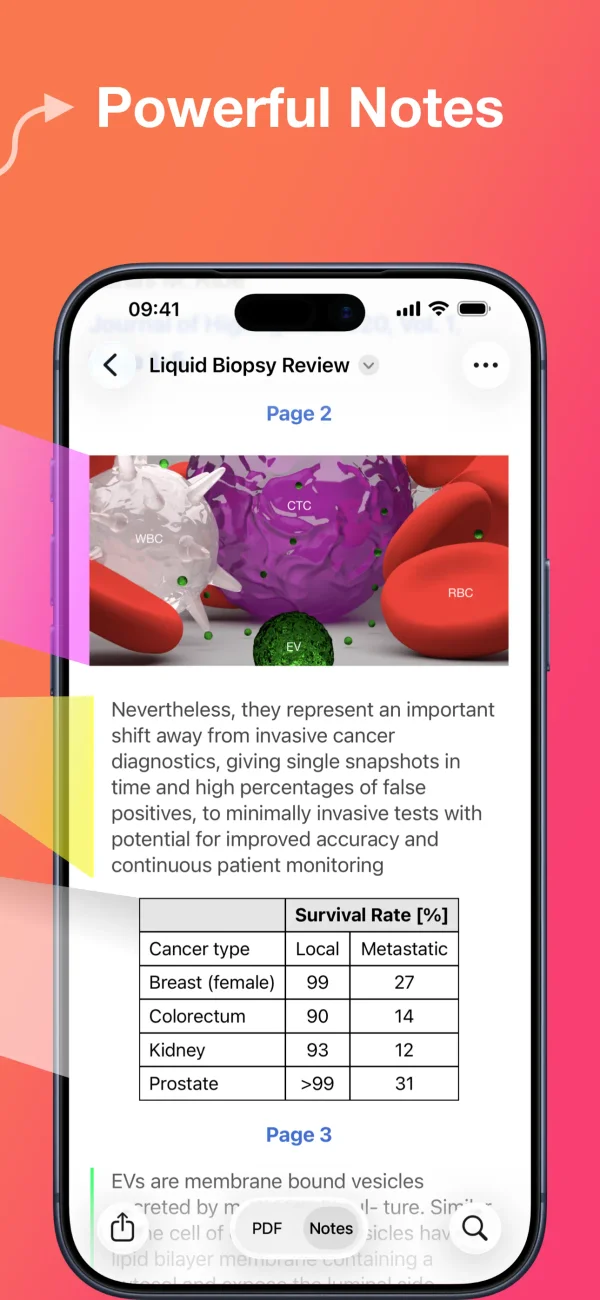
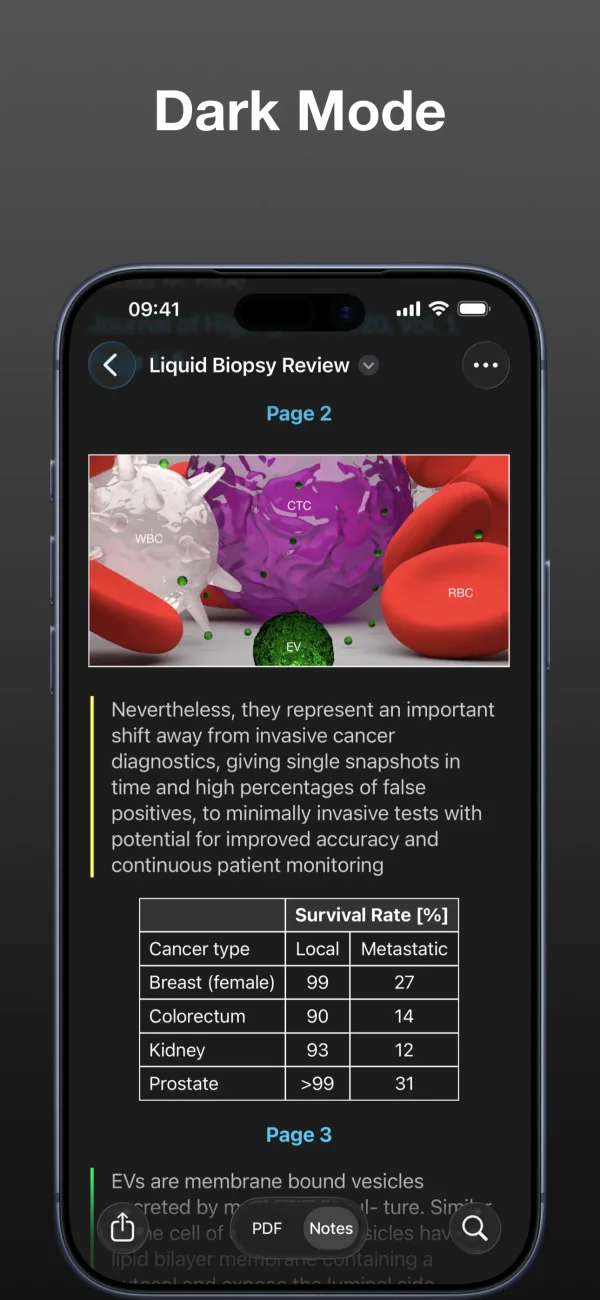
TURN ANNOTATIONS INTO NOTES
• As you markup text and images the contents are extracted and sorted into notes
• Customize the formatting and contents of your notes
• Sort the annotations chronologically or create your own color coding
EXTRACT TABLE DATA AND RECOGNIZE TEXT
• Convert images containing text or tables to actual text and tables using machine learning - letting you get to the underlying data with a single tap
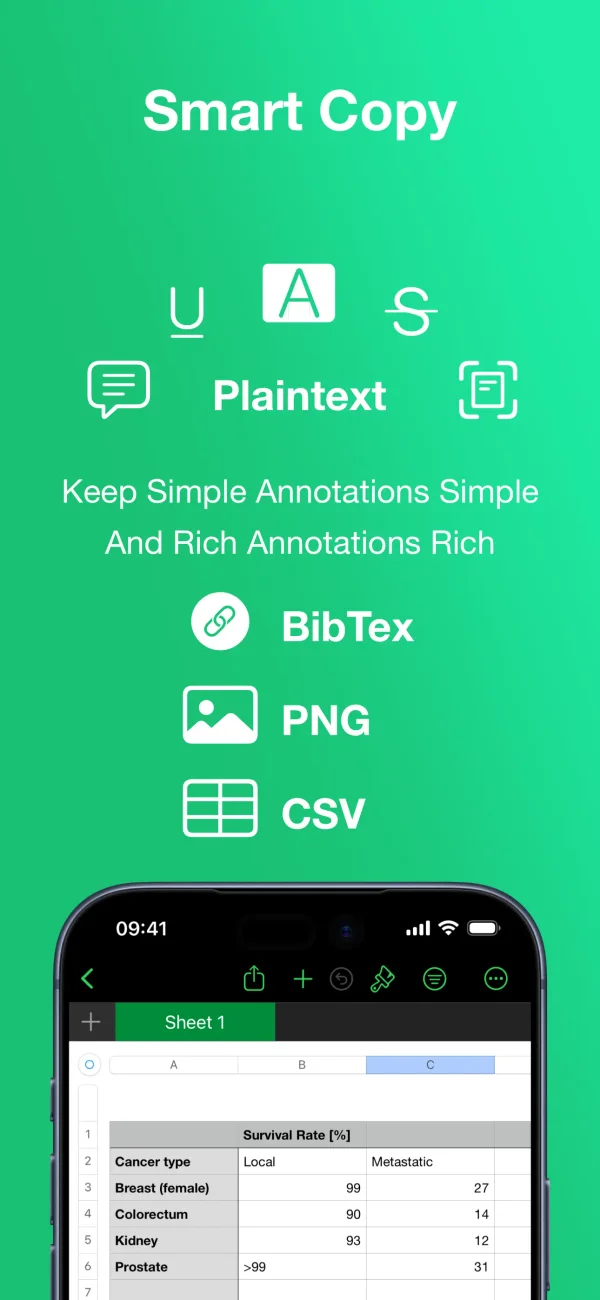
SMART COPY
Copy annotations to the desired format with one tap:
• Text markup as text
• Image selections as images
• Tables as CSV
• Citations as BibTex
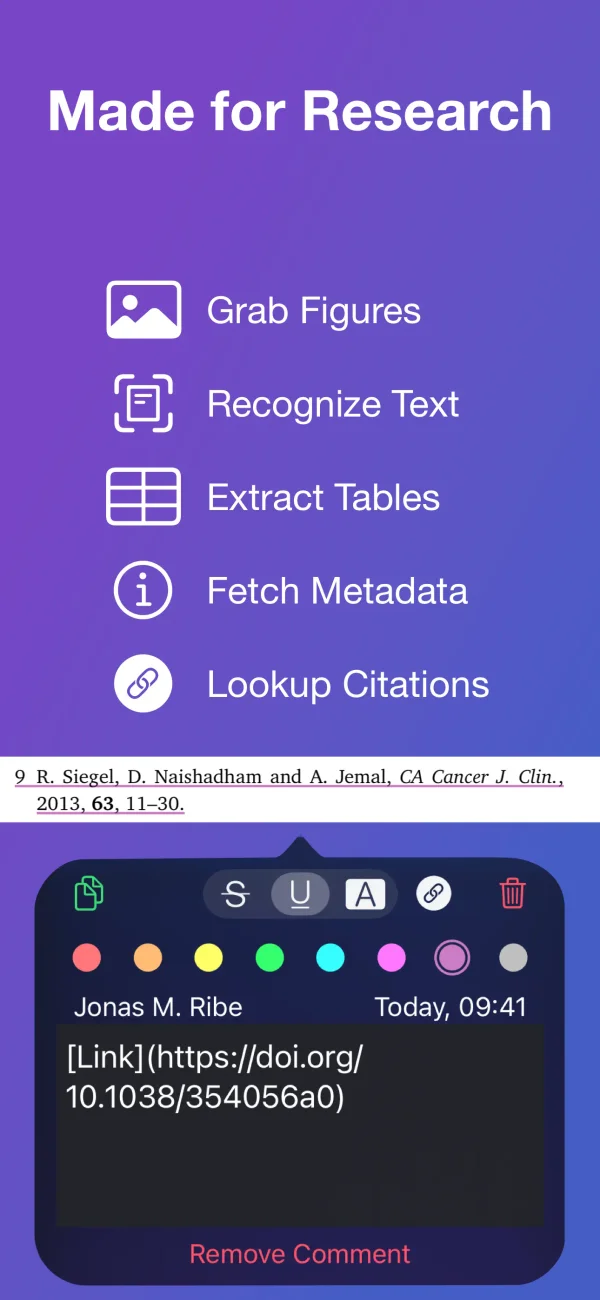
LOOKUP CITATIONS
• Highlights will fetch DOI-links and metadata
• Markup any reference and tap the link icon to look it up
• If you have read the work already or have it in your reference manager library, Highlights will link you to it
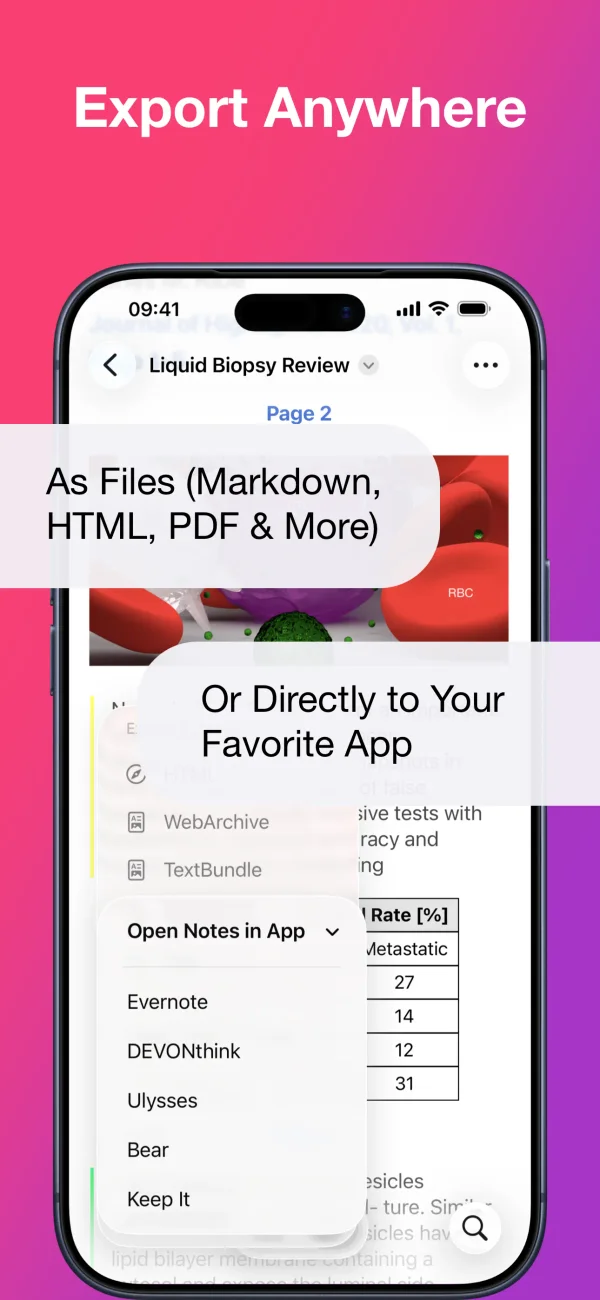
EXPORT ANYWHERE
• Save or share your notes as portable files: Markdown, TextBundle, HTML, WebArchive or PDF
• Share them to your favorite notes app: Apple Notes, Bear, Craft, Evernote, DEVONThink, Keep It, MindNode, Notion, Obsidian, Roam Research or Ulysses
• Or send them to a colleague via mail. It's your notes, you decide where they go
MUCH MORE
• Dark mode
• Multi-window support on iPadOS
• Keyboard shortcuts and navigation
• Support for system Copy and Undo gestures
• Alternative app icons
• Custom accent colors
• Apple Pencil double-tap gestures
• Power annotation tools
For a full list of features see: highlightsapp.net/features
HIGHLIGHTS PRO
The Highlights Pro subscription unlocks advanced features on your iPhone, iPad and Mac:
• Export options for other apps and easily editable formats
• Extract information using table and text recognition
• Customize accent colors and alternative app icons
• Power annotation tools
• Citation lookups
• Smart Copy
Highlights Pro includes a 14-day free trial. You can cancel your subscription at any time. The subscription will automatically renew unless auto-renew is turned off within 24-hour prior to the end of of the current period.
Payments will be charged to your iTunes account and your account will be charged within 24-hours prior to the end of the current period. Any unused portion of a free trial period will be forfeited when you purchase a subscription.
For more information about Highlights Pro: highlightsapp.net/pro
Privacy Policy: highlightsapp.net/privacy
Terms of Use: highlightsapp.net/terms
What’s new
Version 2026.3.1 · Oct 19, 2026
The iPhone Duo release with a whole new page layout mode called Auto where unfolding will automatically switch from single to two-page layout for a book-like experience. The Auto page layout mode is also available on iPads when rotating from portrait to landscape, but is off by default. To enable it go More (...) > Settings > Page Layout and select Auto. The default on iPad is Single page layout which will slide in the notes panel when rotating from portrait to landscape.
The aspect ratios of the inner and outer displays on the iPhone Duo are ideal working with PDFs. To really utilize the space, Highlights lets you view PDF documents edge-to-edge in both the folded and unfolded state. The toolbar buttons float above the content in a vertical bar making them easy to reach. If you want to focus on the content, simply tap on the PDF to hide the buttons completely. You can still markup text and add annotations. Tap the PDF again to bring back the toolbar.
The iPhone Duo brings features previously available only on iPad, including Apple Pencil support (coming later) and multiple windows. Highlights is built around these features, which means you can work on multiple PDFs, compare two documents side-by side on the inner display or tap and hold on a PDF in the document browser and select "Open in New Window" to open it in a separate window.
This release contains a lot of under the hood improvements to allow for more flexible window resizing. This should also make toolbar contents and sheet presentations more consistent across all devices. In practice, this has some implications:
- iPhones show more toolbar items when the document title is short
- More predictable order of overflow items in the More menu (...)
- More consistent appearance of sheets and location of dismiss buttons
Other improvements:
- Fixed Settings table view appearing with white background when presented as fullscreen sheet in light mode from Document Browser on iOS 26/27
- Fixed Table of Contents links in PDF Introduction Guide
- Fixed issue with the navigation bar not re-appearing after being hidden when rotating large screen devices
- Active Undo/Redo buttons in the More menu on iPhone now include the name of action it will perform
- Improved contrast for table views in popovers and sheets with Liquid Glass
- Fixed an issue with PDFs being offset vertically when changing between single and two-page layouts
- Fixed an issue with PDFs in dark mode sometimes appearing with a gray background when resizing windows on iPad
- Fixed an issue where the segmented control for switching between PDF and Notes could get tinted on iOS 27
App privacy
What Jonas Myren Ribe declares on the App Store about how this app handles data.
-
Data not collected
The developer does not collect any data from this app.
Privacy practices may vary, for example with the features you use or your age.
Information
- Seller
- Jonas Myren Ribe
- Category
- Productivity
- Version
- 2026.3.1
- Updated
- Oct 19, 2026
- Released
- Apr 10, 2020
- Size
- 37.1 MB
- Requires
- iOS 15.0 or later
- Age rating
- 4+
- Price
- Free
- In-app purchases
- Yes
- Languages
- English
- Copyright
- © 2026 Jonas Ribe
You might also like
-
 LiquidTextAnnotate & review documents
-
 Allume — for focused thinkingFormerly Muse Canvas for Ideas
-
 PDF Viewer by NutrientFill Forms, Sign, Edit, Redact
-
 Agenda: Notes meets CalendarTimeline notes
-
 Notes Writer: PDF, Quiz, DocsFlashcards, Voice Recorder, AI
-
 MarginNote 3E-reader Redefine your Study
-
 Flexcil Note & Good PDF ReaderProductivity
-
 Craft: Notes, Documents, AITask, Schedule & Reminder
-
 QuickNotes X: Notes, AI & PDFNote-Taking, Made Easy.
-
 GoodTask: To Do List & PlannerReminders, Calendar & Projects